★ The RhinoArtisan Blog
A buyer's guide for working jewelers
Jewelry CAD Software: The Complete Guide
Book a demo with our teamJuly 24, 2026 · RhinoArtisan (updated July 24, 2026) · Learn
If you make jewelry for a living, jewelry CAD software is the single biggest lever you have for producing more designs, with fewer errors, in less time. But the category is confusing: some tools are generic 3D modelers with a jewelry sticker on the box, others are closed apps that trade power for simplicity, and a few are true jewelry platforms built for production. This guide explains what jewelry CAD software actually is, which capabilities separate a professional tool from a toy, and how to choose based on how you work.
What Is Jewelry CAD Software?
CAD stands for computer-aided design. Jewelry CAD software is 3D modeling software specialized for the geometry, tolerances, and manufacturing realities of jewelry: ring sizes, gemstone cuts, prongs, bezels, metal weight, casting shrinkage, and printable STL files.
A jeweler using CAD models a piece digitally, checks it against real stone sizes and metal weights, renders it for client approval, and exports it for 3D printing and casting — all before touching any metal. The payoff is concrete:
- Fewer remakes. The client approves a photorealistic render before you produce anything.
- Exact costing. Metal weight and stone counts come from the model, not from estimates.
- Repeatability. A ring modeled once can be resized, restoned, or restyled in minutes.
Jewelry CAD vs. Generic CAD
You can technically model a ring in any 3D program. In practice, generic CAD makes you pay a “jewelry tax” on every single piece:
| Task | Generic CAD | Jewelry CAD |
|---|---|---|
| Ring at size 6.5 | Look up the diameter, model a torus manually | Pick the size, the builder does the rest |
| A 40-stone pavé | Place, orient, and scale 40 stones by hand | Automatic distribution with prongs and cutters |
| Metal weight in 18k gold | Volume × density, calculated externally | One click, per material |
| Prepping for casting | Manual mesh repair in a second program | Built-in STL check and repair |
Generic tools like Blender or vanilla Rhino are excellent modelers — that’s not the issue. The issue is that jewelry has domain knowledge baked into every operation, and without it you rebuild that knowledge by hand on every project.
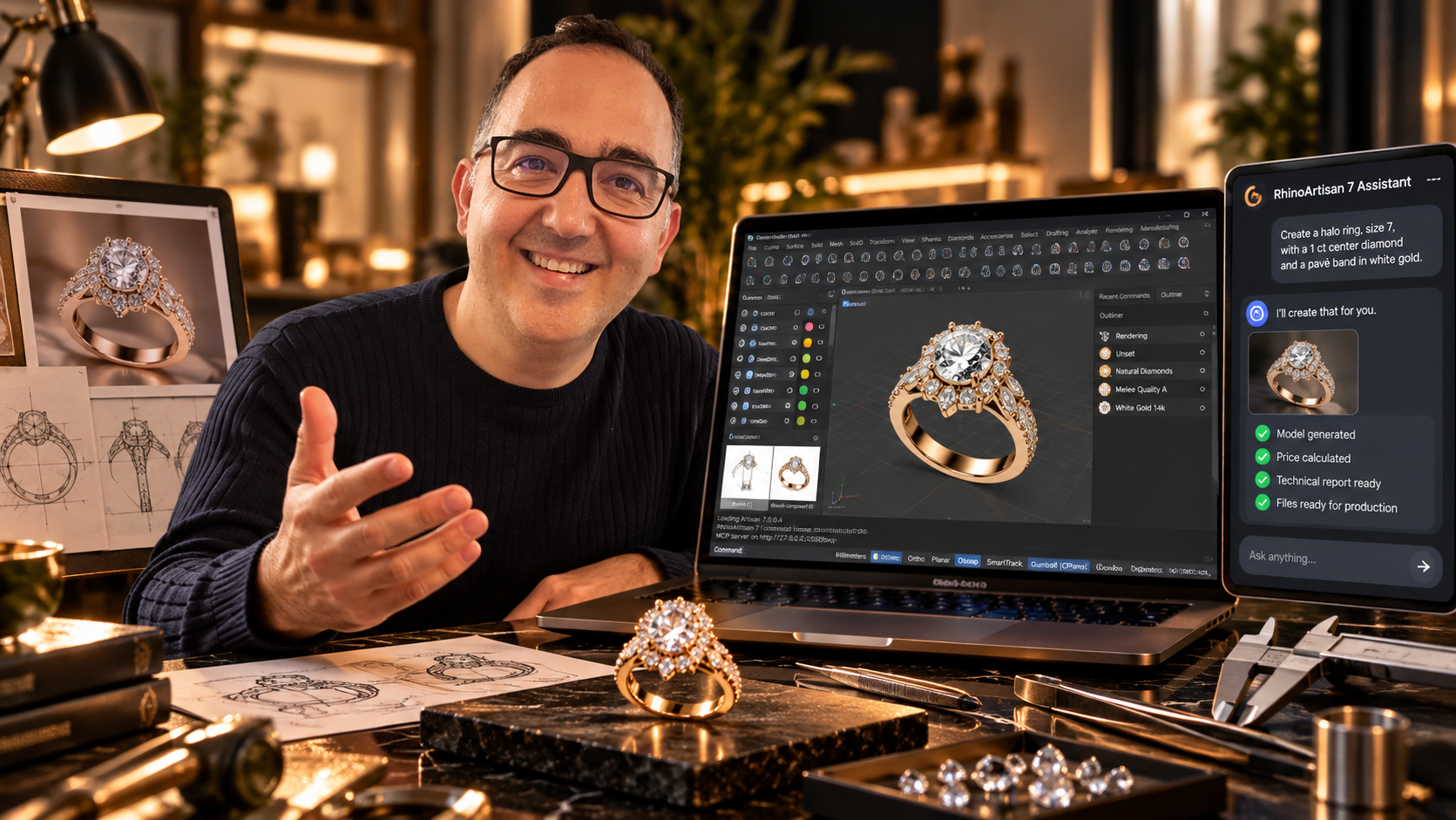
The strongest position is a hybrid: a professional CAD platform plus a jewelry layer on top. That’s the approach RhinoArtisan takes, running inside Rhinoceros 7 and 8 — you keep the full power of an industry-standard modeler and add 120+ jewelry-specific commands on top of it.
The Capabilities That Actually Matter
When you evaluate any 3d jewelry software, look past the demo reel and check for these five things.
1. Parametric jewelry builders
Rings, bangles, chains, and eternity bands should be driven by parameters — size, width, profile — not modeled from scratch. Change one value and the whole model should update while staying production-ready. This is where most of your daily time savings live.
2. Gemstone tools and pavé
Stone setting is where jewelry CAD earns its keep. At minimum you need real gem libraries with standard cuts, automatic prong and cutter generation, and settings like bezels, halos, and baskets built as commands rather than manual geometry. For high-end work, automatic pavé — multiple stone sizes distributed with correct spacing and symmetry — is the difference between hours and minutes.
3. Rendering for client approval
A render that sells the piece before it exists is a sales tool, not a luxury. Look for drag-and-drop materials and lighting that don’t require rendering expertise. If you want to see what this looks like in practice, our jewelry rendering page shows the workflow.
4. Manufacturing preparation
The model has to leave the screen. That means watertight STL export, automatic mesh repair, cutting by ring size, and weight calculation per metal. If your CAD tool can’t produce a printable file without a second application, you’ll fight it on every job. We cover the full path from model to casting in jewelry prototyping.
5. Costing
Metal weight, stone counts, and manufacturing processes should turn into a quote automatically. Pricing from the model — instead of estimating — protects your margin on every commission.
How to Choose Based on How You Work
The right software for jewelers depends less on features and more on your role in the production chain.
Independent designers and freelancers. Your bottleneck is throughput: more client proposals, faster approvals. Prioritize parametric builders, sketch-to-model tools, and instant rendering. Watch the license model closely — subscription costs compound painfully for a one-person studio, so a permanent license usually wins over time.
Manufacturers and workshops. Your bottleneck is production reliability. Prioritize STL repair, direct 3D-printer connection, cut-by-ring-size, and accurate weight calculation. Consistency across a team matters more than any individual feature, so favor tools your whole bench can standardize on.
Retailers and brands. Your bottleneck is the sales conversation. Prioritize ready-made component libraries you can customize in front of a client, photorealistic rendering, and automatic pricing so a custom quote takes one meeting instead of three.
If you’re still mapping the market, our comparison of the top jewelry design softwares puts the main options side by side.
Where RhinoArtisan Fits
RhinoArtisan is jewelry CAD software built as a plugin for Rhinoceros 7 and 8, which means you’re not locked into a closed app — you get Rhino’s professional modeling foundation with a complete jewelry layer on top:
- 120+ jewelry commands, from parametric ring builders to automatic high-end pavé
- Curator, a library of gem-setting collections, and Boutique, pre-built designs ready to customize
- Render & Animation Studio with an environments library for client-ready visuals
- Manufacturing tools: automatic STL repair, direct 3D-printer connection, weight by area, cut by ring size
- Permanent licenses — one-time payment, no maintenance fees
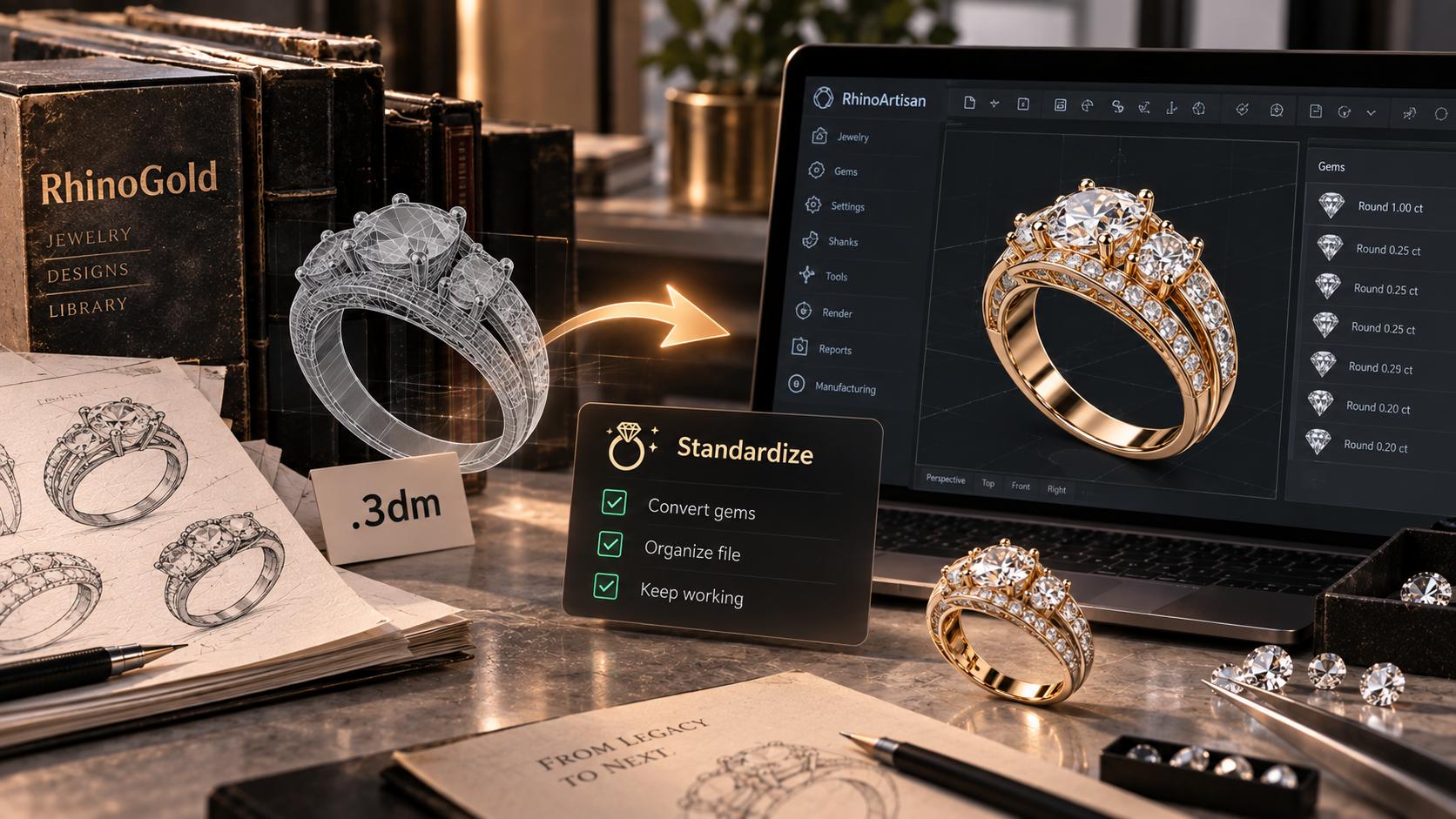
It covers the full workflow — design, setting, rendering, costing, manufacturing prep — inside one environment. You can see the complete toolset on the features page, and if you’re coming from RhinoGold, there’s a dedicated migration path that converts your existing gems and models automatically.
Frequently Asked Questions
Is jewelry CAD software hard to learn?
The jewelry layer is usually the easy part — commands like ring builders and stone setters are designed for jewelers, not engineers. The learning curve lives in the underlying modeler. If you already know Rhino, RhinoArtisan is a short step; if you’re starting from zero, structured training matters more than the software choice. Our learning resources cover both cases.
Can I go from CAD directly to a finished piece?
Almost. The standard chain is CAD model → resin 3D print → investment casting → finishing at the bench. Good jewelry CAD software handles everything up to and including the printable file; the printer and the caster take it from there.
Do I need a powerful computer?
A mid-range Windows machine handles most jewelry work comfortably — jewelry models are small compared to, say, architecture. A dedicated GPU helps with rendering. RhinoArtisan runs on Windows with Rhino 7 or 8.
Subscription or permanent license?
Do the three-year math. A subscription that looks cheap monthly often exceeds the price of a permanent license within two to three years — and you lose access the day you stop paying. For a working jeweler, owning the tool outright is usually the safer economics.
What file format do 3D printers need?
STL is the standard. What matters is that the mesh is watertight (no holes or naked edges), otherwise the print fails. Look for software that checks and repairs STL files automatically before export.
Jewelry CAD software pays for itself on the first commission it saves from a remake. If you want to see how a full jewelry workflow feels inside Rhino, explore the features or start with our free learning resources.
Design it. Manufacture it. Sell it.
Try RhinoArtisan free for 15 days
Full access to every tool. No credit card required. Works with your existing Rhino installation.
Setup takes less than 2 minutes
Talk to us
Let's talk about what you want to achieve.
Book a free 30-minute one-to-one session with a RhinoArtisan specialist. Tell us about your work, your challenges and what you would like to achieve, and we'll help you find the best way forward.