Commands
3D Printing
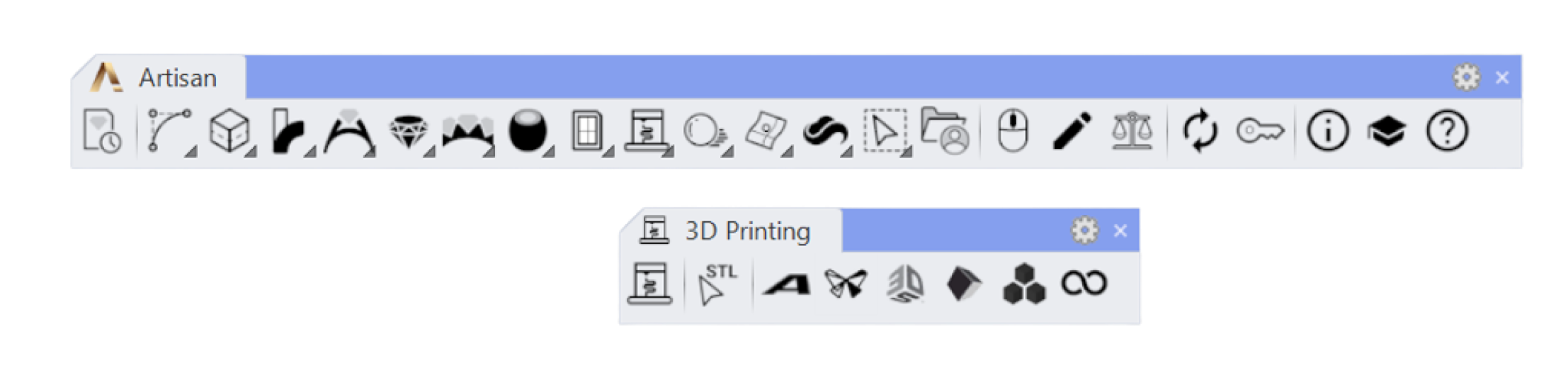
 STL One Click
With this command, you can check if your design is ready for print, and save it in STL format, especially useful if you have to send the file to your manufacturing supplier, or if you want to 3D print multiple designs at once.
Once you run this command, it will ask which folder you want to save your design.
 Asiga Composer Connector
With this command, you can open this design in Asiga’s slicer software, Composer.
Once you run this command, the slicer software will open with your design in it.
 Formlabs Preform Connector
With this command, you can open this design in Formlabss slicer software, Preform.
Once you run this command, the slicer software will open with your design in it.
 3D Systems Geomagic Connector
With this command, you can open this design in 3D Systems’ slicer software, Geomagic.
Once you run this command, the slicer software will open with your design in it.
 Anycubic Workshop Connector
With this command, you can open this design in Anycubic’s slicer software, Anycubic Workshop.
Once you run this command, the slicer software will open with your design in it.
 B9 Captivate Connector
With this command, you can open this design in B9’s slicer software, Captivate.
Once you run this command, the slicer software will open with your design in it.
.png) Elegoo Cura Connector
Elegoo Cura Connector
With this command, you can open this design in the Cura slicer software, ideal if you have an Elegoo 3D printer or from other brands.
Once you run this command, the slicer software will open with your design in it.