Shank Parameters
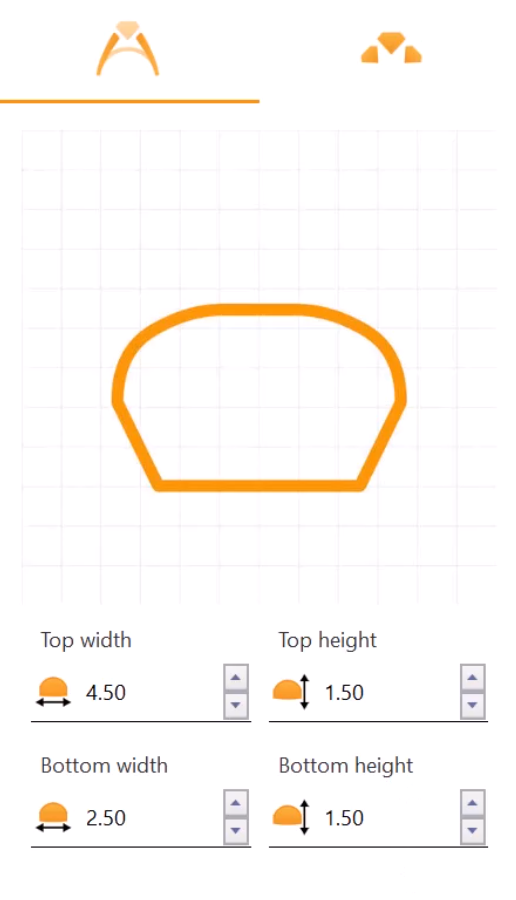
Step 1: Parameters
- Adjust the top width to 4.5 millimeters
- Keep the top height at the default 1.5 millimeters
- Set the bottom width to 2.5 millimeters
- Set the bottom height to 1.5 millimeters.
Step 2: Cathedral Options
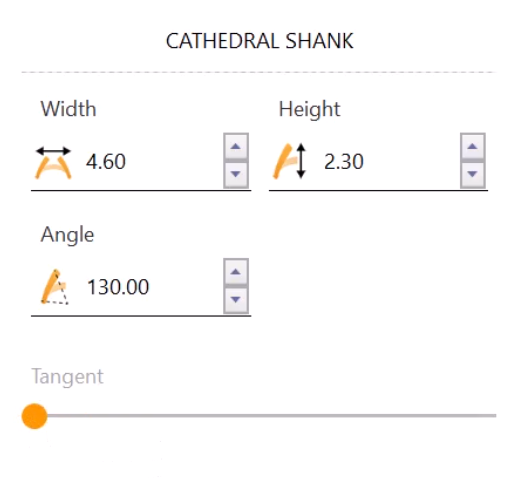
Further down in the Cathedral options, change:
- The Width to 4.6 millimeters
- The Height to 2.3 millimeters
- Leave the Angle at 130 degrees
- Set the Tangent to zero by dragging the slider to the left.
Step 3: Bridge
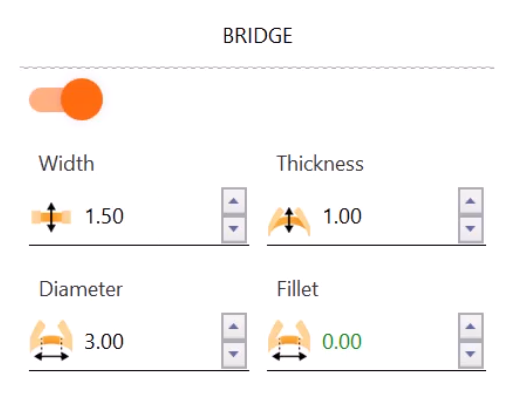
In the Bridge options, only change the Width to 1.5 millimeters.
With these adjustments, we’ve finished our shank. Now, it’s time to add the gem.
Video Lesson 1 and 2
Next Steps
Add and position the gemstone for your ring.