Edge Softening, Material Application and Rendering
Edge Softening
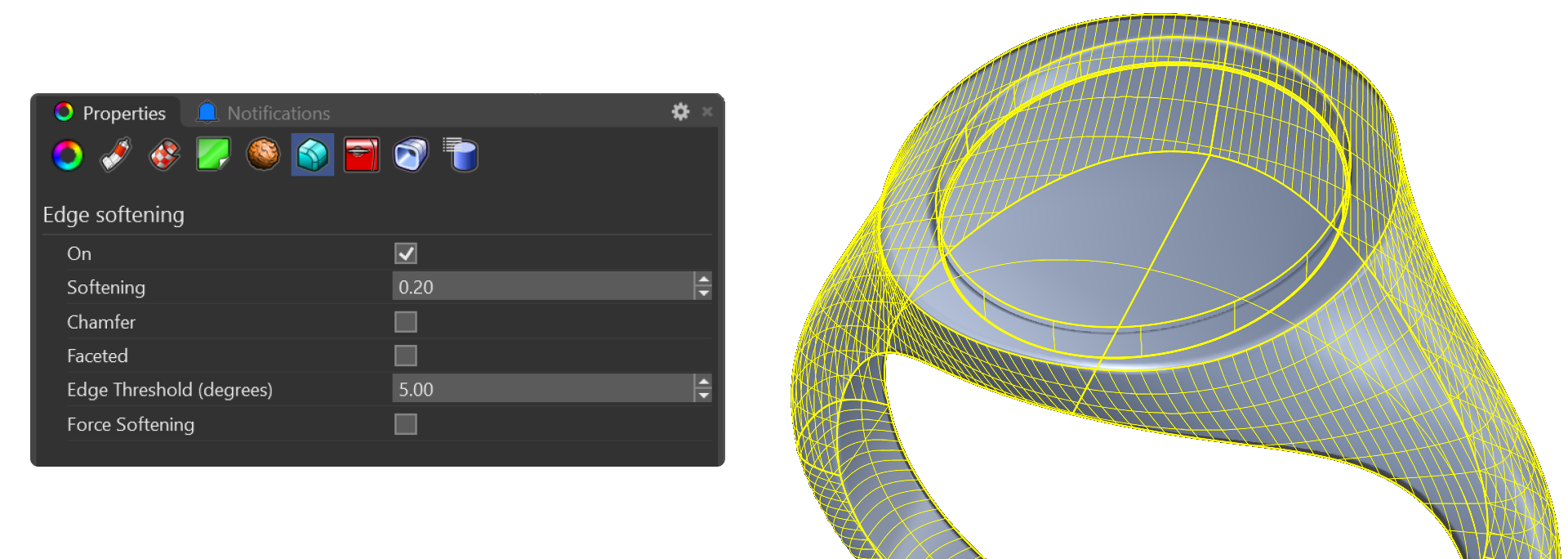
- Select the shank and press F3 to access properties.
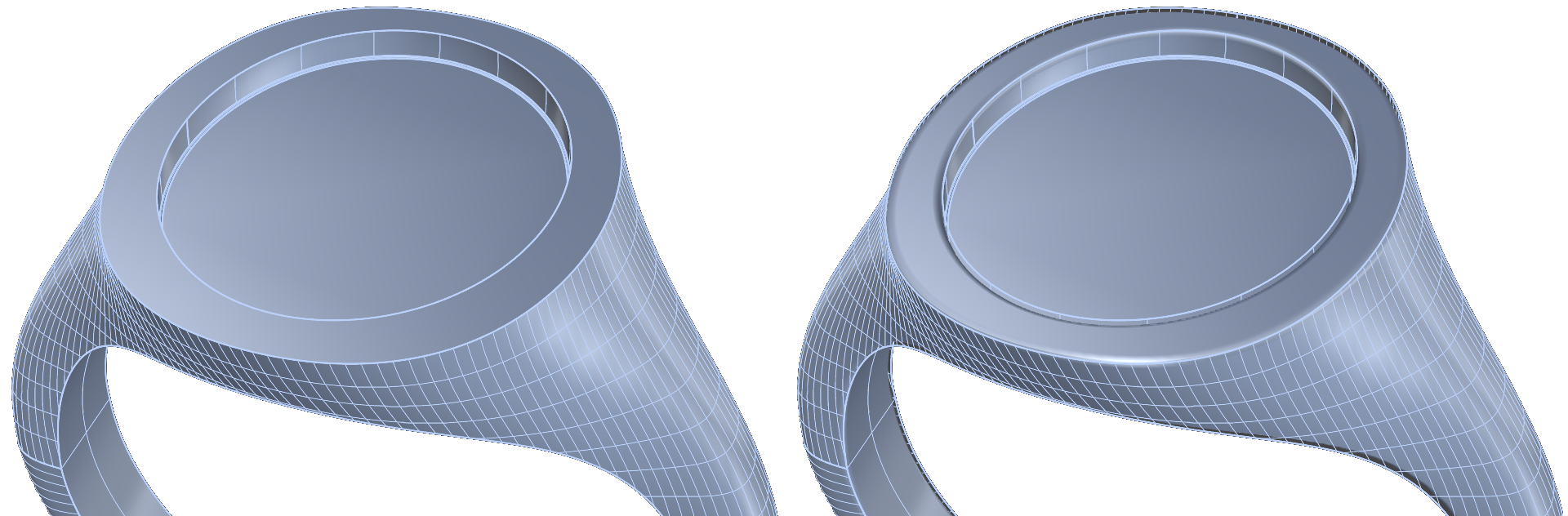
- In the Edge Softening tab, set Softening to 0.2 and click On to activate.
Material Application:
- Go to the Render and Animation panel.
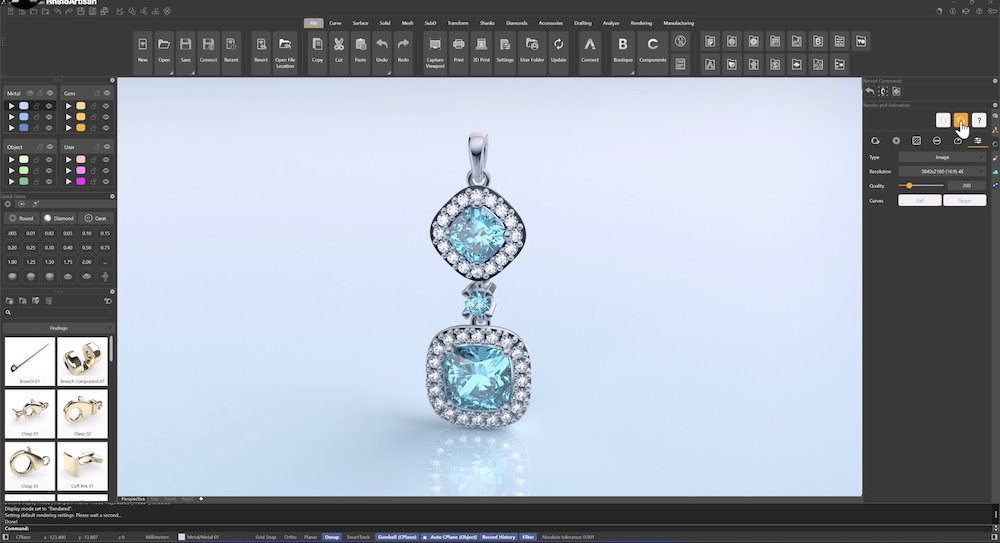
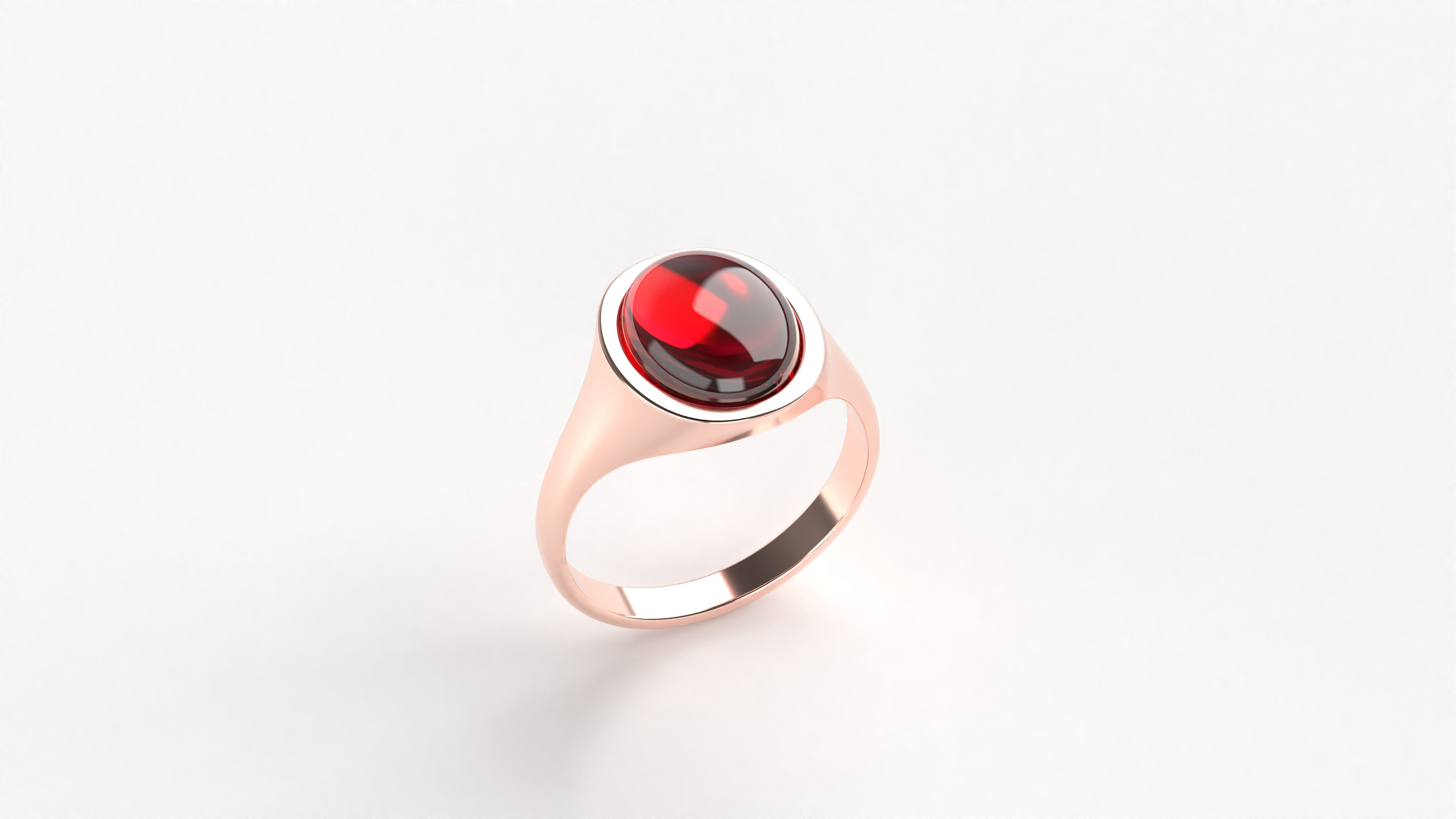
- Apply Rose Gold 18k to the shank.
- For the cabochon, select a Ruby material.
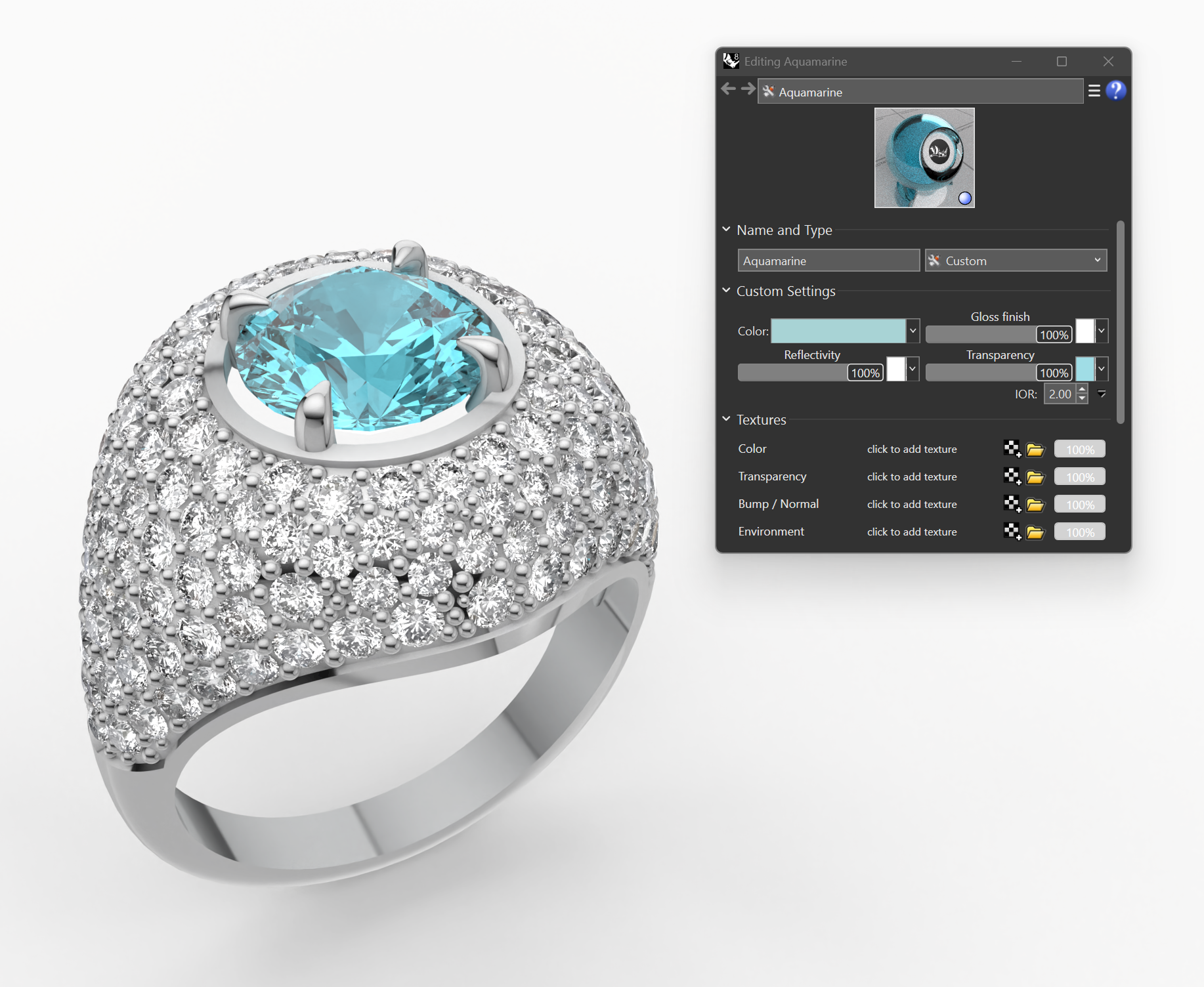
Render Settings
Set Perspective and Render Settings:
- Adjust the perspective angle and distance to best showcase the ring.
- Set your preferred Resolution and Quality parameters.
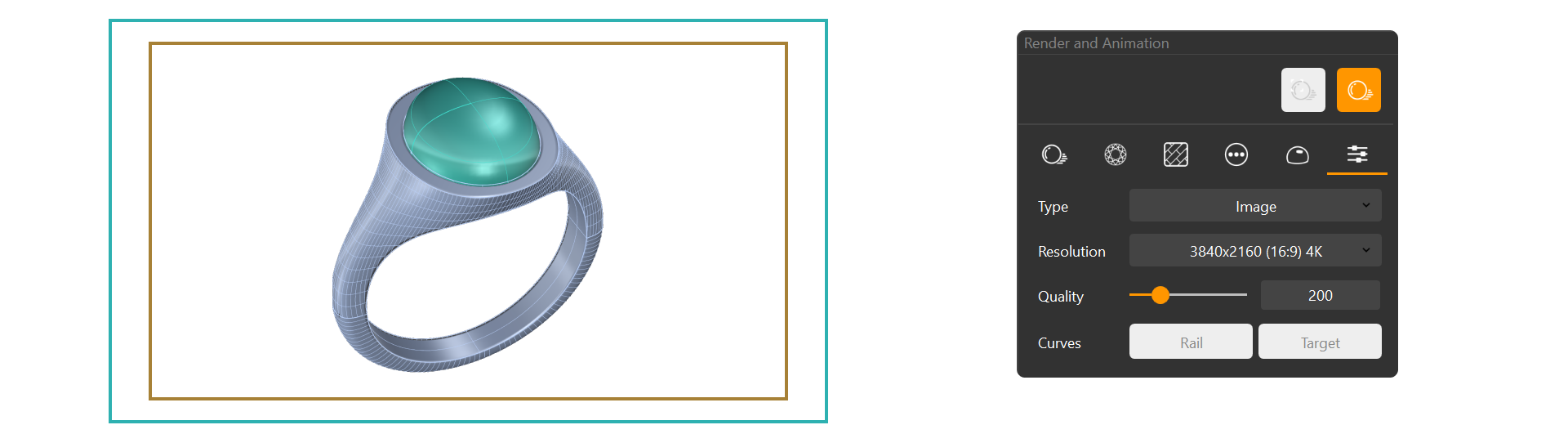
Click the Render button to produce the final image.
Video Lesson
Congratulations!
You’ve completed the cabochon ring. Now, explore further customization options or try rendering from different angles to capture various views.