Adding the Center Diamond
Step 1: Diamond Studio
Go to the Diamonds tab, then click on Gems Studio command.

Steo 2: Create the Diamond
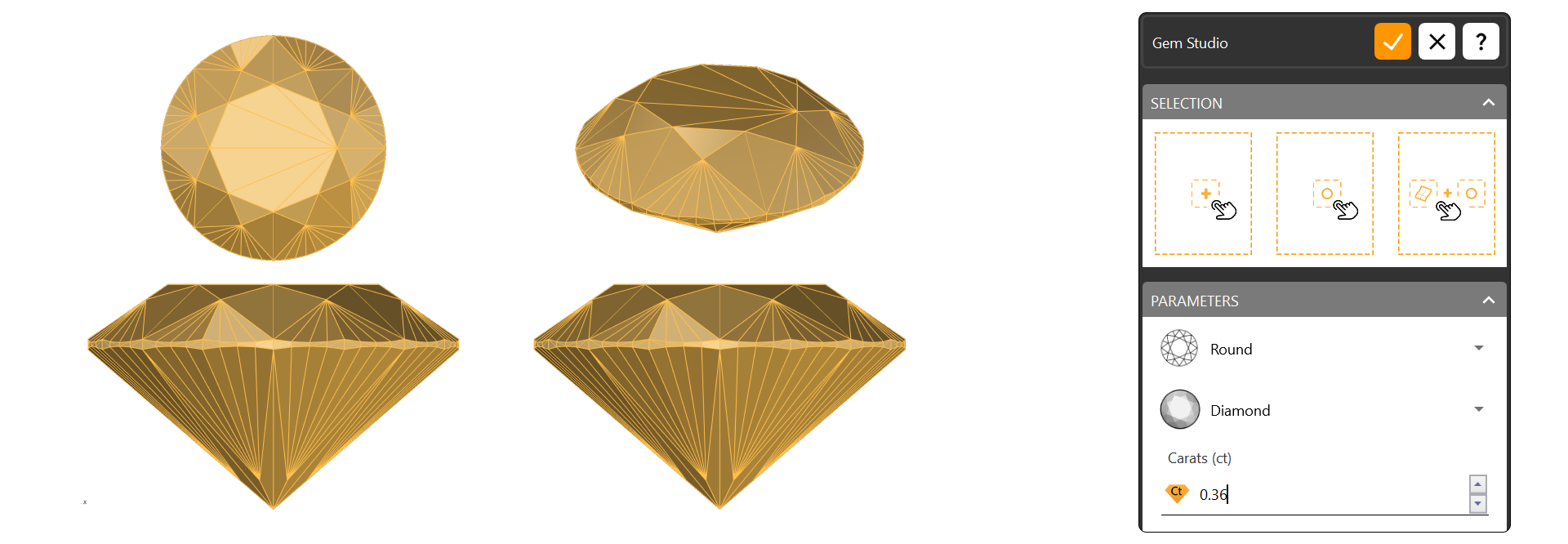
Choose a Round 0.36 ct diamond and click the + button to add it.
Step 3: Pose
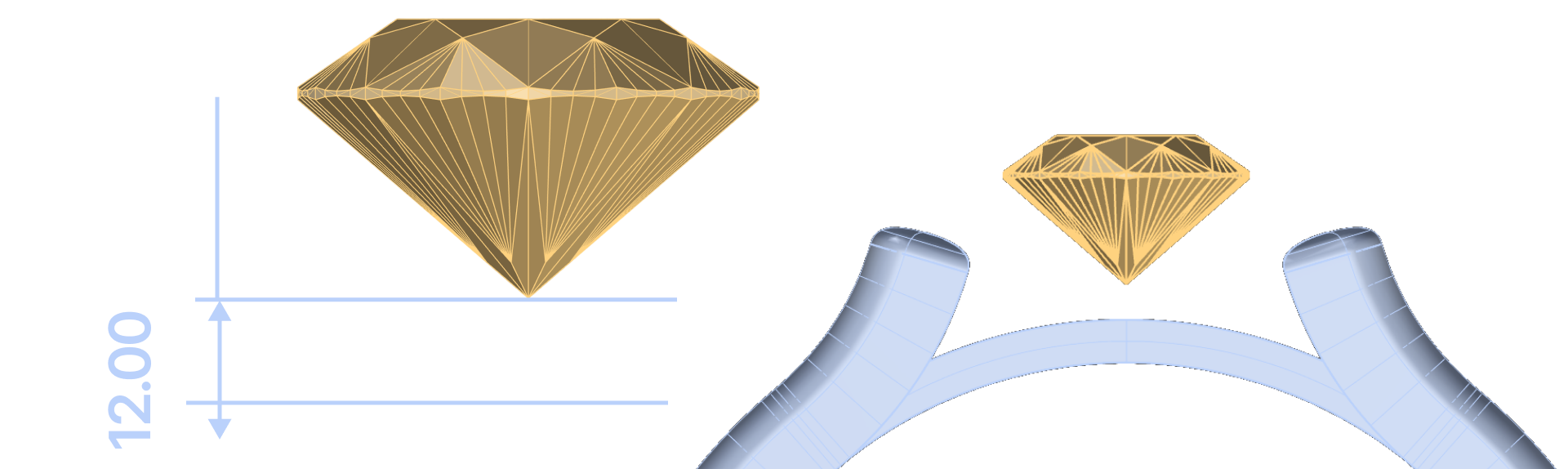
Use the Gumball tool to move the diamond. Click on the green arrow in the front viewport and type 12.0 mm to place it correctly.
Video Lesson
Next Step
Next, we’ll create a halo setting around the center diamond to enhance its visual impact.