Organic SubD Ring Design
What You’ll Learn
.png)
Basket Cushion Modeling
- Learn how to define base curves for cushion baskets tailored to specific regions and sizes.
- Add cushion-shaped gems and align them perfectly.
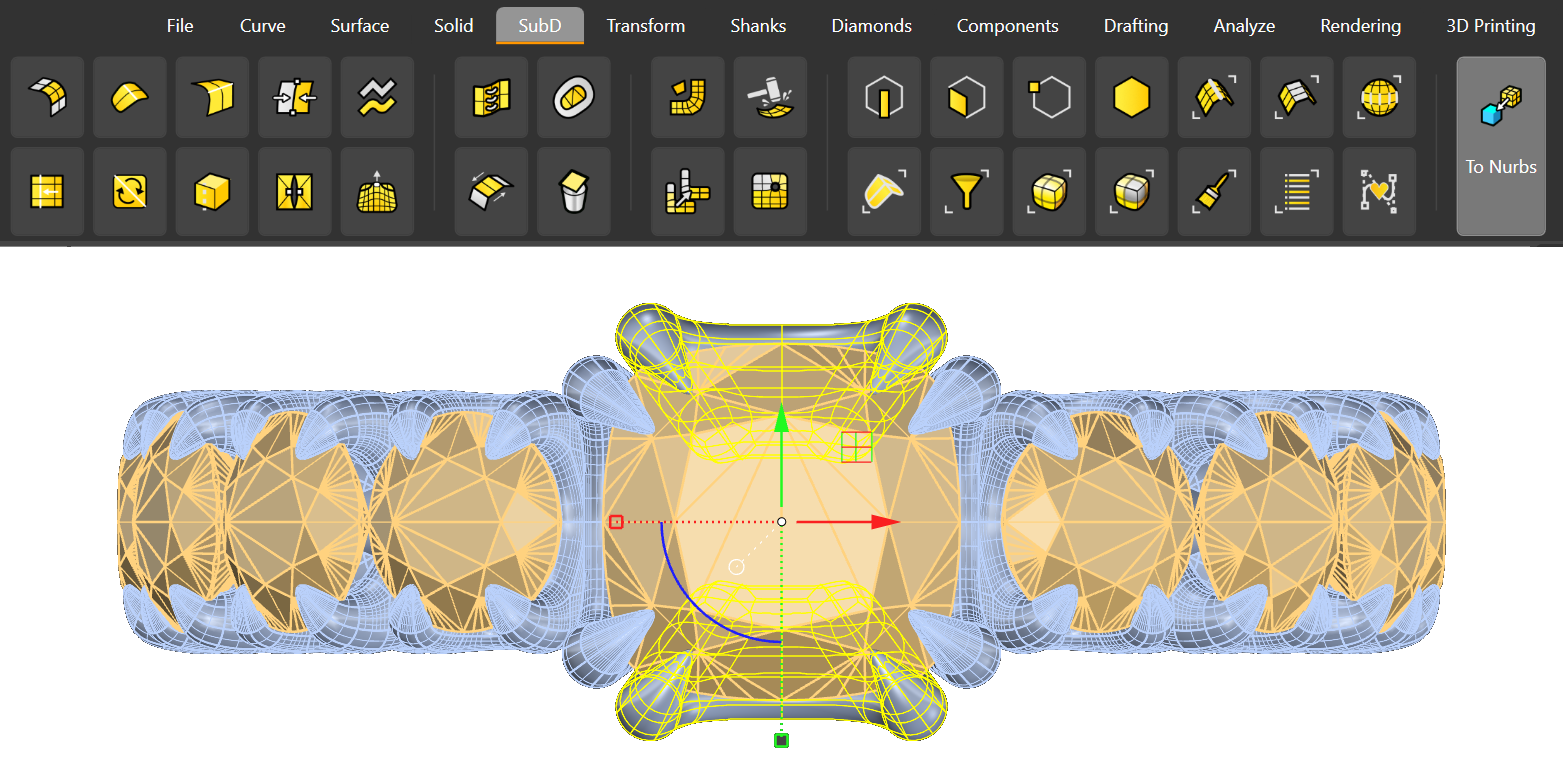
- Design and refine prongs using SubD geometry for precision and elegance.
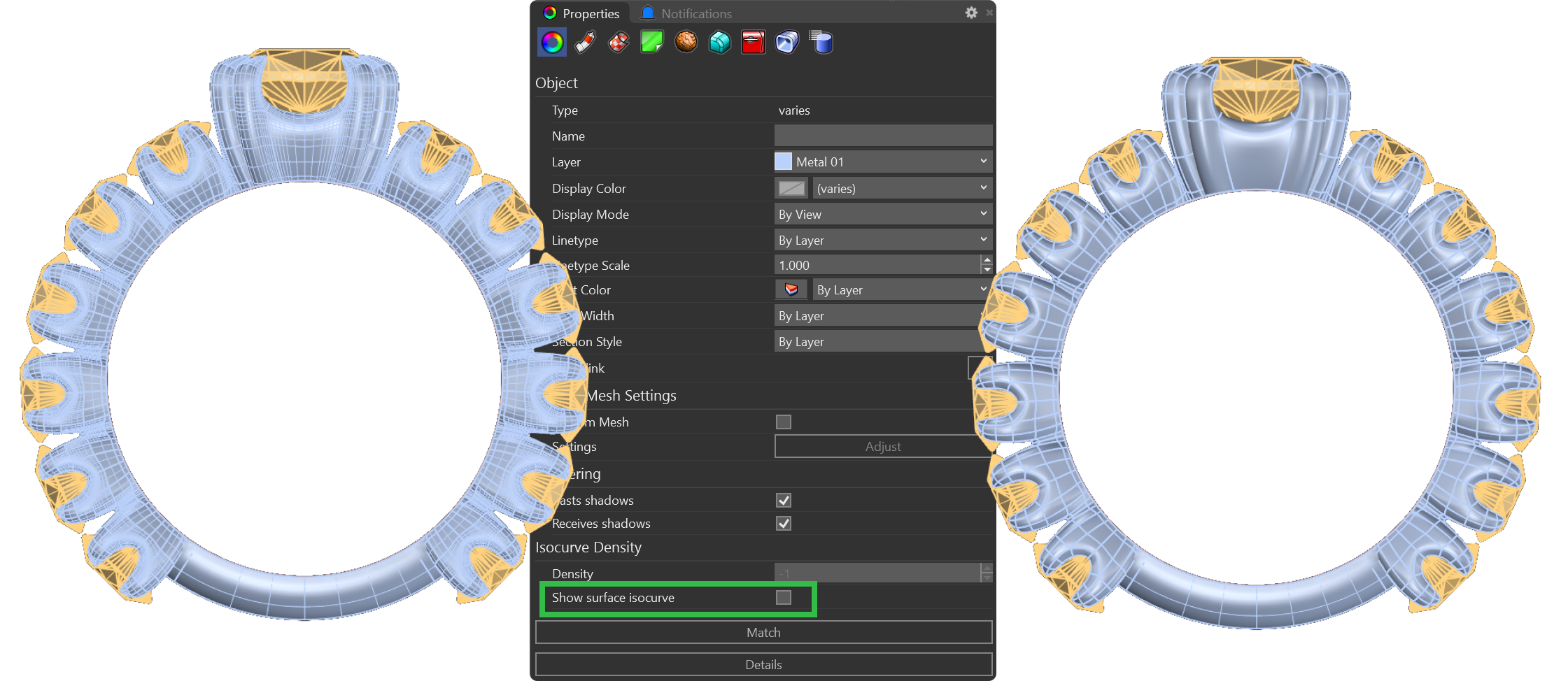
- Create connections between prongs and mirror them for symmetrical placement.
- Finalize cushion basket designs with high structural integrity.
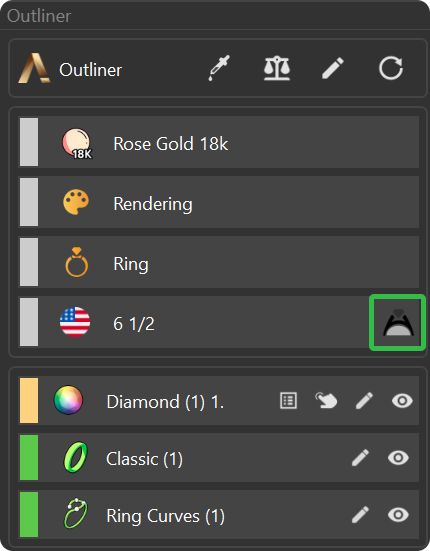
Basket Round Modeling
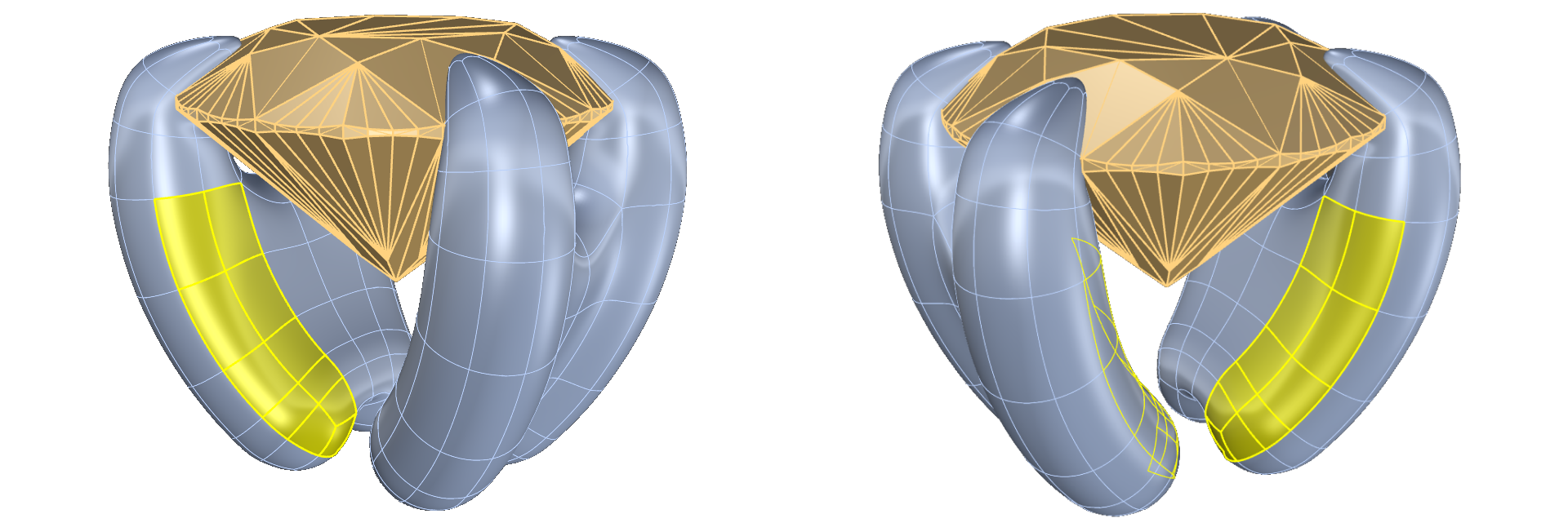
- Develop round gems and draw reference curves using advanced techniques.
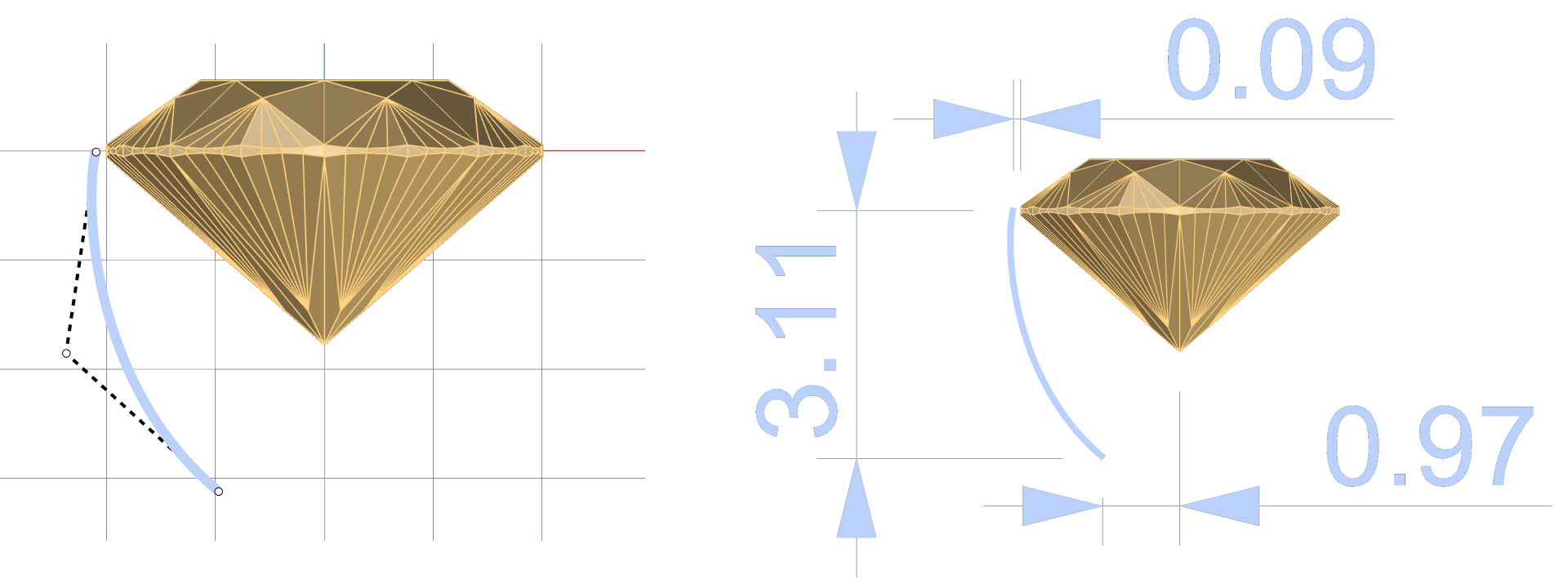
- Design prongs for round baskets, ensuring symmetry and stability.
- Bridge prongs for added strength and refine connections for a flawless finish.
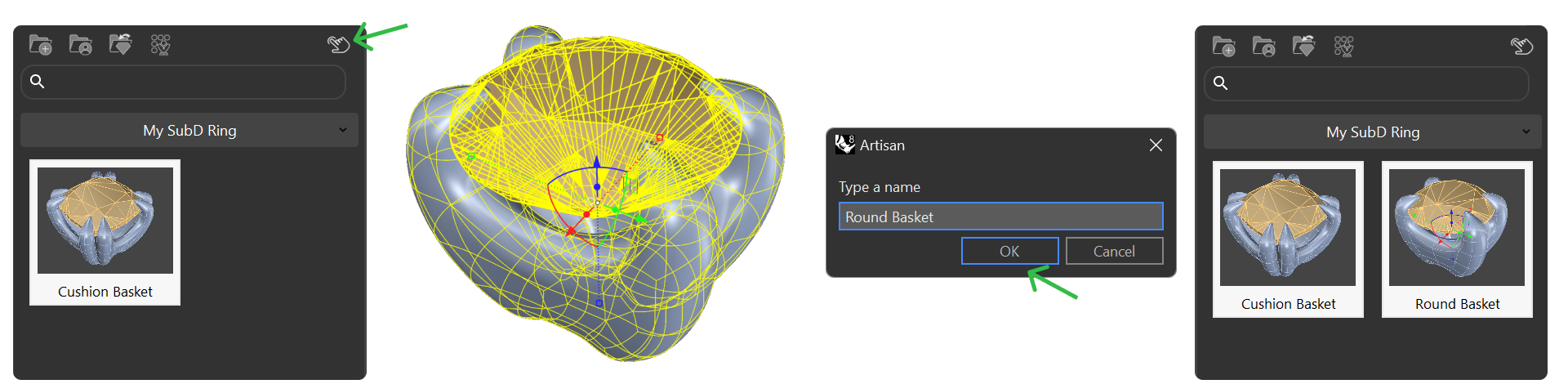
- Save and organize round basket designs for future use.
Advanced Basket Assembly
- Align and connect multiple baskets for cohesive and intricate designs.

- Create a classic shank to complement your baskets, adjusting dimensions for perfect fit.
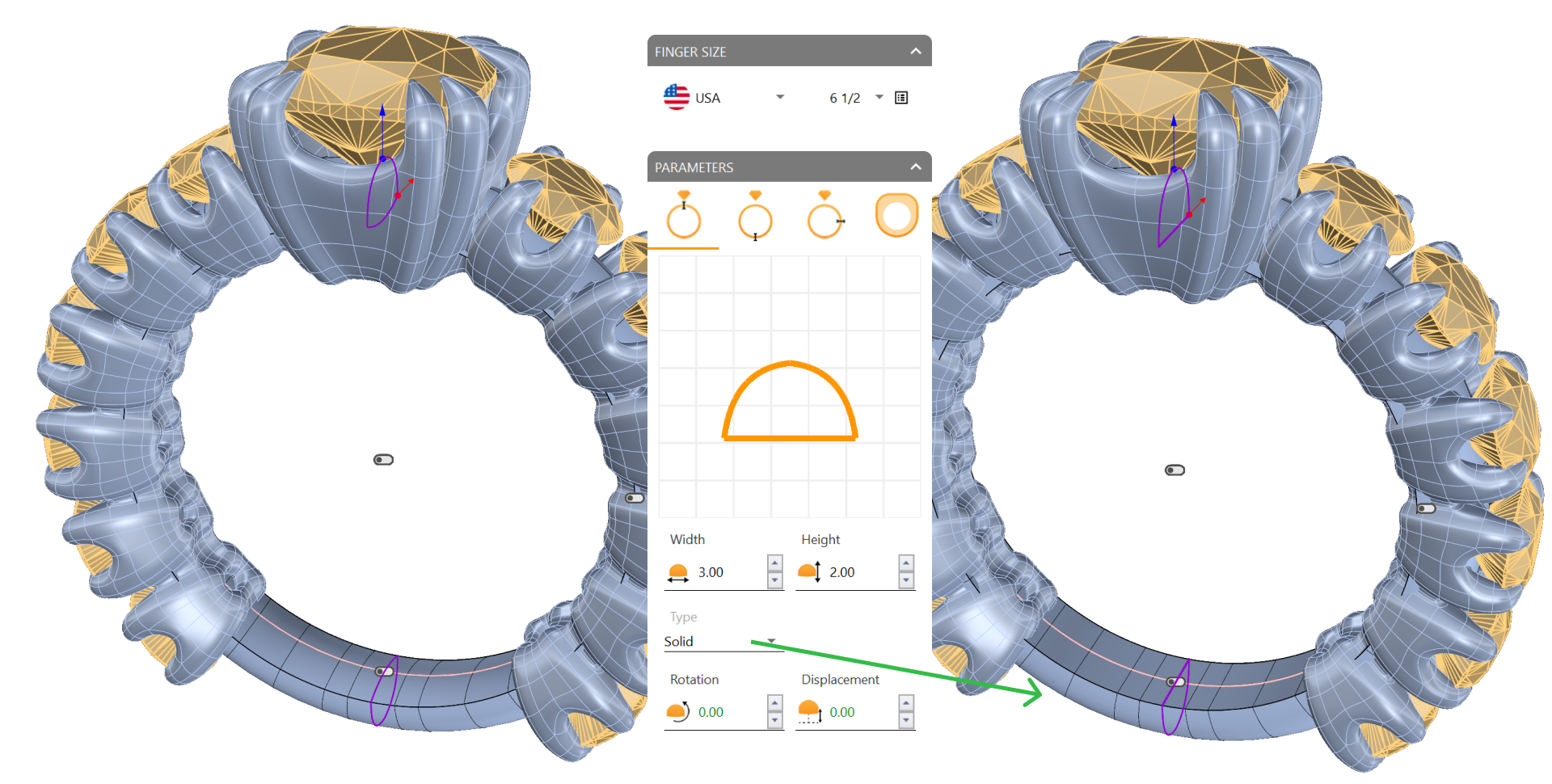
- Trim and refine materials based on ring size and design requirements.
Cutting and Rendering Preparation
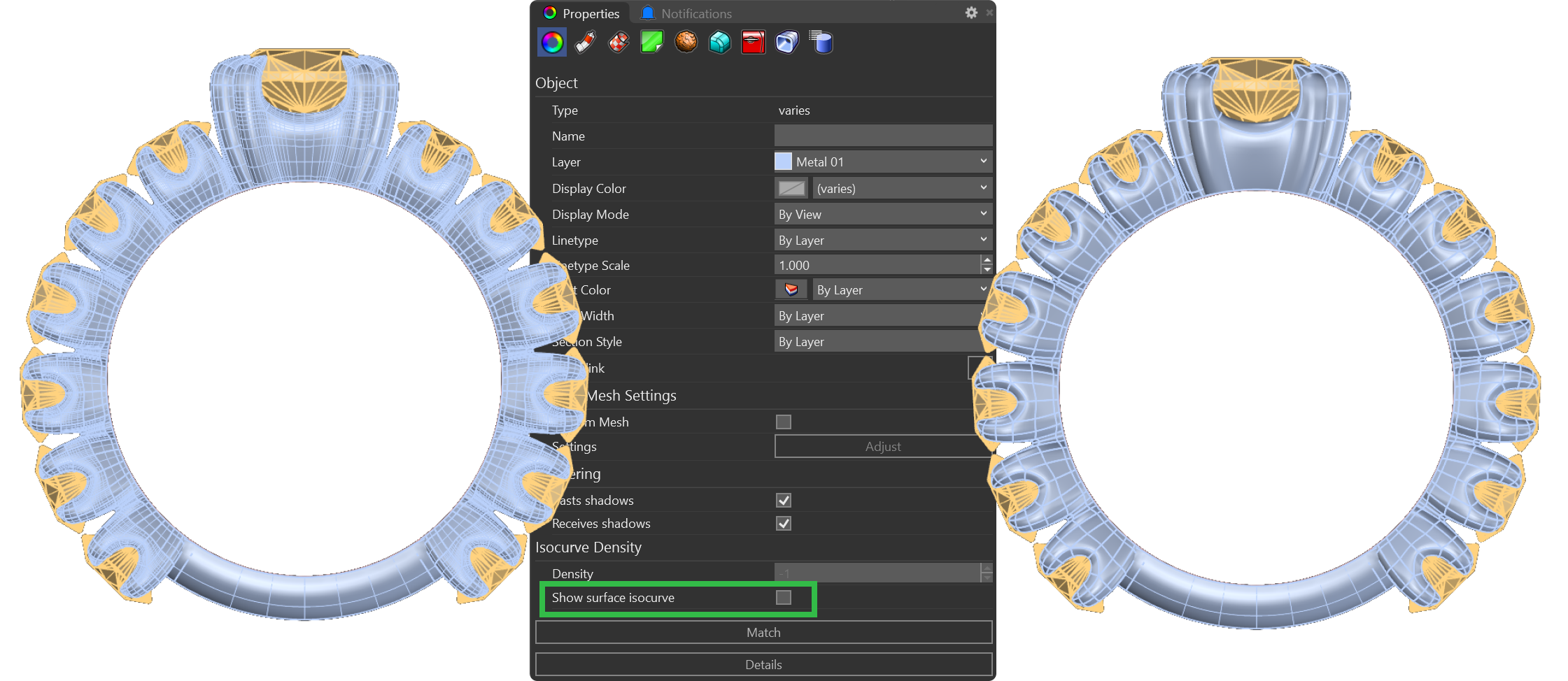
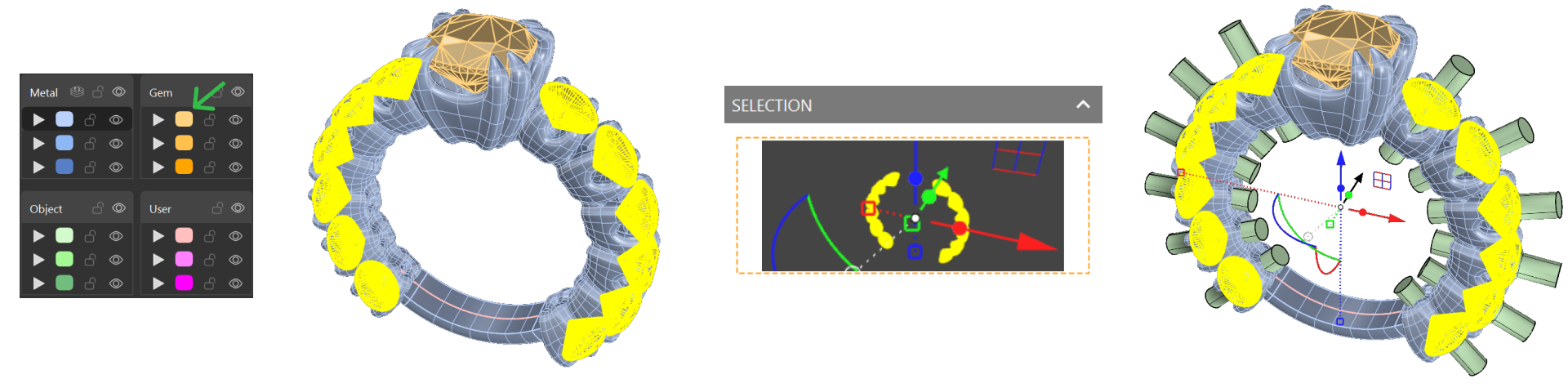
- Generate cutters to expose gems and refine the overall design.
- Use Boolean operations to remove excess metal while maintaining structural balance.
- Transition seamlessly from SubD to NURBS for final refinements.
Professional Rendering Setup
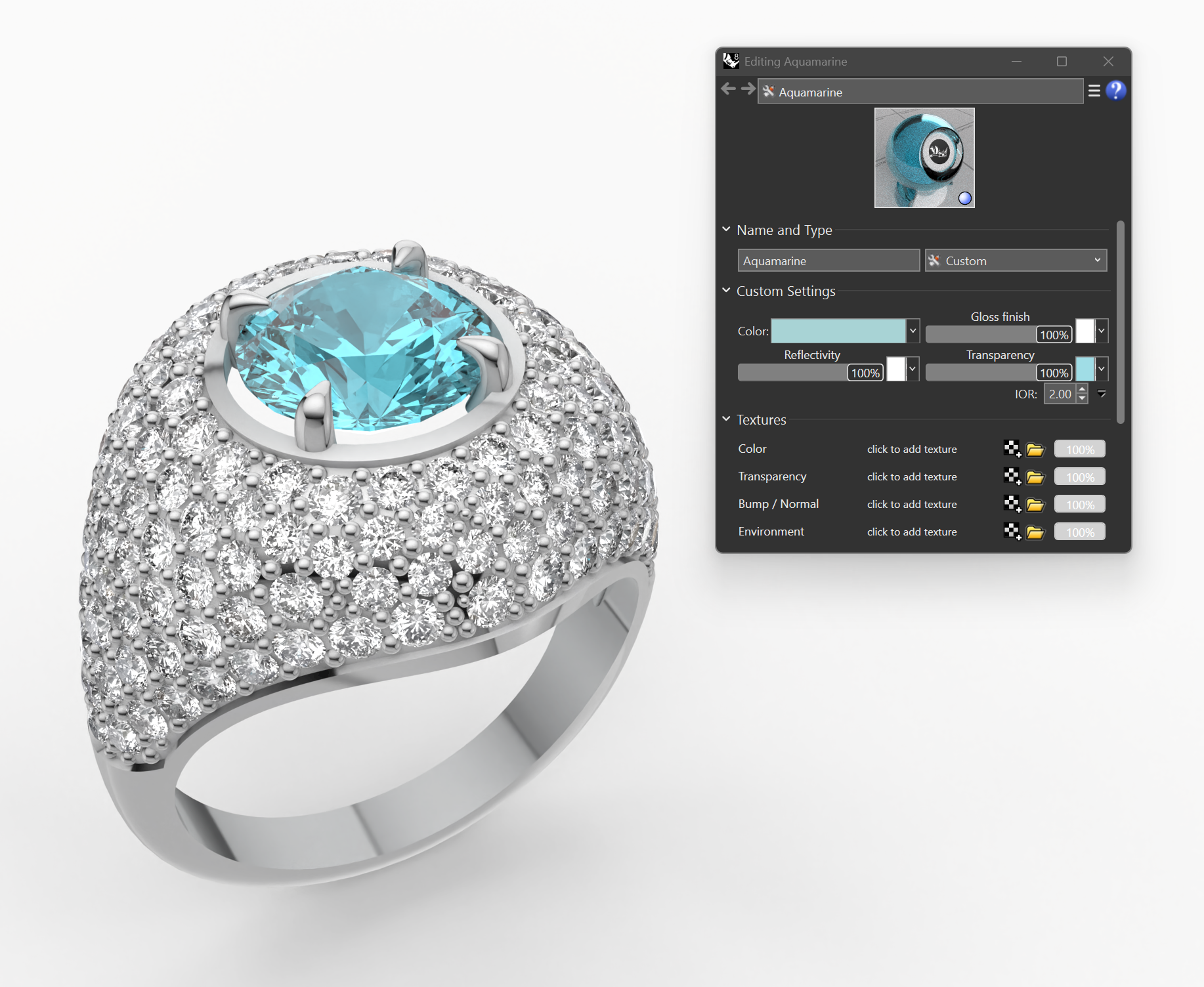
- Prepare your model for stunning renders using high-quality material applications and lighting adjustments.
What You’ll Need
RhinoArtisan Software: For creating intricate jewelry designs.
SubD and NURBS Proficiency: Basic familiarity is helpful but not mandatory—our step-by-step guides will walk you through each tool and technique.