Reference Curve and Gem
Reference Curve
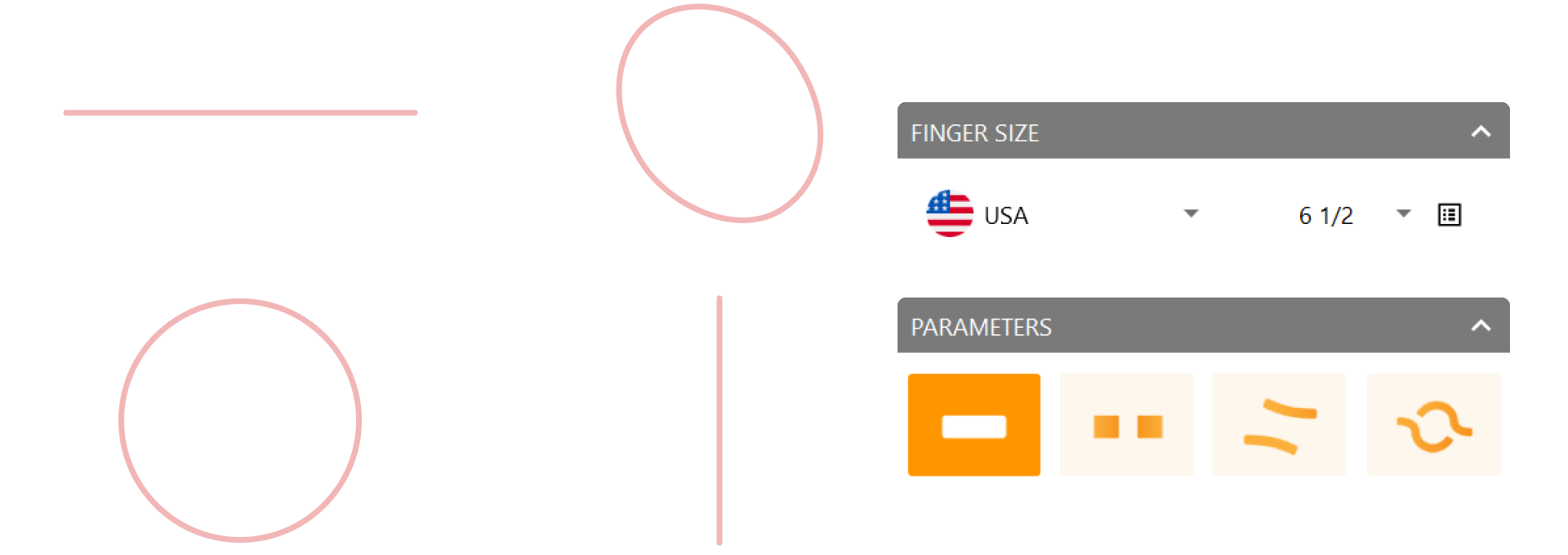
Navigate to the Shanks tab (1) and select the Curve command (2).

Set the region to USA and choose a 6 1/2 size.
Gem Studio
Navigate to the Diamonds tab (1) and select the Gem Studio command (2).

- Choose Shape: Cushion.
- Set the size to 1.45 carats.

Adjust alignment
- Set Vertical Alignment to Culet.
- Move the gem in the Z-axis to 1.15 mm.
Use the Add Gem to Point option and place the gem at the top of the previously created curve.

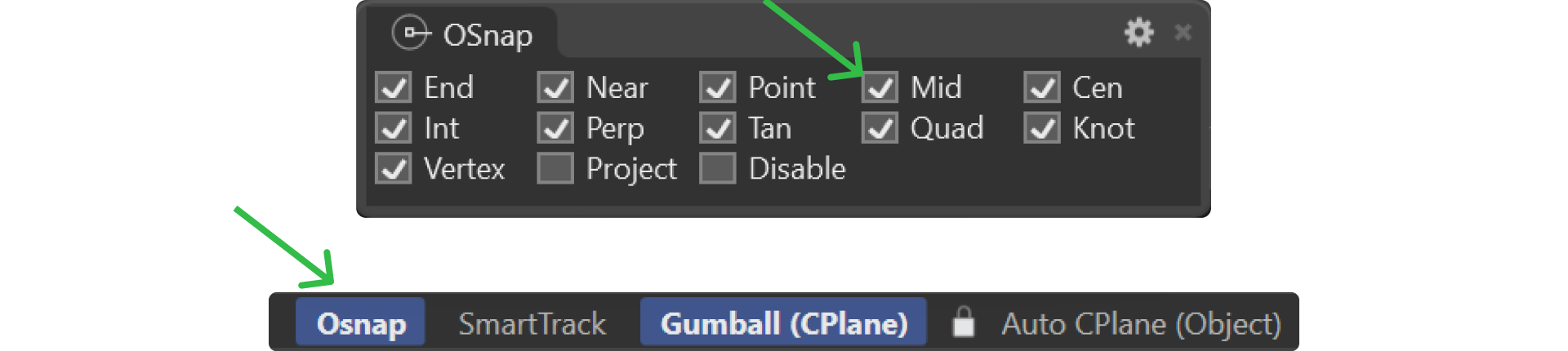
Ensure the Osnap option is active to facilitate precise placement.
Video Lesson
Next Step
Begin creating the first prong to secure the gem.