Reference Curves
Curve Tab: Arc Command
Go to the Curve tab and select the Arc by Three Points command.

In the Front View:
- Place the first point slightly left of the gem along the X-axis.
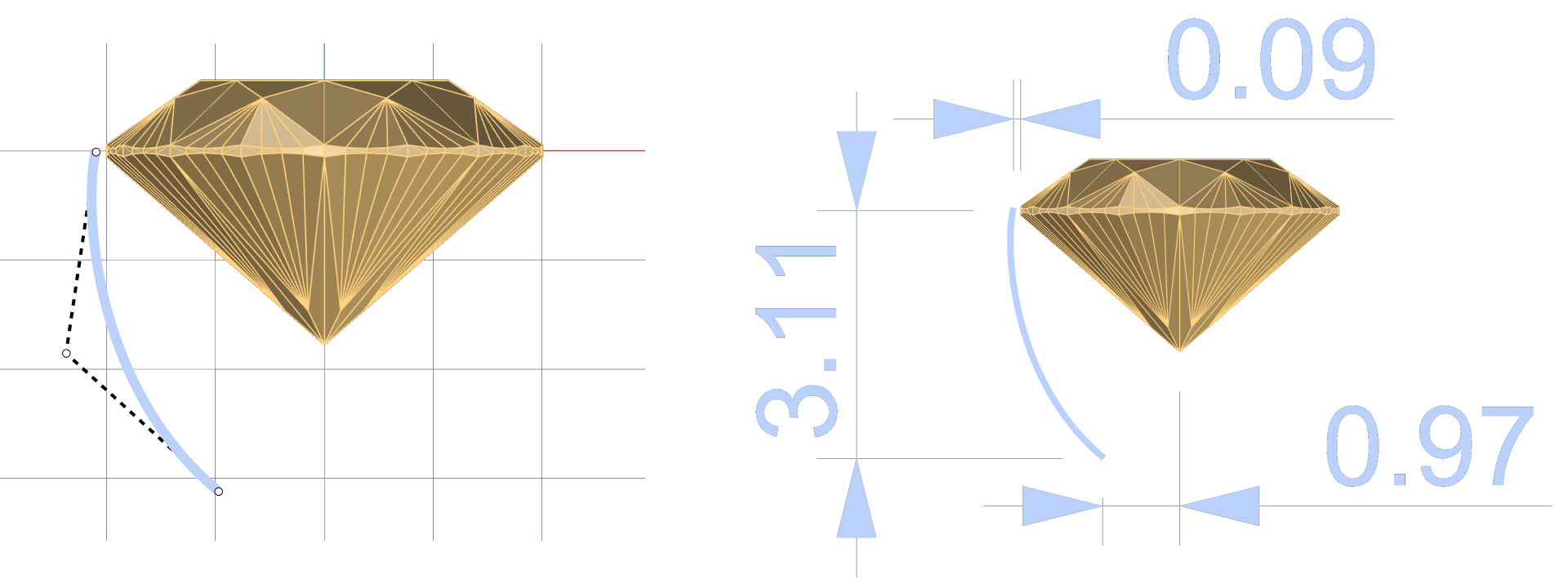
- For the endpoint, count three squares downward and one square toward the Z-axis.
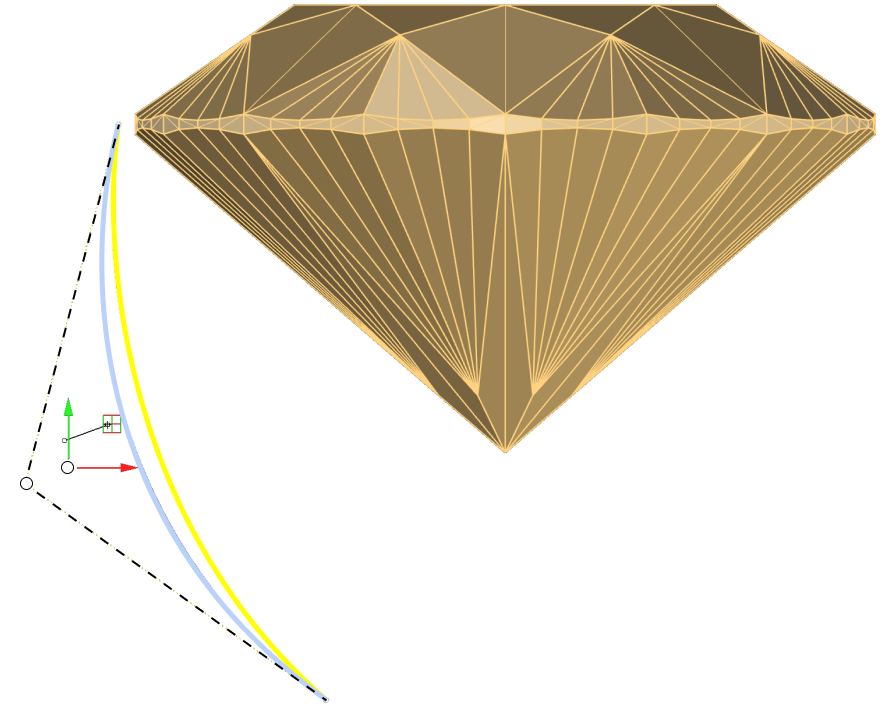
- Adjust the curve with the third point to achieve the desired shape.
Video Lesson
Next Step
Design the prong for the round basket.