Creating Copies Using the Gumball
Create the First Copy
Select the ring model, then press Alt while using the Gumball to drag the copy upwards along the Z-axis.
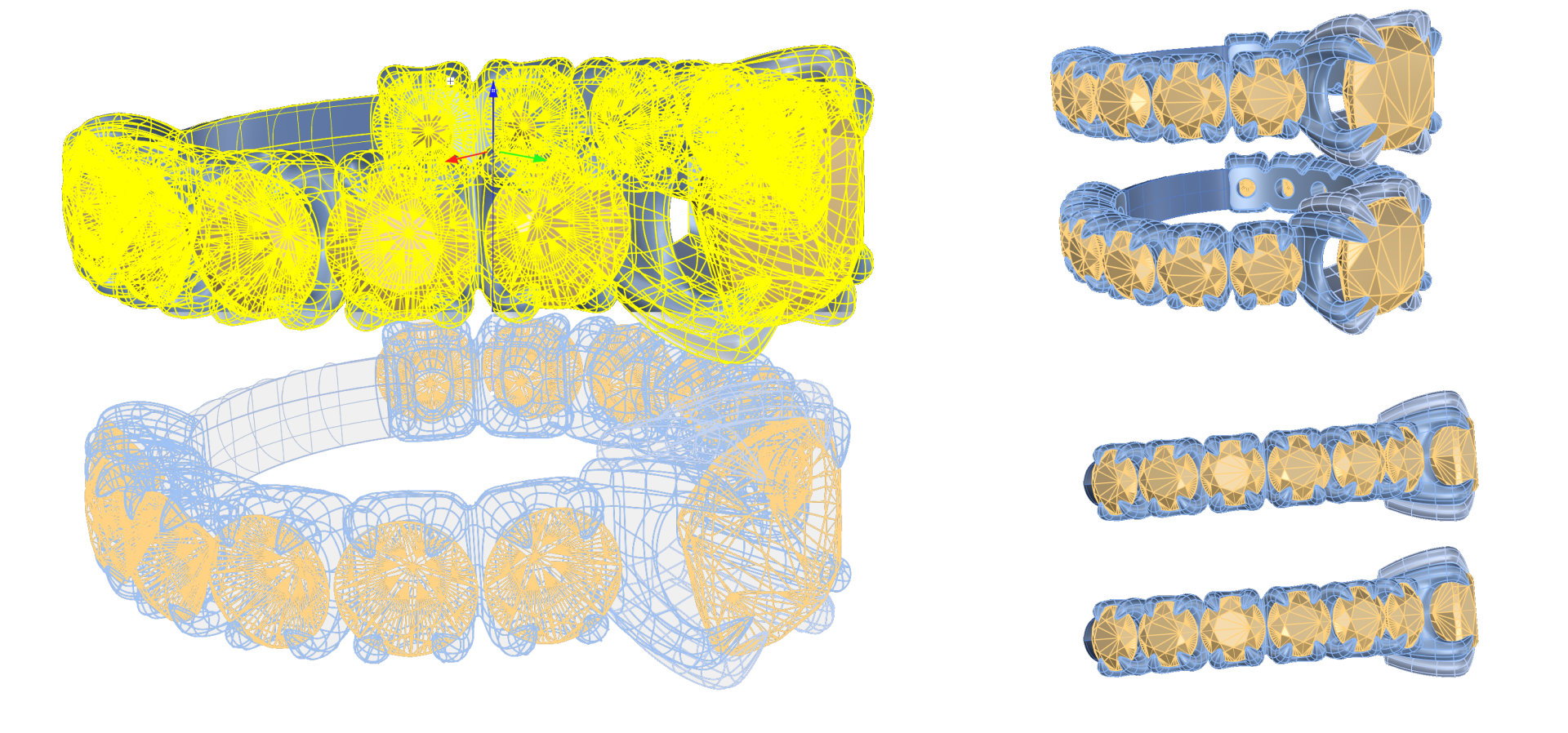
Position the Second Ring
Rotate the second ring using the Gumball so that the basket cushion is positioned to one side of the first ring.
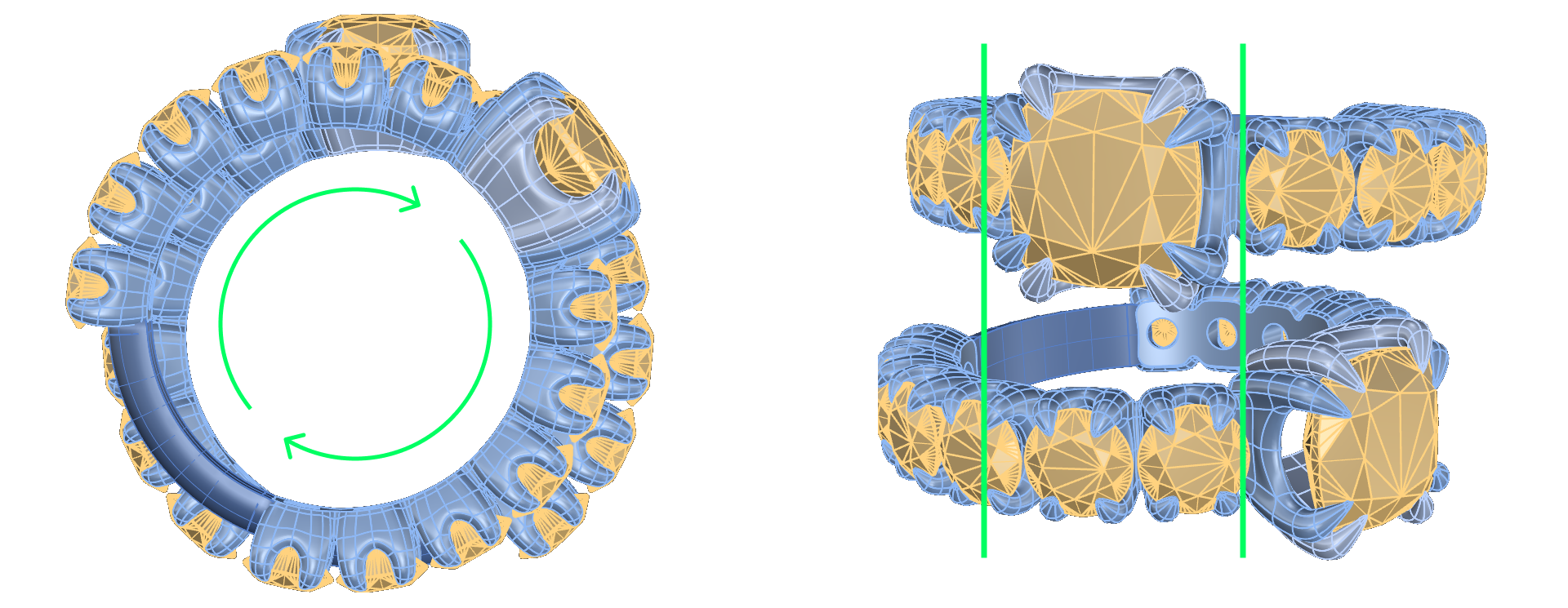
Move the second ring slightly backward from the Top View to create separation between the two rings.
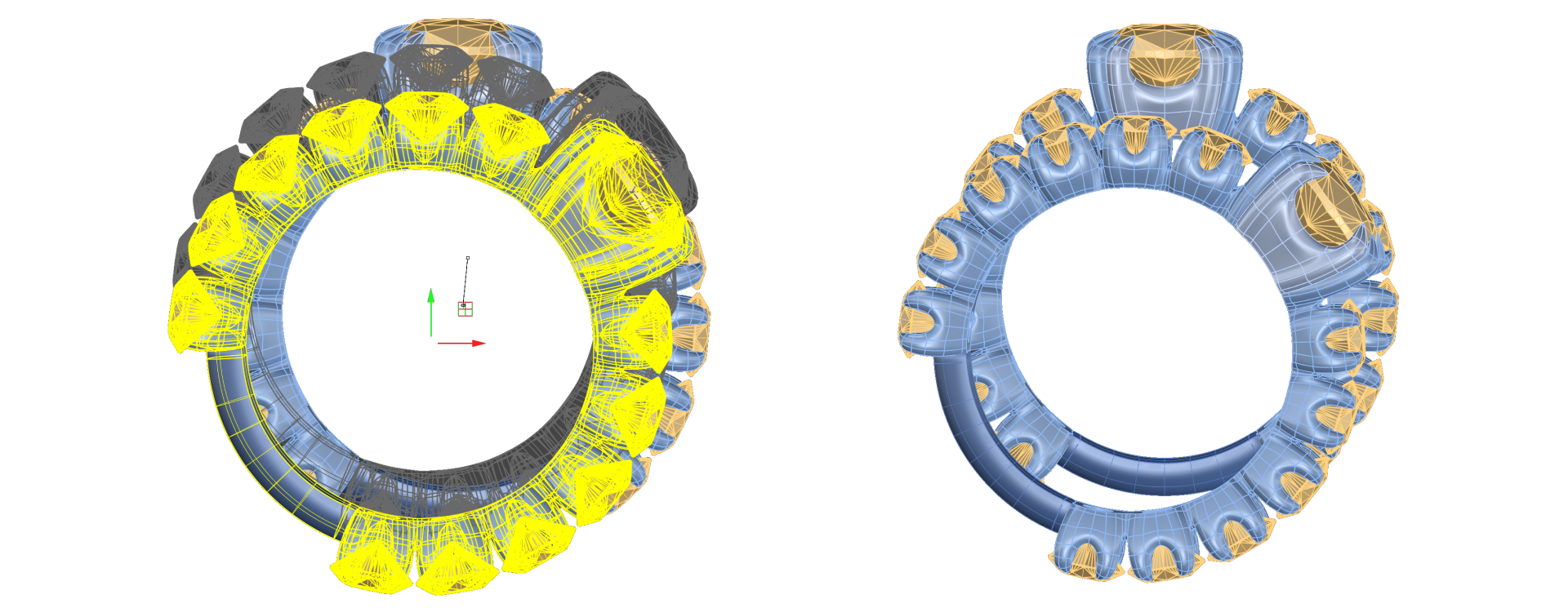
Adjust the Pose
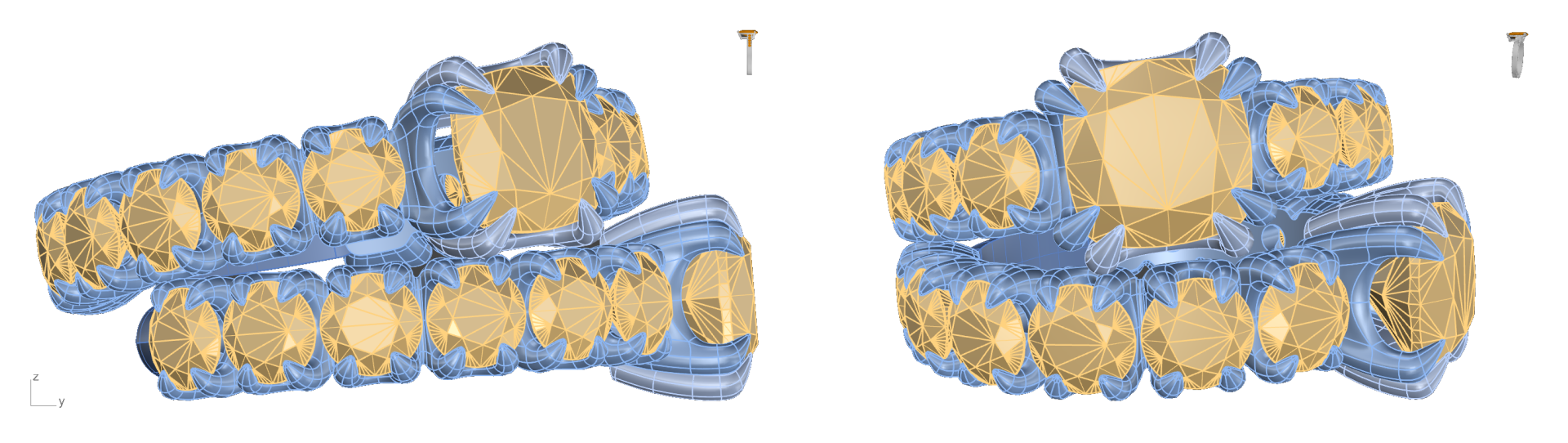
- The pose does not need to match the tutorial exactly. Feel free to position the second ring in a way that looks natural but does not overlap with the first ring for realistic rendering.
Video Lesson
Next Lesson
Creating a Third Copy and Positioning