Pipe for Round Basket Prong
Pipe Command
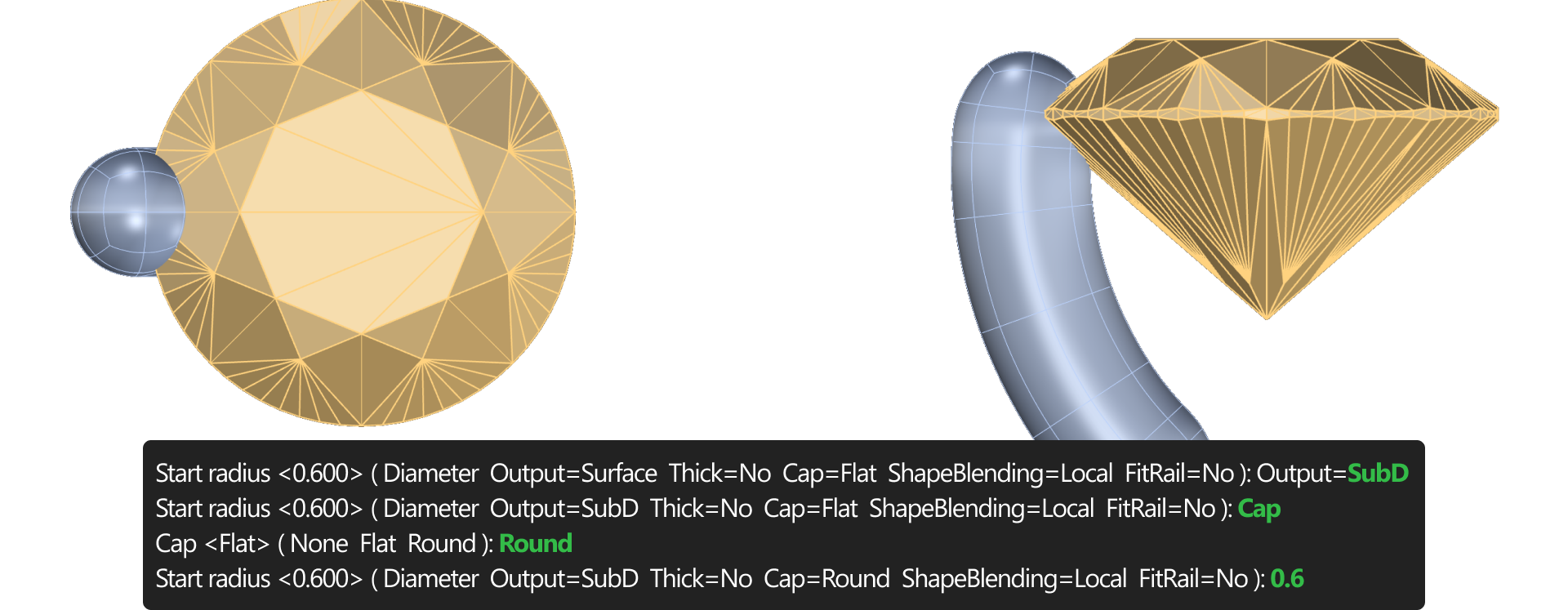
Navigate to the Solid tab and use the Pipe command.

- Set Output to SubD.
- Select Cap: Round.
- Input a diameter of 0.6 mm and press Enter twice.
SubD Selection
Switch to the SubD tab (1):
Use Face Selection Mode (2).

In the Top View, hold Shift and select the four top faces of the prong.
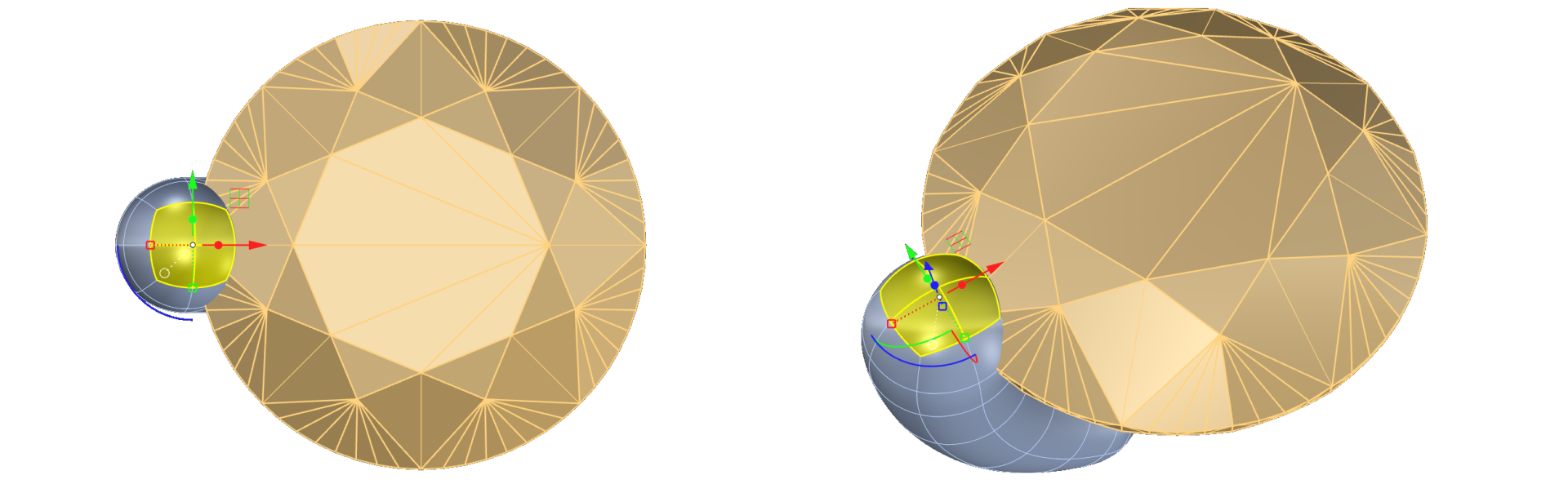
Click Merge Faces to combine them.

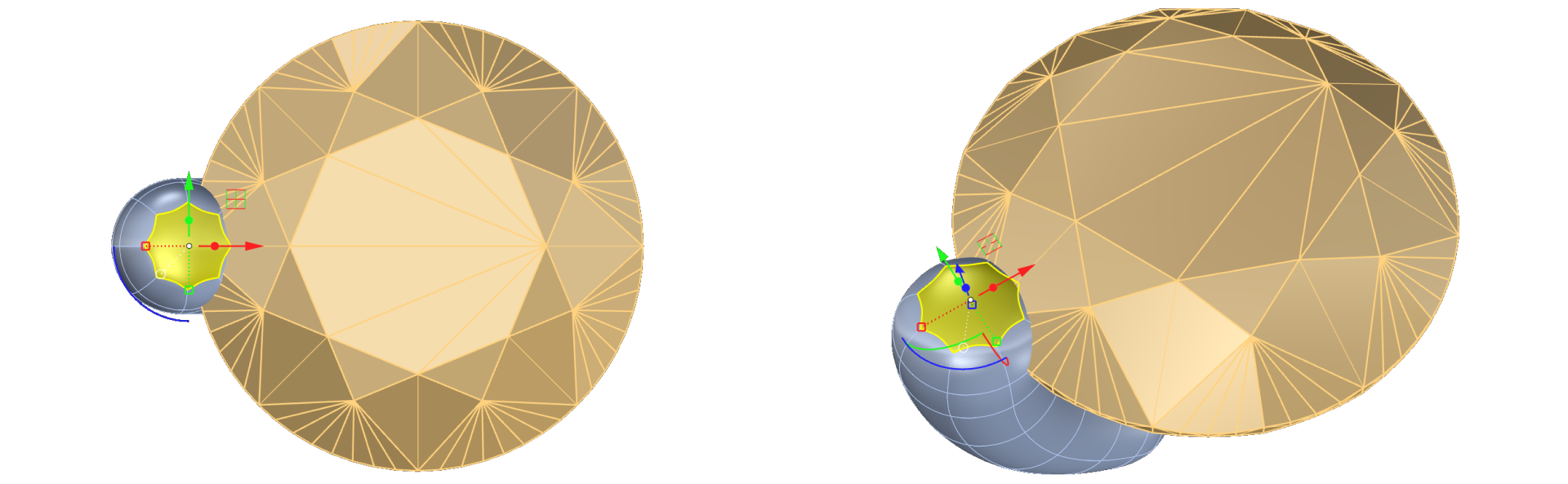
Adjust the prong shape
- Use the Gumball tool to proportionally scale down the selection by holding Shift. In the Front View, move the selection upward to create a pointed tip.
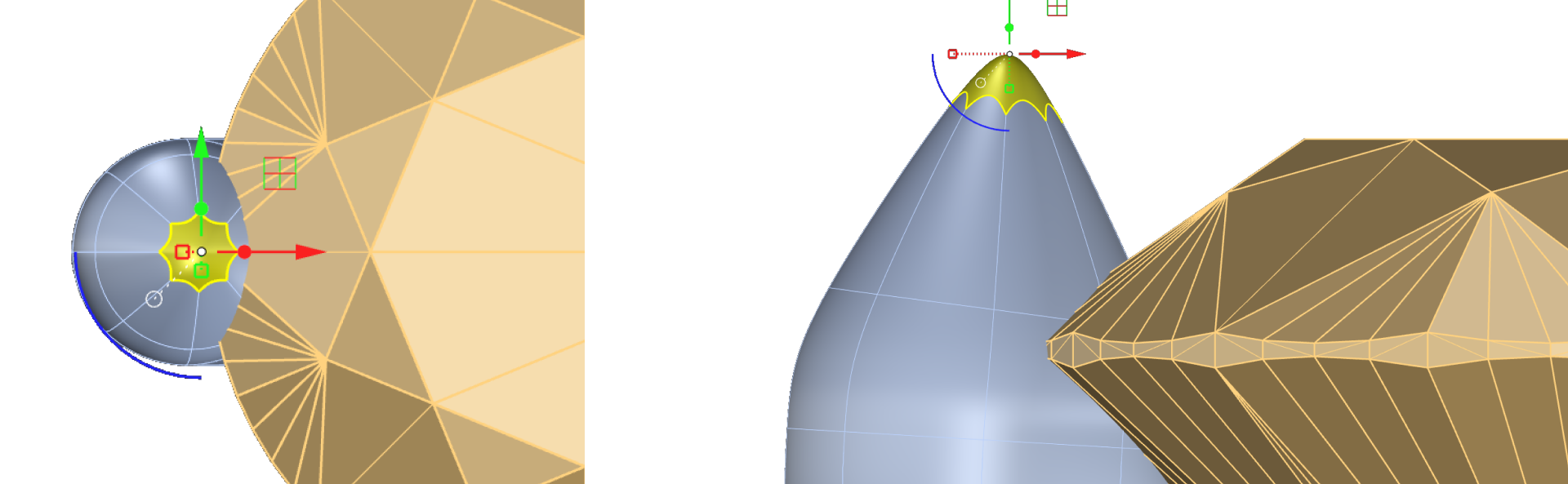
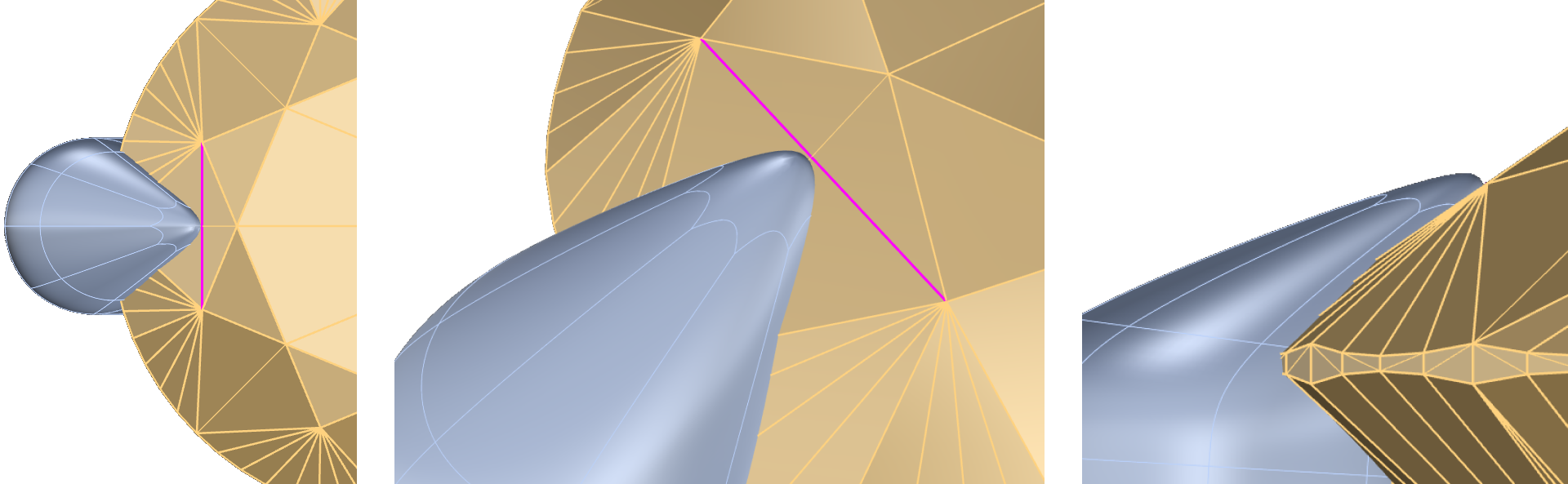
- Position the prong tip toward the gem crown, aligning it to the gem center.
Video Lesson
Next Step
Refine the prong and prepare it for rotation.