Introduction
Lesson 1 of 17
Overview
Sign in to access this lesson
This lesson is part of From RhinoArtisan to Keyshot: Jewelry Rendering Essentials, which can come bundled with a RhinoArtisan Commercial license subject to current promotions. Log in with your customer account, or get in touch and we'll set you up.
Customers only
Solo para clientes
This lesson is part of From RhinoArtisan to Keyshot: Jewelry Rendering Essentials, which can be included with a RhinoArtisan Commercial license subject to current promotions. If you've already purchased and don't see it in your account, get in touch.
What You’ll Learn
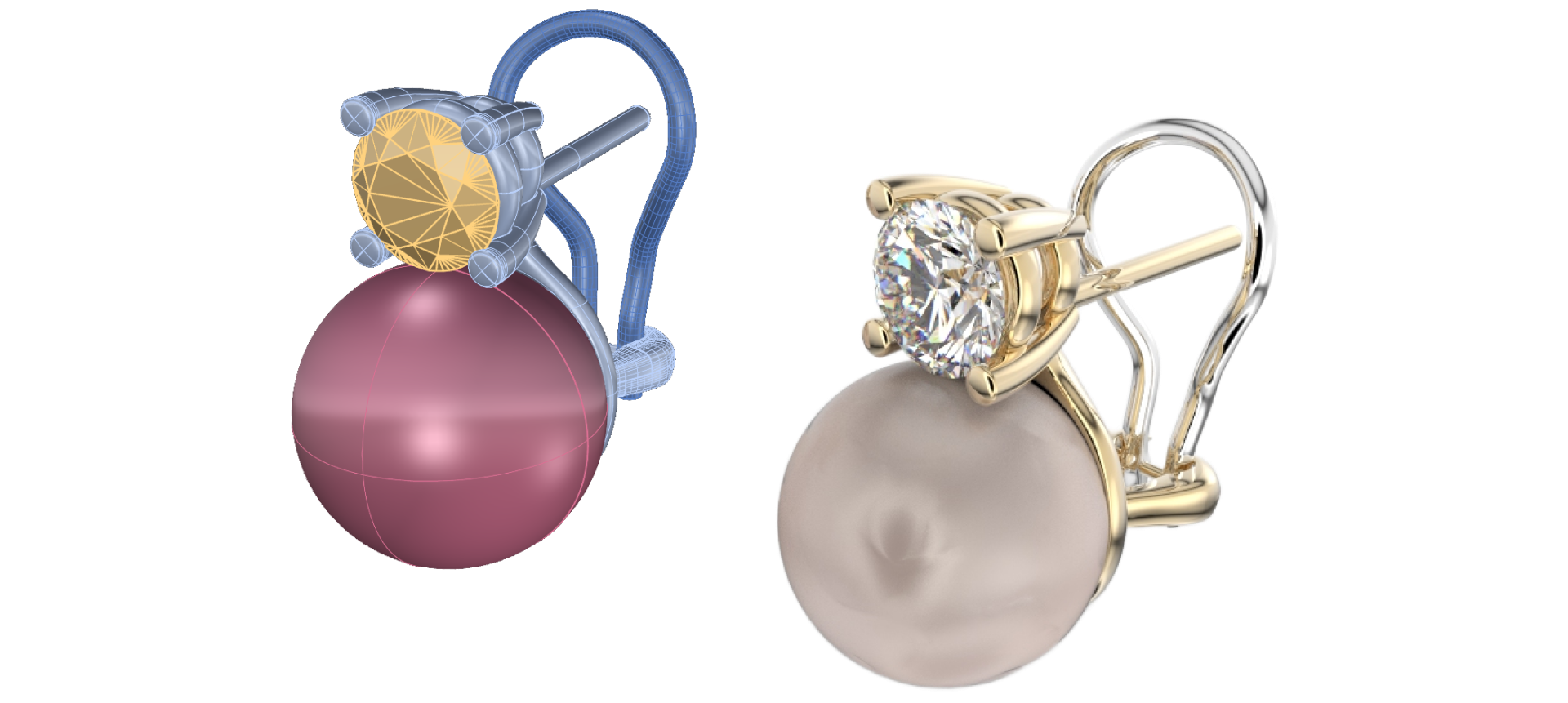
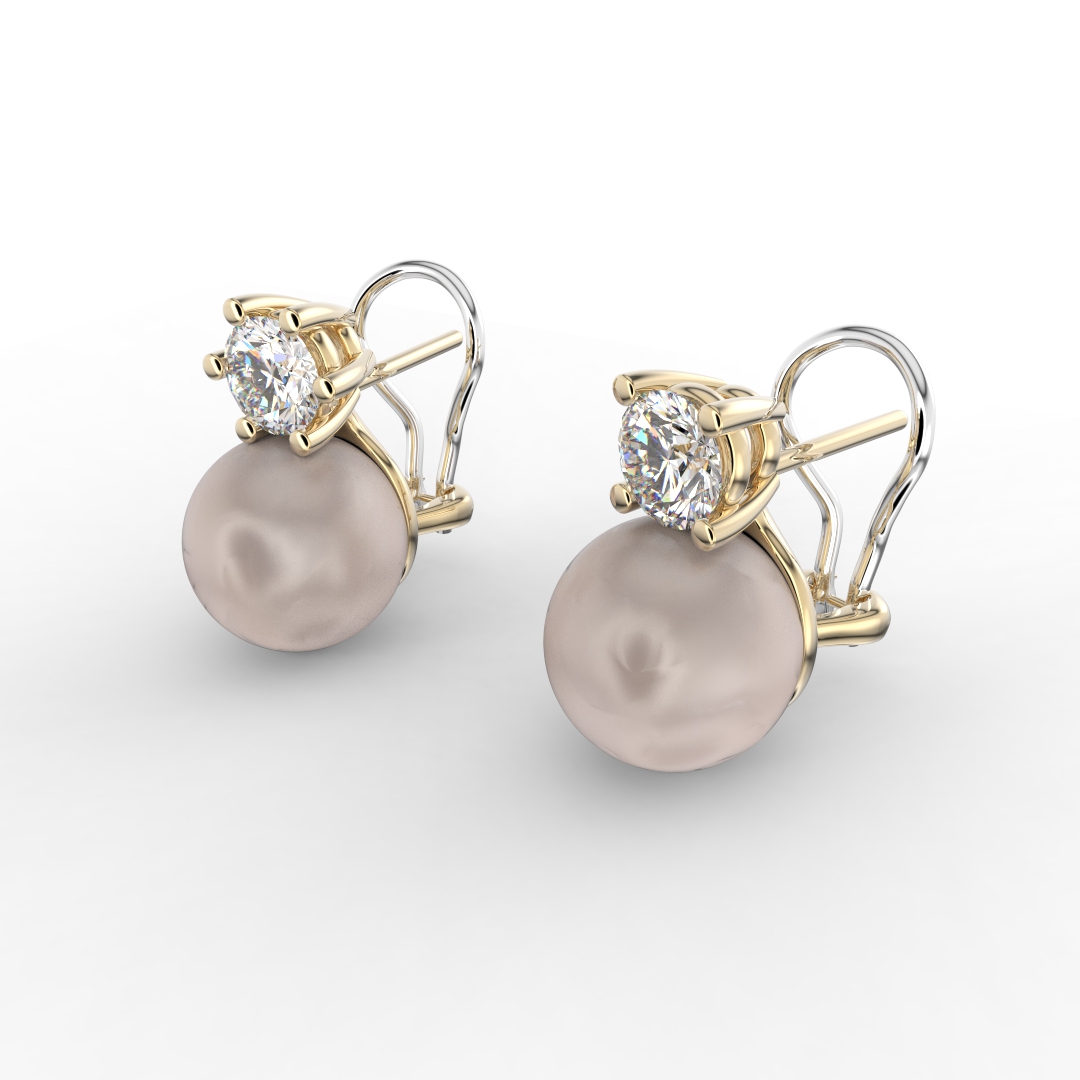
What is Jewelry Rendering and Its PurposeDiscover the art and purpose of jewelry rendering. Learn how this essential process helps visualize designs in photorealistic quality, aiding in presentation, marketing, and client approvals.
Introduction to KeyShot StudioGet familiar with KeyShot Studio, a powerful tool for creating high-quality renders. Understand its key features and why it’s the go-to software for jewelry design.
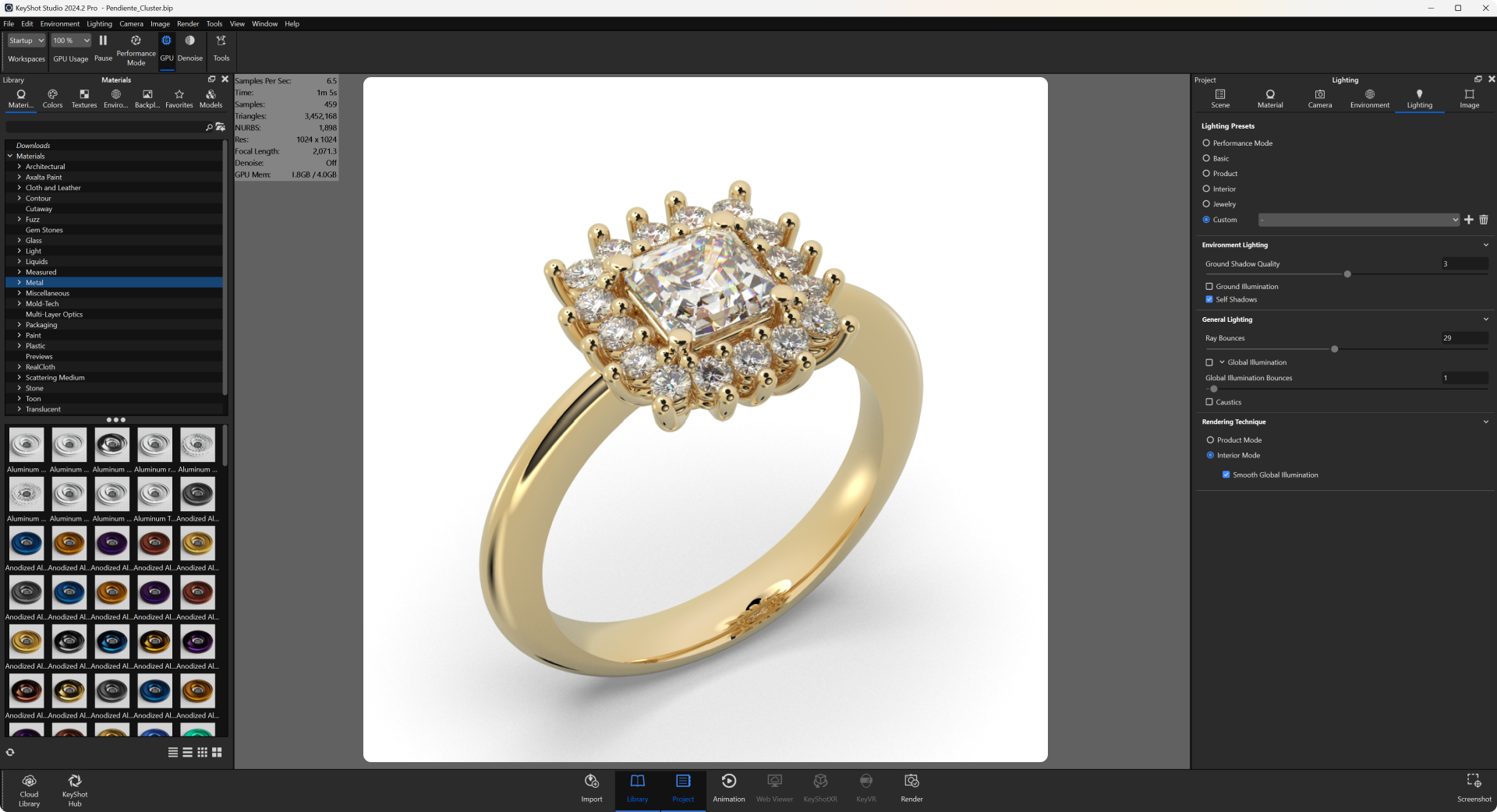
Exploring the KeyShot InterfaceNavigate through KeyShot’s intuitive interface. Learn about its key areas, from the material library to the render settings, making the rendering process seamless.
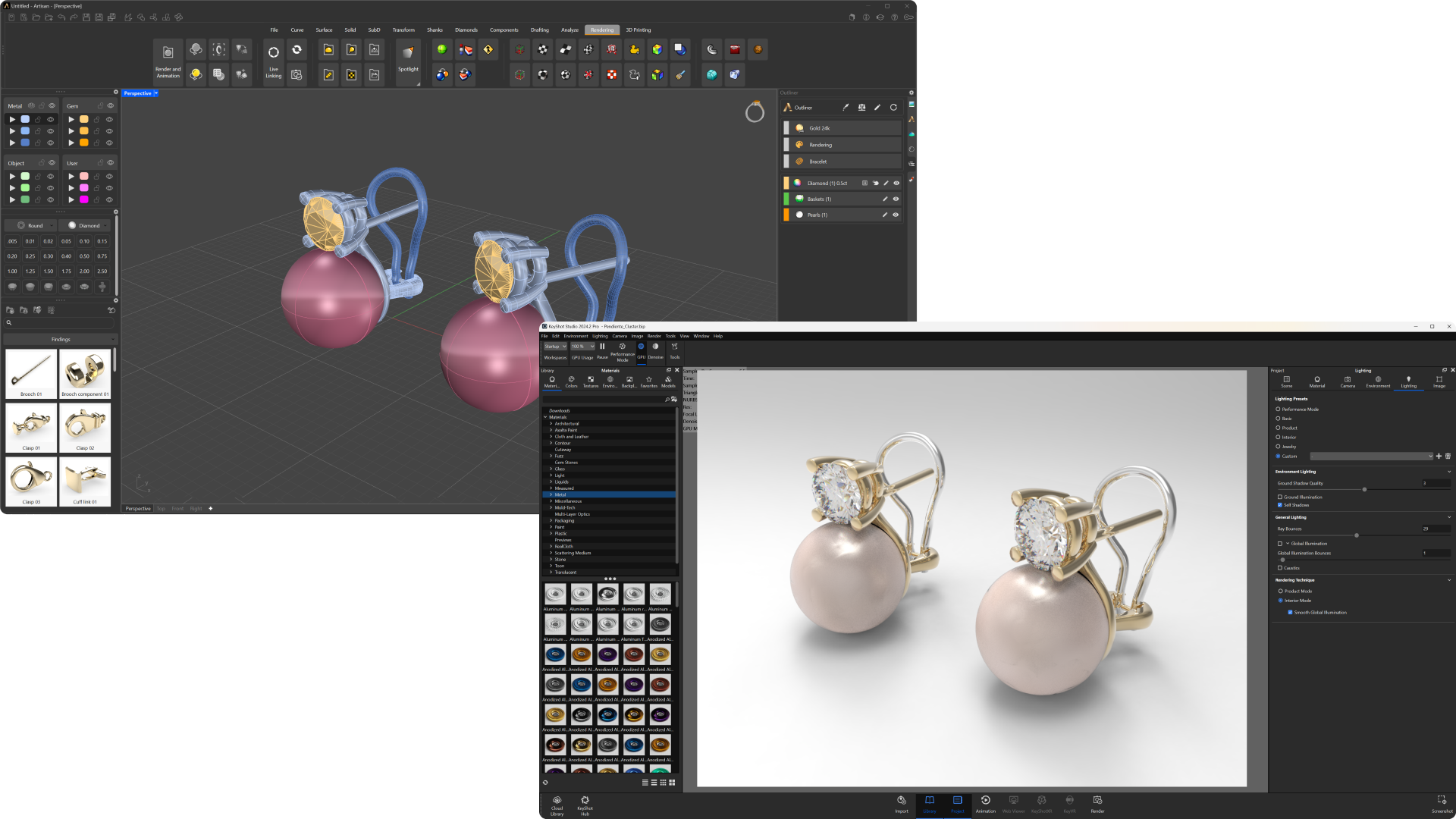
Hands-On Practical Exercise
- Importing Designs: Bring your first RhinoArtisan design into KeyShot Studio.
- Applying Materials: Experiment with textures and finishes to give your design life.
- Lighting Basics: Adjust the lighting to highlight details and enhance realism.
- Environment Settings: Create a backdrop that complements your design and elevates its presentation.
Creating a Professional Jewelry RenderLearn how to configure and fine-tune your settings to produce a stunning professional-grade render, capturing the brilliance of your design in high resolution.
What You’ll Need
RhinoArtisan: To design your jewelry models.
KeyShot Studio: For rendering and finalizing your designs. No prior experience is needed—we’ll guide you step by step to create breathtaking jewelry visuals.
Almost there — you still have some lessons to complete. Jump to the next one →
Impersonating — progress and reviews are disabled.
Course completed
You've completed From RhinoArtisan to Keyshot: Jewelry Rendering Essentials 🎉
Great work. Get your certificate of completion and, if you have a minute, let other jewelers know what you thought of the course.