Place Gem
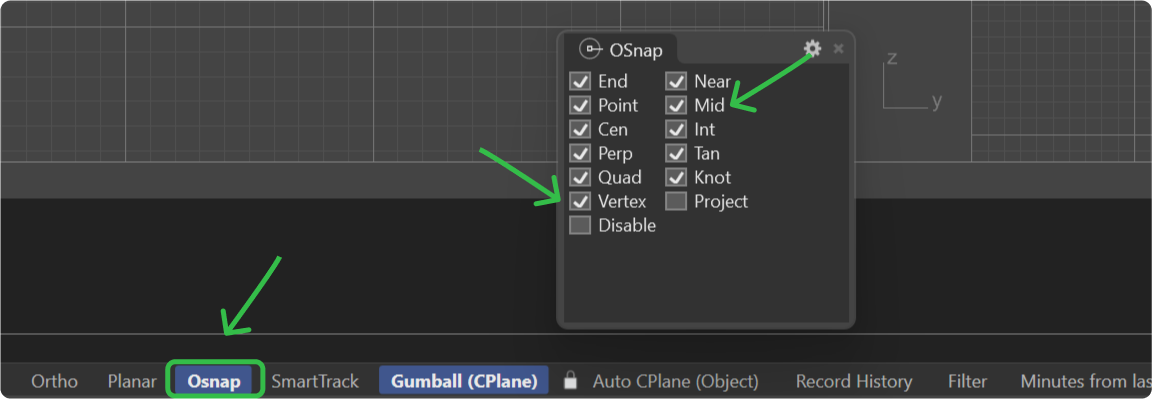
Step 1: Osnap Options
Ensure the Osnap options “Vertex” and “Mid” are enabled.
Step 2: Move Command
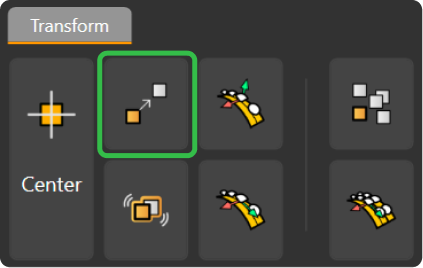
In the transform tab, selecct the Move command.
Step 3: Pose
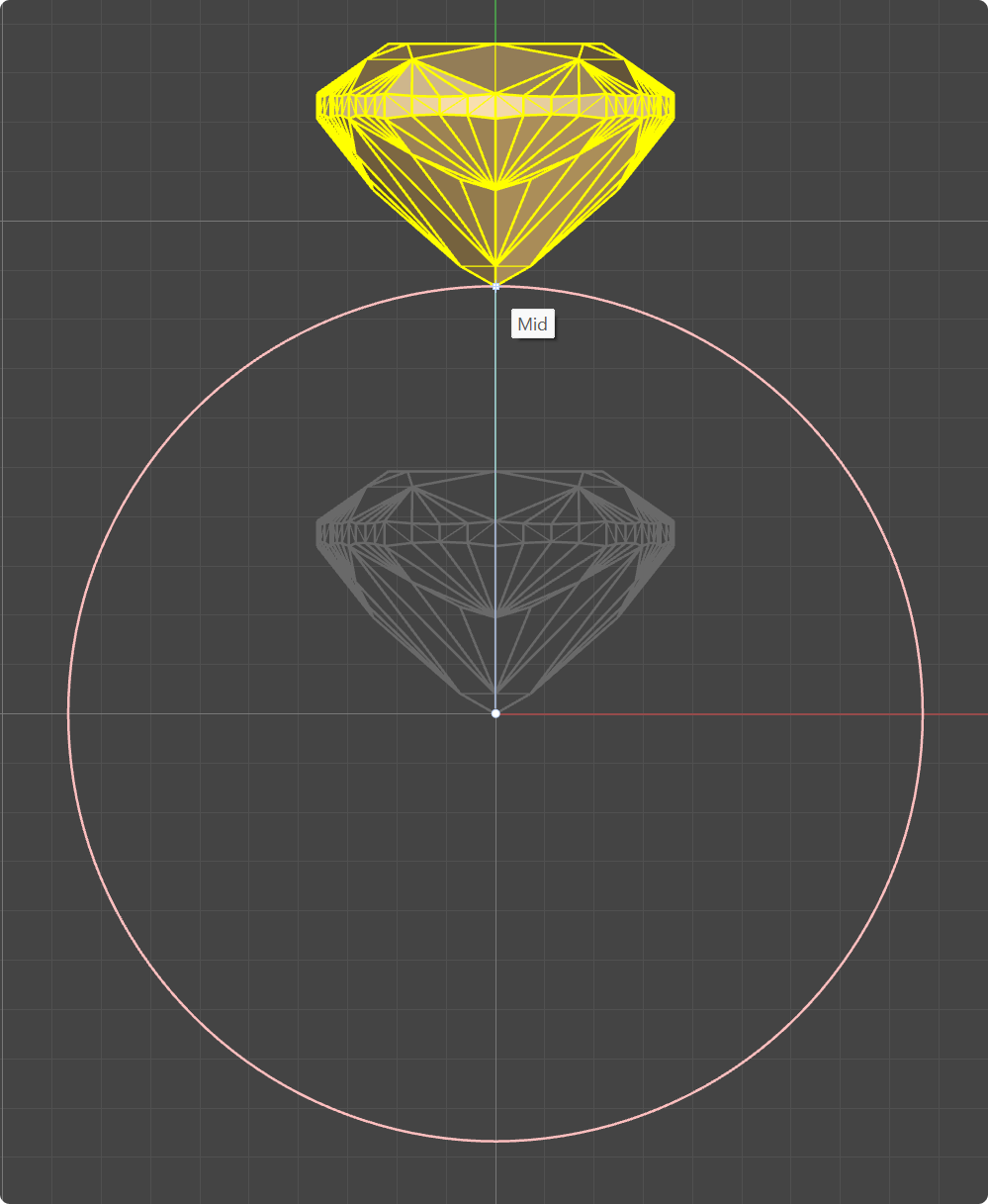
Then select the bottom vertex of the gem and move it to the top of the reference curve.
Step 4: Using the gumball
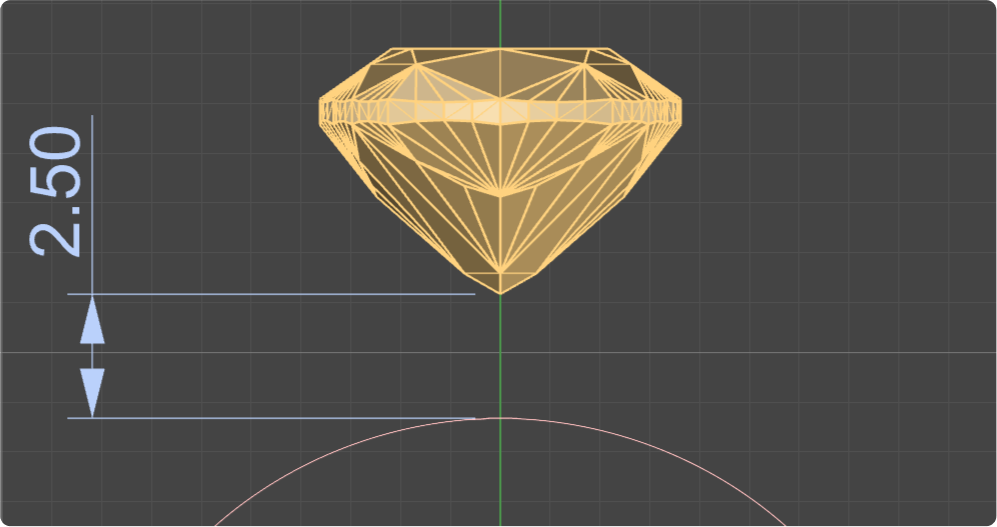
Using the gumball, move the gem 2.5 millimeters upwards for proper height.
Video Lesson
Next Step: Add the basket setting to secure the gem.