Create Fittings for Casting
Step 1: Boolean Difference
In the Solid tab, select the Boolean Difference command.
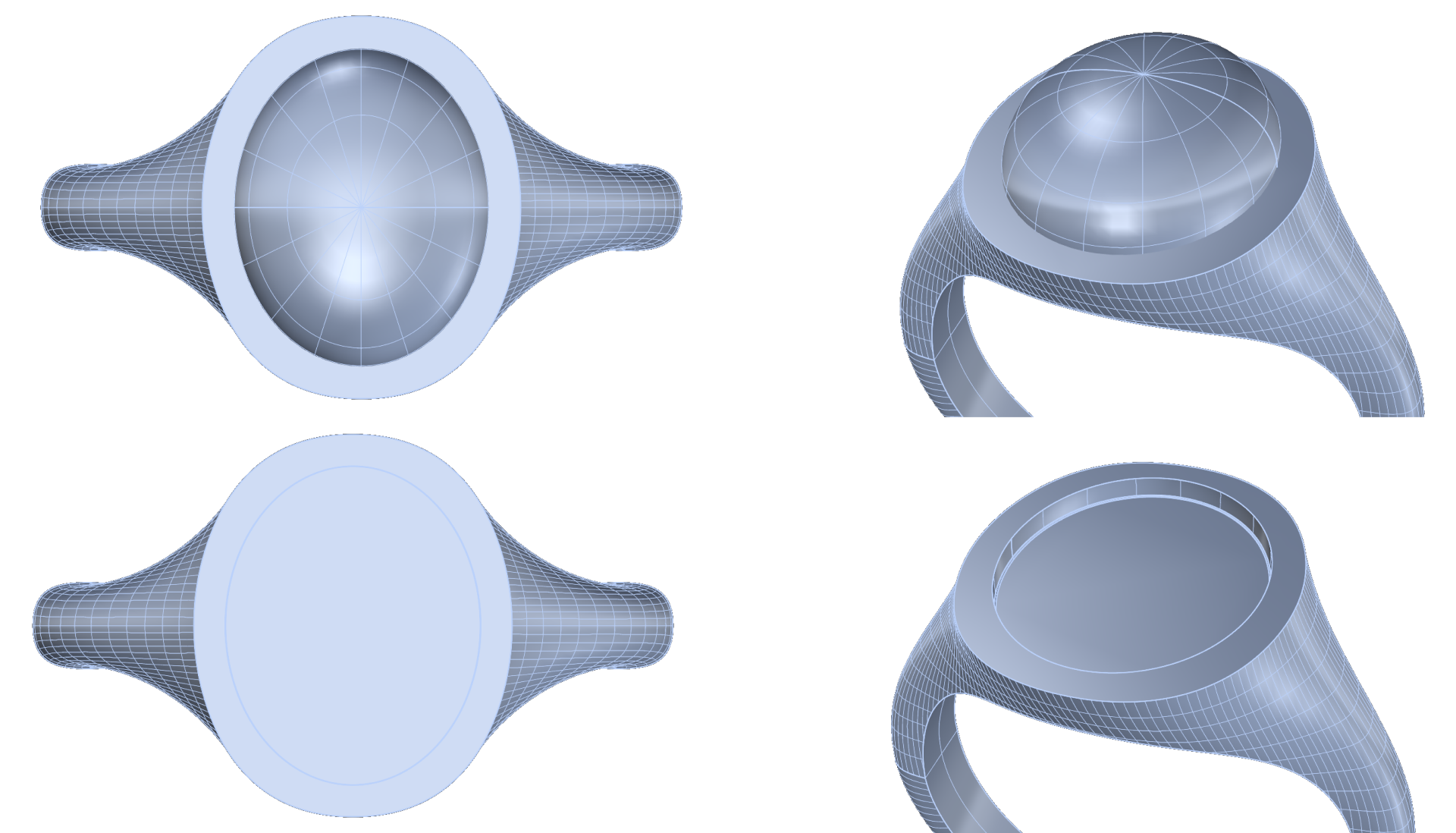
- Choose the shank and press enter.
- In the command bar, set DeleteCutters to No to keep the basket for use as the cutter.
- Select the basket and press enter.
Step 2: Hide and Show
Use the Hide command to hide the basket and gem. This will let you appreciate the result of the Boolean Difference.
You’ll see that 4 perfect fittings have been created using 4 of the 6 prongs.
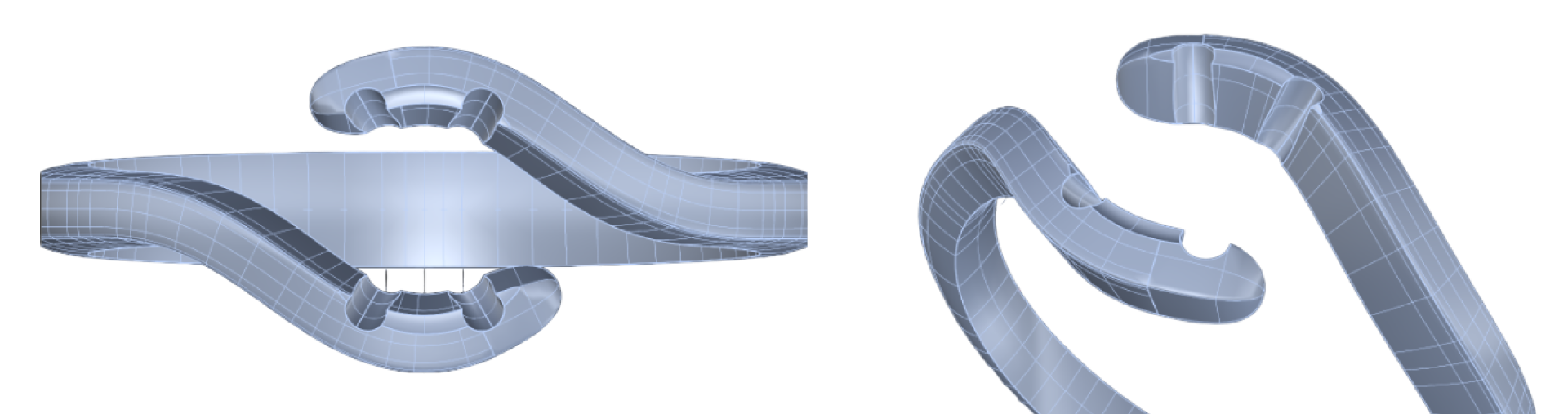
Type Show in the command bar to display the elements again.
Video Lesson
Next Step: Prepare the model for rendering.