Shank
Step 1: Cathedral Command
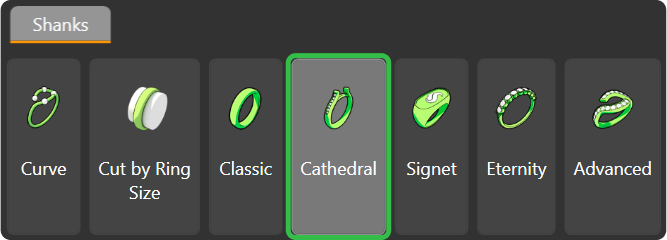
Go to the “Shanks” tab and select the “Cathedral” command.
Step 2: Cathedral Library
Choose model CA024 and press “Edit.”

Step 3: Ring Size
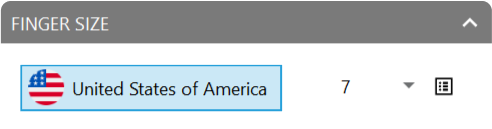
Change the profile to 096 and match the size to the reference curve (size 7, USA).
Step 4: Adjust the shank parameters
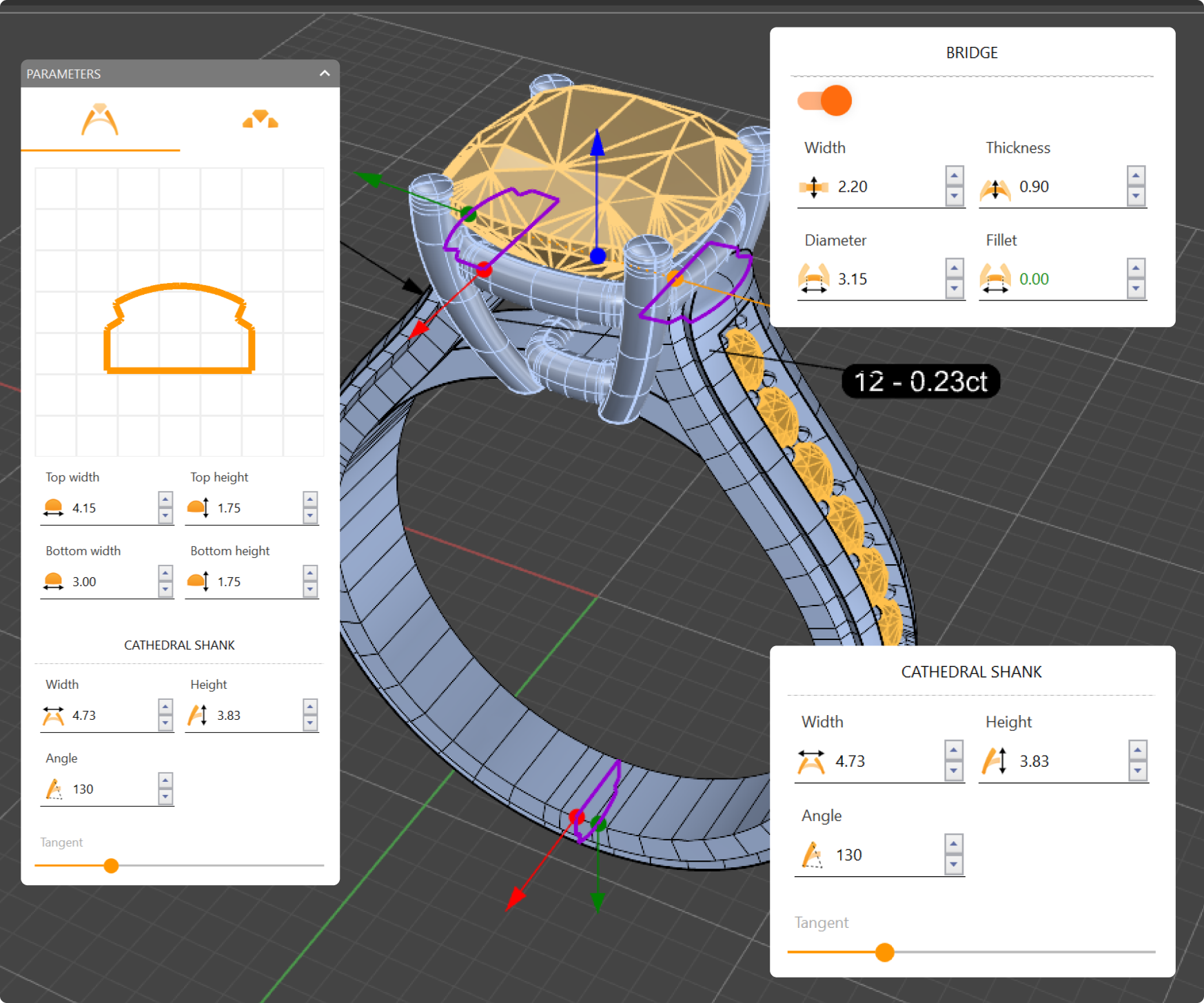
- Top width: 4.15 millimeters
- Bottom width: 3 millimeters
- Cathedral width: 4.73 millimeters
- Cathedral height: 3.83 millimeters
Step 5: Set the bridge
- Width to 2.20 millimeters
- Thickness to 0.90 millimeters
- Diameter to 3.15 millimeters.
Video Lesson
Next Step: Edit the shank gems