Loft
Step 1: Loft Command
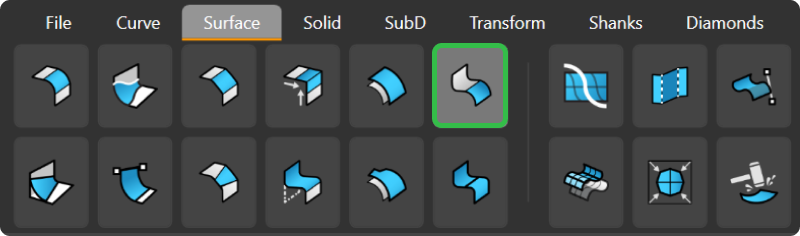
In the Surface tab, use the Loft command.

Step 2: Selections
Select the seams of the basket rails. Press Enter twice to accept the default parameters.
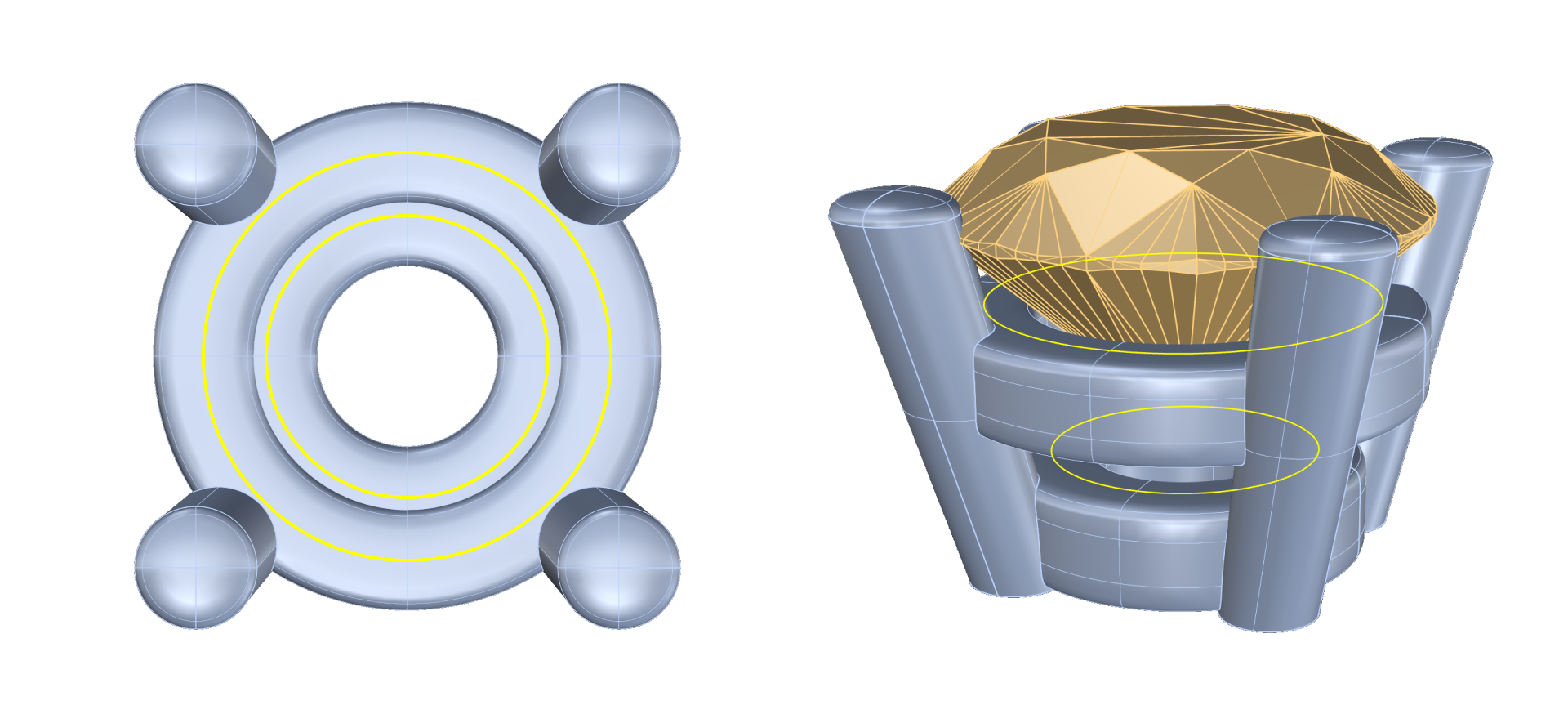
Step 3: Hide
Hide the basket using the Hide command.
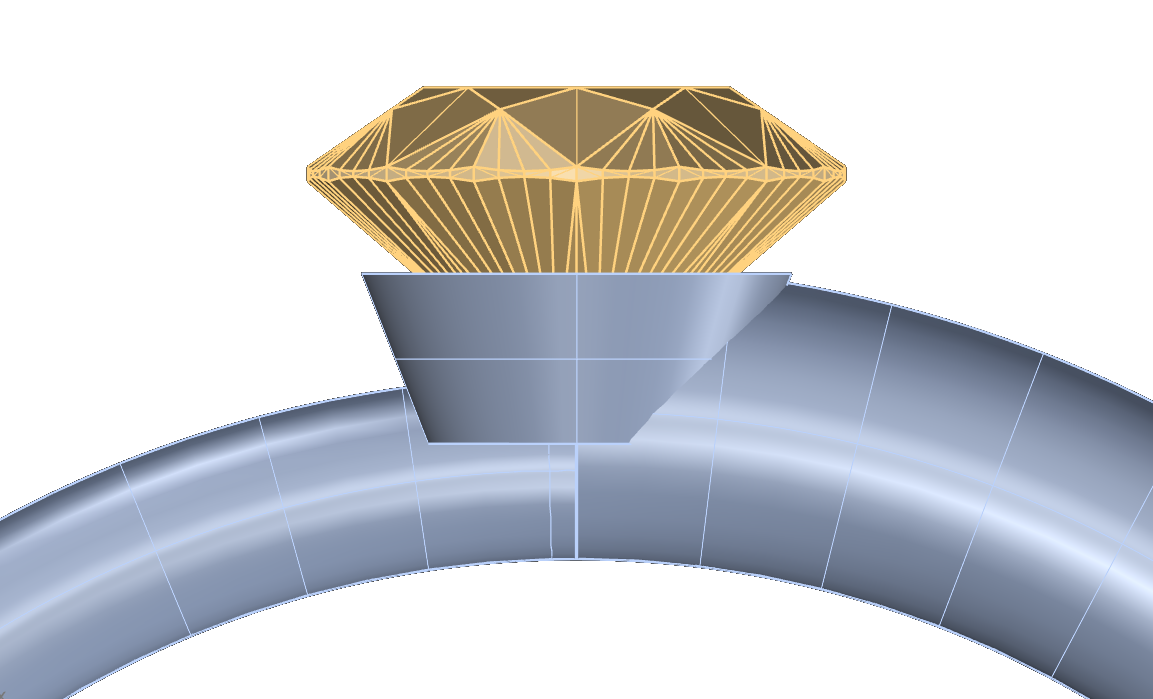
Step 5: Extend
Extend the loft to perform a Boolean Difference:
- Use the Extend command.
- Extend both ends of the Loft
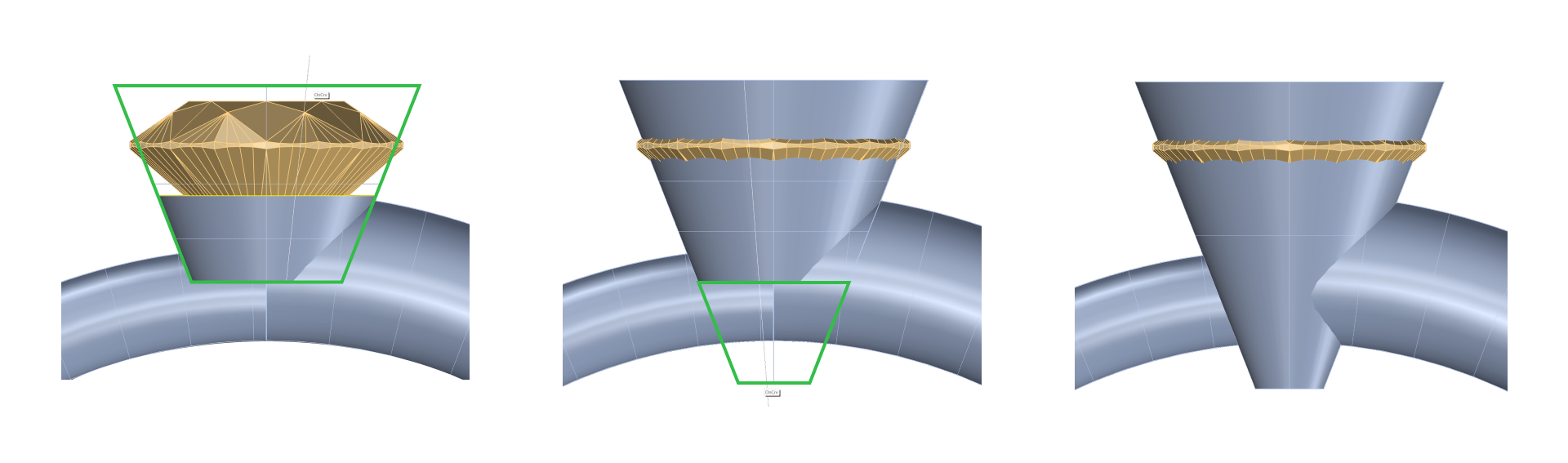
- Ensure the extension surpasses both the top and bottom parts of the top width of the shank.
Step 6: Use Offset for thickness
- In the Surface tab, use the Offset command.
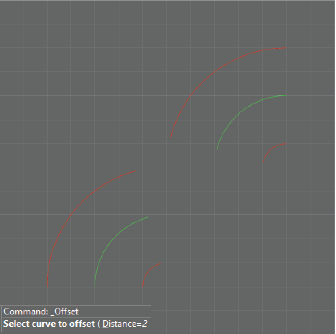
- Click the surface to change the direction outward.
- In the command bar, type 0.25 millimeters as the distance and press Enter.
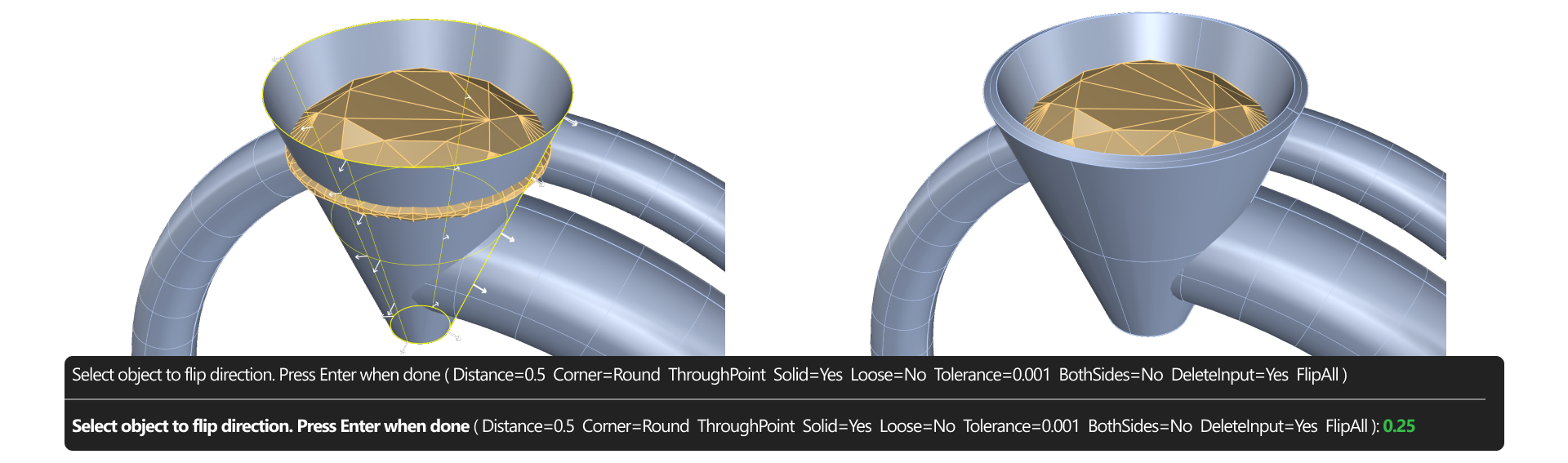
Step 7: Boolean Difference
In the Solid tab, use the Boolean Difference command.
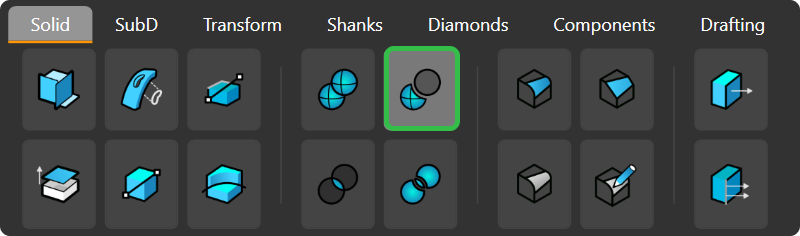
- Select the shank and press Enter.
- Select the loft and press Enter.
Now, you can delete the loft and remove any excess and reference curves.
Step 5: Hide the basket to see the result.
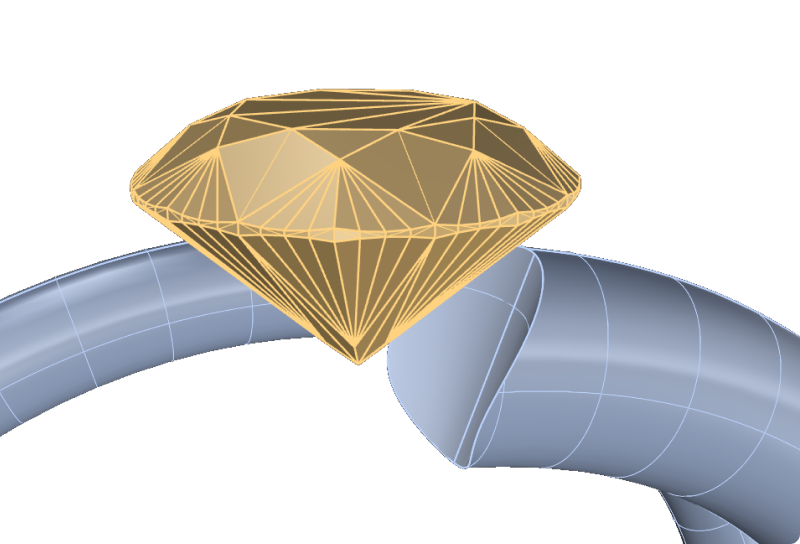
Step 7: Show the basket again using the Show command.
Video Lesson
Next Step: Prepare the model for rendering.