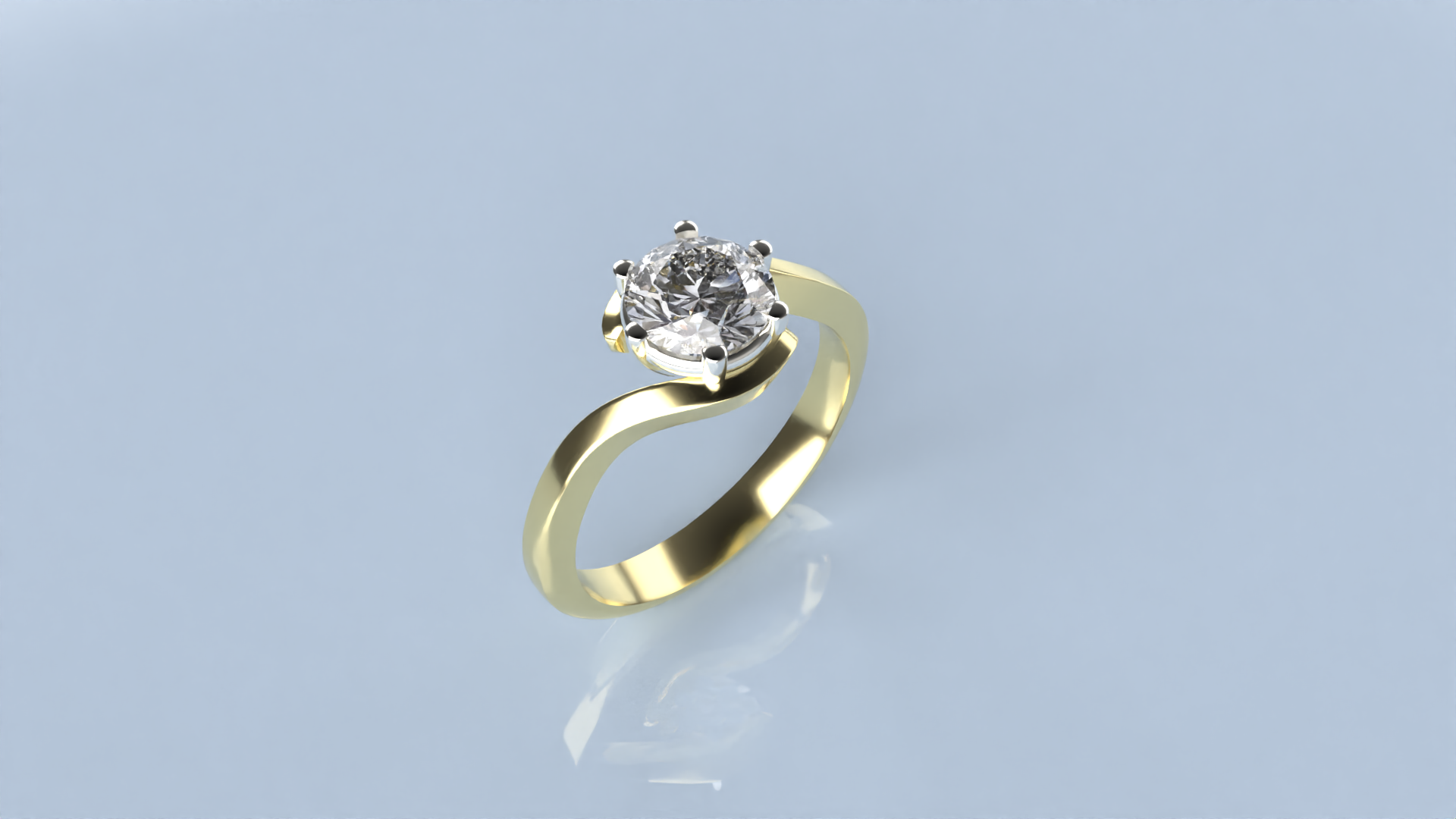
Apply materials and Render
Step 1: Render and Animation Panel
Go to the Render and Animation panel.

Step 2: Apply Materials
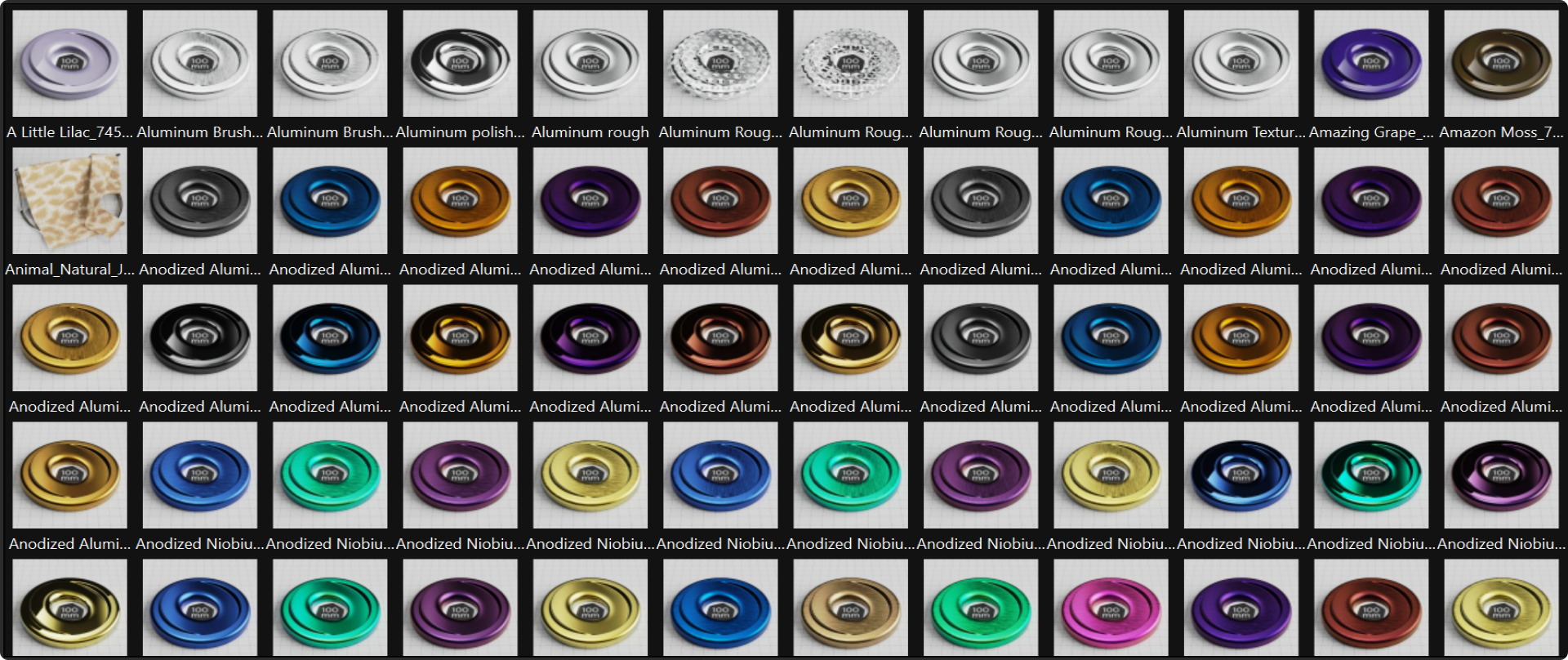
Apply render materials:
- Select the gems and apply a Diamond material.
- Select the basket and apply an White Gold 18k material.
- Select the shank and apply an Yellow Gold 18k material.
Step 3: Render
Set the parameters for the render and create the final image.
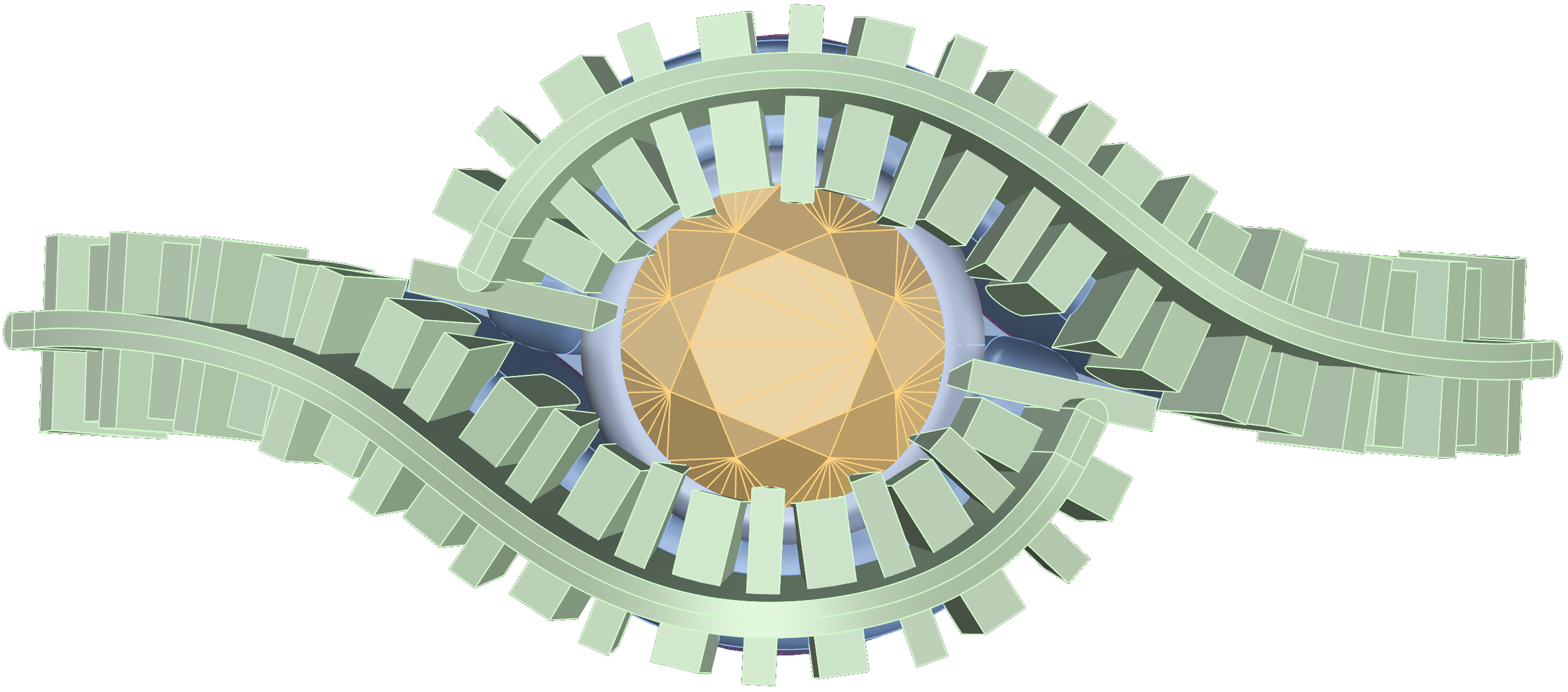
Congratulations! You’ve completed the creation of the first model in your solitaire collection, featuring a beautifully set 1-carat gem in a basket and shank that are perfectly joined for a high-quality finish.