Helix Profiles
Step 1: Create circles
Create the first curve for the sweep:
- Under the Circle button, use Diameter command.
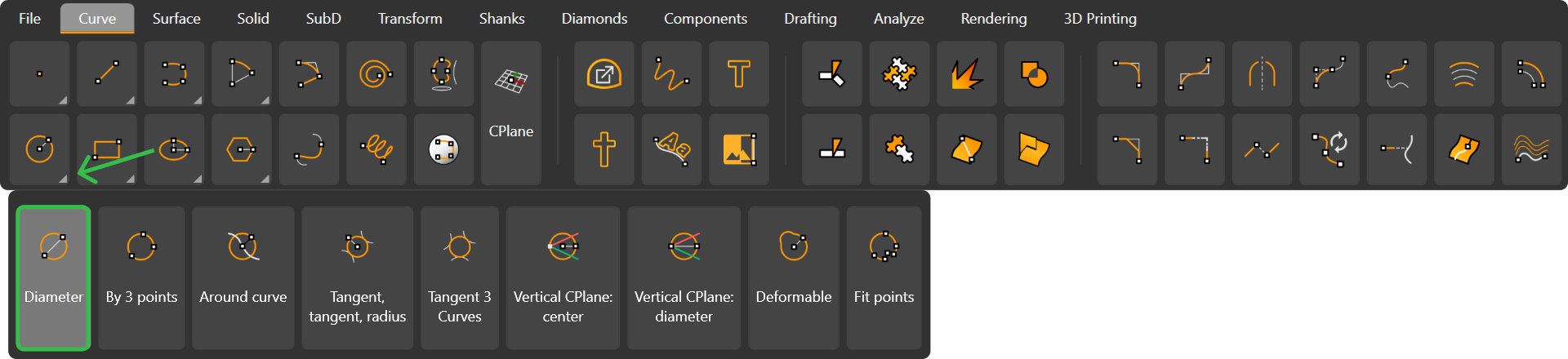
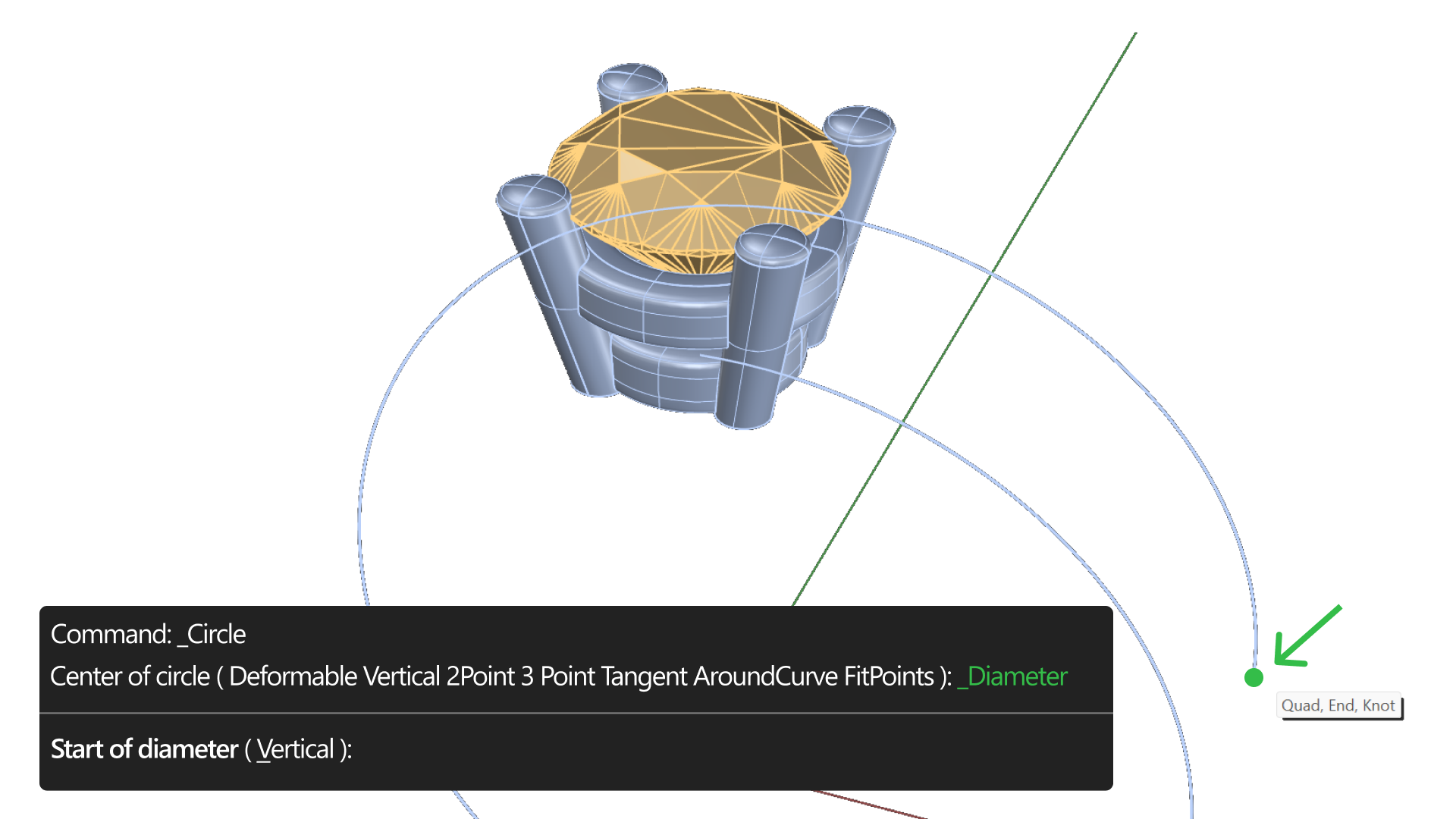
- Set the first point.
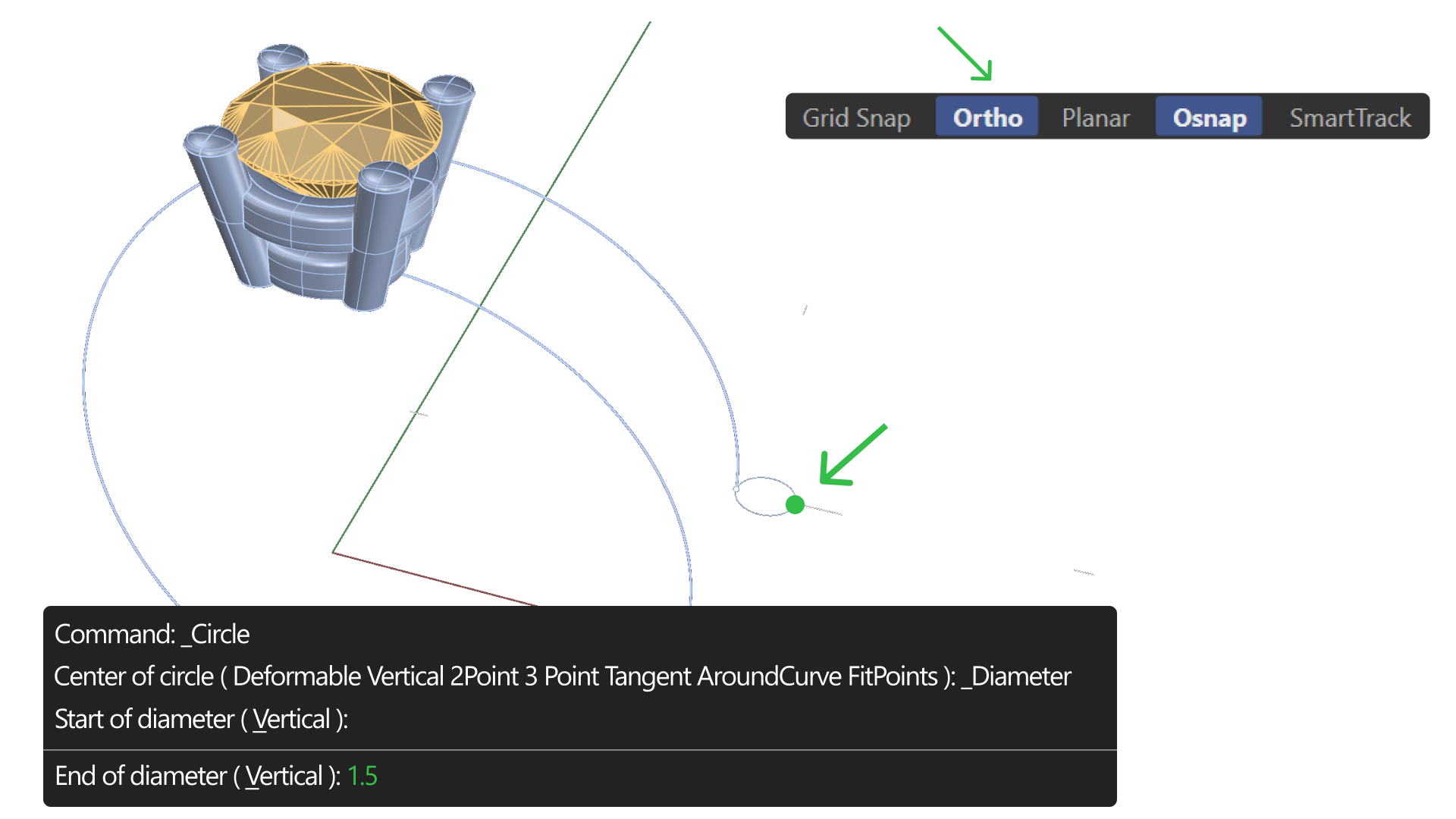
- Activate Ortho mode, set the second point. Type 1.50 millimeters for the outer tip. Use the perspective view.
Step 2: Visibility
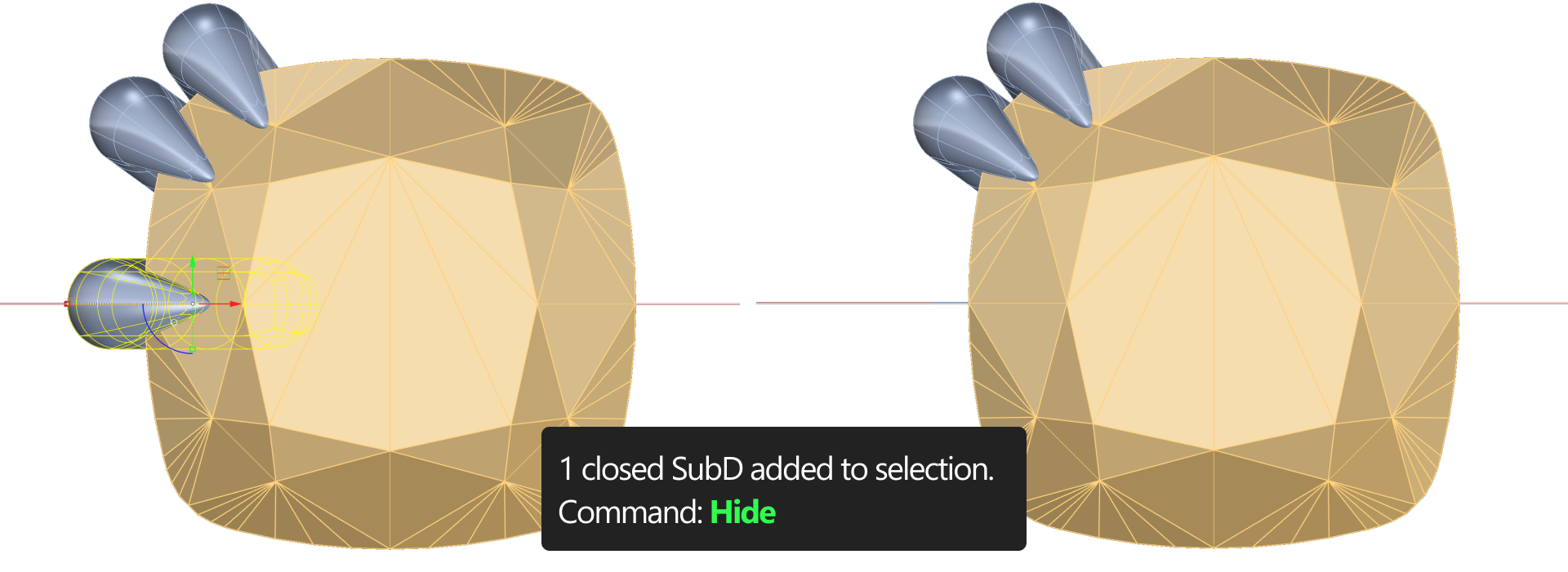
Hide the basket and the gem using the Hide command or the outliner for better visibility.
Step 3: Create a new curve
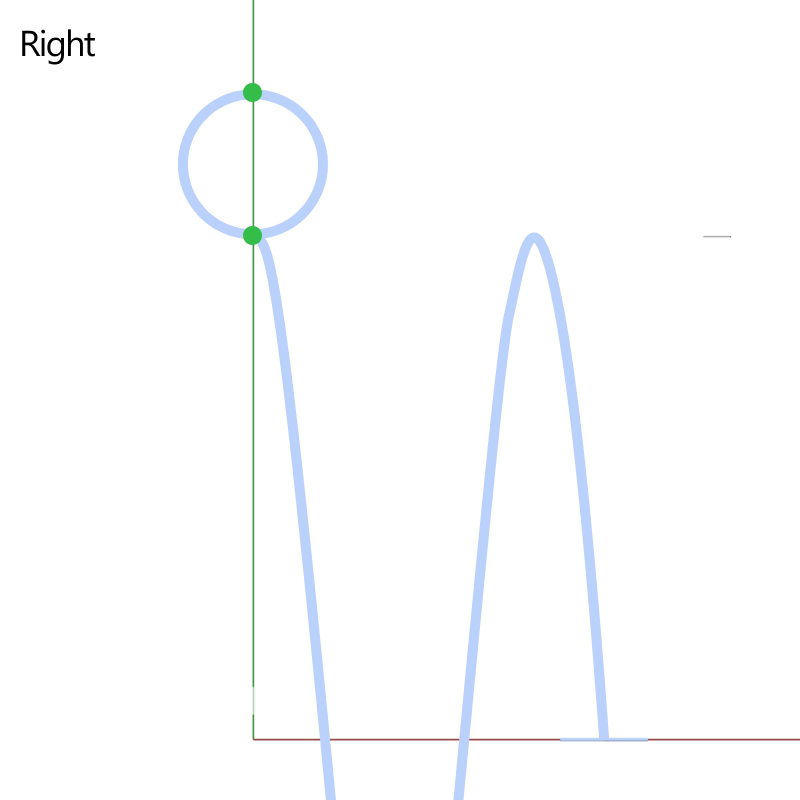
Create another Diameter curve, this time set to 2.5 millimeters. From the right view, position the second curve for perfect alignment.
Video Lesson
Next Step: Perform a sweep to create the shank.