Cathedral Shank
Step 1: Create a Cathedral
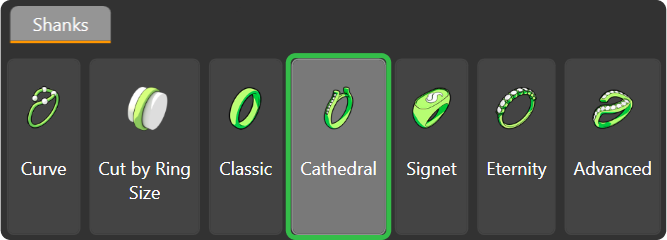
Go to the “Shanks” tab and select the “Cathedral” command.
Step 2: Library
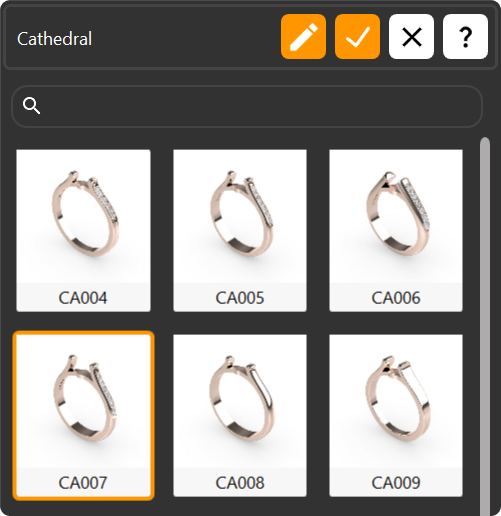
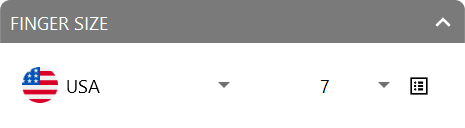
Choose the CA007 model for the shank and press “Edit.” Adjust the region to “United States of America” and set the ring size to 7.
Step 3: Parameters
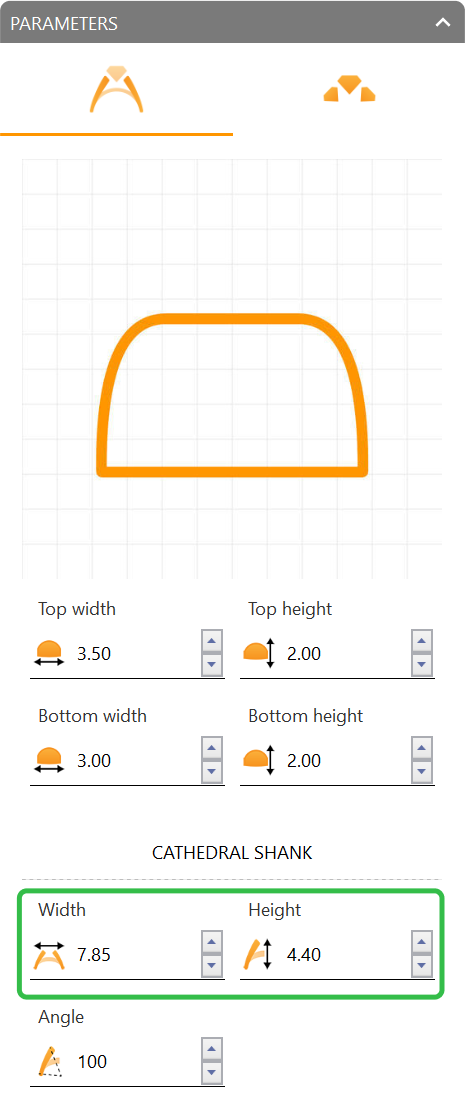
In the cathedral shank parameters, adjust:
- Width: 7.85 millimeters.
- Height: 4.4 millimeters.
Video Lesson
Next Step: Add gems to the shank.