Rendering
Lesson 35 of 37
Exercise Resolution and Quality
Sign in to access this lesson
This lesson is part of Master in Jewelry Rendering in Cycles, which can come bundled with a RhinoArtisan Commercial license subject to current promotions. Log in with your customer account, or get in touch and we'll set you up.
Customers only
Solo para clientes
This lesson is part of Master in Jewelry Rendering in Cycles, which can be included with a RhinoArtisan Commercial license subject to current promotions. If you've already purchased and don't see it in your account, get in touch.
For this exercise, use the last file provided in the Environments lesson. Try to observe the differences between each render.
We will begin by adjusting the Resolution and Quality options:
- First, we will render a region to check the quality.
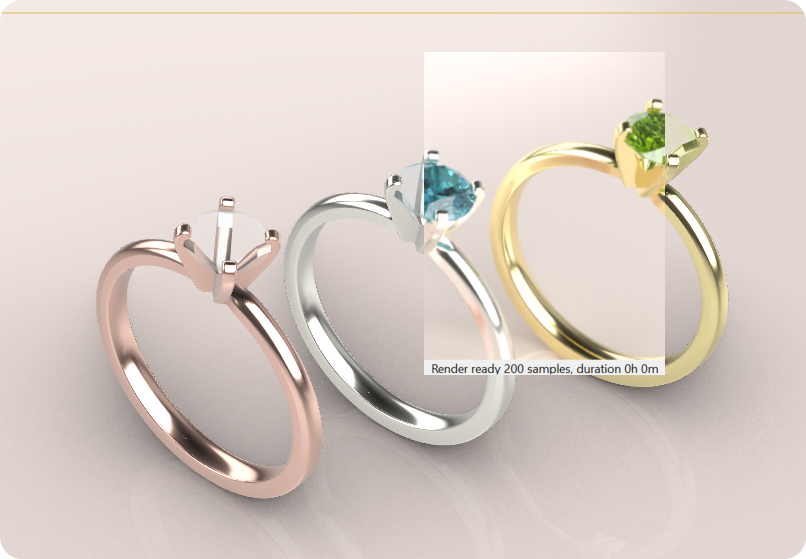
- Then, we will proceed with a full rendering.
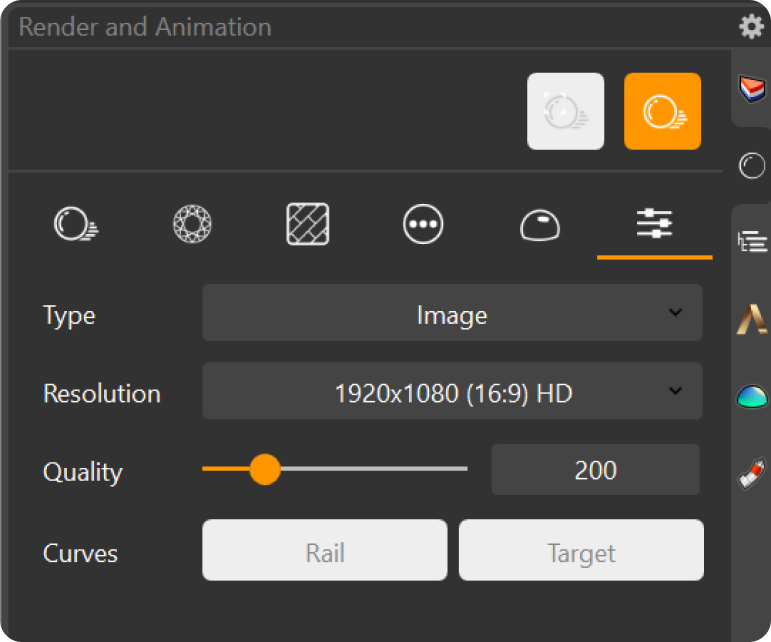
The goal of this task is to understand the impact of changing the sample count and resolution. As we increase these values, we will observe that the render time also increases, but so does the quality of the final image.
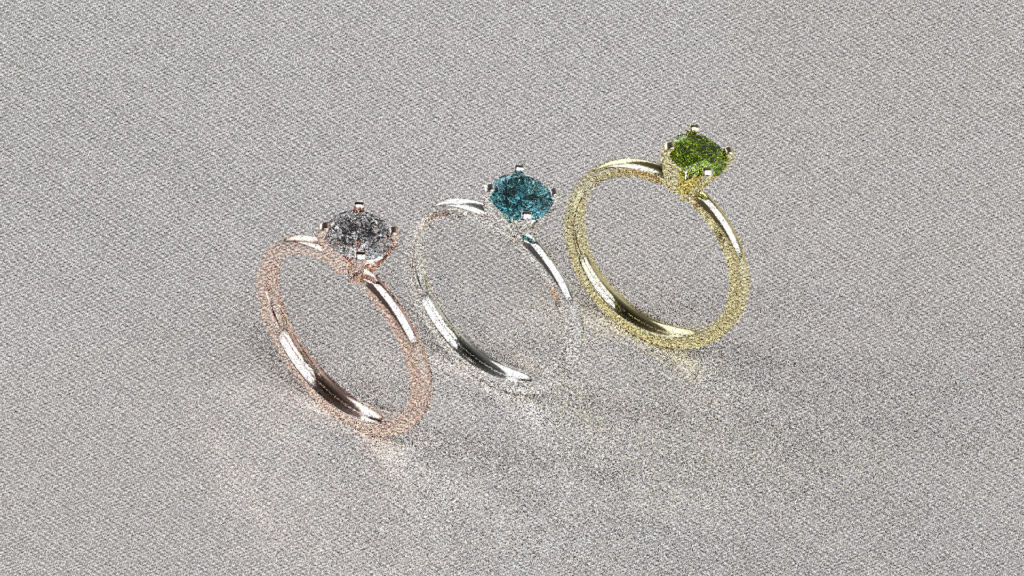
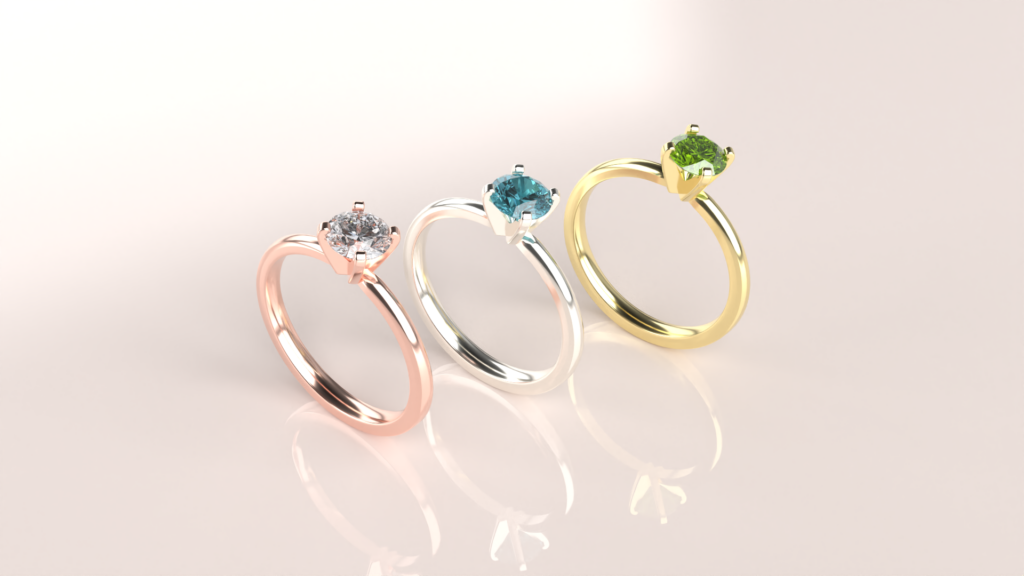
To complete this exercise, start by choosing a resolution. Then, render the scene using different Quality counts, beginning with the lowest and gradually increasing. Compare the differences in render quality and time as you adjust the Quality count.
Render 1 Quality
Render 400 Quality.
Almost there — you still have some lessons to complete. Jump to the next one →
Impersonating — progress and reviews are disabled.
Course completed
You've completed Master in Jewelry Rendering in Cycles 🎉
Great work. Get your certificate of completion and, if you have a minute, let other jewelers know what you thought of the course.