Posing
Lesson 27 of 37
Safe Frame
Sign in to access this lesson
This lesson is part of Master in Jewelry Rendering in Cycles, which can come bundled with a RhinoArtisan Commercial license subject to current promotions. Log in with your customer account, or get in touch and we'll set you up.
Customers only
Solo para clientes
This lesson is part of Master in Jewelry Rendering in Cycles, which can be included with a RhinoArtisan Commercial license subject to current promotions. If you've already purchased and don't see it in your account, get in touch.
The Safe frame displays the view area which will be rendered in the active window. The sizes of those zones can be customized. This is useful when the specified render resolution is different from that of the active view.
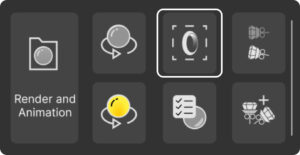
We can activate it, both from the Rendering tab, and by typing the command ArtisanSafeFrame. When rendering, all elements that are not inside these frames will not appear in the image.
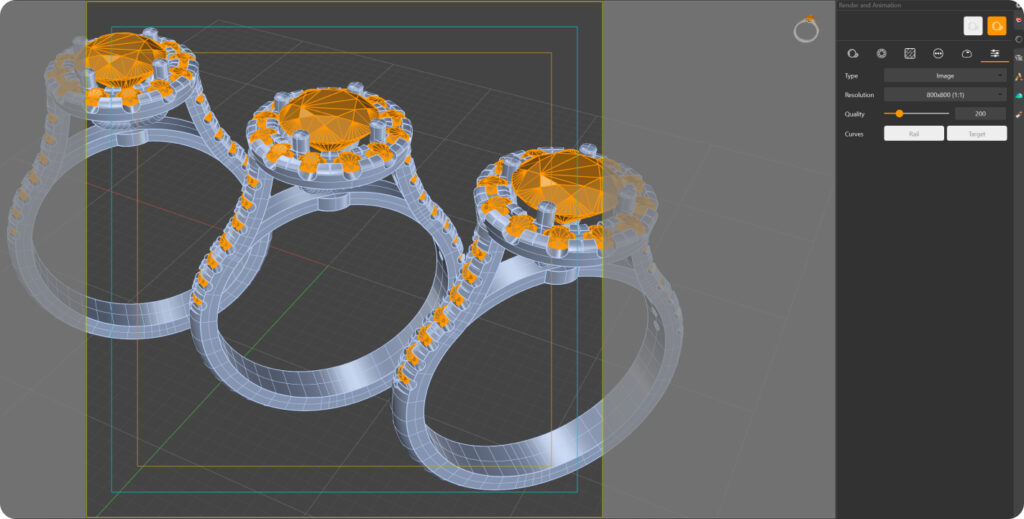
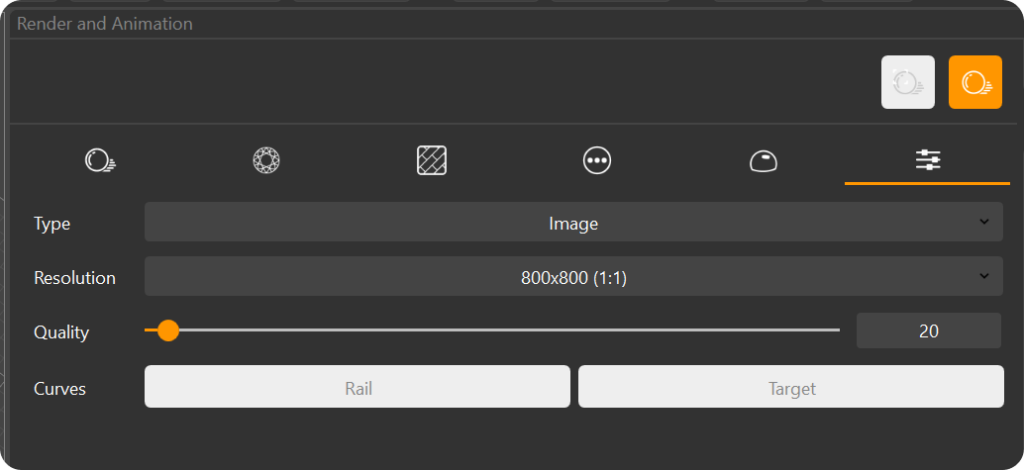
The size of the safe zone will depend on the resolution that we set.
Almost there — you still have some lessons to complete. Jump to the next one →
Impersonating — progress and reviews are disabled.
Course completed
You've completed Master in Jewelry Rendering in Cycles 🎉
Great work. Get your certificate of completion and, if you have a minute, let other jewelers know what you thought of the course.