Posing
Lesson 21 of 37
Getting to know the workspace
Sign in to access this lesson
This lesson is part of Master in Jewelry Rendering in Cycles, which can come bundled with a RhinoArtisan Commercial license subject to current promotions. Log in with your customer account, or get in touch and we'll set you up.
Customers only
Solo para clientes
This lesson is part of Master in Jewelry Rendering in Cycles, which can be included with a RhinoArtisan Commercial license subject to current promotions. If you've already purchased and don't see it in your account, get in touch.
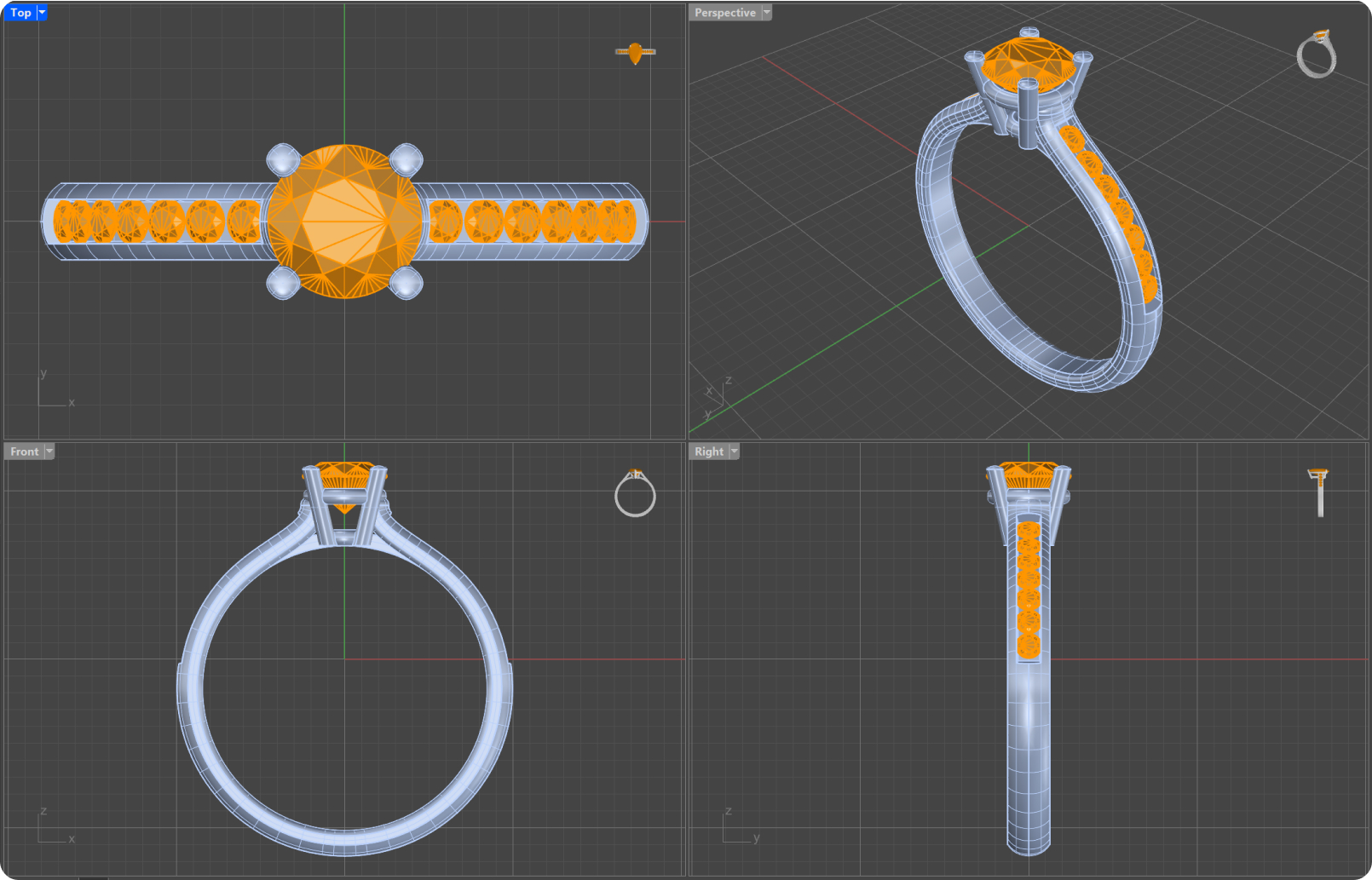
The first thing we must take into account when working on the posed is to know our workspace. RhinoArtisan allows the visualization of 4 spaces with different views. We can edit and organize them as we are most comfortable.
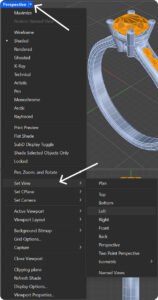
To change the views, we click on the arrow that is to the right of the view name → Set View → Click the option that interests us, as in the image.
We can also work in a single view, by double clicking on its name.
To move around those views we will use the right click, for the views in perspective we will rotate with this option, and we must press shift + right click if we want to move.
Another interesting option is to be able to zoom to the point where the cursor is located, for this we will use control + right click, to increase the zoom we will move the mouse up, and to reduce it down.
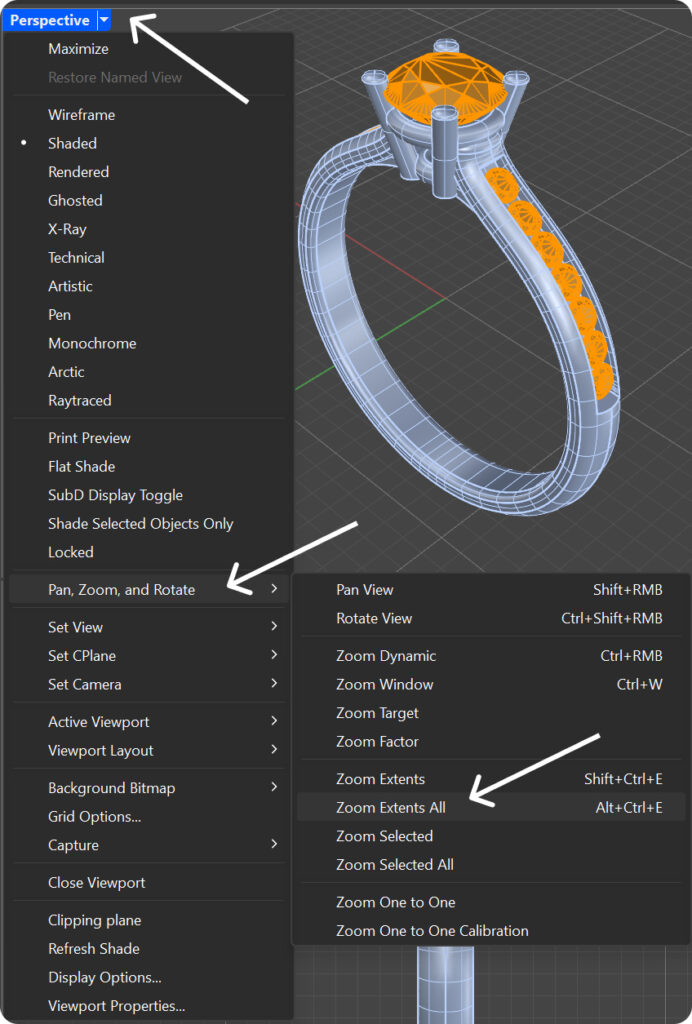
Tip: The command ZE will fit the objects in the view that we have selected. We can also use Pan, Zoom, and Rotate, and then Zoom Extents All or Alt + Ctrl + E.
Almost there — you still have some lessons to complete. Jump to the next one →
Impersonating — progress and reviews are disabled.
Course completed
You've completed Master in Jewelry Rendering in Cycles 🎉
Great work. Get your certificate of completion and, if you have a minute, let other jewelers know what you thought of the course.