Bezel Details
Step 1: Cutter and Airgap
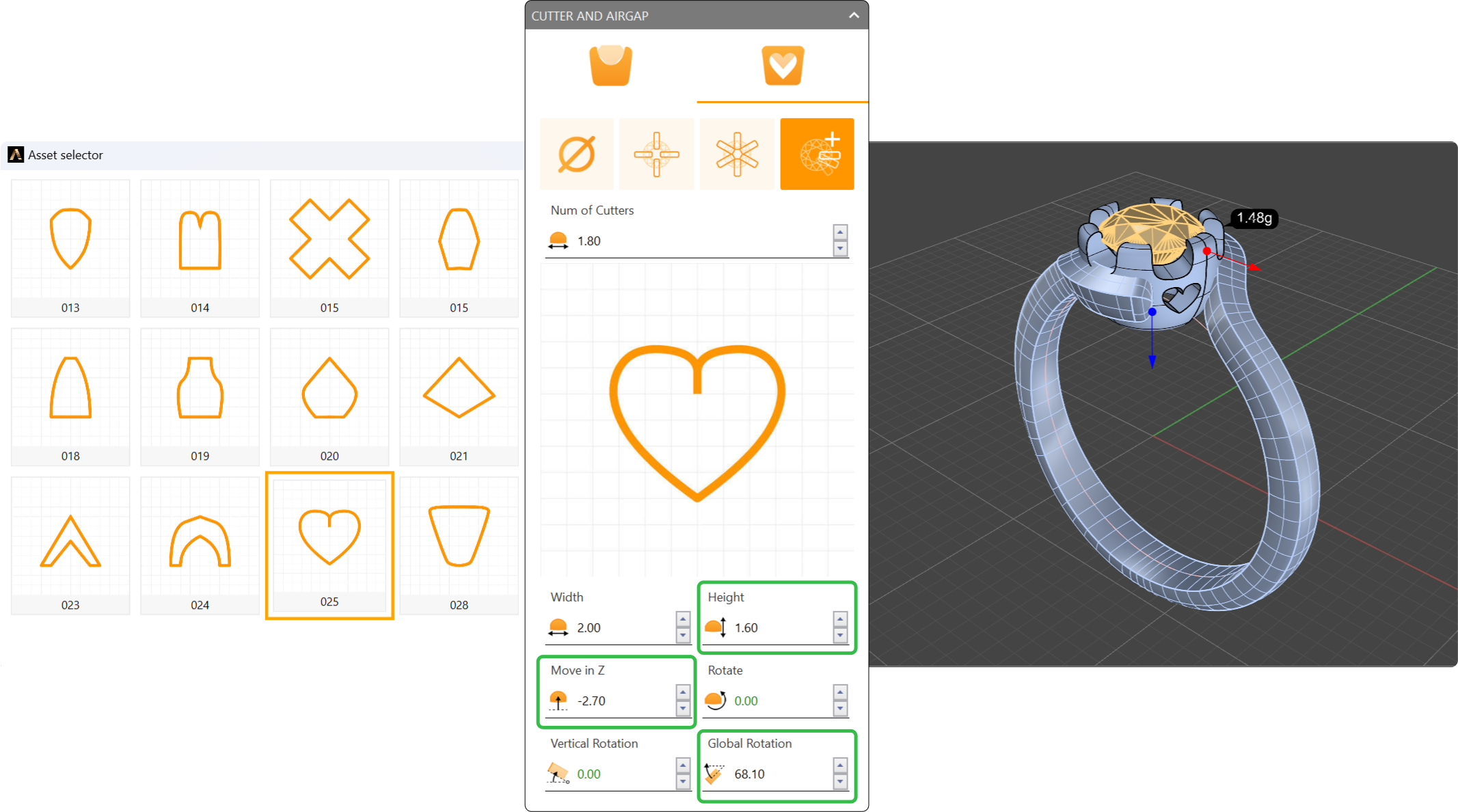
Select the bezel and click “Edit.” In the “Cutter and Airgap” options adjust the following parameters.
- Shape: 025 (Heart shape).
- Height: 1.6 millimeters.
- Move in Z: -2.70 millimeters.
- Global rotation: 68.10 millimeters.
Switch the mode to the fourth option. Set the number of cutters to 2.
Step 2: Bezel Cut
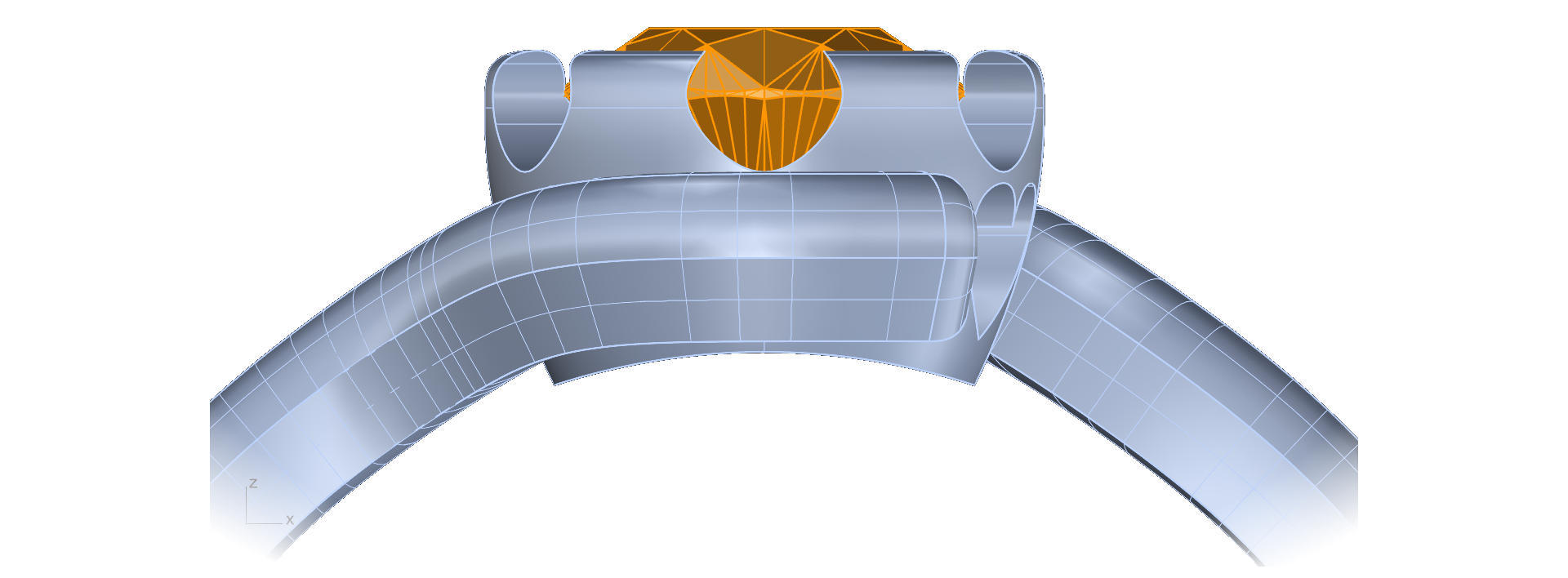
Cut the bezel to match the shank curve.
- In the Outliner, next to the ring size, click the “Cut” icon.
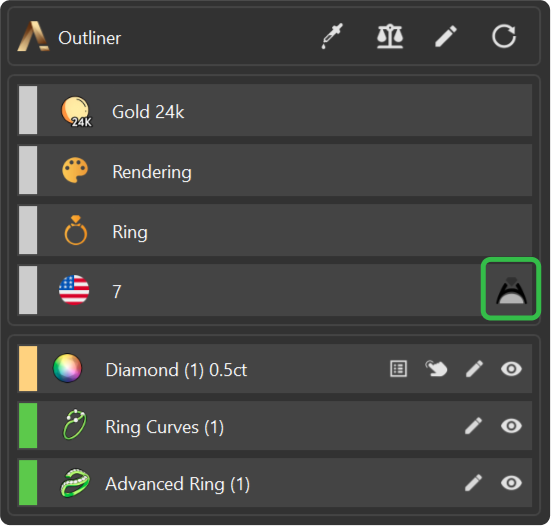
- Select the bezel and press Enter.
Video Lesson
Next Step: Apply materials and render the ring.