Save Viewport Position
Step 1: Snapshot
Type Snapshot in the command bar to open the Snapshot panel.
Step 2: Add a Snapshot
Click the first icon in the panel to save a snapshot, ensuring all options are selected.
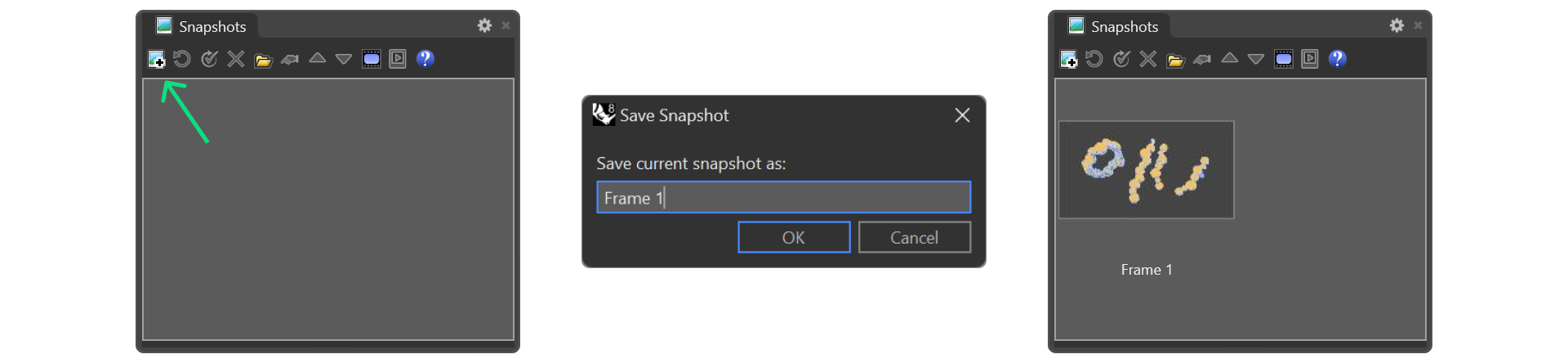
Step 3: Use your saved Snapshot
You can now rotate or adjust the viewport freely. Double-click the saved snapshot to return to the exact saved position.
Next Step: Adjust specific gem materials for the ring and prepare the ground for rendering.