Add the Reference Image: Set the Size
Step 1: Dowload the Reference Image

Step 2: Reference Image Preview
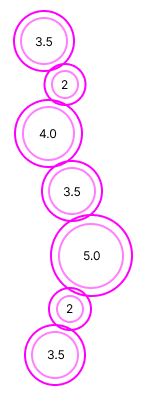
Insert the reference image if needed, aligning it with the top viewport. Simply drag and drop it into the viewport, and use the gumball to resize it. Hold Shift to scale the image proportionally.
Video Lesson
Next Step: Arrange the circles into a repeating pattern using the gumball tool.