Create the Pattern
Step 1: PlaneHandle
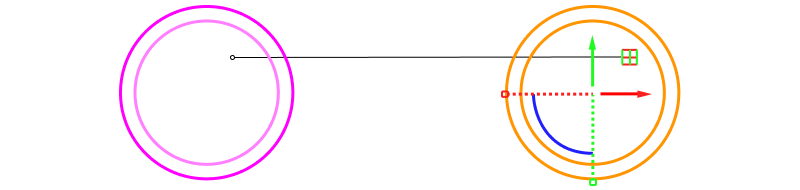
Use the PlaneHandle on the gumball and hold Alt to move the circles and create a repeating pattern.
Step 2: Pose the curves
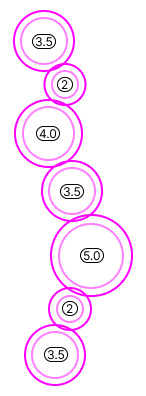
Ensure that the outer curves overlap, and the distance between points is at least 1.5 mm. This ensures stability once the piece is manufactured.
Step 3: Distance
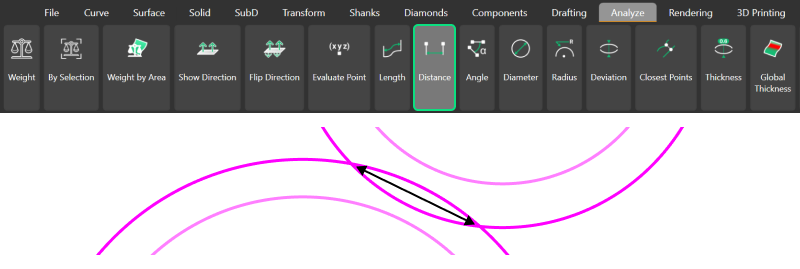
Use the Distance command in the Analyze tab to measure the distance between two intersection points.
Step 4: Adjust
Adjust the curves where necessary to ensure that every intersection meets the 1.5 mm minimum distance requirement for stability.
Video Lesson
Next Step: Create gemstones from the circles and apply the bezel set.