Quick Array Polar
Step 1: Quick Array Polar
To finish this part, we will use the Quick Array Polar command. Select the model and press the command button in the transform tab.
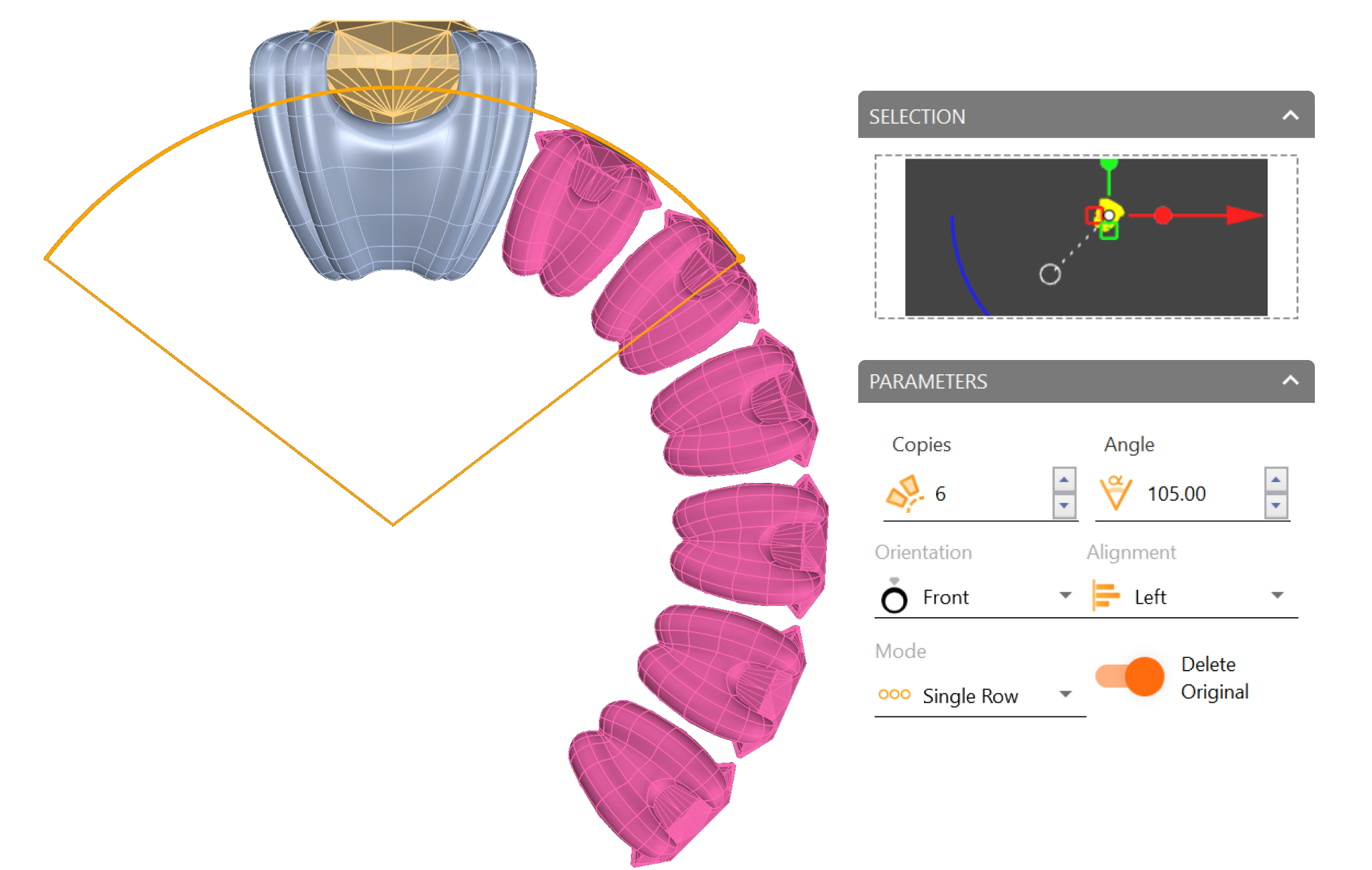
Step 2: Quick Array Polar Panel
Click on the panel to add our element.
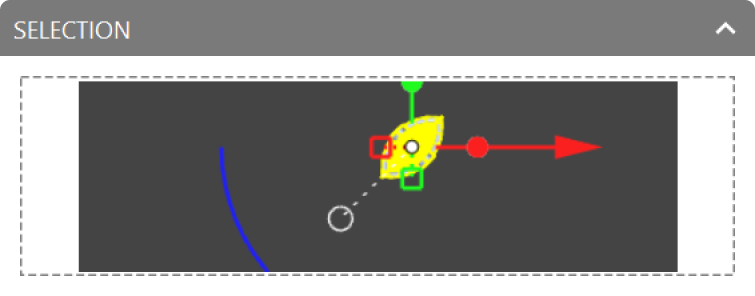
Step 3: Parameters
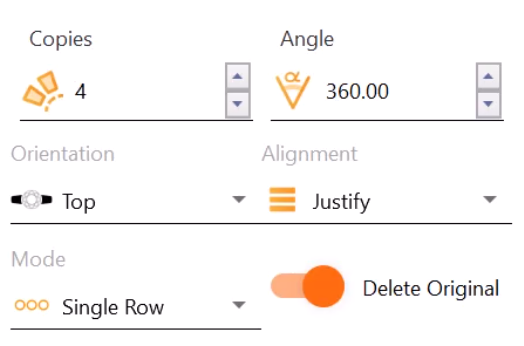
Change the orientation to top and the number of copies to 4, then accept.

Video Lesson
Next Step: Create the custom cathedral shank for the ring.