Reference Curve
Steps 1: Download Resources
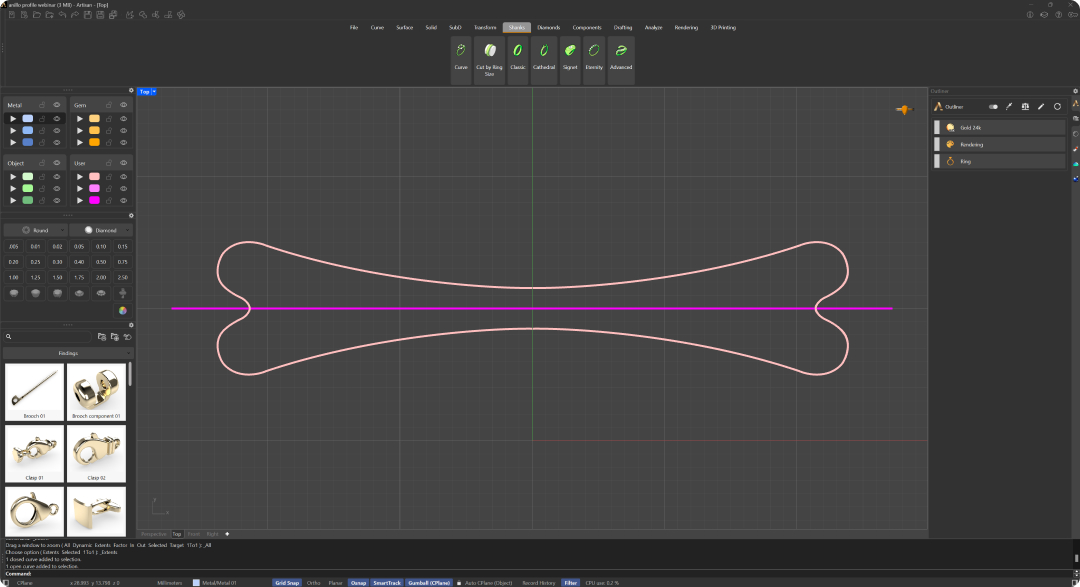
Download the provided 3dm file that contains the necessary curves.
Steps 2: Shanks Curve
Go to the “Shanks” tab (1) and click on the “Curve” command (2).

Steps 3: Ring Size
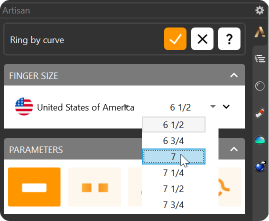
Change the region to the United States of America and select a size 7 for the shank.
Video Lesson
Next Step: Use the Gem Studio command to create and position a 1.50-carat oval stone on the shank curve.