Apply Materials: Pendant and Earrings
Step 1: Ungroup
Ungroup all models to apply materials to the individual components.
Step 2: Render Panel
Go to the Rendering and Animation panel.
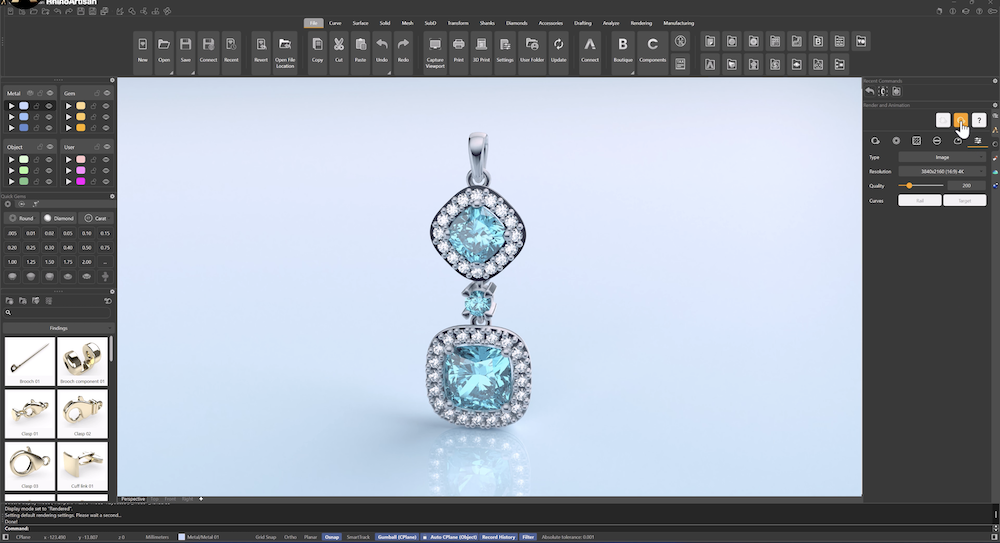
Step 3: Reference Image

Step 3: Apply Materials
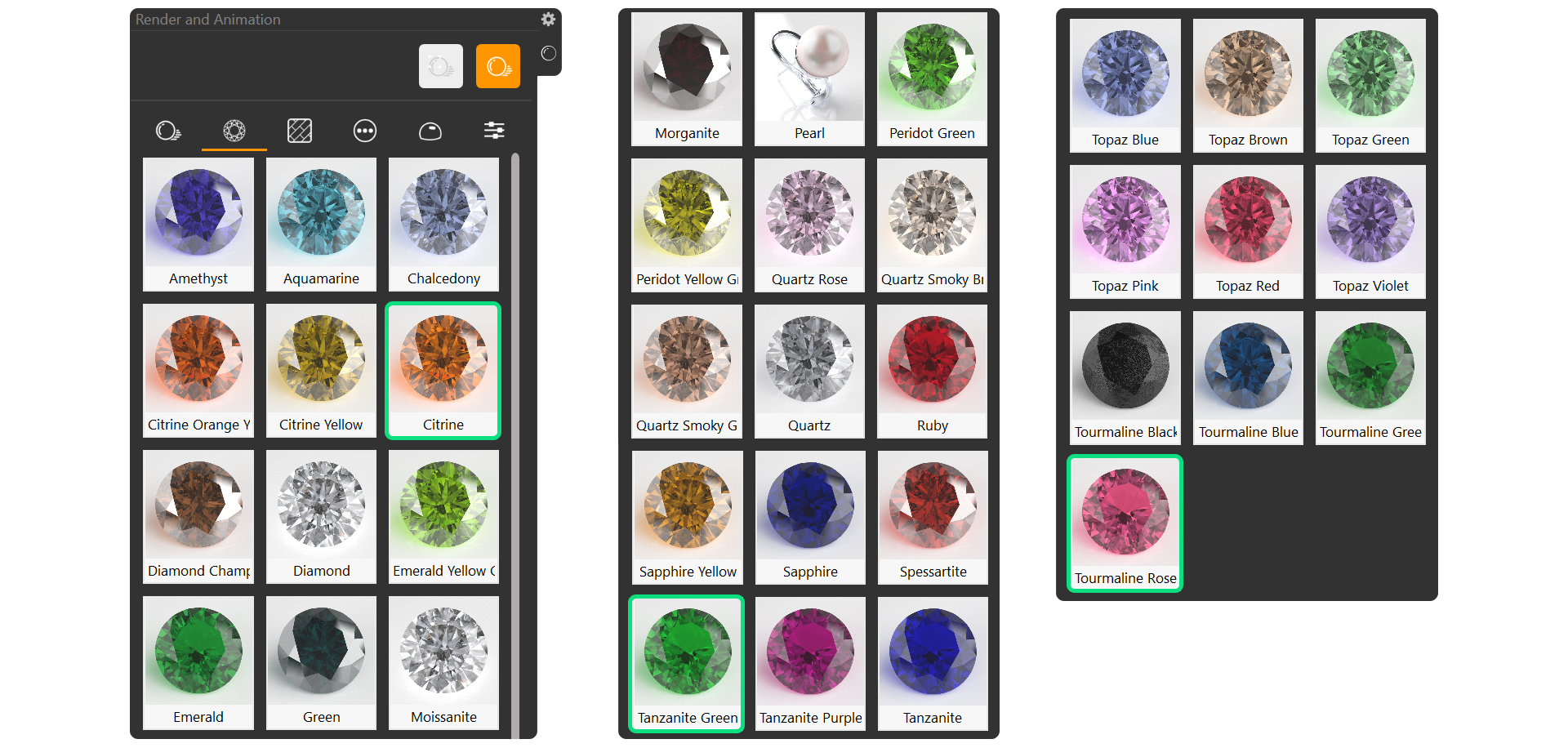
Select the green gems and apply Tanzanite Green from the Gems tab. Apply Tourmaline Rose to the pink gems. Apply Citrine to the orange gems.
Step 6: Apply Metal Material
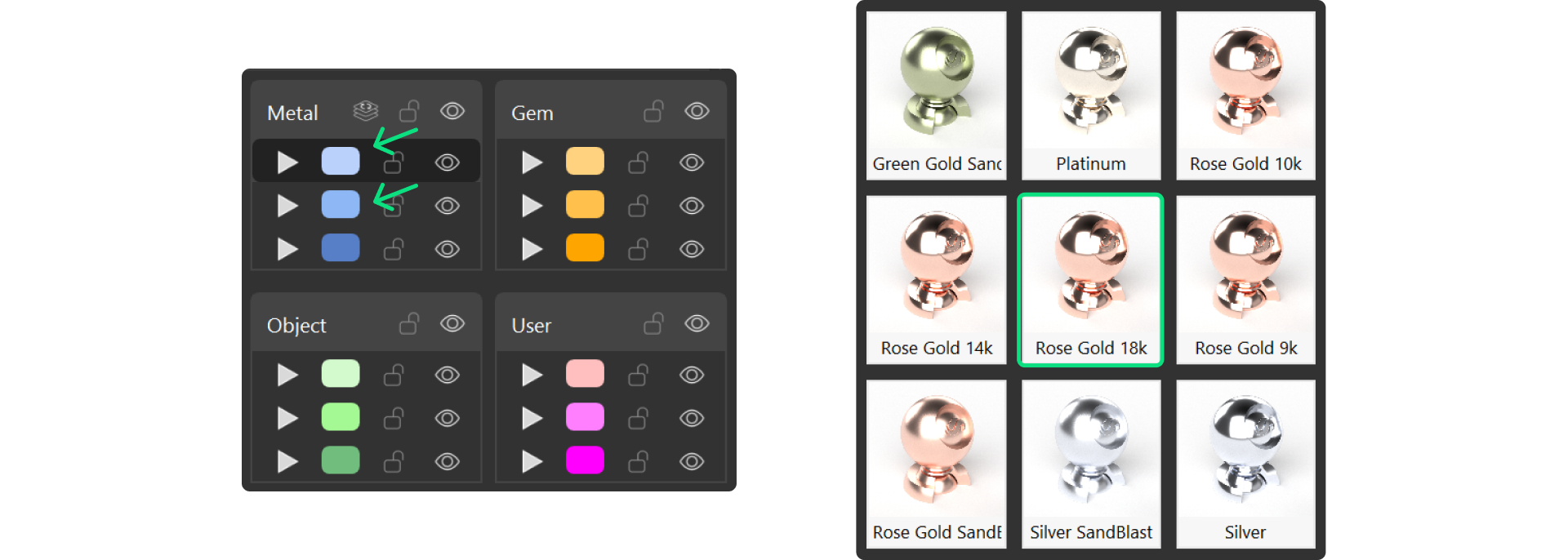
Now, using the Layer panel, right-click on the metal layers to select them and apply the Rose Gold 18k material.
Next Step: Save the current viewport position for consistency in the rendering process.