Bezel Setting
Step 1: Bezel Command
Select the gem and go to the “Diamonds” tab. Click on the “Bezel” command.

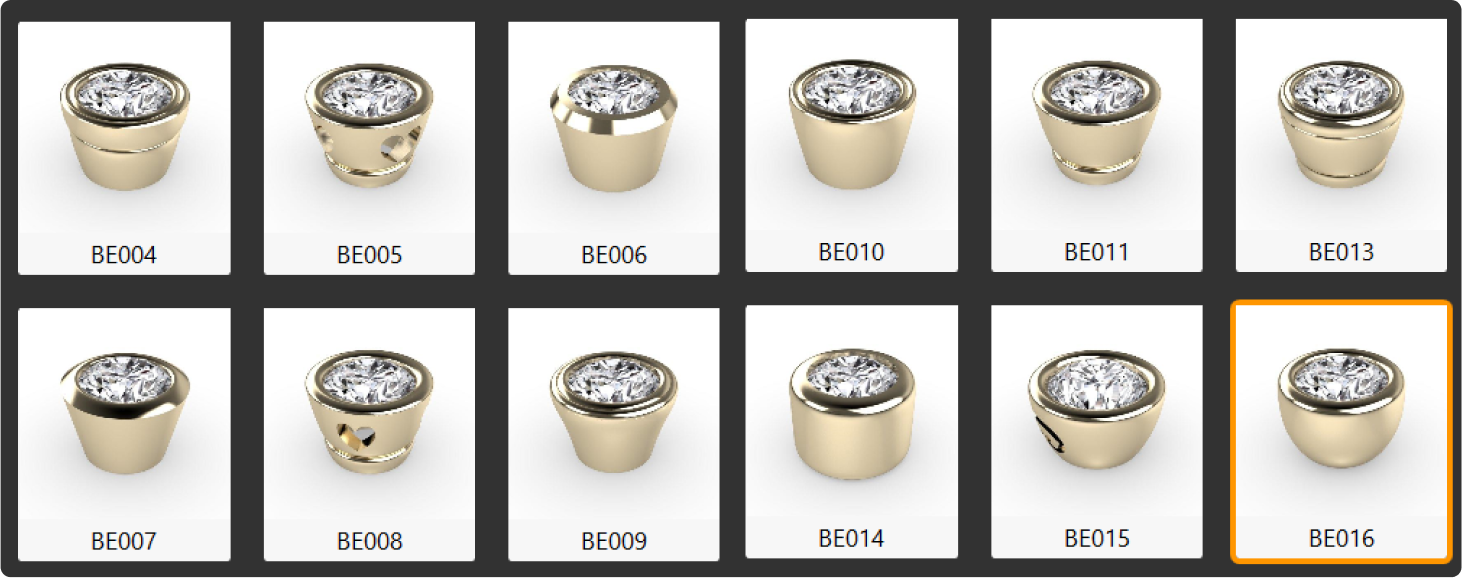
Step 2: Bezel Library
Choose the BE016 model and click “Edit.”
Step 3: Parameters
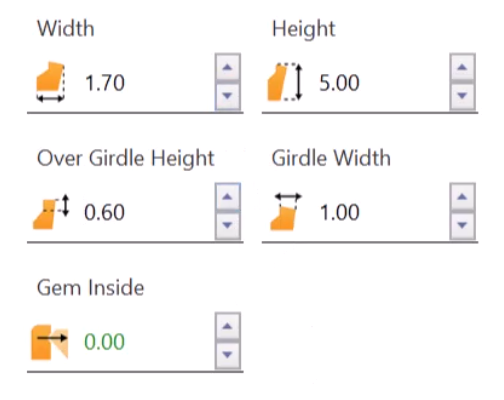
Adjust the following parameters:
- Width: 1.7 millimeters.
- Over Girdle height: 0.6 millimeters.
Step 4: Cutter and Airgap
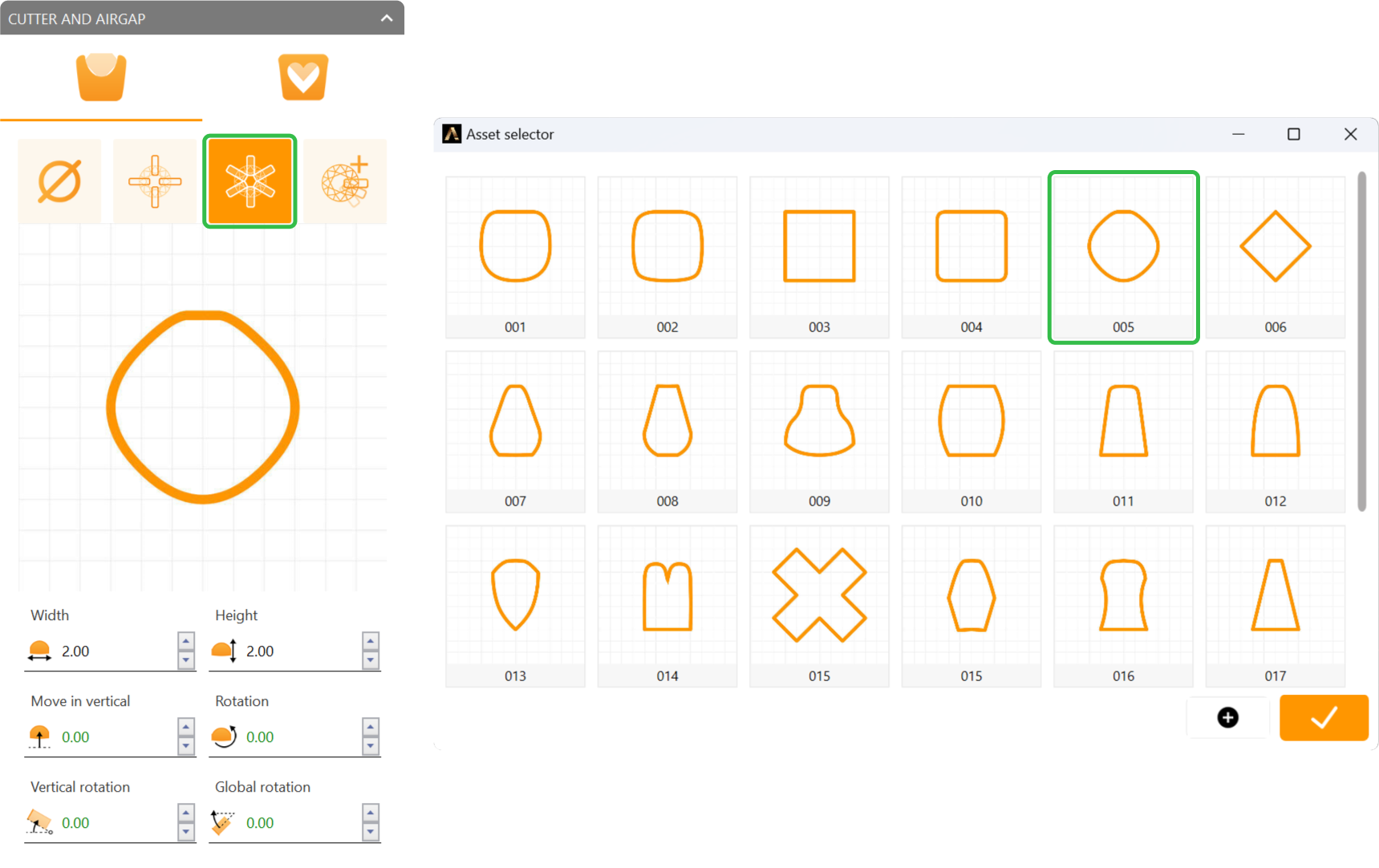
In the “Cutter and Airgap” options:
- Select the third option.
- Use profile curve 005.
Video Lesson
Next Step: Begin creating the ring shank.