Shank Profiles
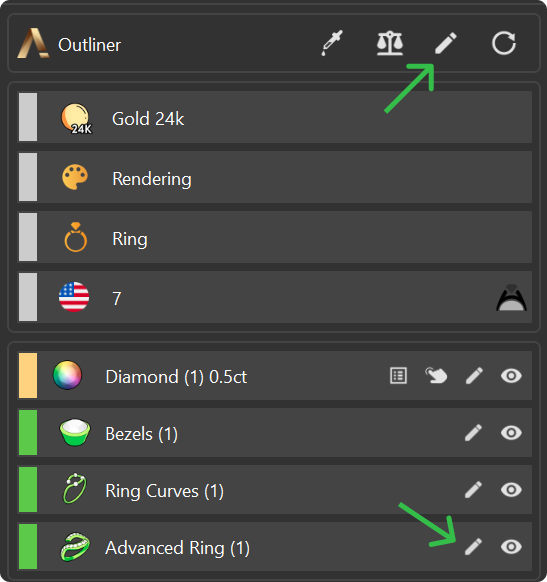
Step 1: Edit the Shank
Select the shank, then click on Edit and go to the ‘Profiles’ tab.
Step 2: Adjust the Profiles
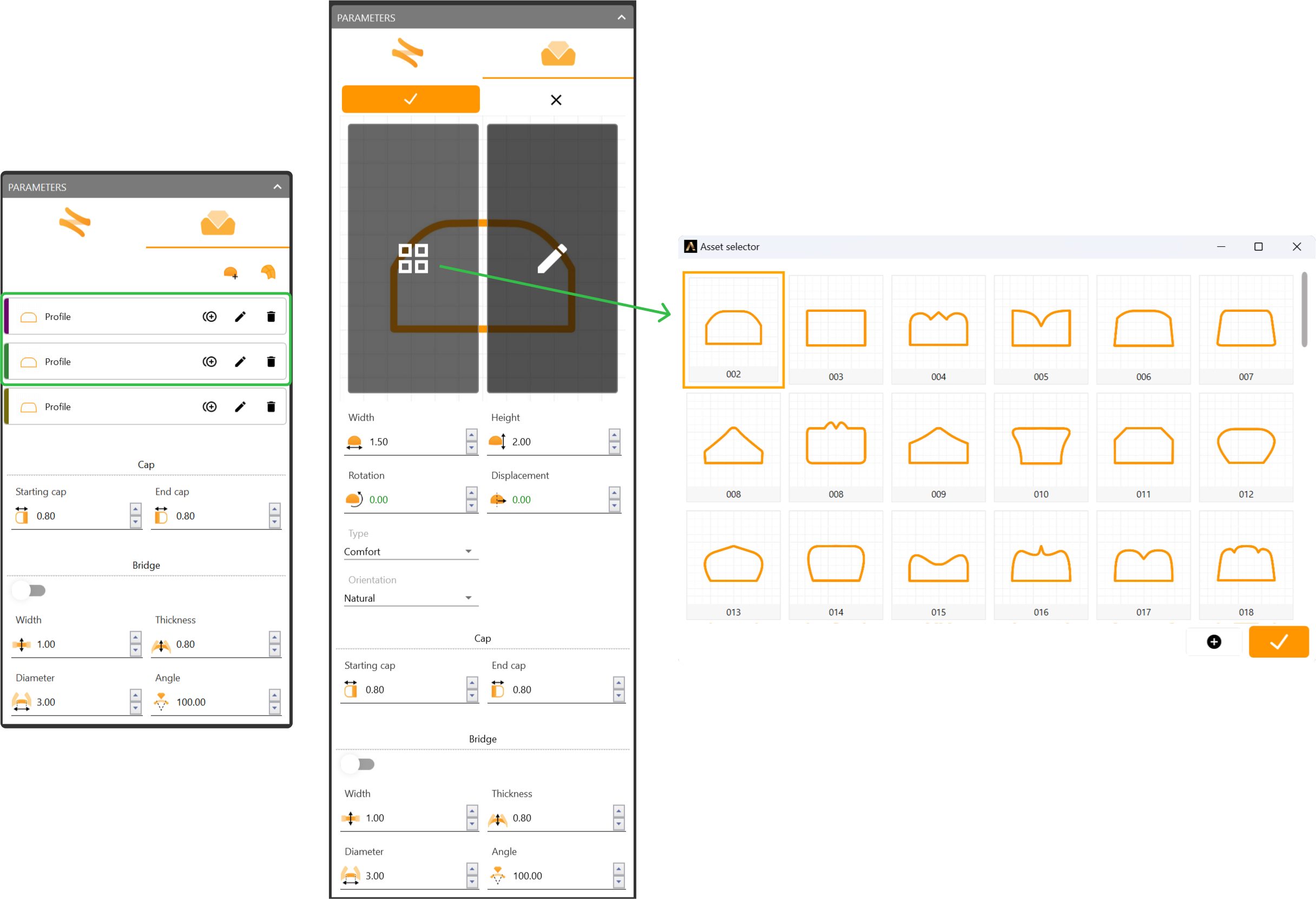
Adjust the first and second profiles.
- Change the curve to profile 002 for both.
- Keep the default parameters.
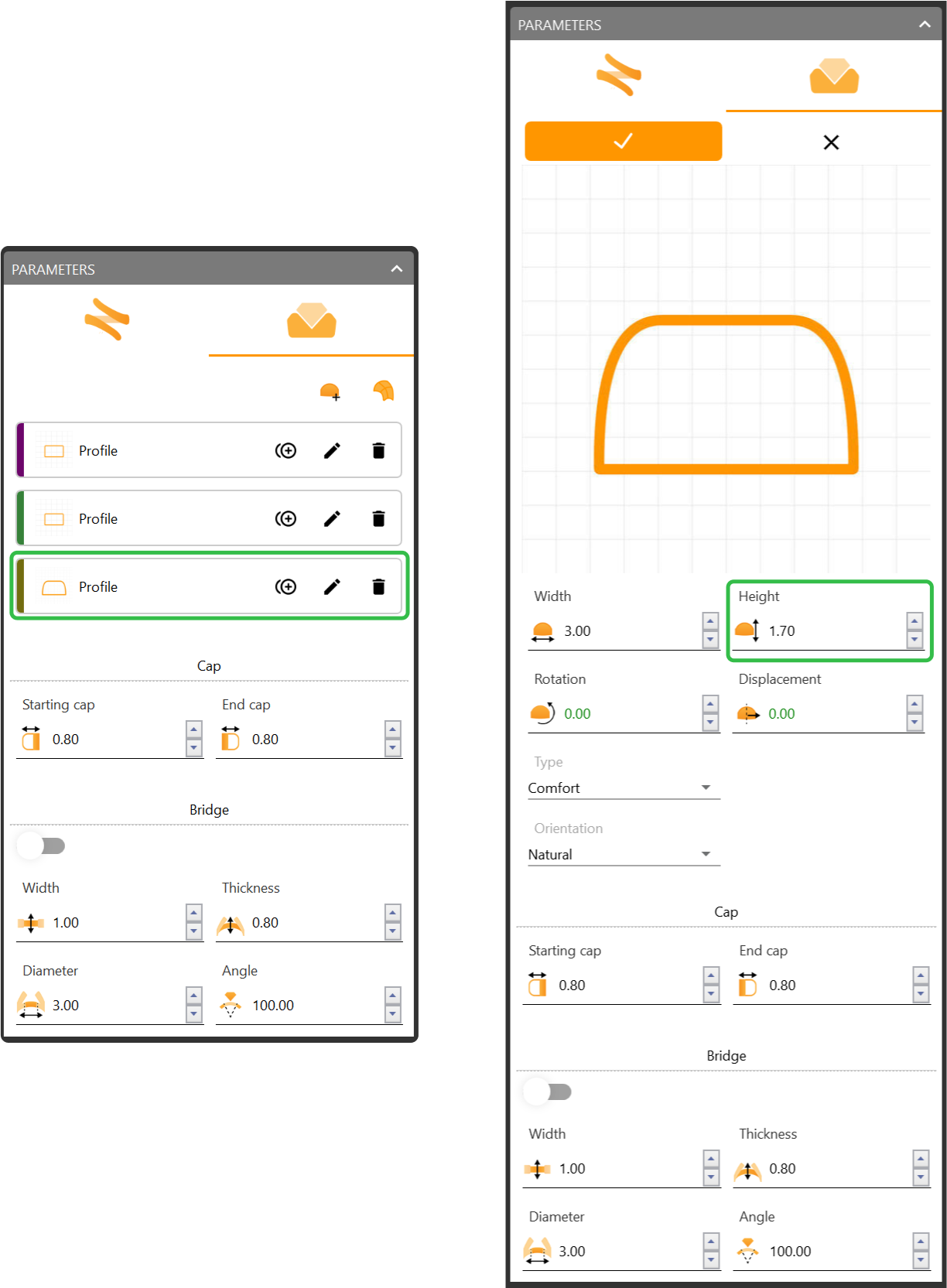
Step 3: For the third (bottom) profile
- Leave the curve unchanged but adjust the height to 1.7 millimeters.
Video Lesson
Next Step: Add final details to the bezel.