Bamboo Cuff Bangles
Lesson 21 of 35
Ellipse & SubD Segments
Sign in to access this lesson
This lesson is part of Sculpted Elegance: Statement Jewelry Designs, which can come bundled with a RhinoArtisan Commercial license subject to current promotions. Log in with your customer account, or get in touch and we'll set you up.
Customers only
Solo para clientes
This lesson is part of Sculpted Elegance: Statement Jewelry Designs, which can be included with a RhinoArtisan Commercial license subject to current promotions. If you've already purchased and don't see it in your account, get in touch.
1. Create the base ellipse and centerline
In the Front view, create an Ellipse centered at 0: enter 65 / 2 for the width (total 65 mm, Shift/Ortho to set the direction) and 27.5 mm for the height. Then Line > From Midpoint at 0 with length 37 / 2, drawn left along X.

2. Trim the ellipse and measure the curve length
Extrude the line along Z past the ellipse, Trim away the lower part of the ellipse with it, and delete line and extrusion. Measure the remaining curve with Analyze > Length: 150.105 mm — the number the whole band is built on.
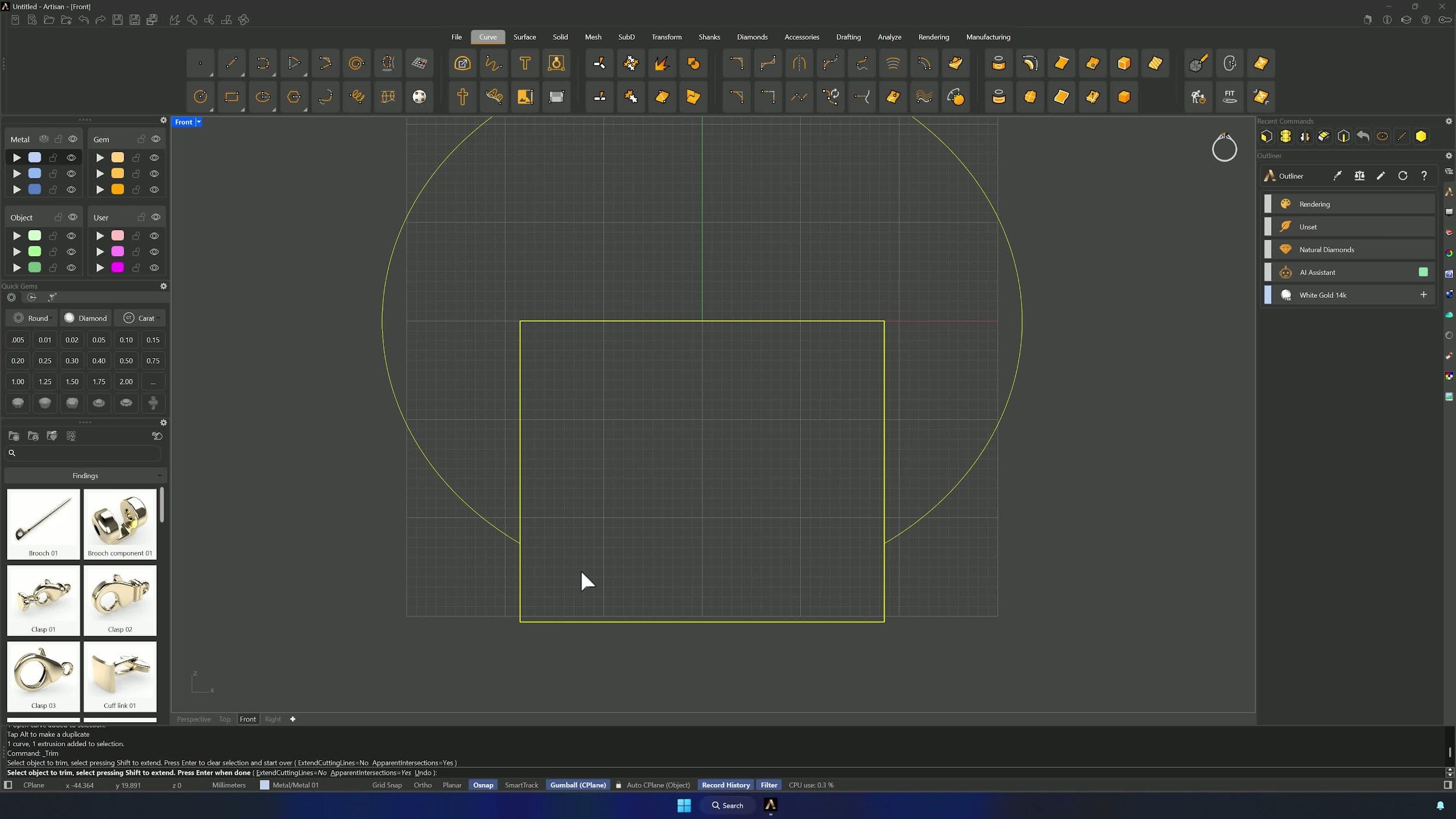
3. Create and divide a matching line
Line From Midpoint again at 0, entering 150.105 / 2 — a straight line exactly as long as the curve. Divide it into 9 segments with Point > Divide by Segments.
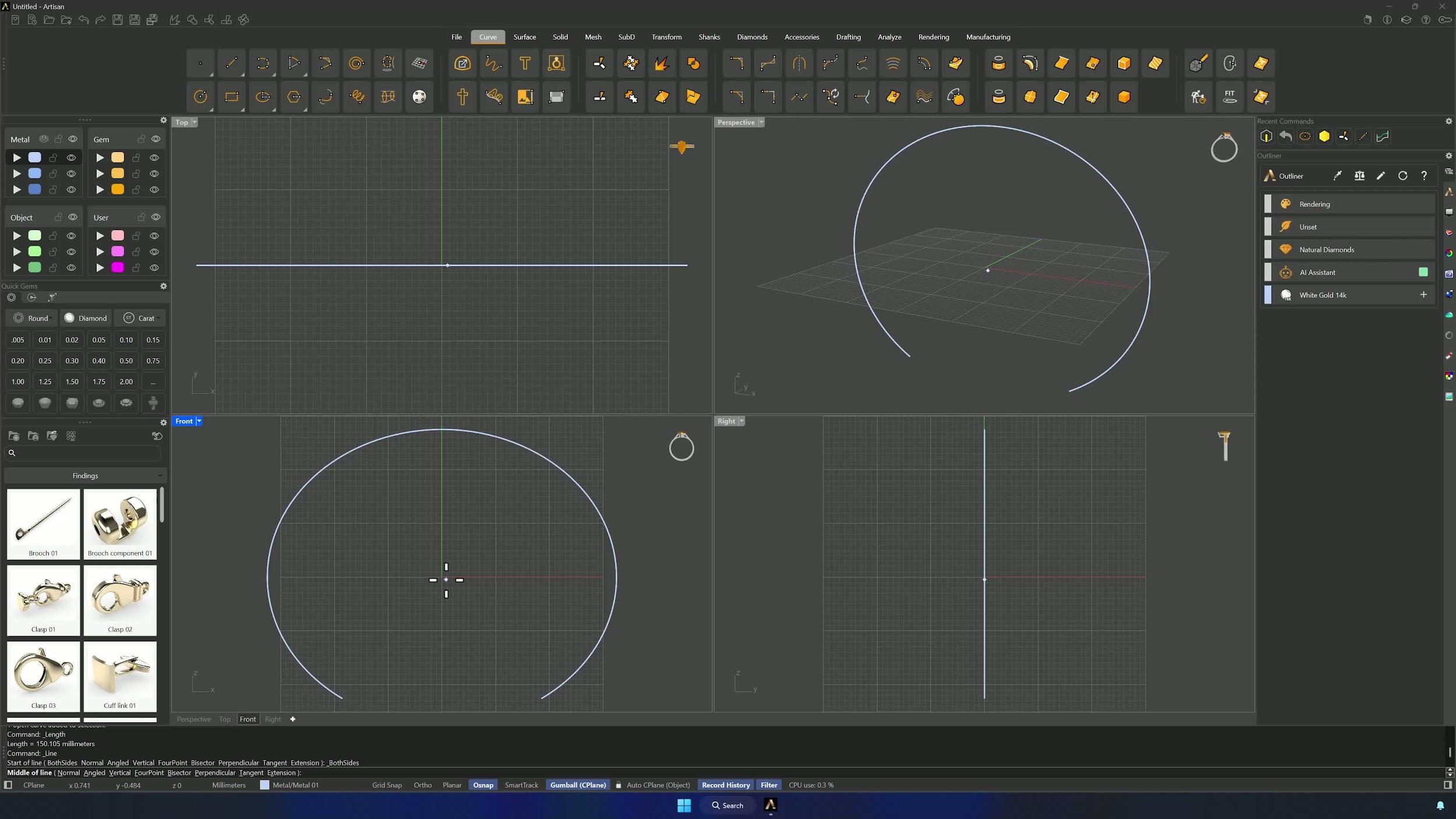
4. Build the first pipe segment and hide the guide curve
Hide the divided curve on its layer and draw a Line between the two center points with Osnap. Pipe it from the Solid tab with Output = SubD at 1.5 mm, and use Hide/Hide Swap to keep only what you’re working on visible.
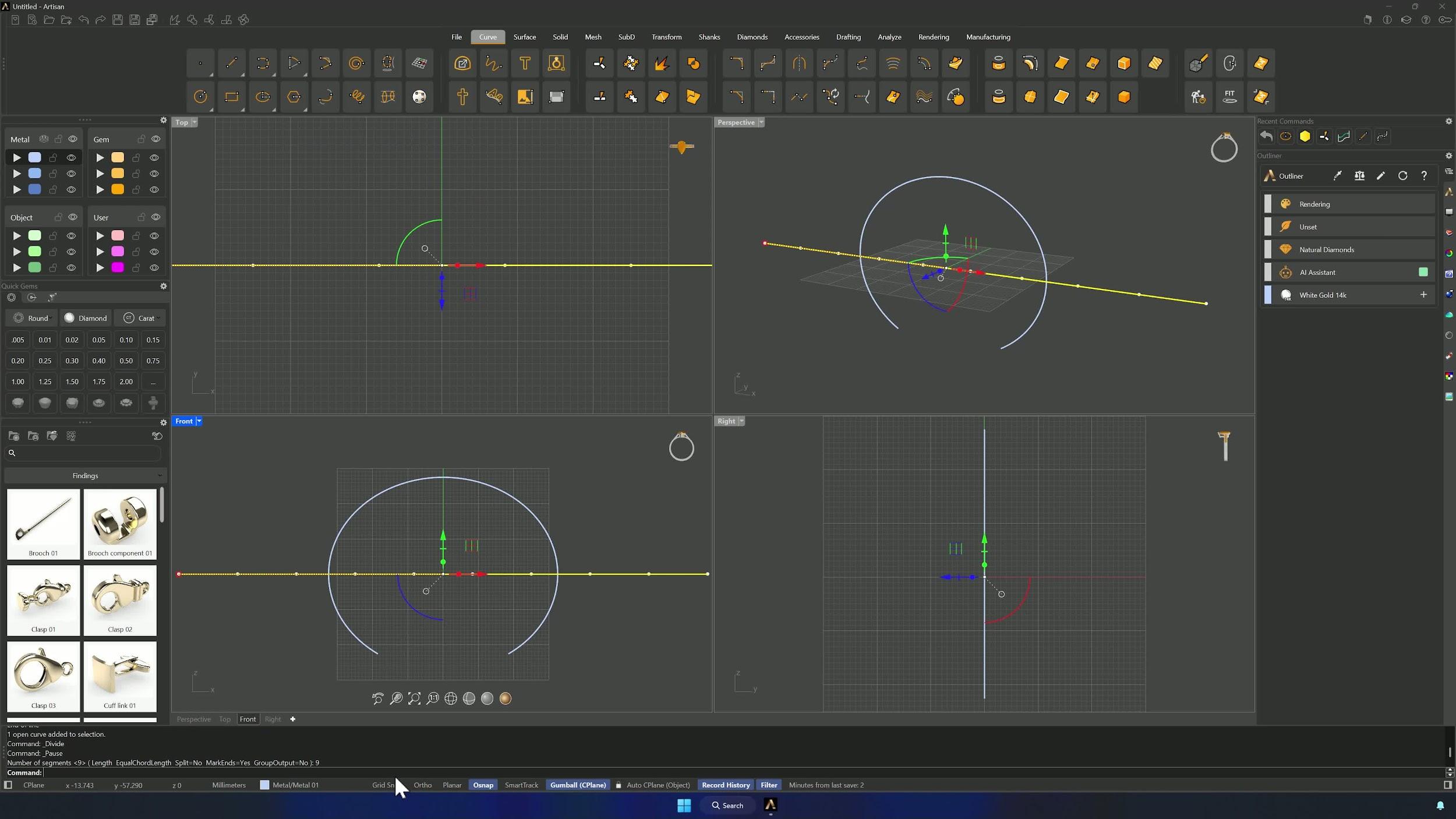
5. Refine the right end of the Sub-D form
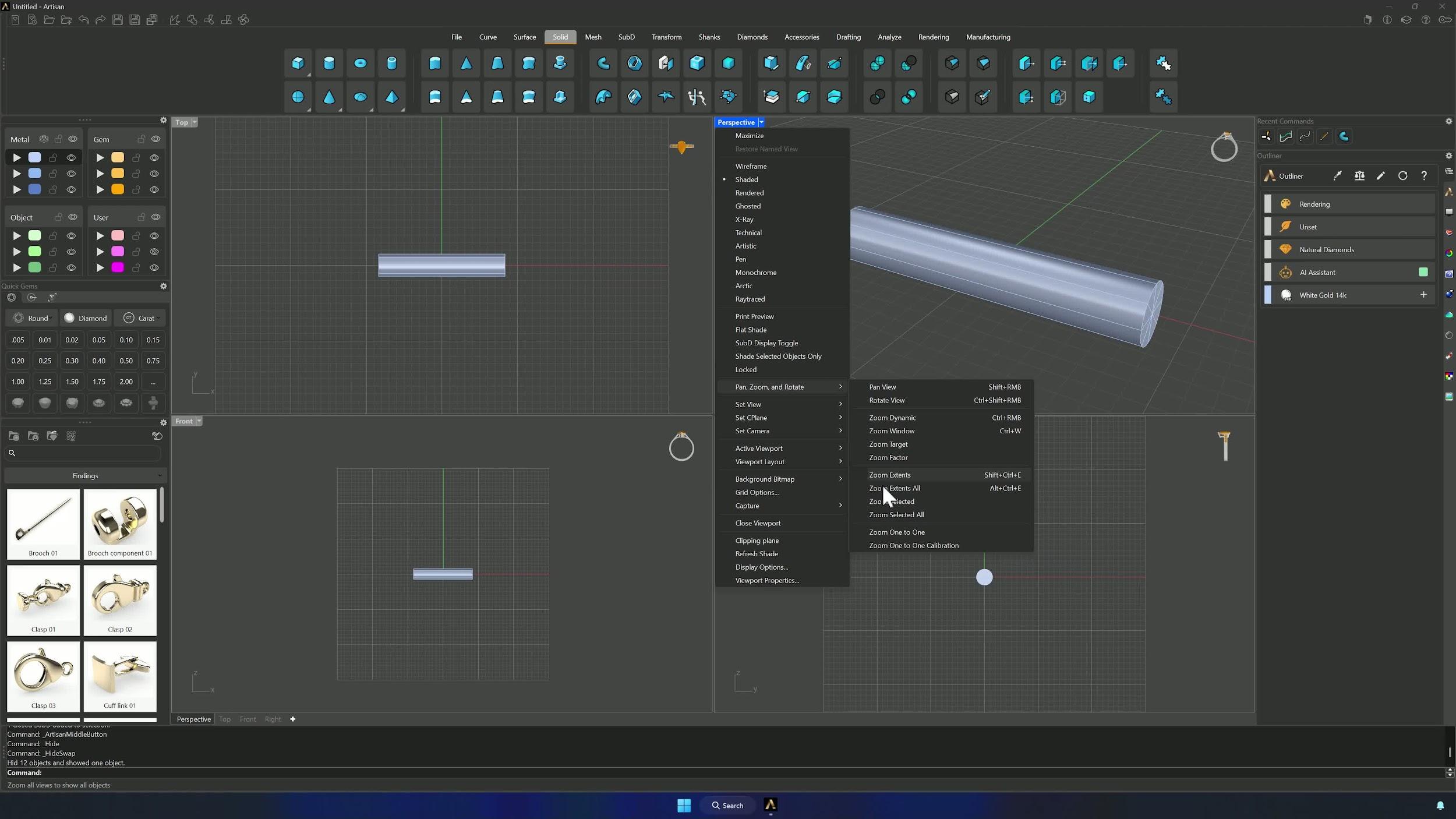
With the edge filter on, double-click the far-right loop, Insert Edge near the end, Remove Crease to soften it, and nudge the loop right with the Gumball. Add another loop if the shape needs it, adjusting from the Front view — Shift-scale for uniform tweaks — until the bamboo node matches the reference.
Almost there — you still have some lessons to complete. Jump to the next one →
Impersonating — progress and reviews are disabled.
Course completed
You've completed Sculpted Elegance: Statement Jewelry Designs 🎉
Great work. Get your certificate of completion and, if you have a minute, let other jewelers know what you thought of the course.