Sapphire Eternity Ring
Lesson 18 of 35
Gems, Prongs & Final Cut
Sign in to access this lesson
This lesson is part of Sculpted Elegance: Statement Jewelry Designs, which can come bundled with a RhinoArtisan Commercial license subject to current promotions. Log in with your customer account, or get in touch and we'll set you up.
Customers only
Solo para clientes
This lesson is part of Sculpted Elegance: Statement Jewelry Designs, which can be included with a RhinoArtisan Commercial license subject to current promotions. If you've already purchased and don't see it in your account, get in touch.
17. Add the center gems with ManualPave
From the Front view, open ManualPave with the shank in the selector and 1.3 mm gems. Place one in the center of the upper part, one beside it, one on the shank’s side and one at the intersection — a center line from the Top view helps precision. Reposition freely and accept.
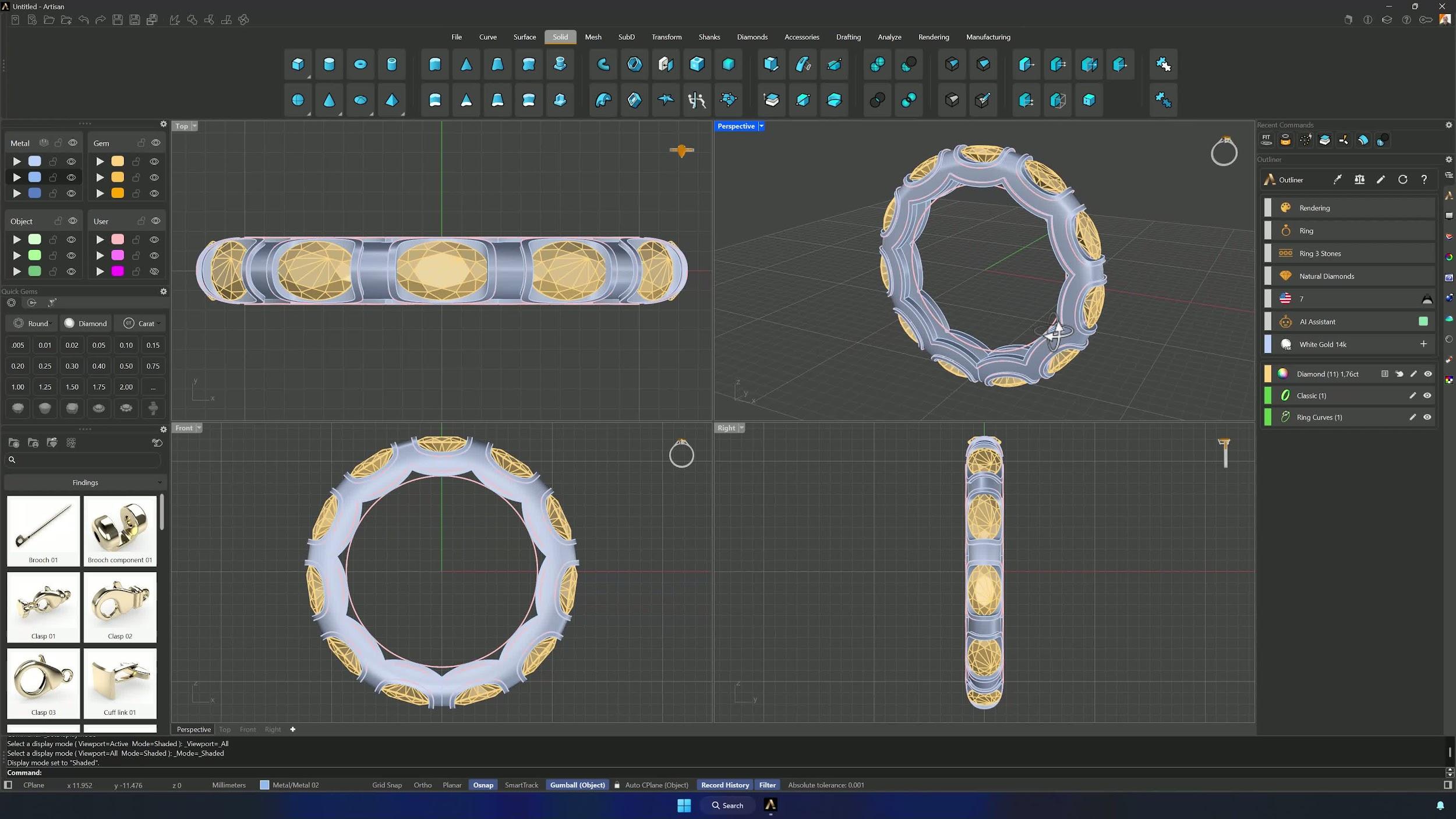
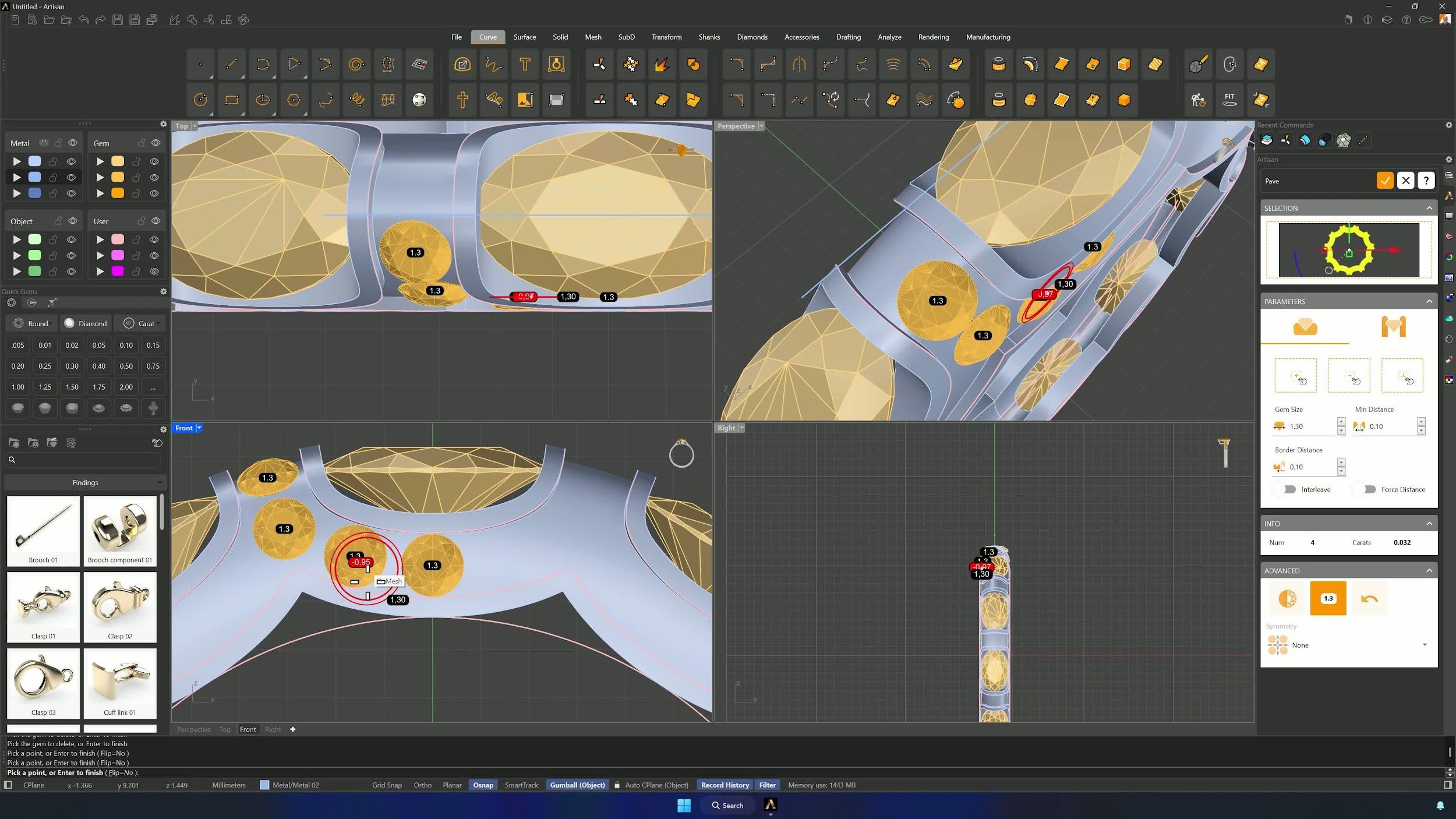
18. Mirror the left-side gems and add dynamic prongs
Ungroup, select the left gems and Mirror from 0 with Shift. Then Dynamic Prongs with the channel surface in the selector: diameter 0.5 mm, overgirdle 0.30, undergirdle 0.30, extension 0.30, adding gradually with X symmetry, deleting strays, and using the guides for placement.
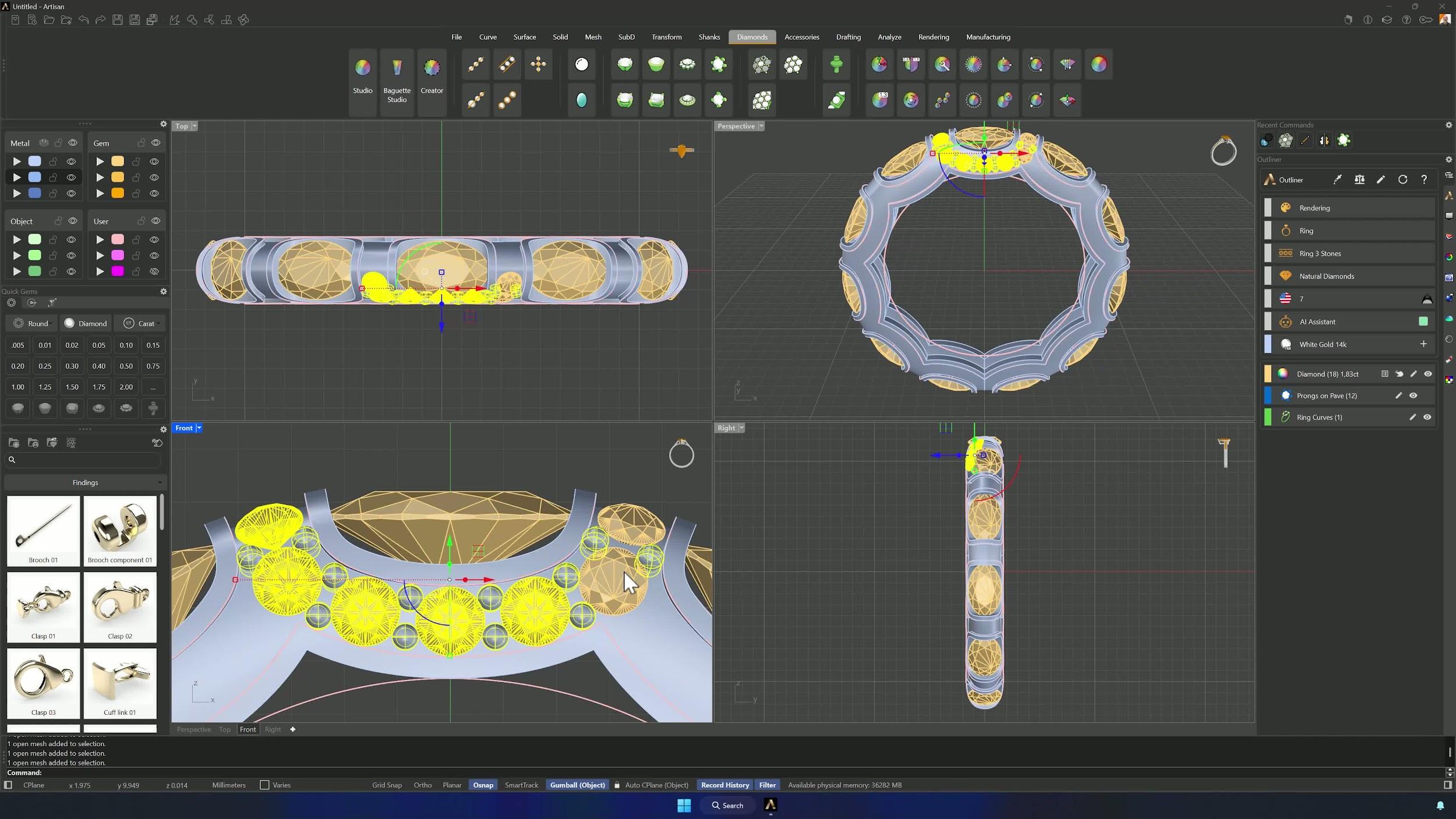
19. Mirror the prongs and finish missing placements
Select gems and prongs together and Mirror again from 0. Complete the missing prongs — re-entering parameters as needed, X and Y symmetry with 0.60 mm diameter — until every stone is held.
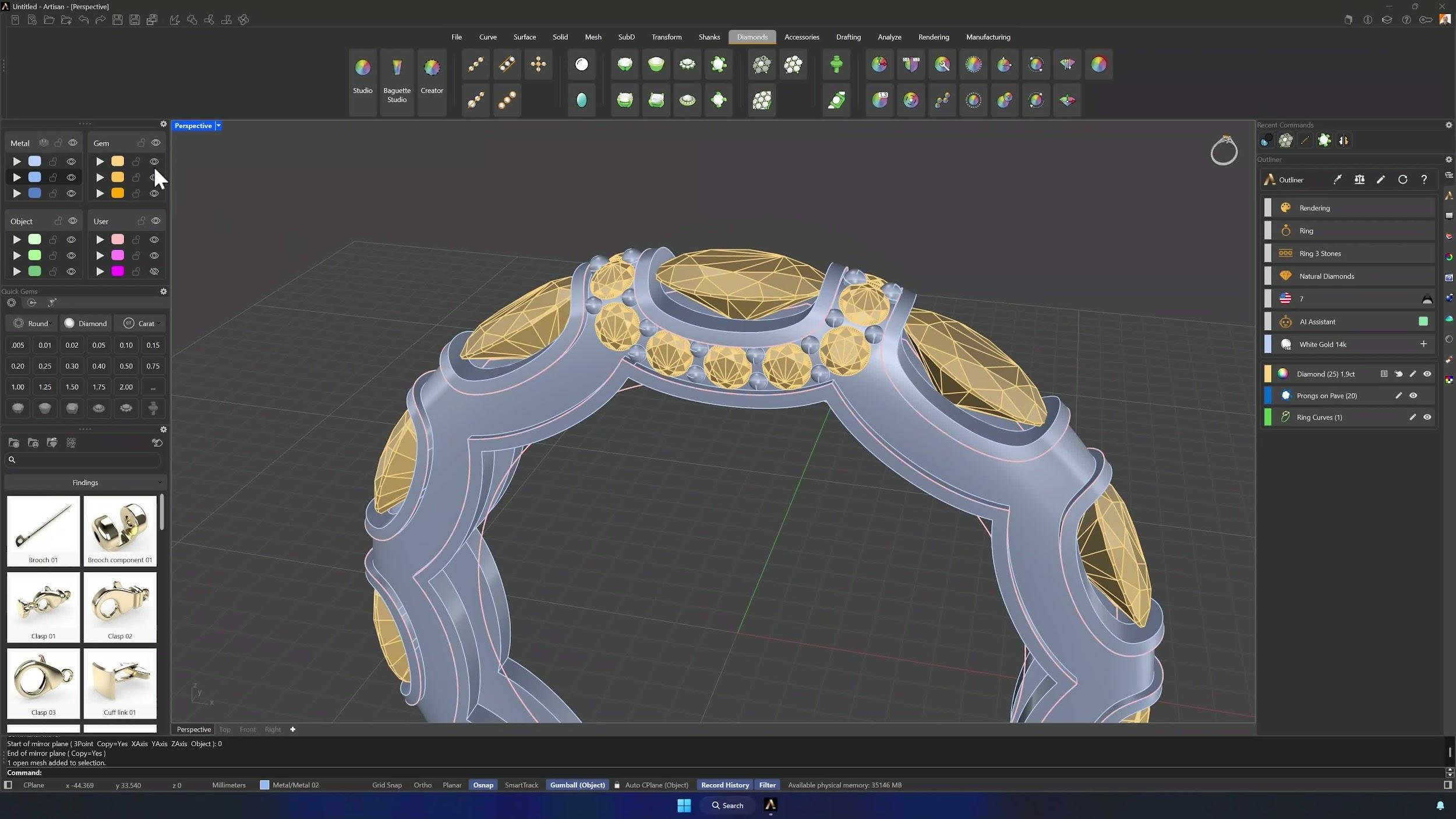
20. Add cutters and array the full set around the ring
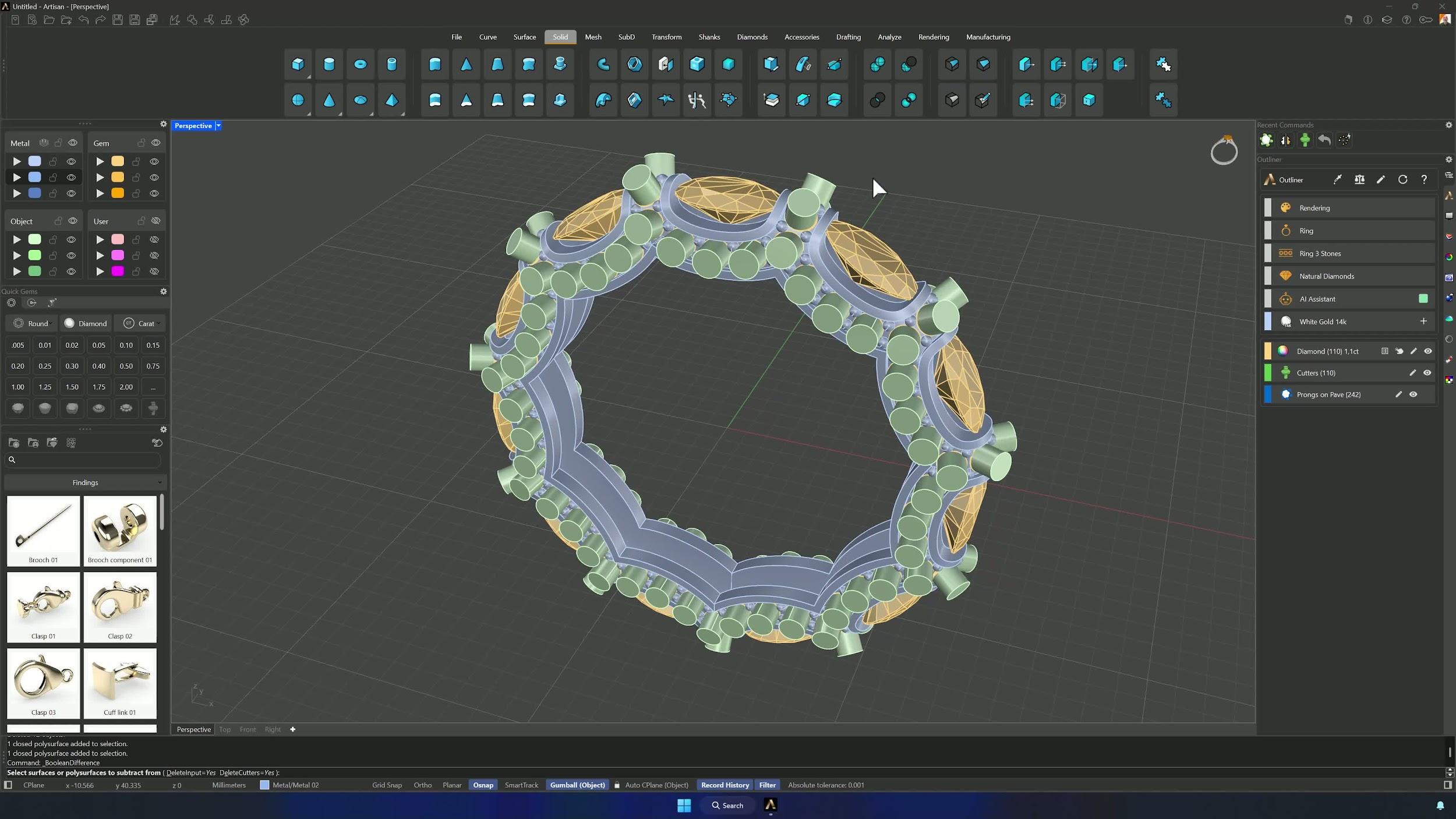
With the rest hidden, Cutters on all gems with the fourth preset (the small-gem preset), then Ungroup them. Isolate the needed set, Quick Polar Array with 11 copies, and delete the duplicated corner elements that show up doubled.
21. Subtract the cutters and complete the model
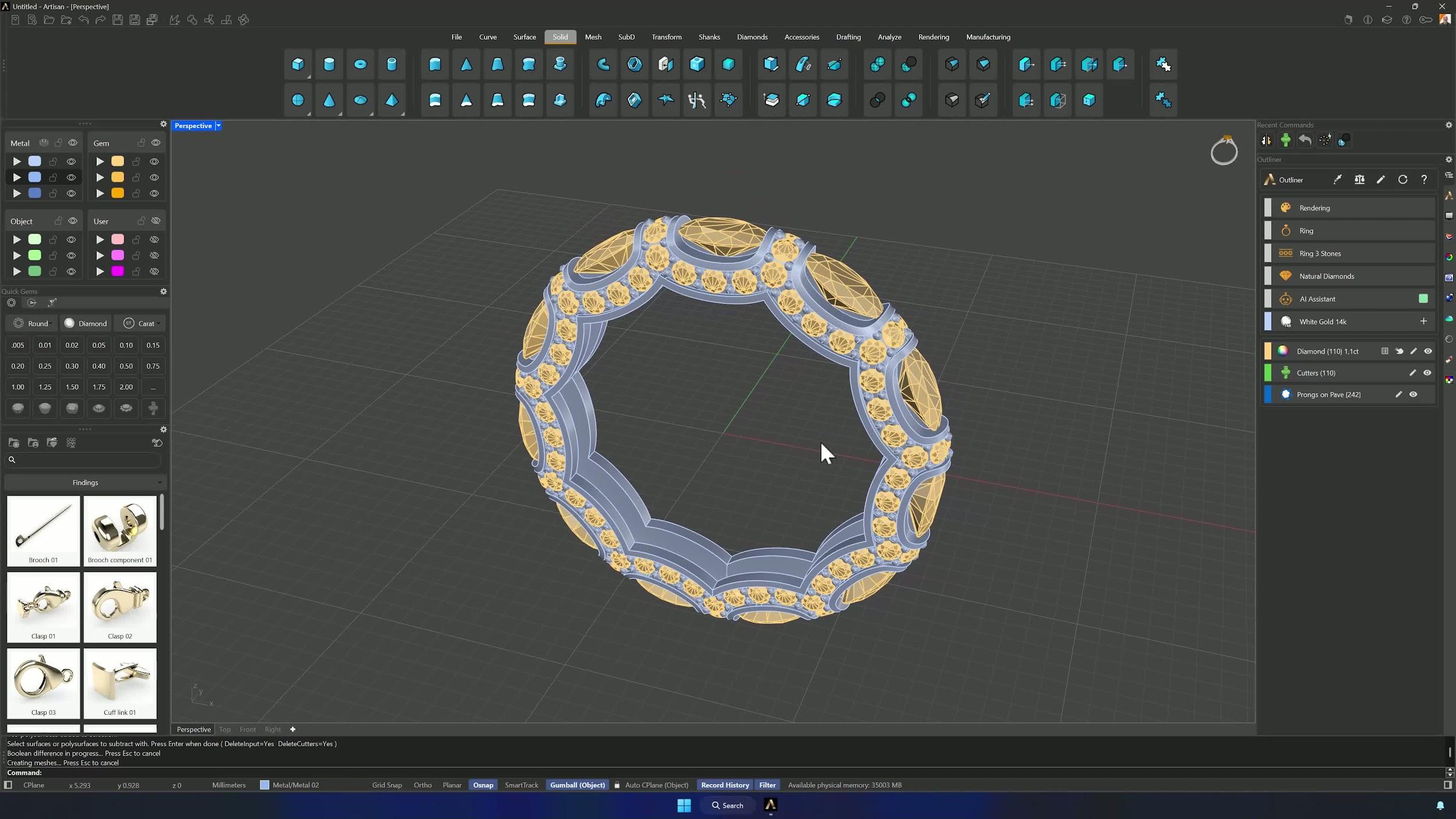
Boolean Difference: shank, then cutters. The eternity ring is complete.
22. Optional: add filleted edges for rendering
For a softer render, copy the model first and run Fillet Edges at 0.15 mm on the edges you want rounded. Presentation only — keep the sharp original for production.
Tips for a clean result
- Verify symmetry before accepting mirrors and polar arrays — misaligned duplicates cause boolean failures downstream.
- Wireframe mode is how you check curves, prongs and shank edits against the gem girdles.
- Inspect every view before confirming trims; missed protrusions break the final booleans.
- Keep the backup shank locked and hidden until the hollowing step needs it.
- Fit after creating or offsetting curves — fewer control points, easier edits.
- Ctrl+Z immediately on a bad trim or boolean, fix the selection, and go again.
Almost there — you still have some lessons to complete. Jump to the next one →
Impersonating — progress and reviews are disabled.
Course completed
You've completed Sculpted Elegance: Statement Jewelry Designs 🎉
Great work. Get your certificate of completion and, if you have a minute, let other jewelers know what you thought of the course.