Bamboo Cuff Bangles
Lesson 22 of 35
Mirroring, Bridging & SmartFlow
Sign in to access this lesson
This lesson is part of Sculpted Elegance: Statement Jewelry Designs, which can come bundled with a RhinoArtisan Commercial license subject to current promotions. Log in with your customer account, or get in touch and we'll set you up.
Customers only
Solo para clientes
This lesson is part of Sculpted Elegance: Statement Jewelry Designs, which can be included with a RhinoArtisan Commercial license subject to current promotions. If you've already purchased and don't see it in your account, get in touch.
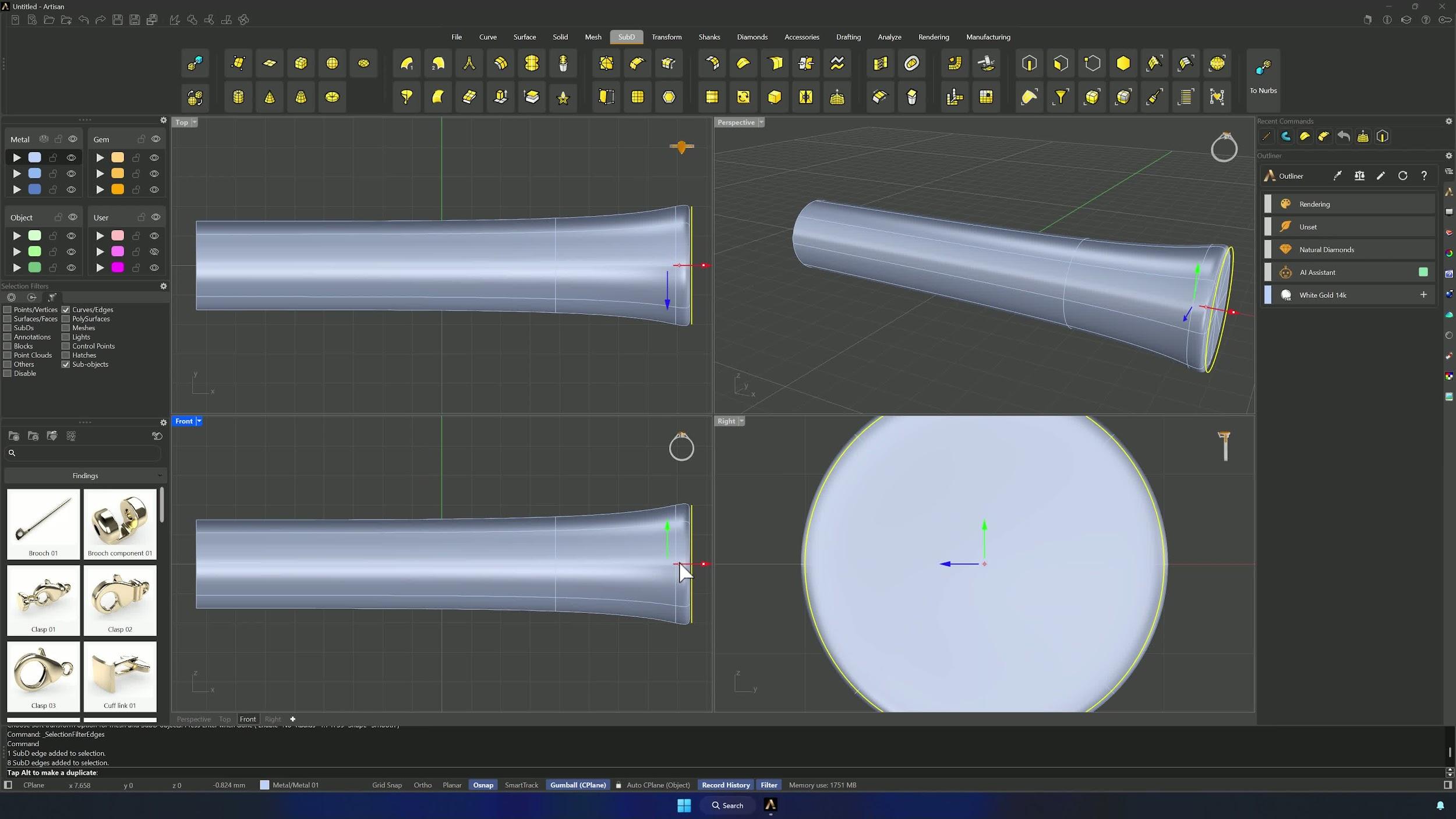
6. Mirror the deformation and create repeated segments
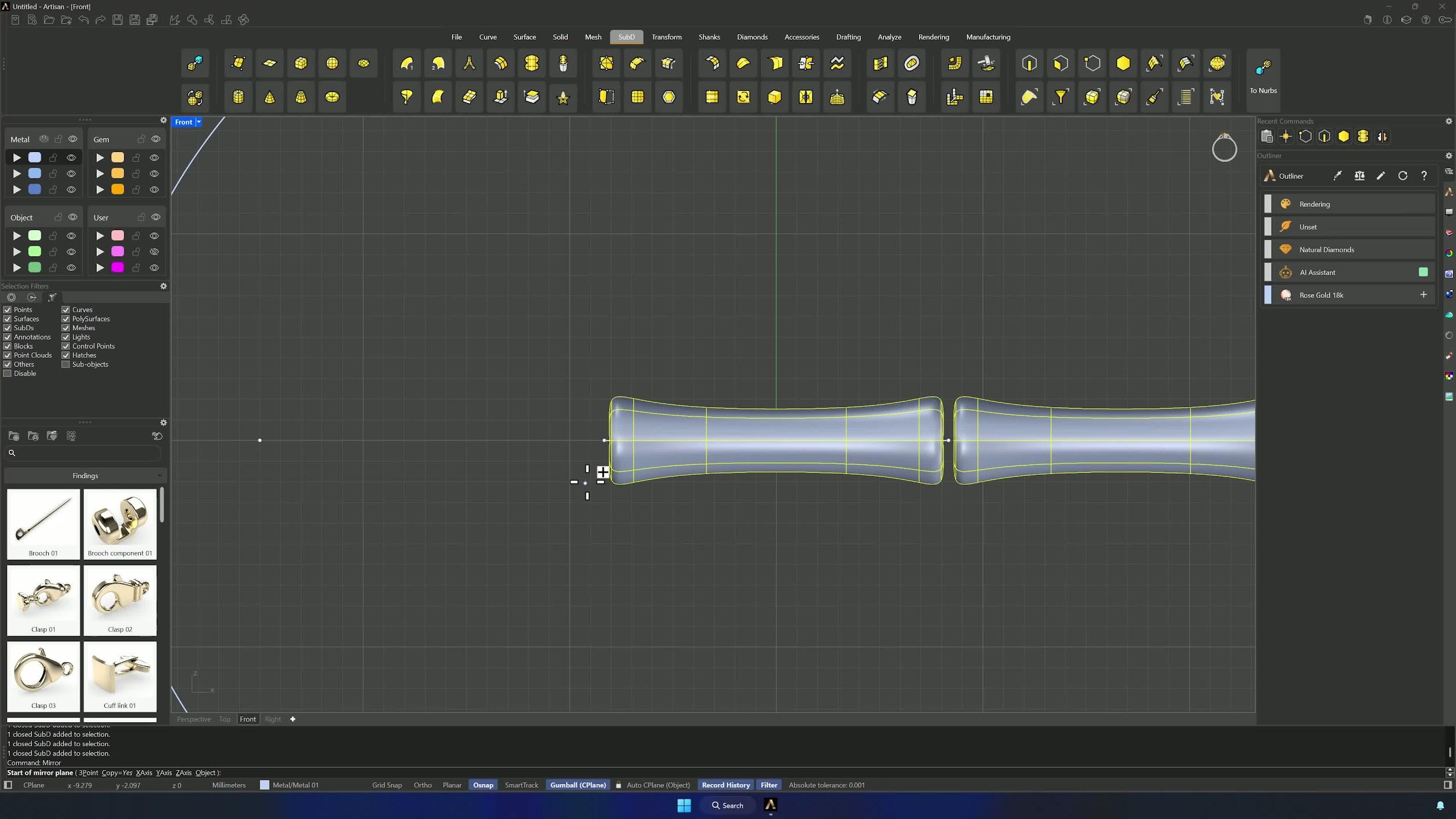
Reflect the edits across Y so both ends update together, leaving a small gap between solid and curve end — the bridges need it. Remove the reflect symmetry, then Mirror the segment from its right-end point (Osnap) and repeat until all 9 segments exist, mirroring the completed set to the opposite side.
7. Bridge the segments into a continuous bangle
In Perspective, Bridge segment pairs from the SubD tab: select the 8 faces of one segment (Ctrl deselects mistakes), Enter, the adjacent segment’s faces, Enter, Segments = 2, confirm. Repeat for every pair — patience here pays off in the final surface.
8. Shape the bangle with SmartFlow by Curve
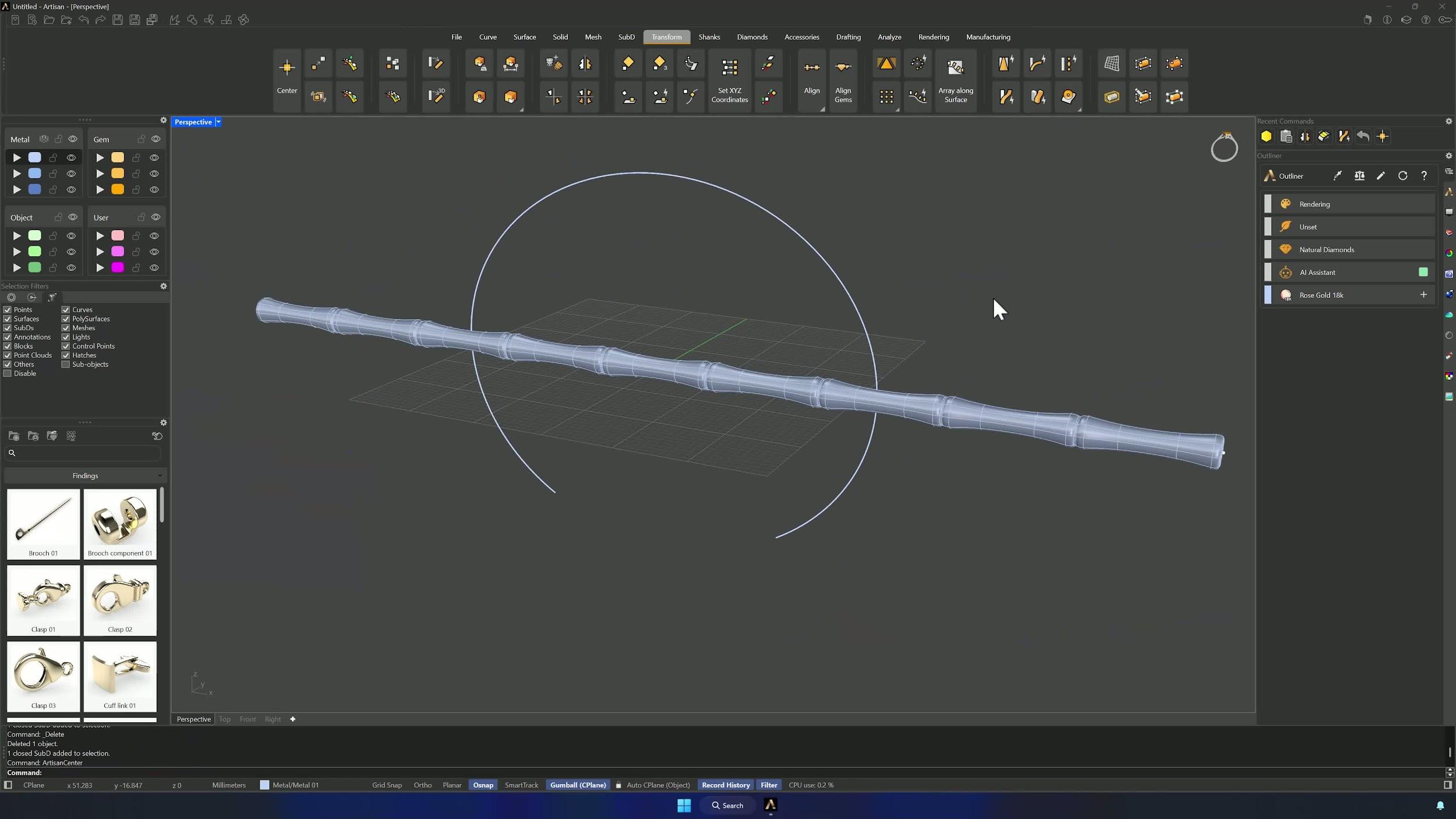
Show the original guide line and drop it close to the bottom of the solid. SmartFlow by Curve: the line as base, the ellipse as target, the solid as deformable object — Flip on the base curve so the model hugs the outer side of the ellipse. Accept, and the straight bamboo band becomes a cuff.
Almost there — you still have some lessons to complete. Jump to the next one →
Impersonating — progress and reviews are disabled.
Course completed
You've completed Sculpted Elegance: Statement Jewelry Designs 🎉
Great work. Get your certificate of completion and, if you have a minute, let other jewelers know what you thought of the course.