Cushion Engagement Ring
Lesson 12 of 49
Lesson Overview
Sign in to access this lesson
This lesson is part of Crafting Engagement Masterpieces, which can come bundled with a RhinoArtisan Commercial license subject to current promotions. Log in with your customer account, or get in touch and we'll set you up.
Customers only
Solo para clientes
This lesson is part of Crafting Engagement Masterpieces, which can be included with a RhinoArtisan Commercial license subject to current promotions. If you've already purchased and don't see it in your account, get in touch.
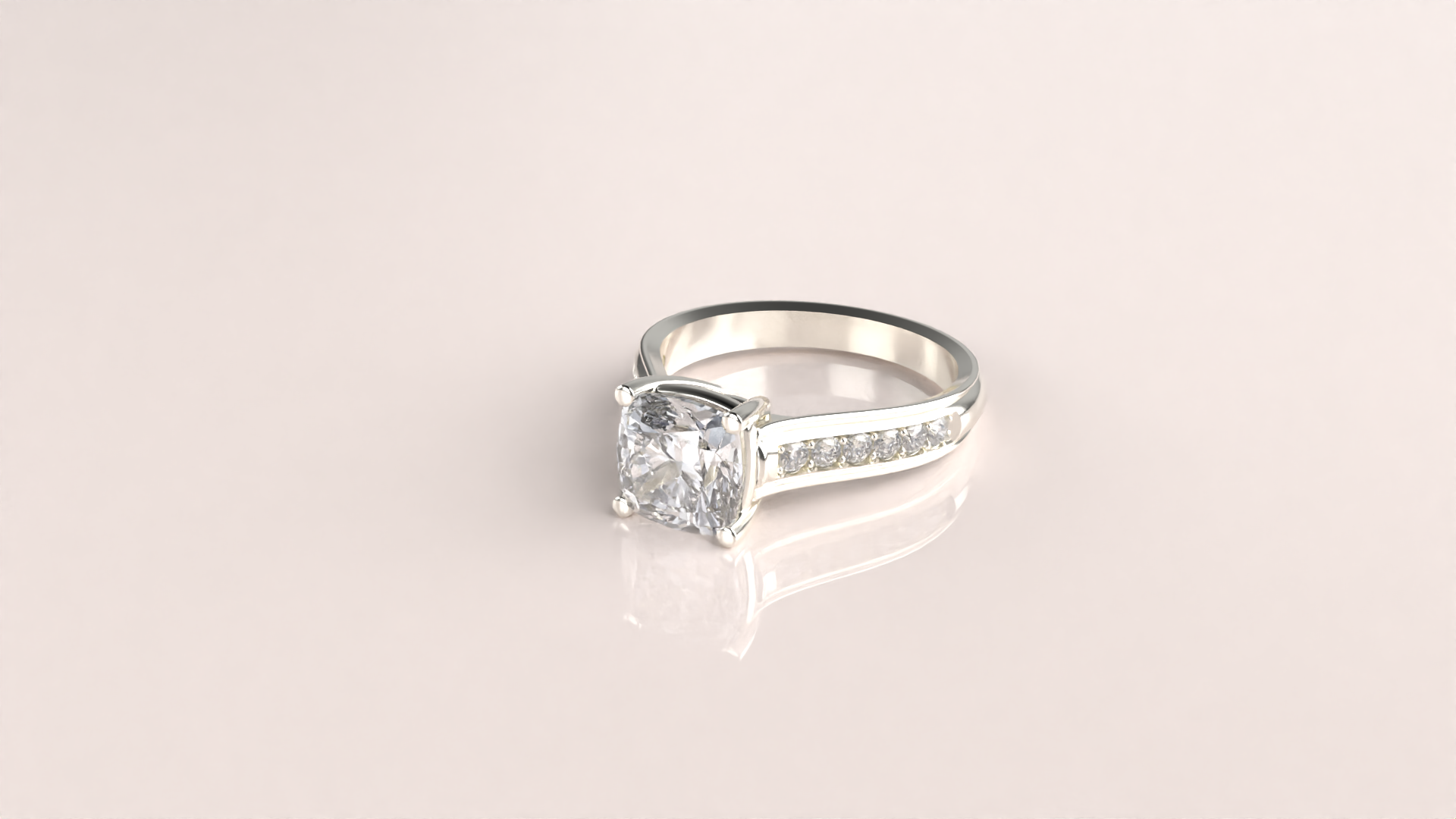
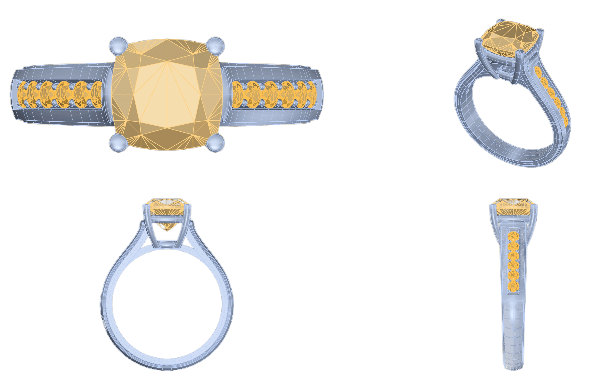
In this detailed course, you’ll learn to design a stunning engagement ring that blends elegance with durability. Guided step-by-step, you’ll model a 2-carat Cushion cut center stone set in a classic yet robust basket with circular prongs, secure rails, and a cathedral shank with diamonds. By the end, you’ll create a lifelike render that captures the ring’s luxurious details and professional polish.
What You’ll Learn
Establish the Foundation: Curve and Diamond Creation
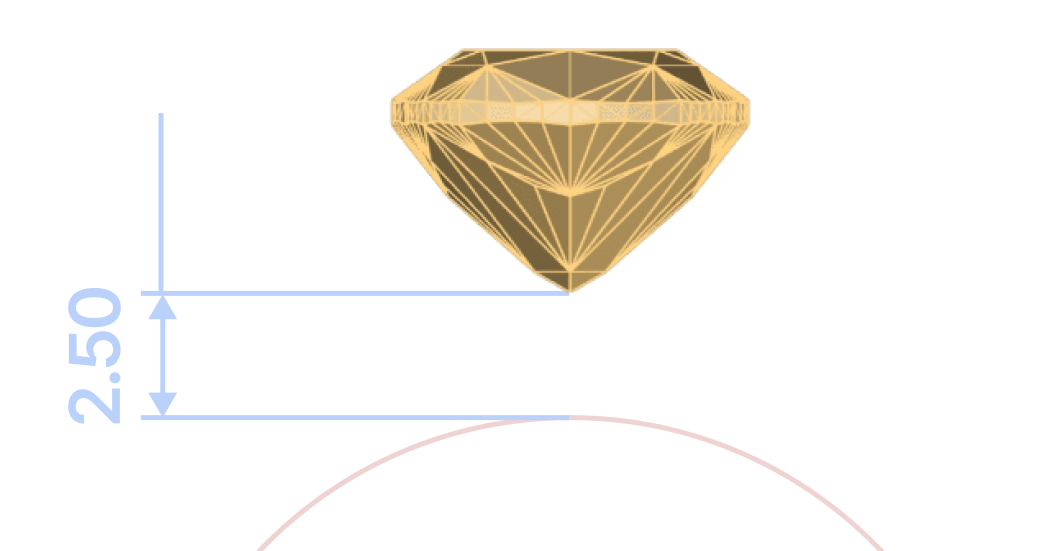
Learn to set up a custom reference curve in the USA size 7 and create a 2-carat Cushion cut gemstone, positioned precisely using Osnap and the Gumball tool.
Create a Secure Basket Setting
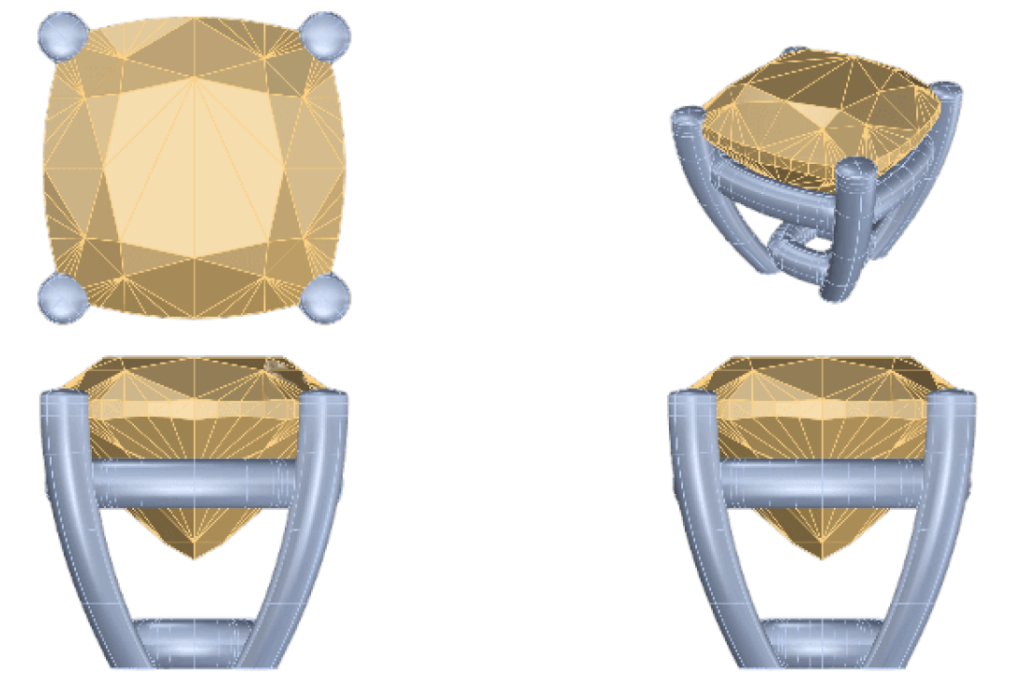
Design a sturdy, elegant basket setting with circular prongs. Adjust height, diameter, and rail dimensions to create a secure foundation that also highlights the center stone.
Model the Cathedral Shank for Strength and Style
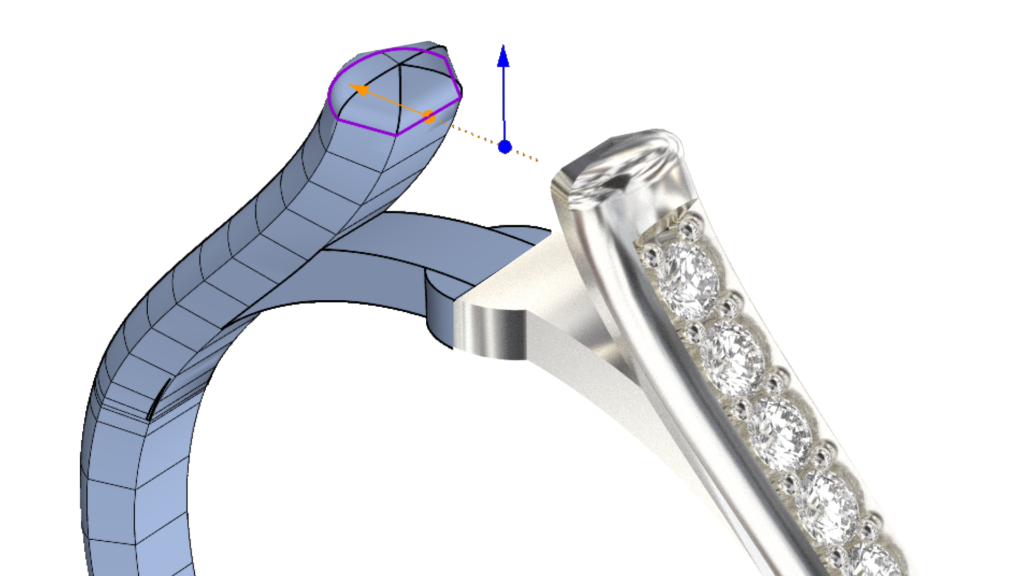
Craft a cathedral-style shank that complements the center basket. You’ll learn to modify dimensions and align the shank for a perfect intersection with the upper rail, ensuring both strength and elegance.
Add Accent Gems to the Shank
Position accent diamonds along the shank, adjusting the drill height and spacing to achieve a balanced, seamless design that complements the central gem.
Apply Finishing Materials and Rendering
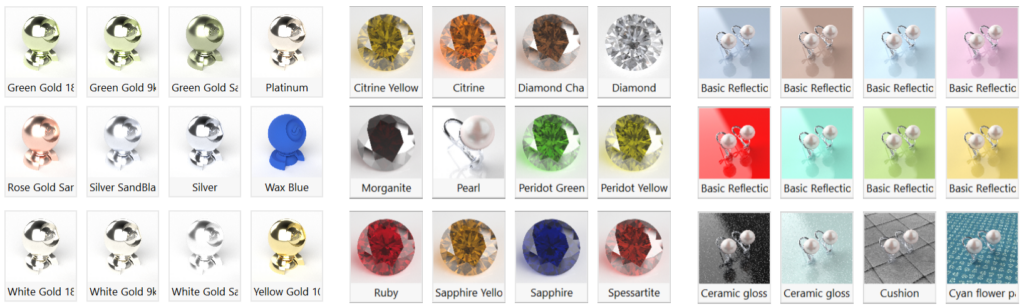
Master the rendering process by applying realistic materials like 18k White Gold for the metals and a diamond texture for the gemstones. Pose your model and set up lighting to capture the elegance of your design.
Who Should Take This Course?
This course is ideal for CAD designers, jewelry artisans, or anyone looking to elevate their skills in 3D jewelry modeling. Whether you’re new to RhinoArtisan or looking to add engagement rings to your portfolio, this course will guide you through every step.
Course Requirements
You’ll need RhinoArtisan software. Each step is carefully explained, ensuring ease of following along regardless of experience level.
Almost there — you still have some lessons to complete. Jump to the next one →
Impersonating — progress and reviews are disabled.
Course completed
You've completed Crafting Engagement Masterpieces 🎉
Great work. Get your certificate of completion and, if you have a minute, let other jewelers know what you thought of the course.