Pavé Teddy Bear
Lesson 9 of 29
Body, Legs & Arms
Sign in to access this lesson
This lesson is part of Living Jewels: SubD Creature Sculpting, which can come bundled with a RhinoArtisan Commercial license subject to current promotions. Log in with your customer account, or get in touch and we'll set you up.
Customers only
Solo para clientes
This lesson is part of Living Jewels: SubD Creature Sculpting, which can be included with a RhinoArtisan Commercial license subject to current promotions. If you've already purchased and don't see it in your account, get in touch.
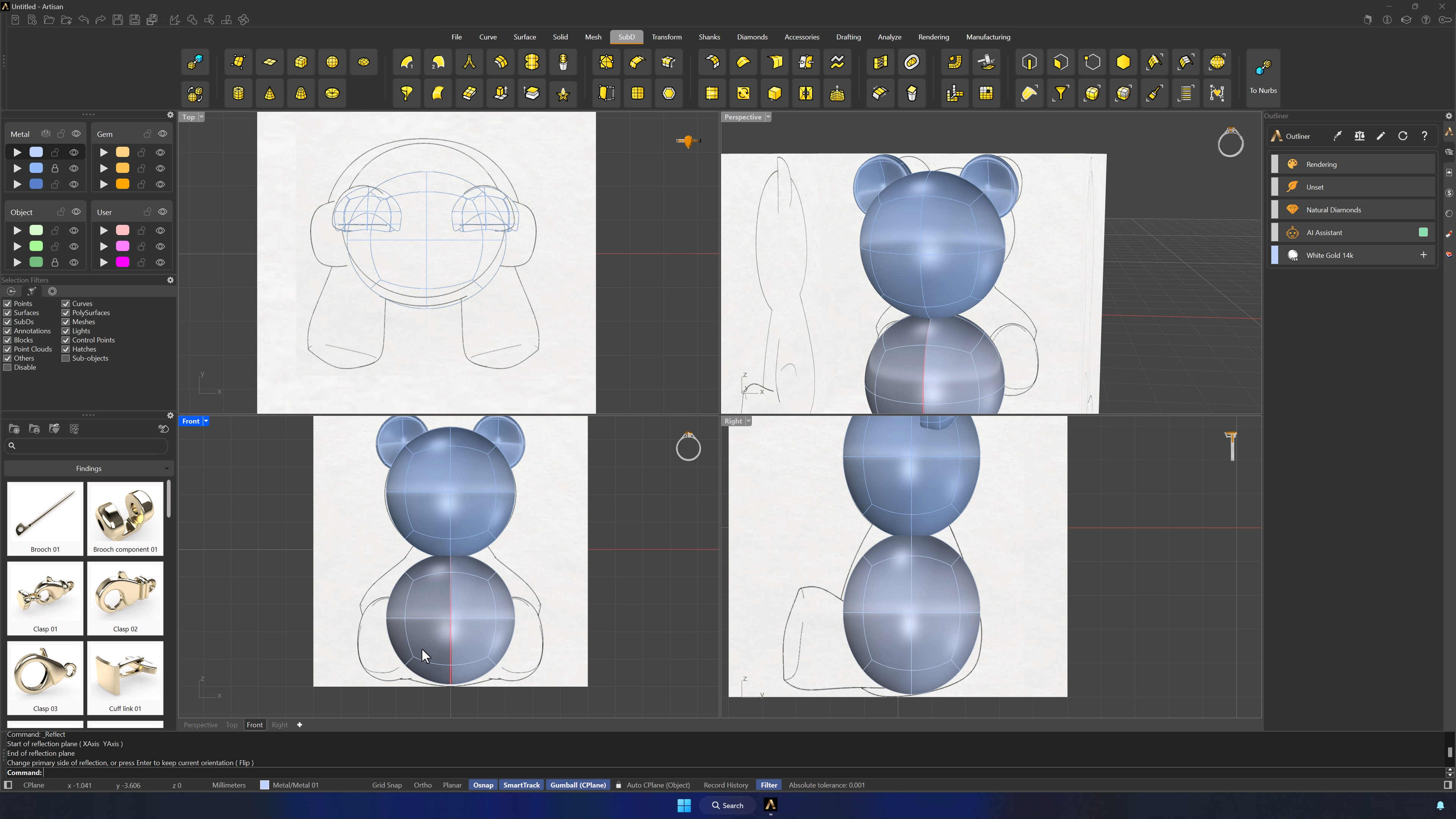
6. Build the body from a mirrored lower sphere
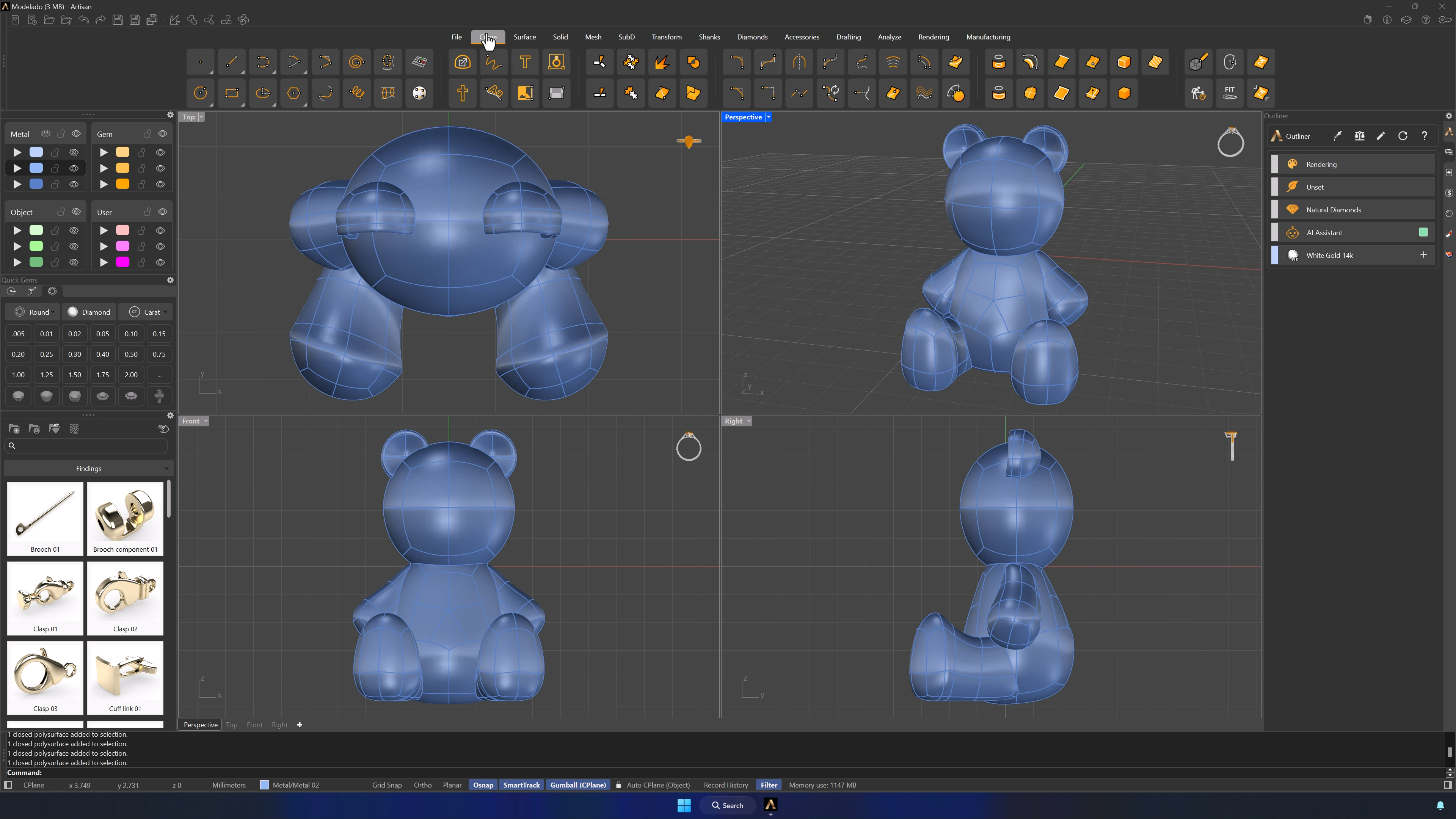
Filters off, ears parked on the locked second layer. Alt-copy the head downward with the Gumball, move the copy to the first metal layer, and Reflect it in the SubD tab — Osnap on the top and bottom center points defines the axis. From here you shape one side and the other follows.
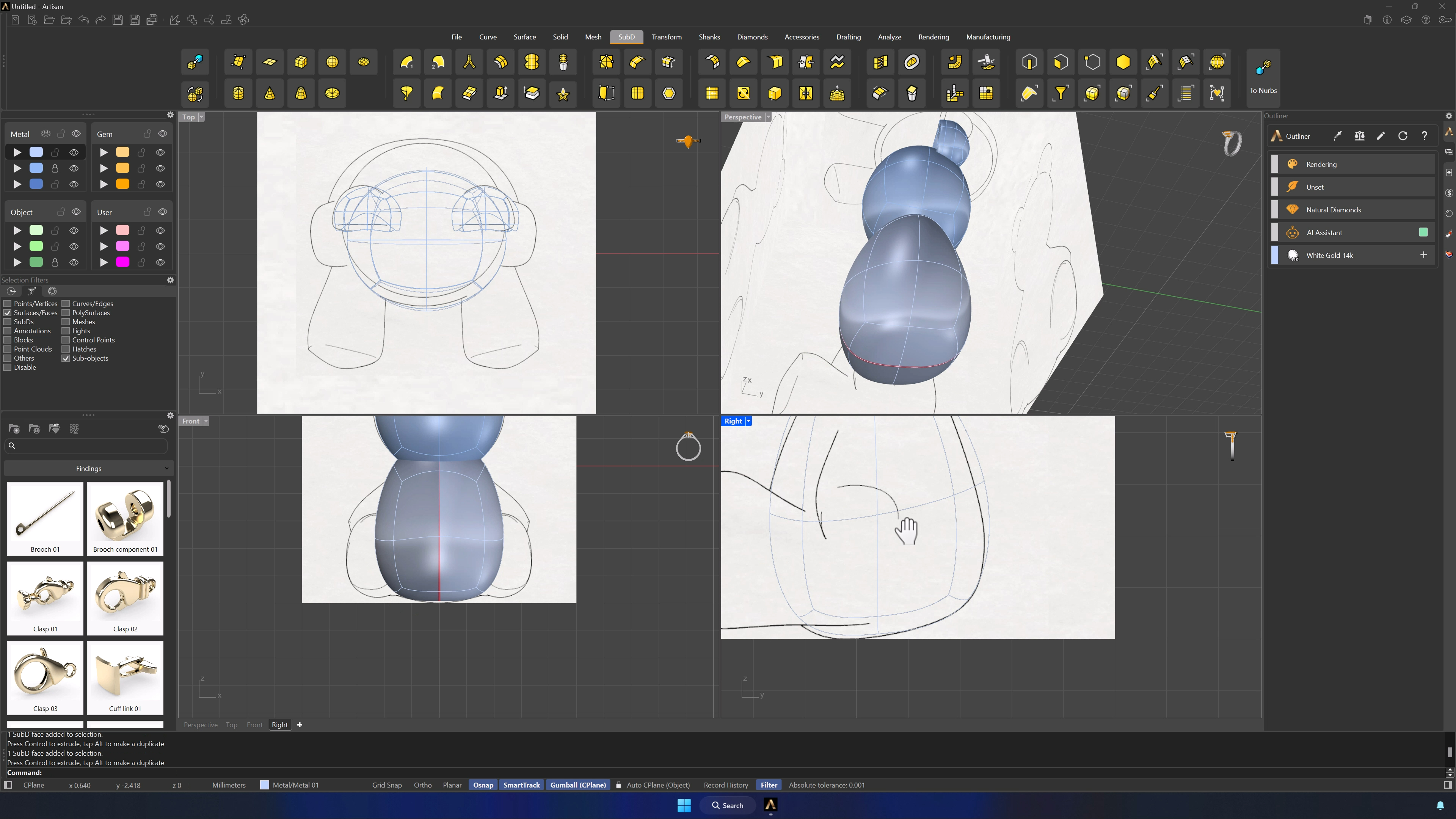
7. Shape the body and flatten the base
Sculpt the lower sphere into the body, scaling the two bottom faces vertically from the Right view to flatten the base so the bear stands. Faces, edges and vertices filters all get their turn — slow passes against the references beat big moves.
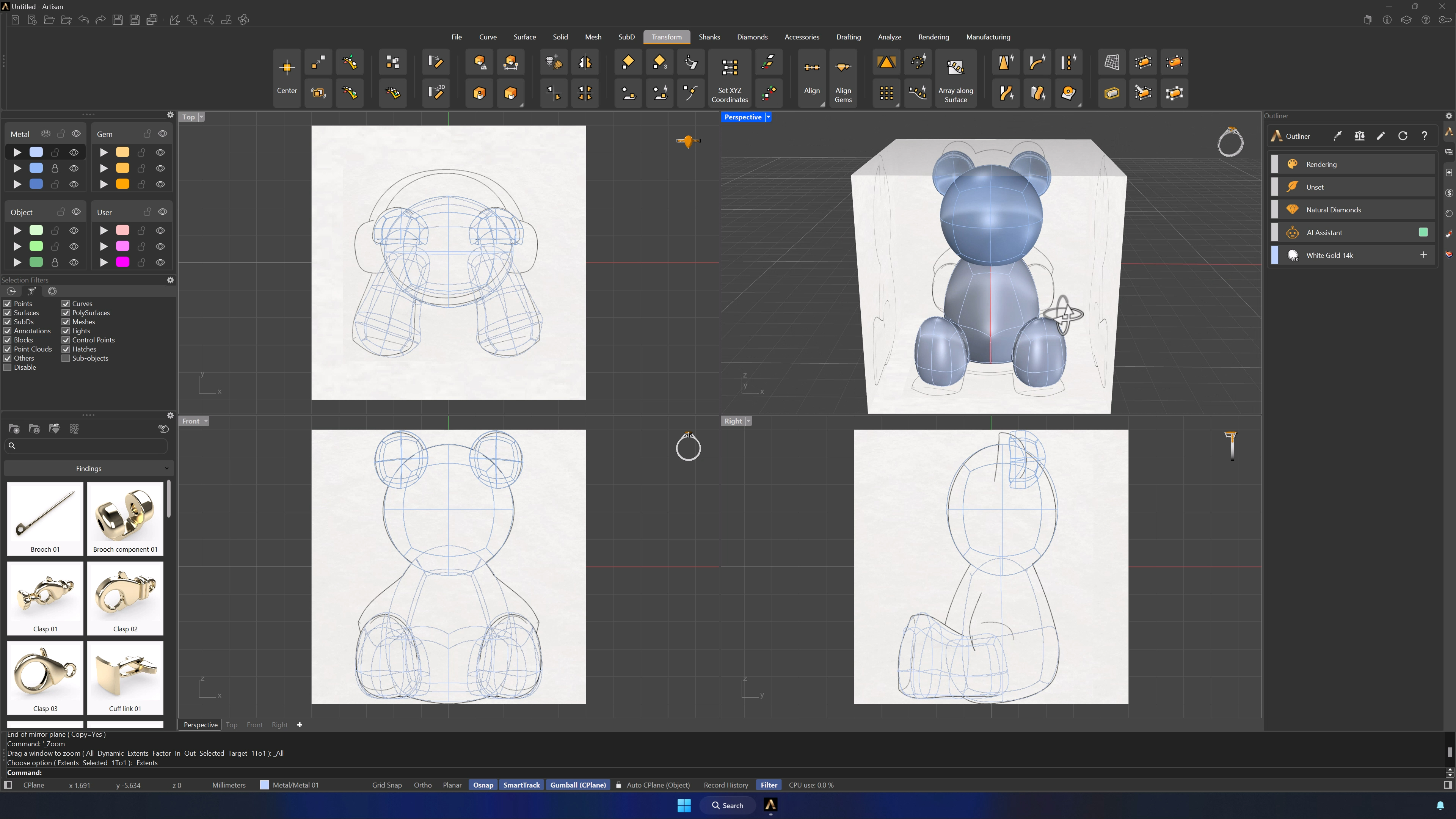
8. Create and refine the legs
Another sphere becomes the leg: scaled, base flattened, positioned from the Top view. Extrude the faces that look toward the body with the Gumball’s small sphere, tune the connection so the leg hugs the torso, add an edge loop for detail, and Mirror for the second leg.
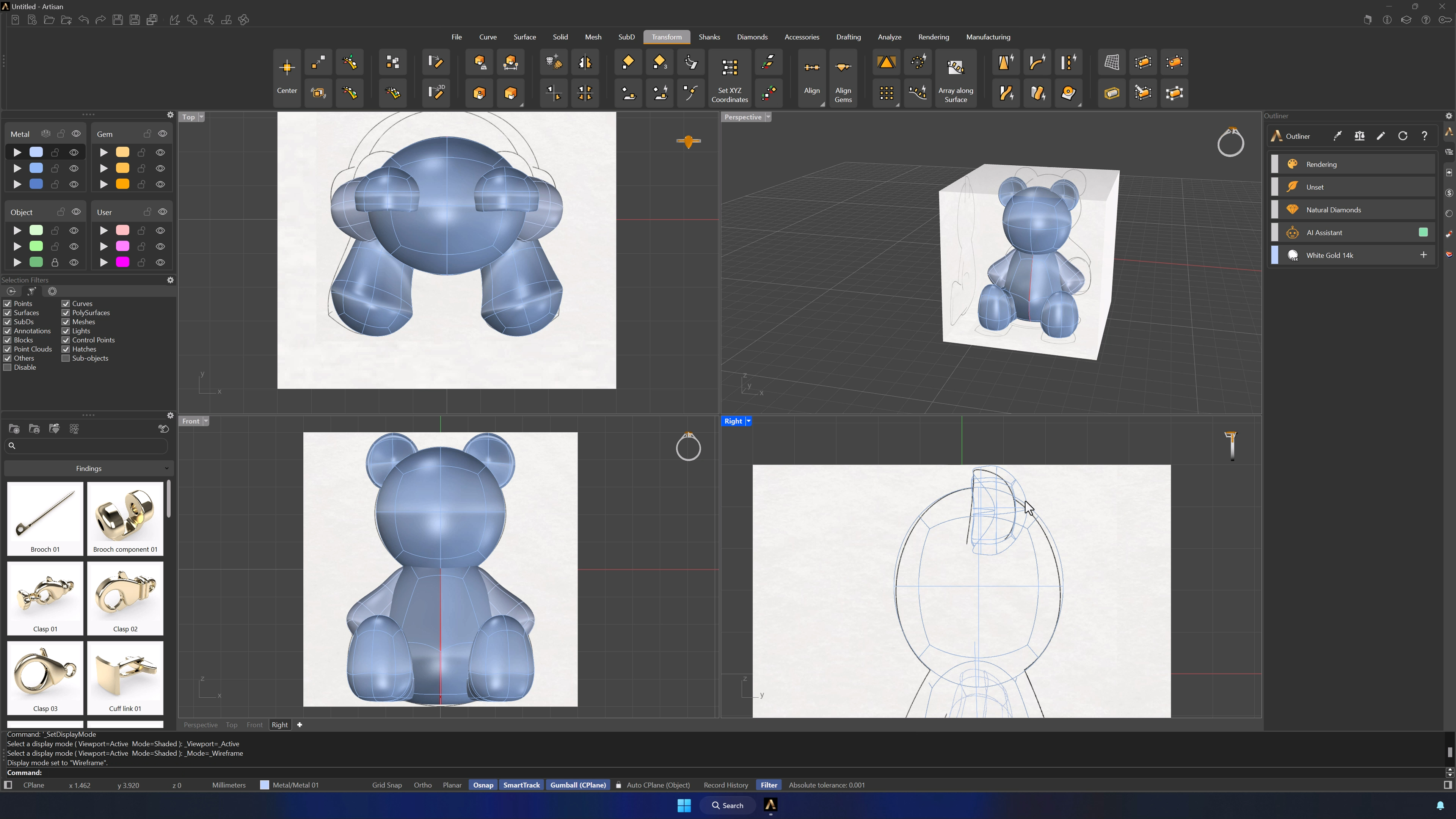
9. Create and mirror the arms
Alt-copy a leg and repurpose it: legs and body parked on Layer 2, the copy scaled and placed from the Top view, the leg’s extra edge loop removed. Refine the shoulder connection from the other views and Mirror for the second arm.
10. Finalize the bear model and remove symmetry if needed
Review proportions and surface details with the references hidden. If you want asymmetric character touches, select the body and Reflect > Remove Symmetry — from here on, every edit is one-sided and intentional.
Almost there — you still have some lessons to complete. Jump to the next one →
Impersonating — progress and reviews are disabled.
Course completed
You've completed Living Jewels: SubD Creature Sculpting 🎉
Great work. Get your certificate of completion and, if you have a minute, let other jewelers know what you thought of the course.