Turtle Pave Pendant
Lesson 16 of 29
Pavé, Prongs & Cutters
Sign in to access this lesson
This lesson is part of Living Jewels: SubD Creature Sculpting, which can come bundled with a RhinoArtisan Commercial license subject to current promotions. Log in with your customer account, or get in touch and we'll set you up.
Customers only
Solo para clientes
This lesson is part of Living Jewels: SubD Creature Sculpting, which can be included with a RhinoArtisan Commercial license subject to current promotions. If you've already purchased and don't see it in your account, get in touch.
10. Place the first gem pattern with Automatic Pave
Automatic Pave on the extracted surface: from the Top view, lay a line of 1.3 mm gems along the central axis, right-click to finish, and lock them in the command panel — they anchor everything that follows.
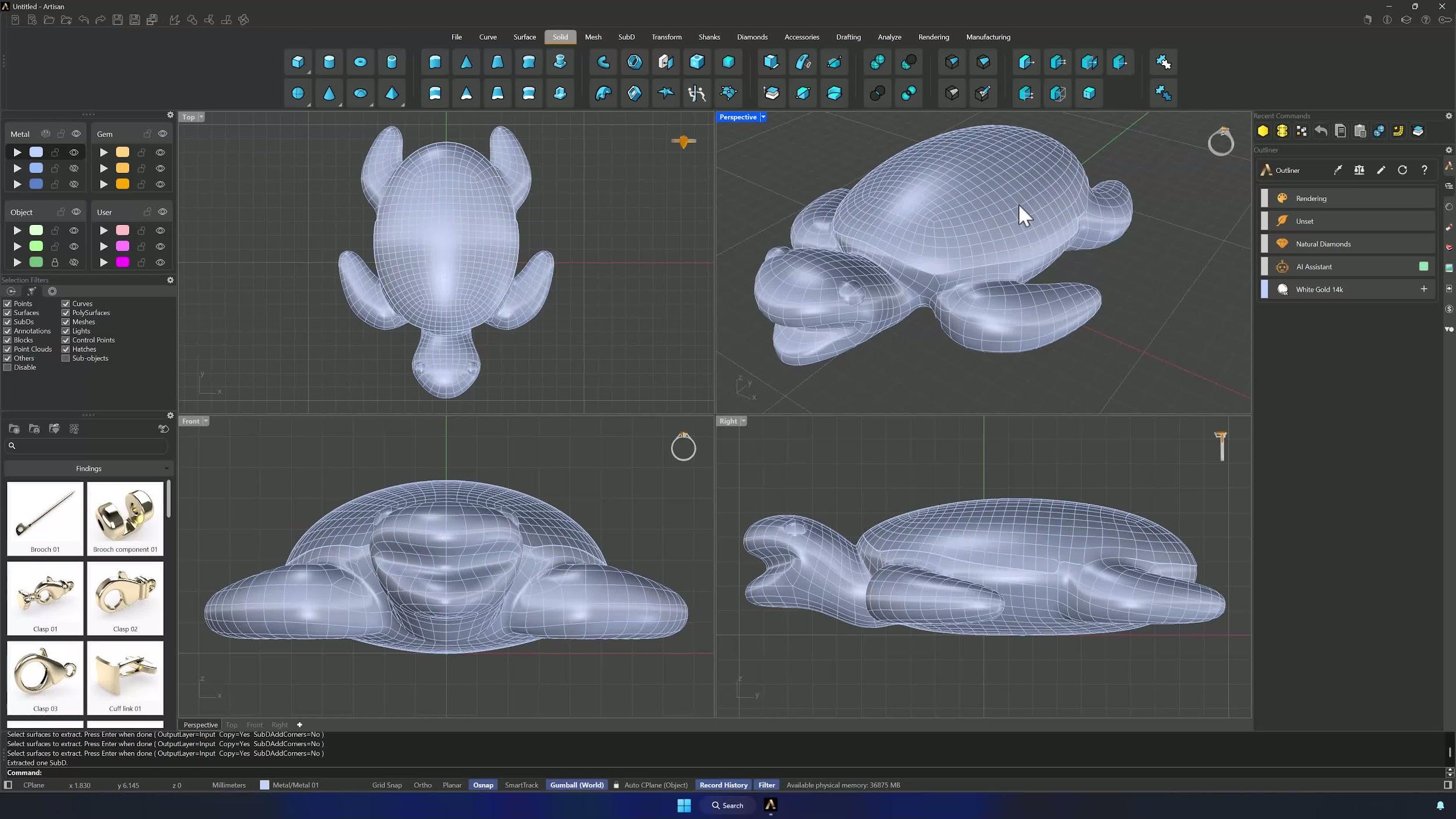
11. Add more gems and finalize the layout
Y symmetry on, add 1.2 and 1.0 mm sizes and click Automatic. Work one side (the mirror comes later), topping up borders with smaller stones, and Compute — any red gem just needs resizing or repositioning. Accept when the shell reads full.
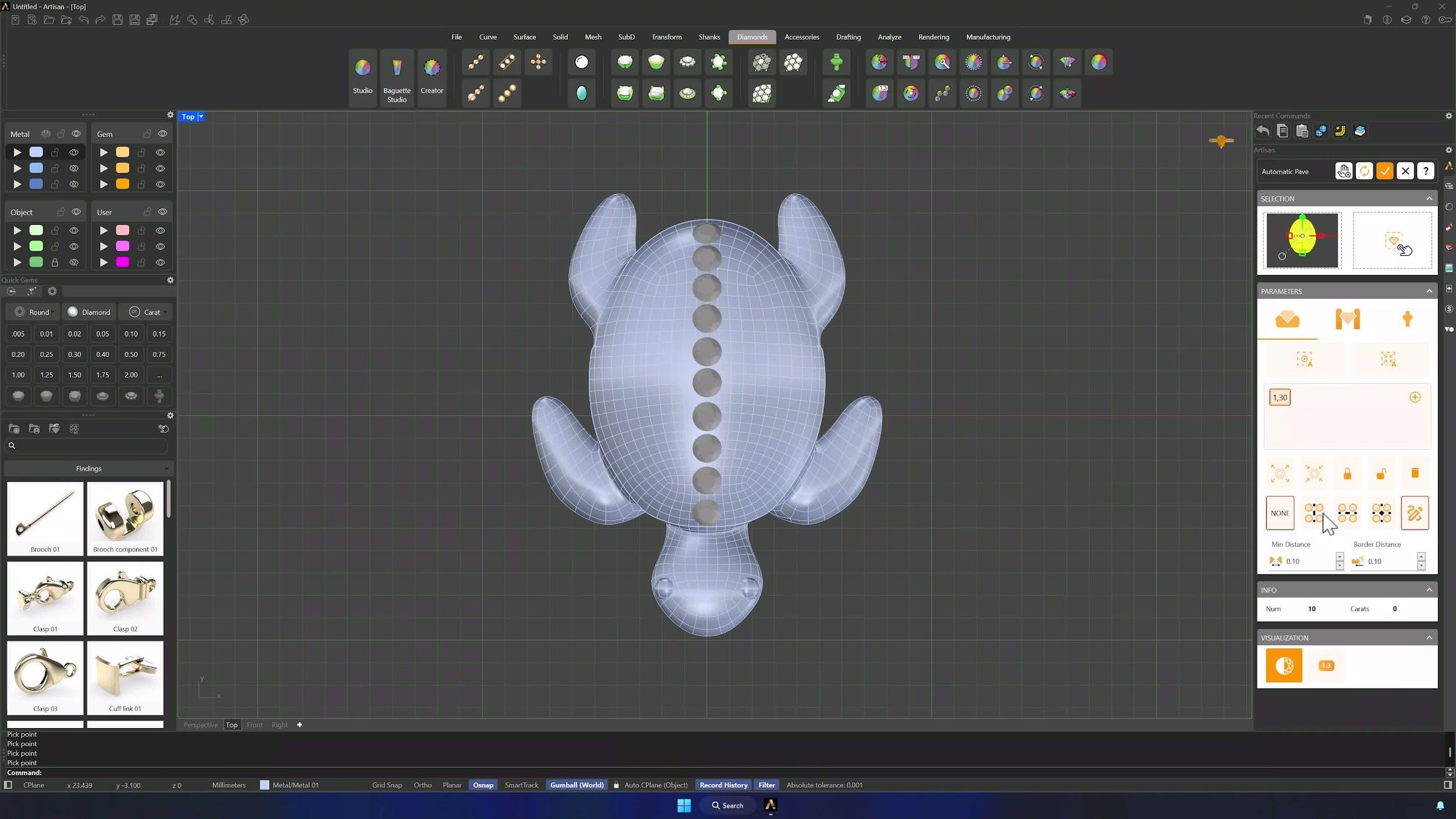
12. Mirror and clean up the gem layout
Ungroup the gems, hide the solids, and keep only the finished side plus the central line (middle-click Invert Selection helps). Delete the rest, Mirror the survivors across Y, and show everything again — perfect symmetry without placing each stone twice.
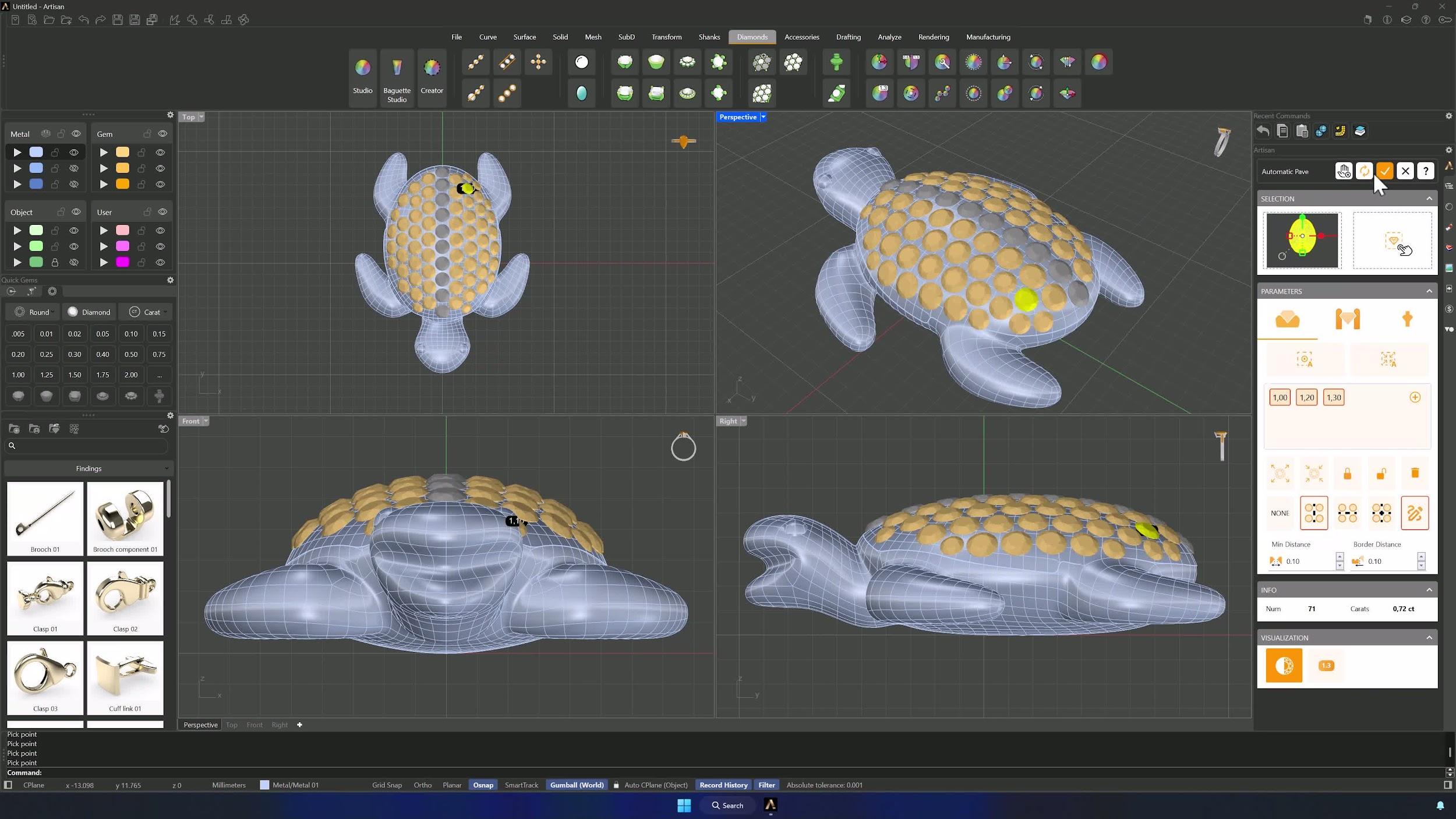
13. Generate prongs for the gems
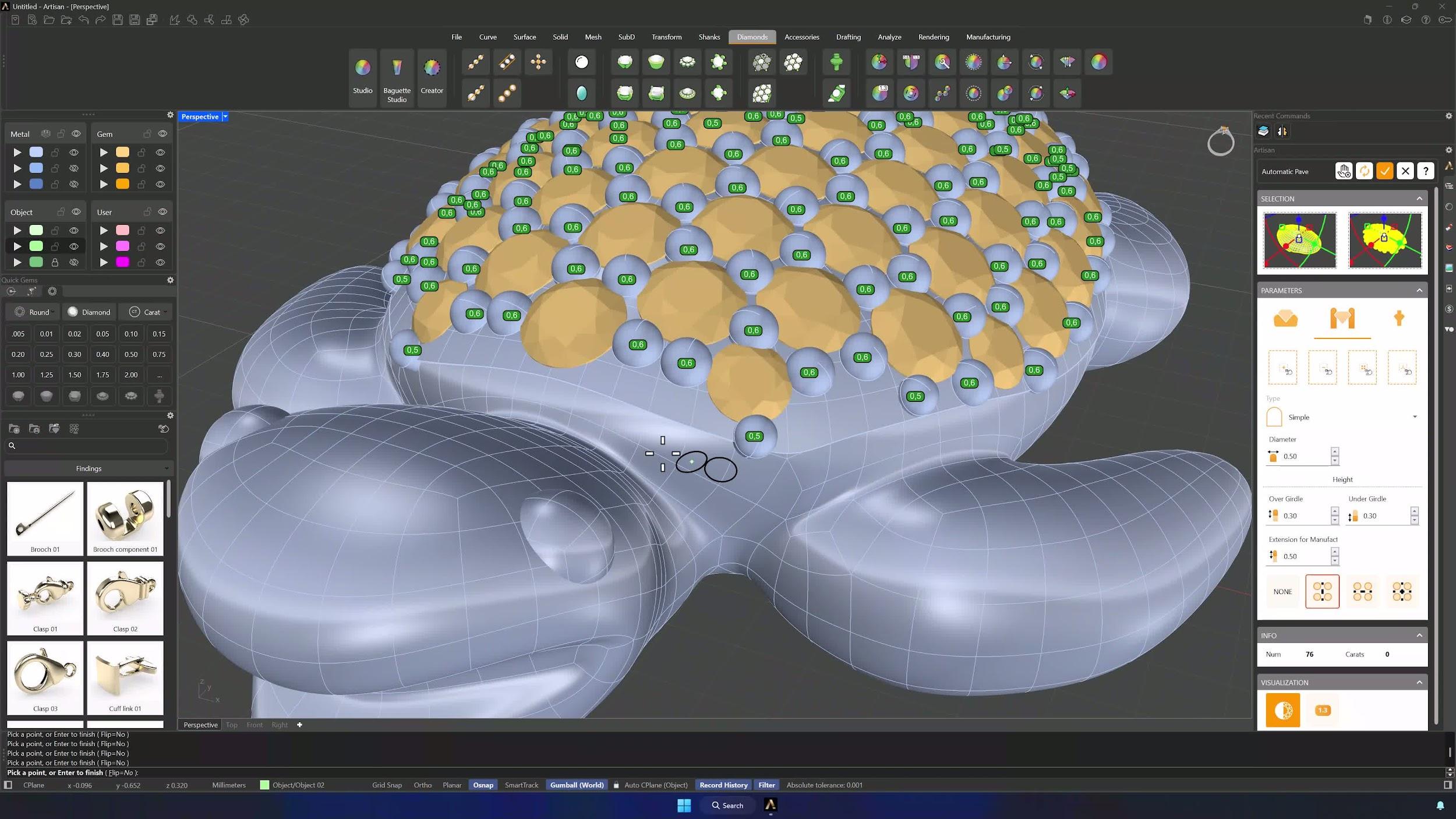
Automatic Pave again with surface and gems in their selectors. Prongs: diameter 0.6 mm, overgirdle and undergirdle 0.3 mm, manufacturing extension 0.5 mm, Y symmetry, Automatic — then add the outer prongs by hand, shrinking diameters where needed and deleting strays with the minus button.
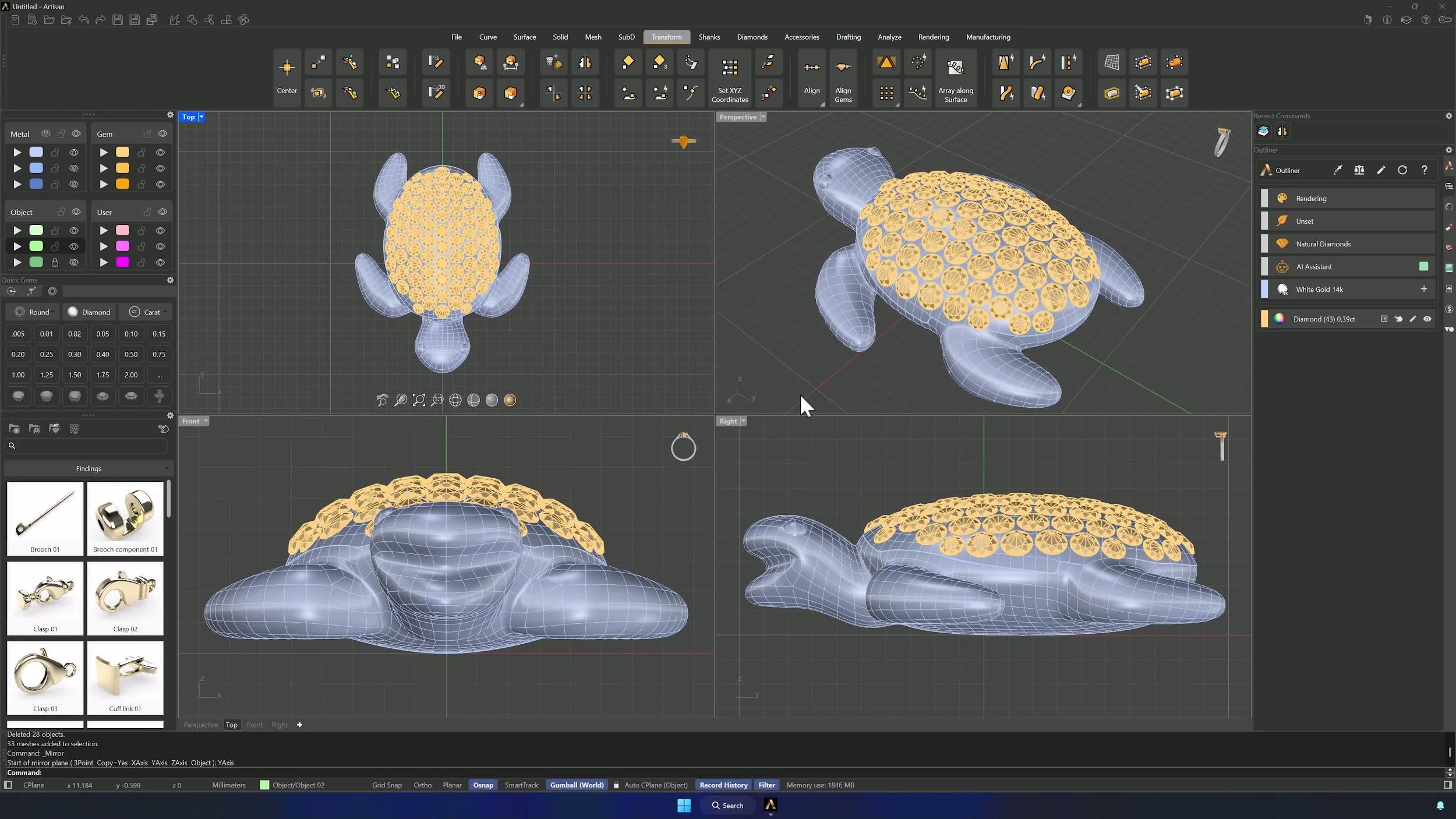
14. Create cutters and complete the model
Cutters with the fourth preset, then Boolean Difference — metal first, cutters second. The turtle is complete and ready for rendering.
Tips for a clean result
- Symmetry drives the whole build — keep it in mind at every step, and work one side.
- Extract the gem surface slowly; a wrong face here distorts the whole pavé.
- Red gems mean resize or reposition before finalizing — never ignore them.
- Save before Boolean Union, Quad Remesh and Boolean Difference.
- Keep the reference transparent enough to see the model through it.
- Preview before committing remesh, pavé or prongs.
Almost there — you still have some lessons to complete. Jump to the next one →
Impersonating — progress and reviews are disabled.
Course completed
You've completed Living Jewels: SubD Creature Sculpting 🎉
Great work. Get your certificate of completion and, if you have a minute, let other jewelers know what you thought of the course.