Dolphin Ring
Lesson 18 of 29
Overview
Sign in to access this lesson
This lesson is part of Living Jewels: SubD Creature Sculpting, which can come bundled with a RhinoArtisan Commercial license subject to current promotions. Log in with your customer account, or get in touch and we'll set you up.
Customers only
Solo para clientes
This lesson is part of Living Jewels: SubD Creature Sculpting, which can be included with a RhinoArtisan Commercial license subject to current promotions. If you've already purchased and don't see it in your account, get in touch.
Downloads
A dolphin is pure motion — a single fluid line from nose to tail — and that line is exactly what makes it wrap so naturally around a finger. In this project you’ll capture that silhouette with as few points as possible, sculpt it into a dolphin in SubD, and bend the finished body around the ring.
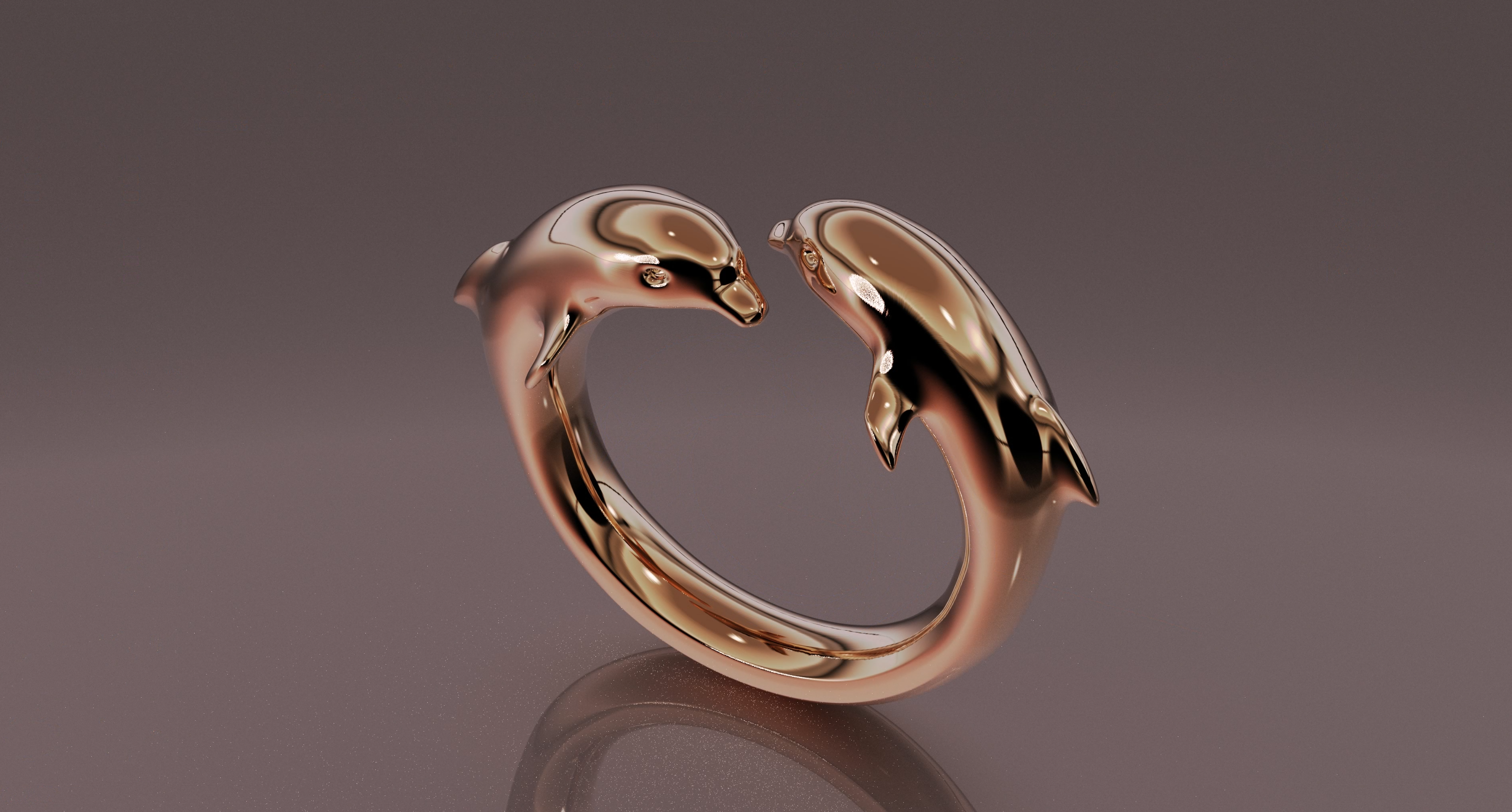
Design a dolphin ring using RhinoArtisan.
In this tutorial you will learn how to:
- Set up the ring curve and references, draw the dolphin’s outline with minimal control points, and convert it to SubD with QuadRemesh.
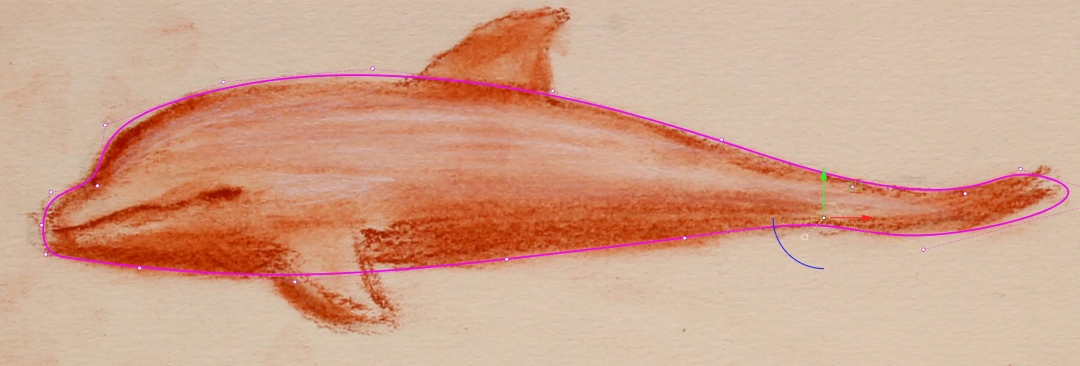
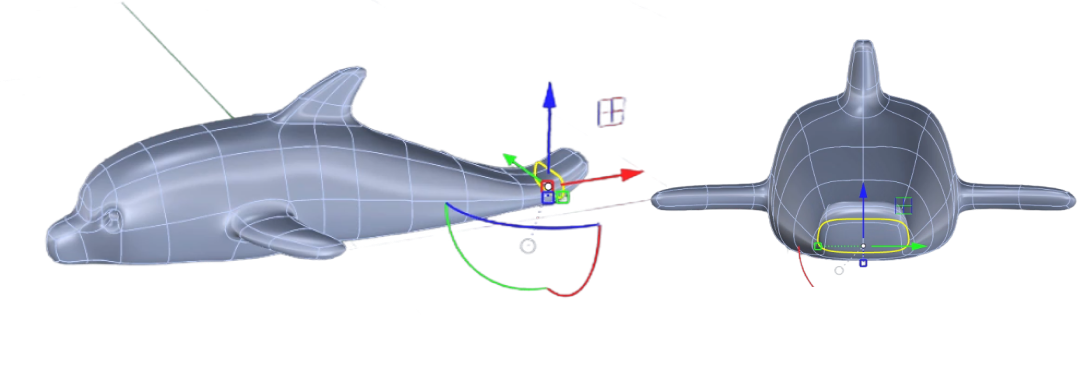
- Sculpt the head, eye and body with Soft Transform, edge loops and the selection filters — guided by the reference, not the ruler. Model the side and dorsal fins, refine the whole silhouette, and align the dolphin to the X axis.
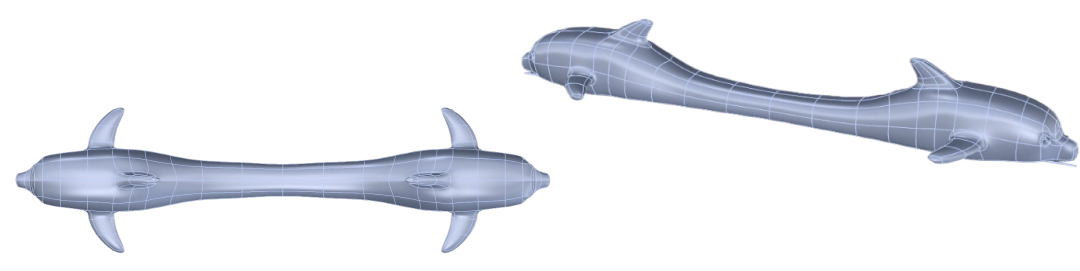
- Split and bridge the body into a continuous band, tapering the tail junction smoothly.
- Flow the band around the finger with Smart Flow by Curve to close the ring, with Quick Bend as an alternate pose.
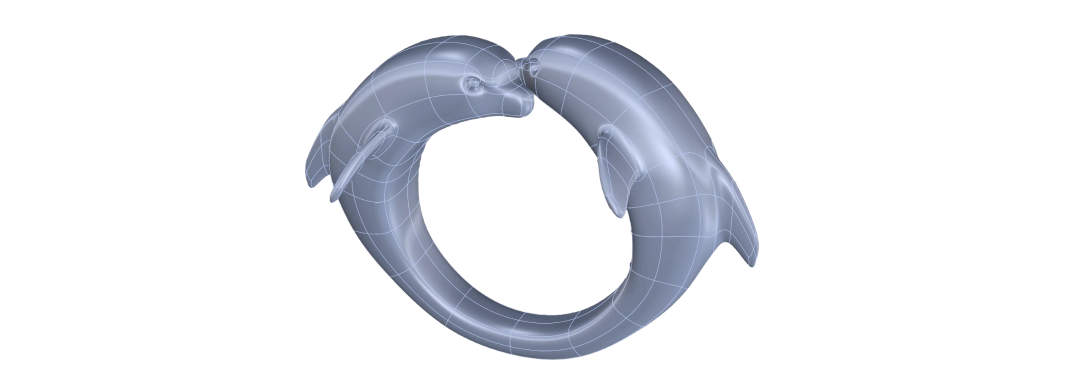
By the end of this project, you’ll have the skills to sculpt a dolphin and turn it into a finished ring from scratch.
Almost there — you still have some lessons to complete. Jump to the next one →
Impersonating — progress and reviews are disabled.
Course completed
You've completed Living Jewels: SubD Creature Sculpting 🎉
Great work. Get your certificate of completion and, if you have a minute, let other jewelers know what you thought of the course.