Apply Materials and Render
Lesson 22 of 28
Pose the first ring
Sign in to access this lesson
This lesson is part of Organic SubD Ring Design: Elegance Redefined, which can come bundled with a RhinoArtisan Commercial license subject to current promotions. Log in with your customer account, or get in touch and we'll set you up.
Customers only
Solo para clientes
This lesson is part of Organic SubD Ring Design: Elegance Redefined, which can be included with a RhinoArtisan Commercial license subject to current promotions. If you've already purchased and don't see it in your account, get in touch.
Objective: Learn how to duplicate and pose the rings for a more realistic final render.
Content
In the command bar, type group to group the model and facilitate posing.
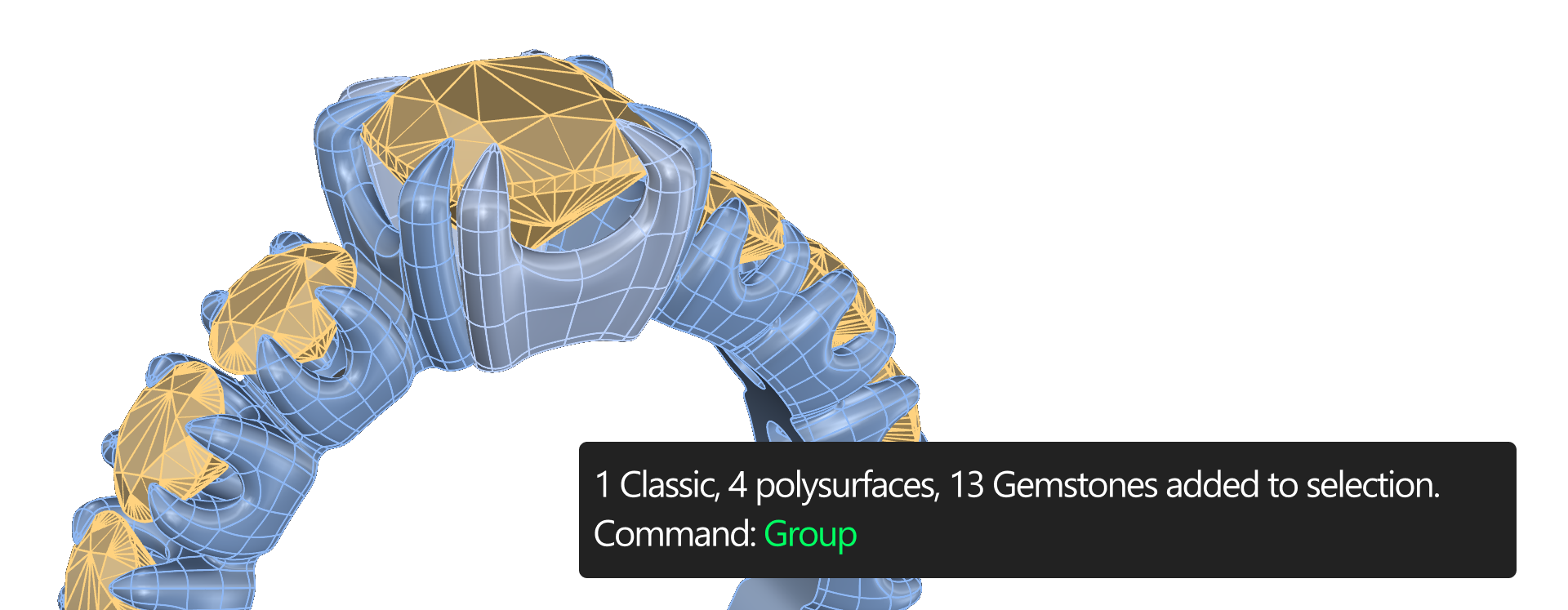
Position the First Ring
- Type
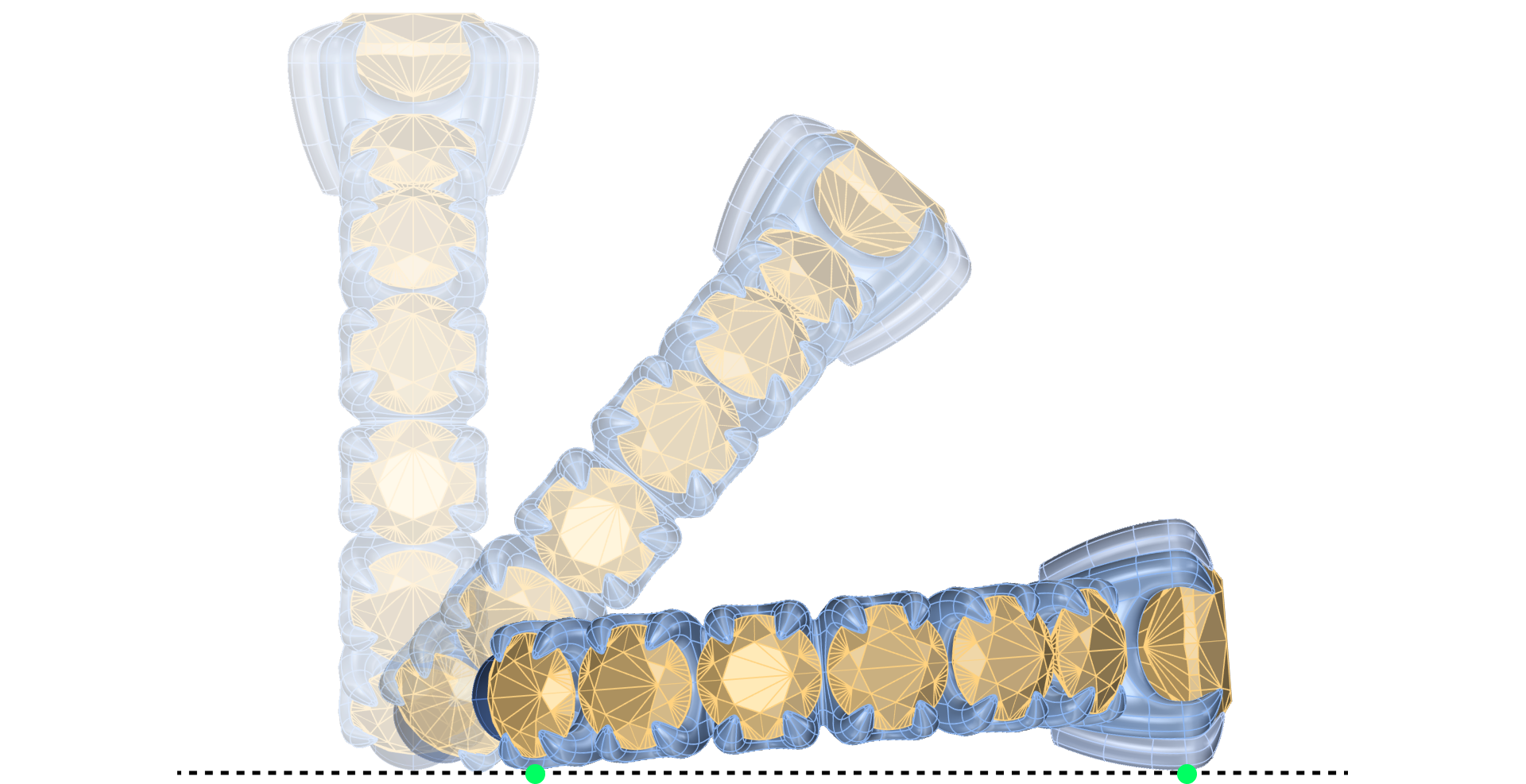
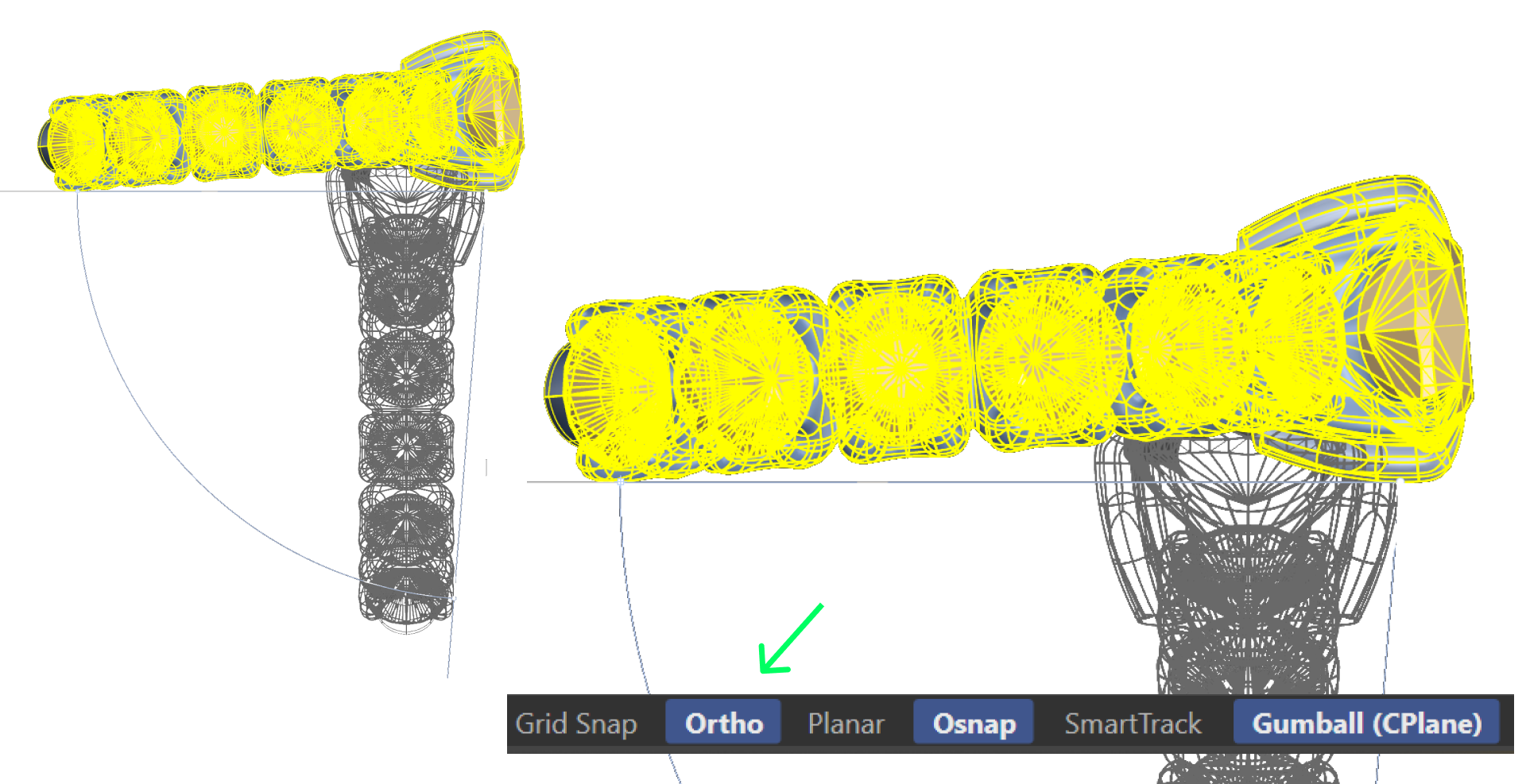
rotatein the command bar to rotate the ring into position on the XY plane.

- Consider which parts of the ring will touch the ground if it were resting.
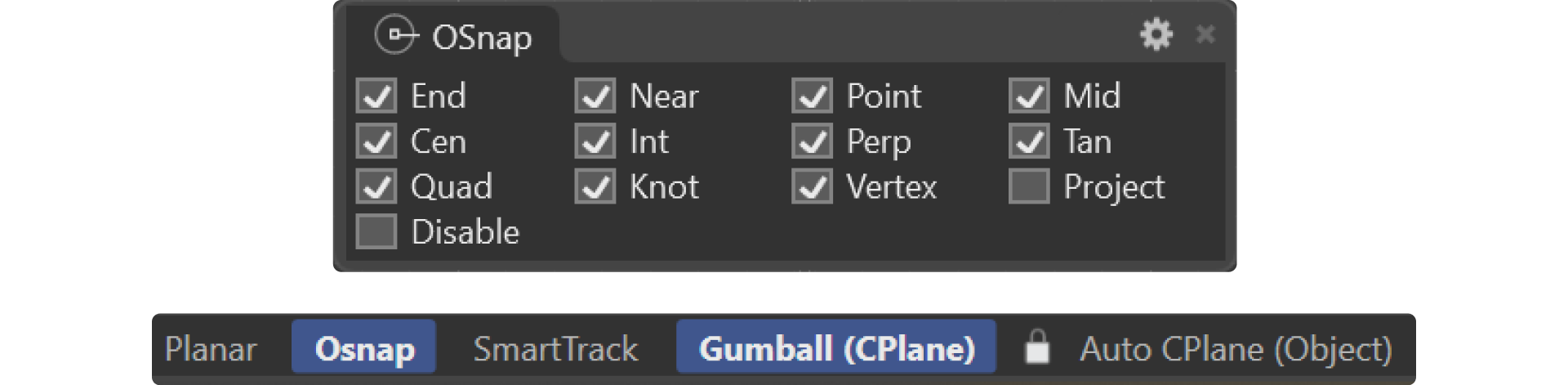
- Enable the OSnap option for precise selection of points.
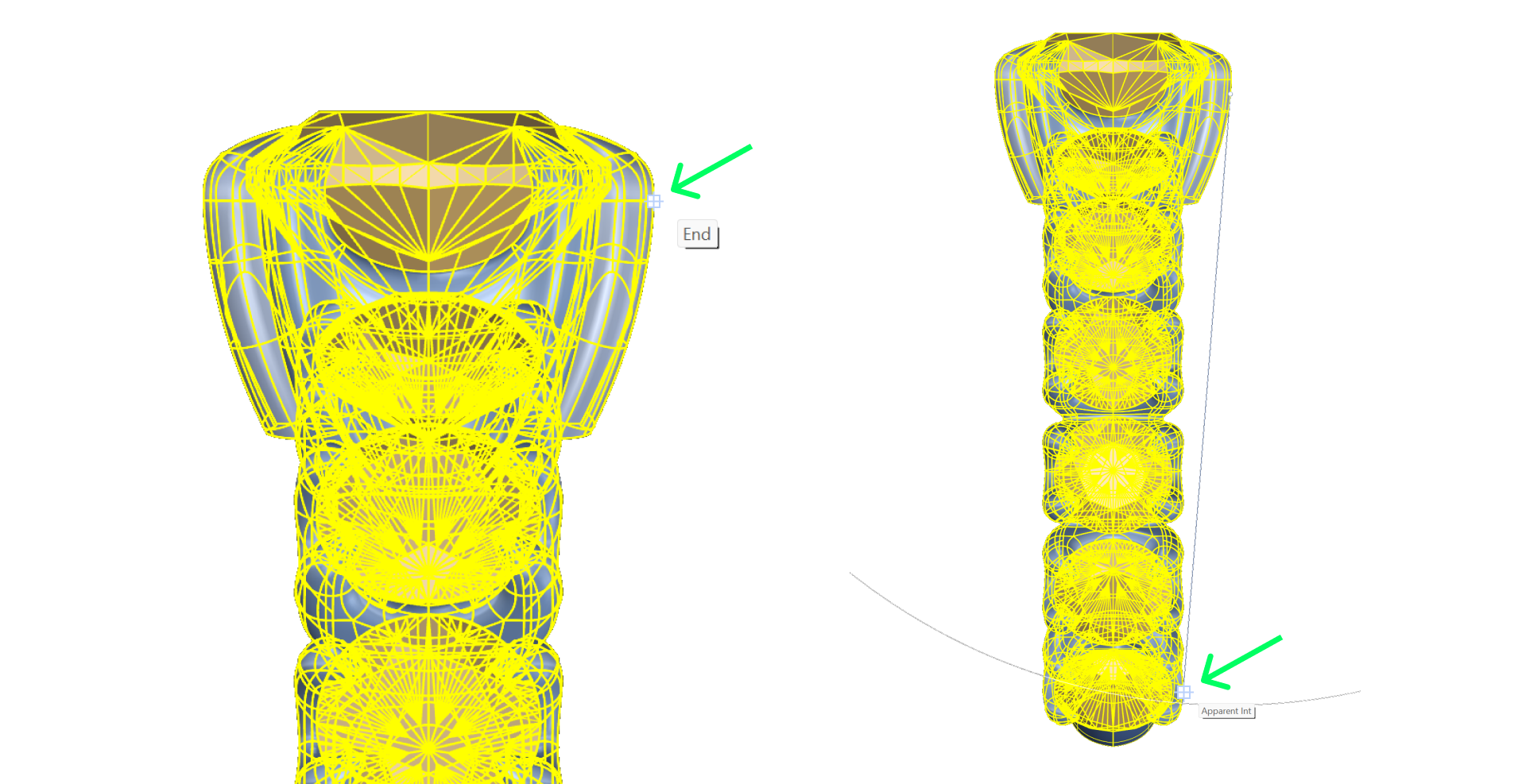
- From the Right View, select the topmost point farthest to the right and the bottommost point farthest to the right.
- Hold Shift (or activate Orto) and rotate the ring by 90 degrees to make it rest on the ground.
Return to the Four Viewports
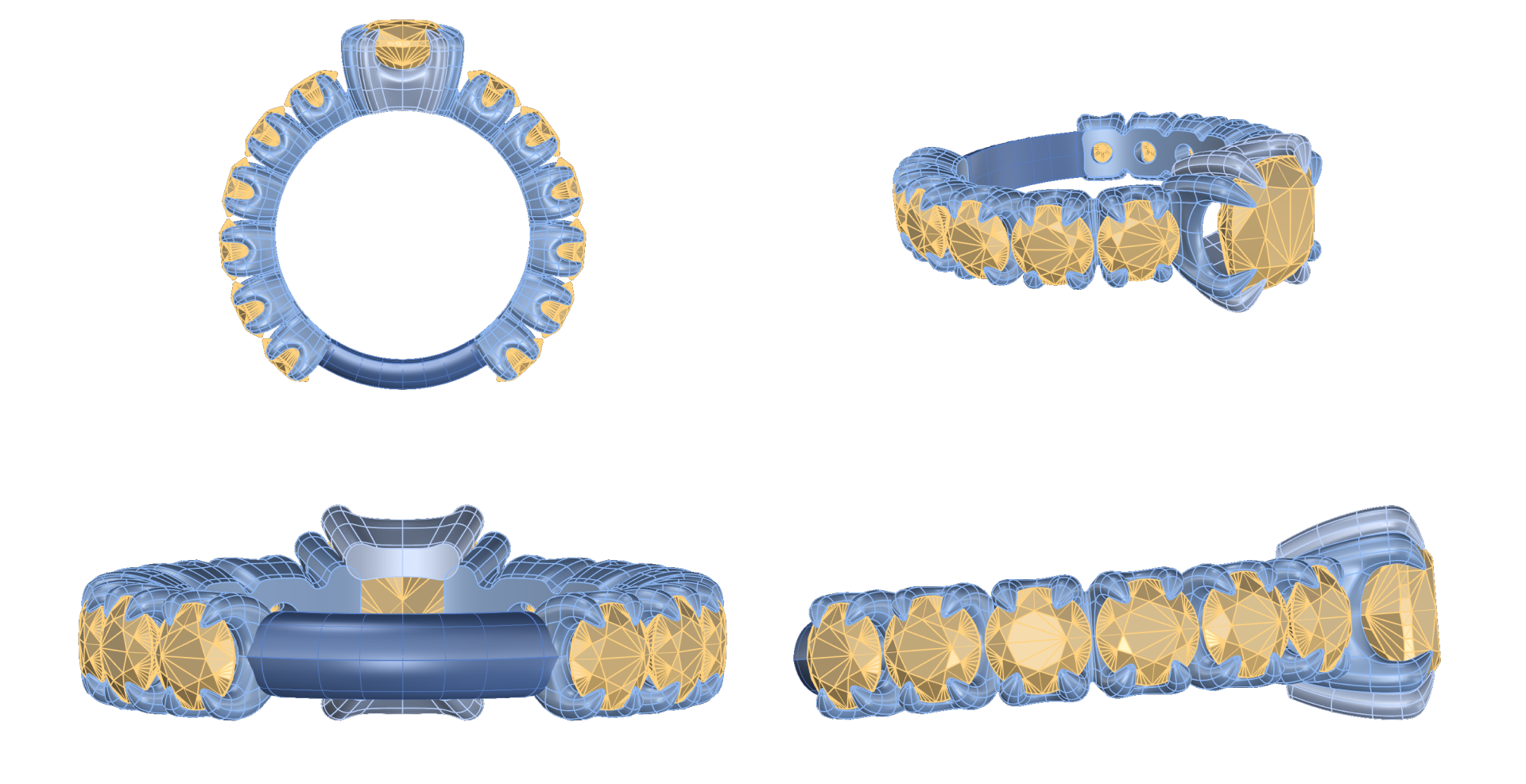
- Select the ring and use the ArtisanCenter command in the command bar to center the first ring across all viewports.

- Use Pan, Zoom, Rotate, and Rotate All options to adjust all viewports.
Video lesson
Next Lesson: Creating Copies of the Rings
Almost there — you still have some lessons to complete. Jump to the next one →
Impersonating — progress and reviews are disabled.
Course completed
You've completed Organic SubD Ring Design: Elegance Redefined 🎉
Great work. Get your certificate of completion and, if you have a minute, let other jewelers know what you thought of the course.