Stud Earrings
Lesson 11 of 43
Lesson Overview
Sign in to access this lesson
This lesson is part of Kickstart: From idea to Creation, which can come bundled with a RhinoArtisan Commercial license subject to current promotions. Log in with your customer account, or get in touch and we'll set you up.
Customers only
Solo para clientes
This lesson is part of Kickstart: From idea to Creation, which can be included with a RhinoArtisan Commercial license subject to current promotions. If you've already purchased and don't see it in your account, get in touch.
Stud earrings are small, often subtle, earrings that can feature a gemstone or be made entirely of metal. The most common example is a simple metal ball earring. Over time, it became fashionable to include diamonds in the design, usually set in a bezel or basket setting. Although these designs were originally intended for young girls, they quickly gained popularity among all age groups. Today, stud earrings are often characterized by a single diamond, which can be as large as 2 carats.
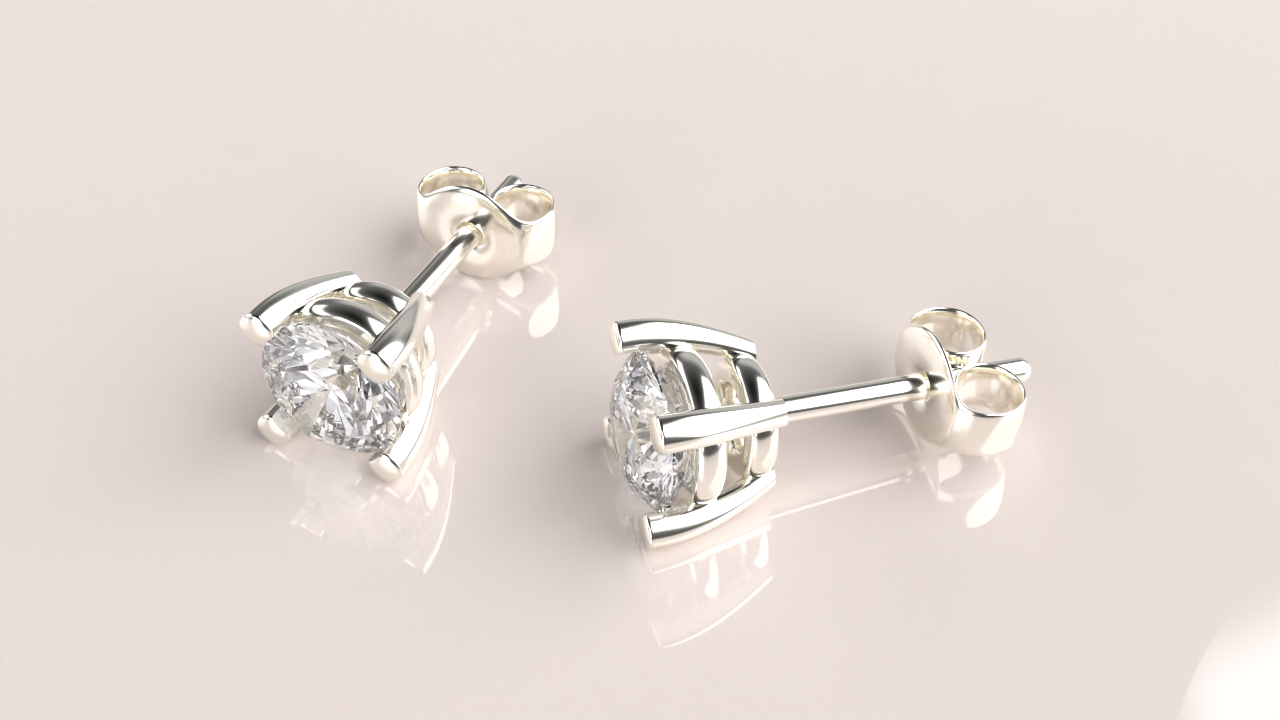
Design a pair of diamond stud earrings using RhinoArtisan.
In this tutorial you will learn how to:
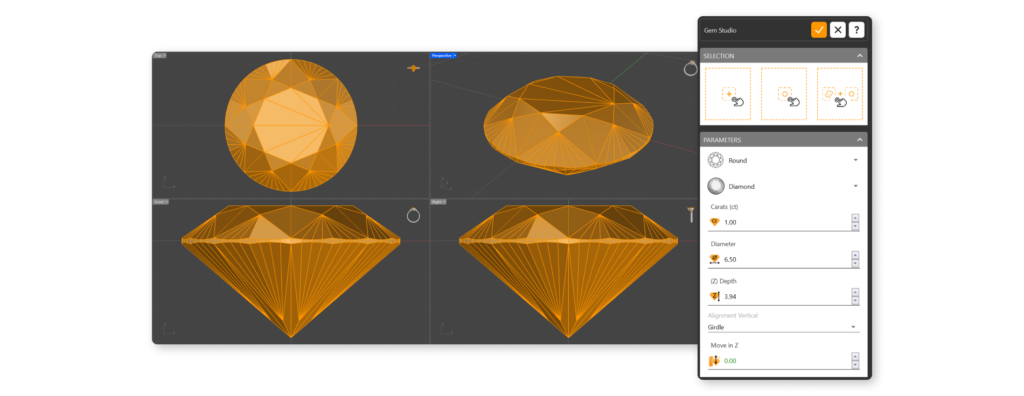
- Selecting a suitable diamond and move on to choosing and customizing the basket setting that will hold the gem.
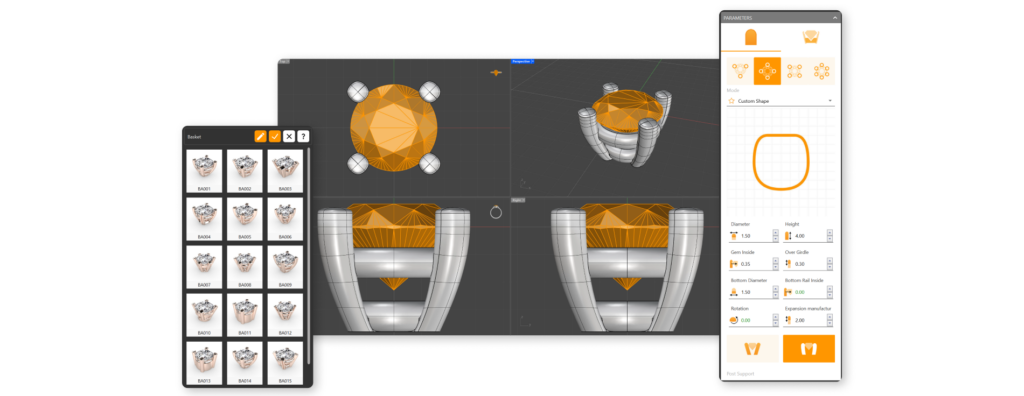
- Adjust the prong rails for added security and add the post to complete the earring model.
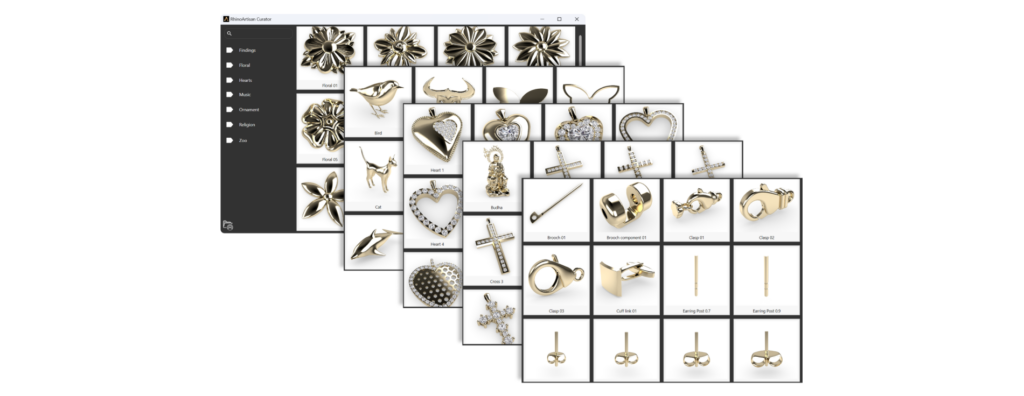
- Use the curator panel
- Create a pair and pose the model. Discover new commands.
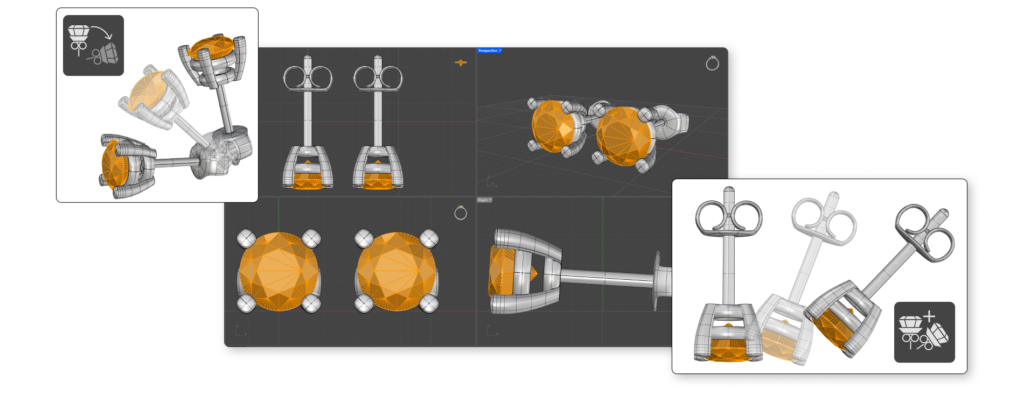
- Produce a professional-quality render of your finished design.
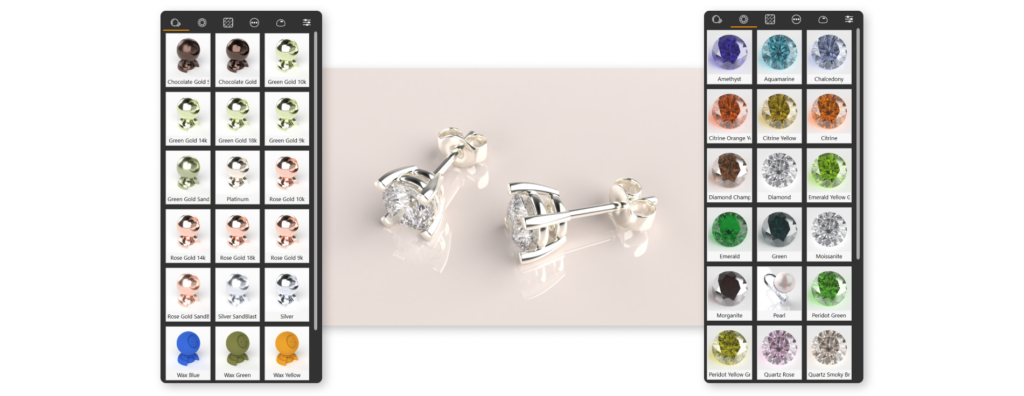
By the end of this course, you’ll have the skills to create a beautiful pair of diamond stud earrings from scratch.
Almost there — you still have some lessons to complete. Jump to the next one →
Impersonating — progress and reviews are disabled.
Course completed
You've completed Kickstart: From idea to Creation 🎉
Great work. Get your certificate of completion and, if you have a minute, let other jewelers know what you thought of the course.