Introduction to RhinoArtisan
Lesson 5 of 43
Ribbon
Sign in to access this lesson
This lesson is part of Kickstart: From idea to Creation, which can come bundled with a RhinoArtisan Commercial license subject to current promotions. Log in with your customer account, or get in touch and we'll set you up.
Customers only
Solo para clientes
This lesson is part of Kickstart: From idea to Creation, which can be included with a RhinoArtisan Commercial license subject to current promotions. If you've already purchased and don't see it in your account, get in touch.
When you open RhinoArtisan for the first time you’ll see this interface.
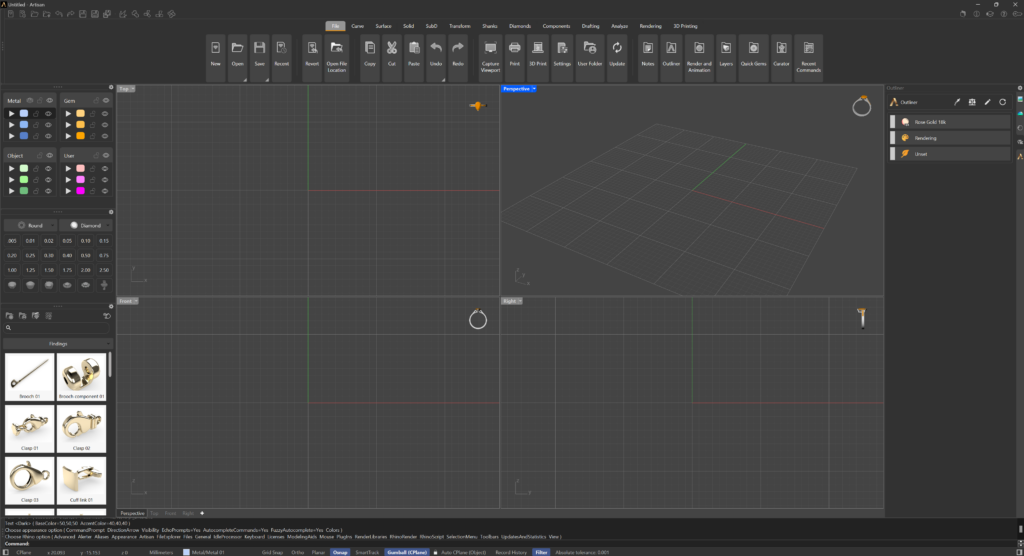
The interface is fully customizable. The RhinoArtisan interface can be customized in the same way as the Rhino interface, as we saw in the previous lesson.
The Ribbon
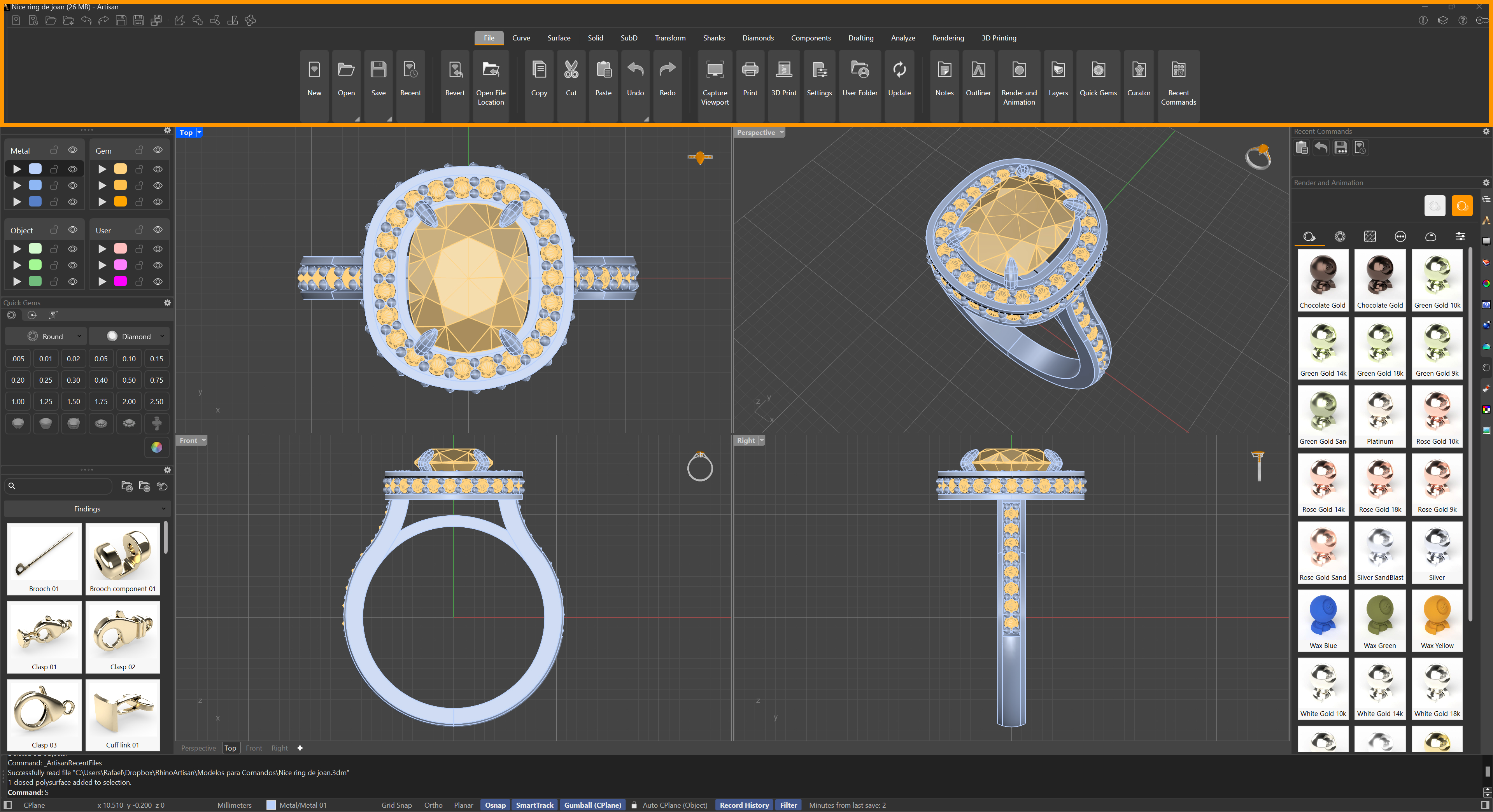
RhinoArtisan (and Rhino) commands are contained in the Ribbon. They are grouped in Tabs.
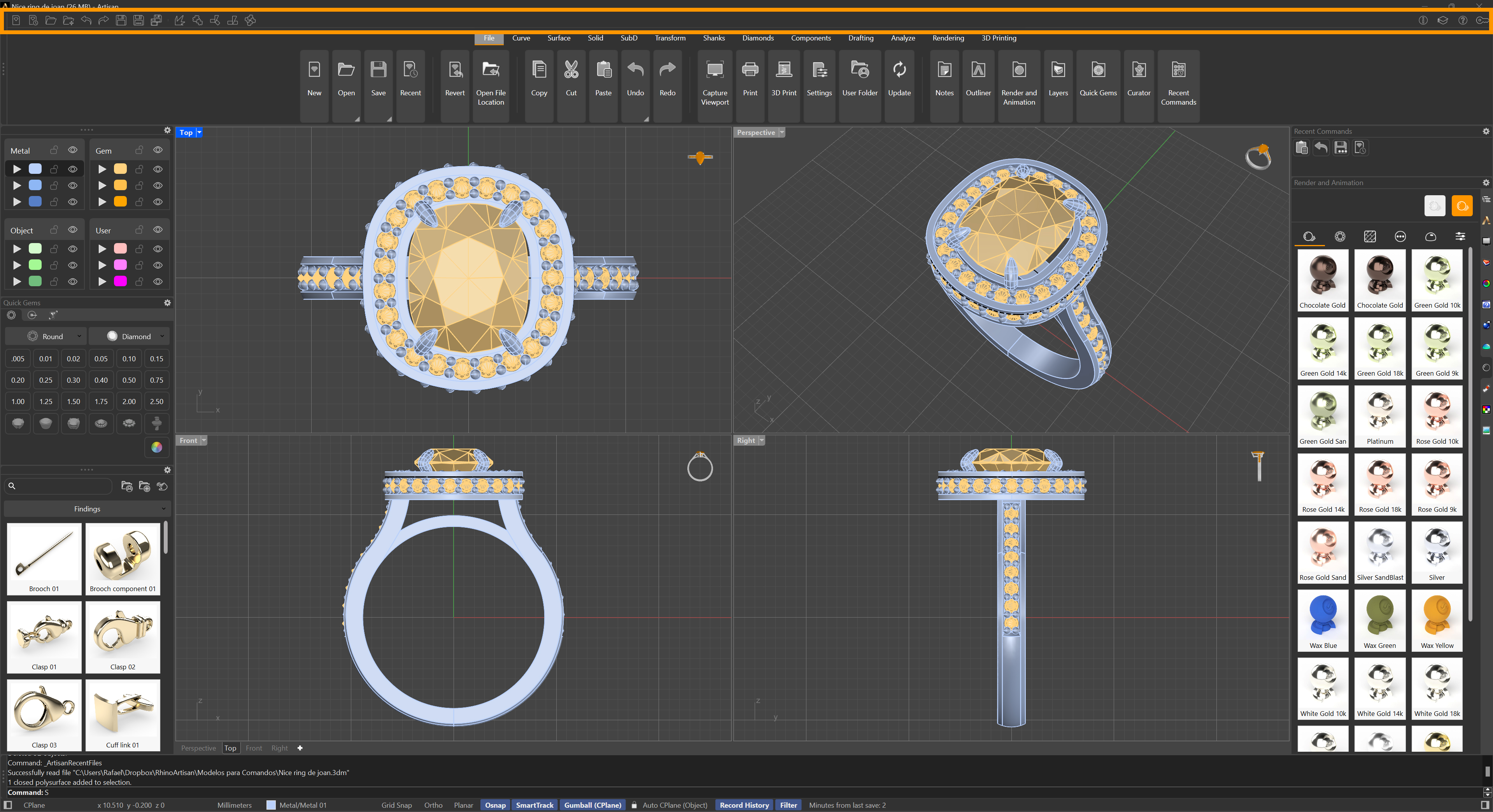
Quick Access Icons
In the Ribbon component, the small icons located at the top are commonly referred to as ‘quick access icons.’ These icons typically represent frequently used functions or actions and allow users to quickly access these functions without navigating through additional menus or tabs in the user interface.
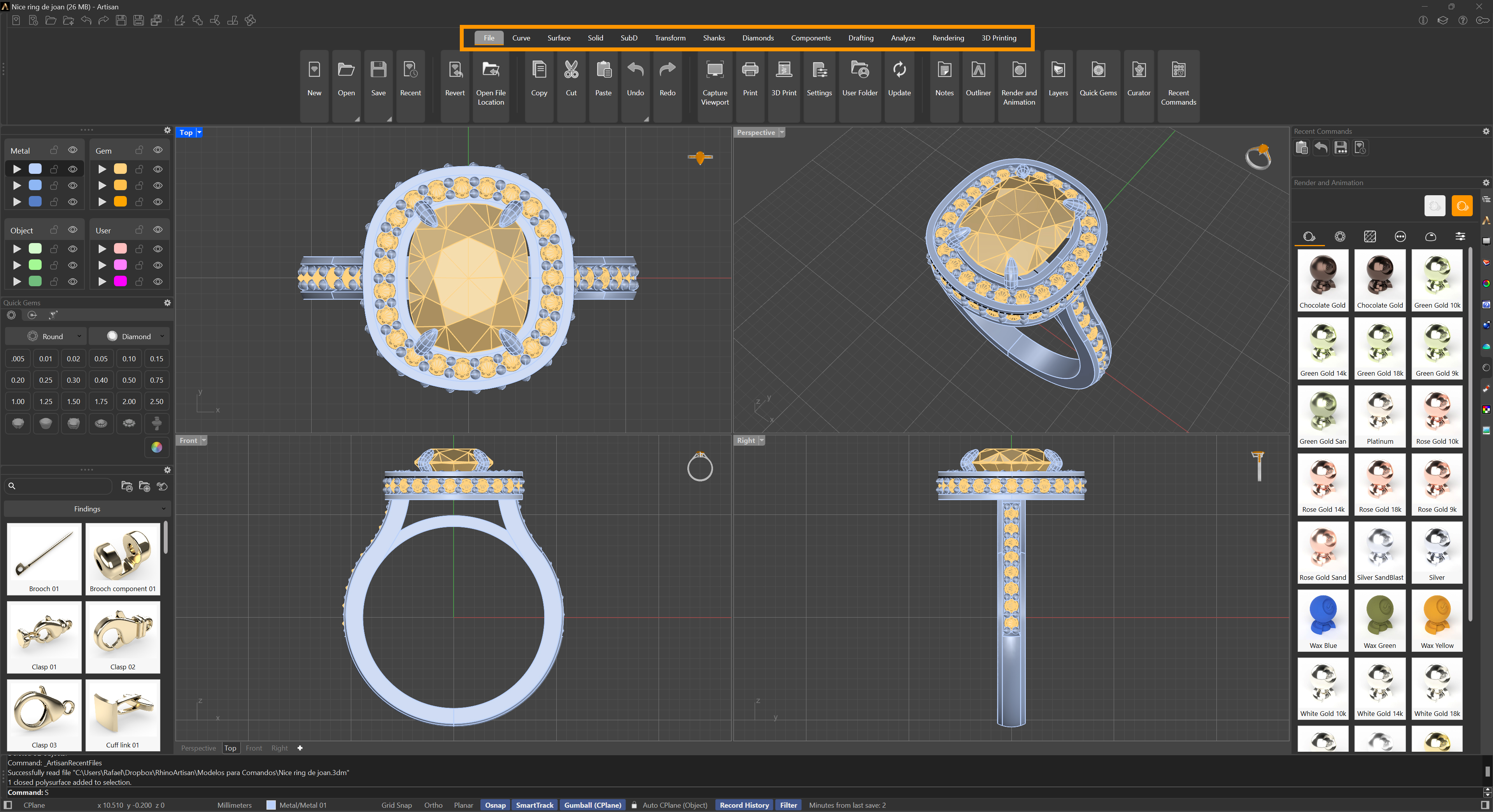
Tabs
The commands are grouped into tabs according to their functionality. As you can see, all Rhino commands are included together with RhinoArtisan commands.
Almost there — you still have some lessons to complete. Jump to the next one →
Impersonating — progress and reviews are disabled.
Course completed
You've completed Kickstart: From idea to Creation 🎉
Great work. Get your certificate of completion and, if you have a minute, let other jewelers know what you thought of the course.