Christmas Tree Pendant
Lesson 28 of 38
Channel Gems
Sign in to access this lesson
This lesson is part of Modern Elegance: Fashion Jewelry Modeling, which can come bundled with a RhinoArtisan Commercial license subject to current promotions. Log in with your customer account, or get in touch and we'll set you up.
Customers only
Solo para clientes
This lesson is part of Modern Elegance: Fashion Jewelry Modeling, which can be included with a RhinoArtisan Commercial license subject to current promotions. If you've already purchased and don't see it in your account, get in touch.
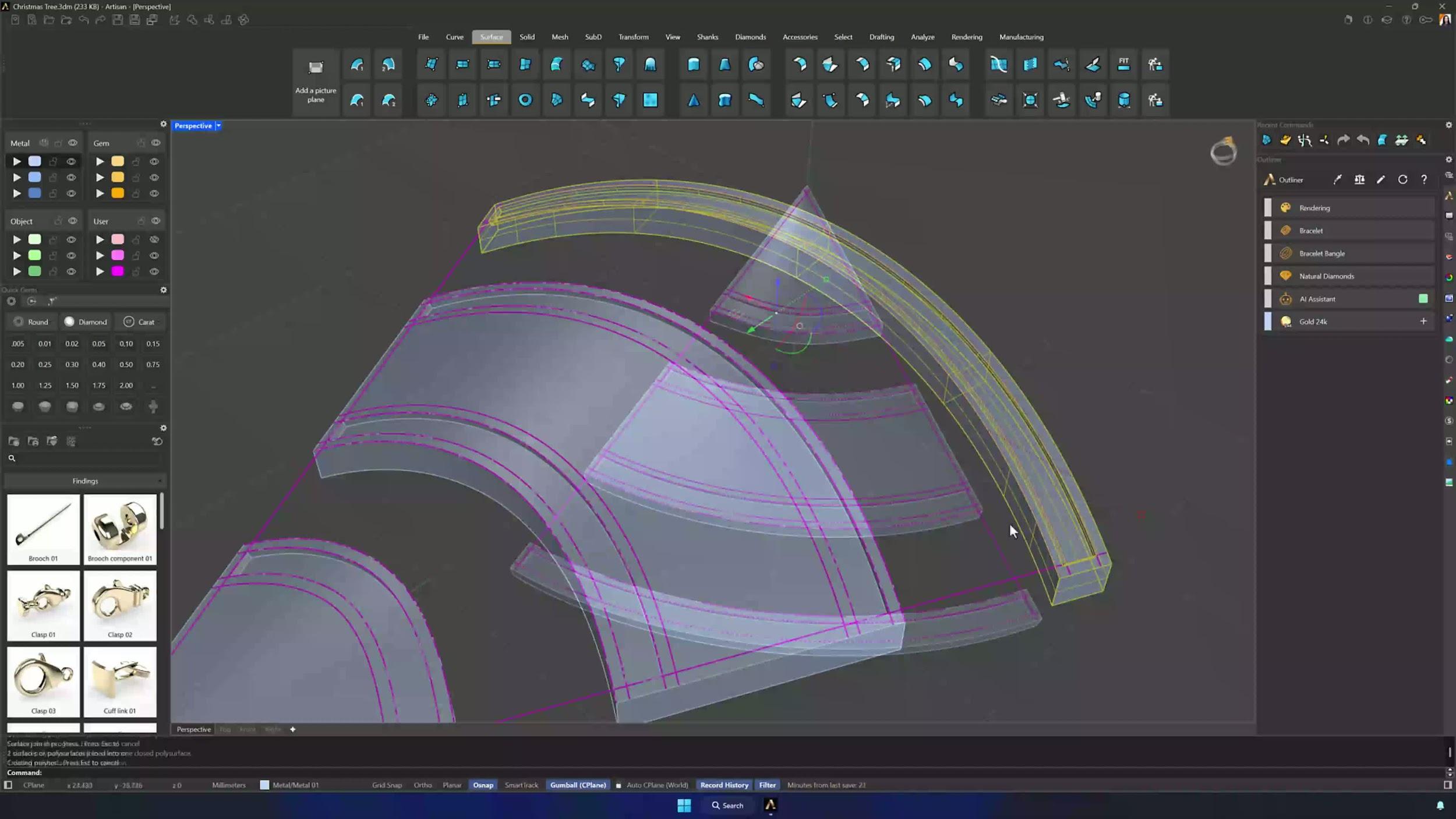
6. Create gem centerlines for the channels
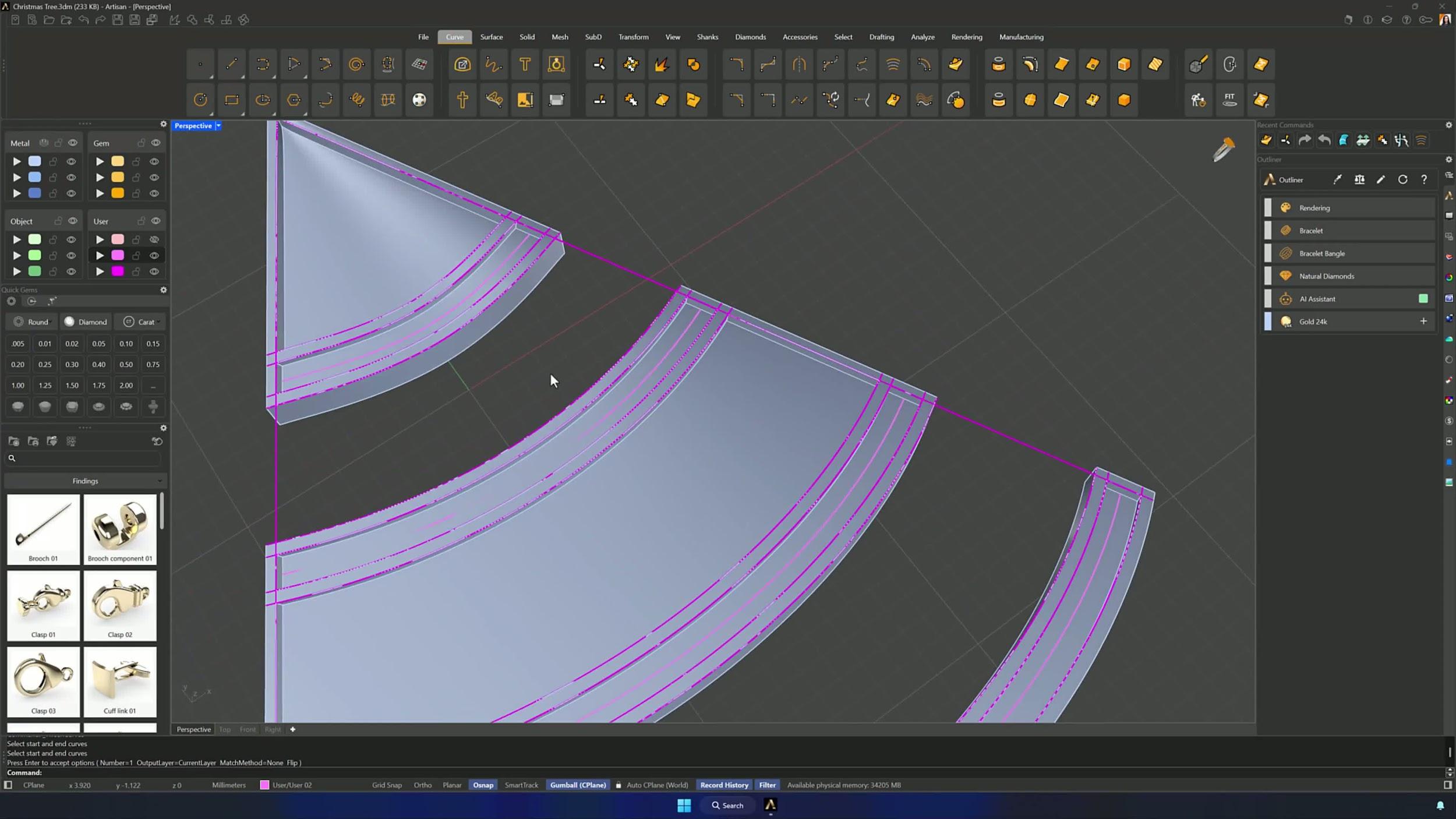
Extract Isocurve with Osnap gives you the center curve of the first channel; for the rest, Tween Curves between the two channel edges generates each centerline. Check all the center curves before placing a single gem.
7. Place gems along the channels using Gems on Curve
Run Gems on Curve on the first centerline with the orientation surface assigned: gem size 1.30 mm, Refresh, and the Gumball to pull the spacing in from both ends so a small margin remains. Enable Prongs with defaults and Cutters with the third preset, accept, and repeat for every channel.
Almost there — you still have some lessons to complete. Jump to the next one →
Impersonating — progress and reviews are disabled.
Course completed
You've completed Modern Elegance: Fashion Jewelry Modeling 🎉
Great work. Get your certificate of completion and, if you have a minute, let other jewelers know what you thought of the course.