Trillion Prongs Ring
Lesson 35 of 38
SubD Prongs
Sign in to access this lesson
This lesson is part of Modern Elegance: Fashion Jewelry Modeling, which can come bundled with a RhinoArtisan Commercial license subject to current promotions. Log in with your customer account, or get in touch and we'll set you up.
Customers only
Solo para clientes
This lesson is part of Modern Elegance: Fashion Jewelry Modeling, which can be included with a RhinoArtisan Commercial license subject to current promotions. If you've already purchased and don't see it in your account, get in touch.
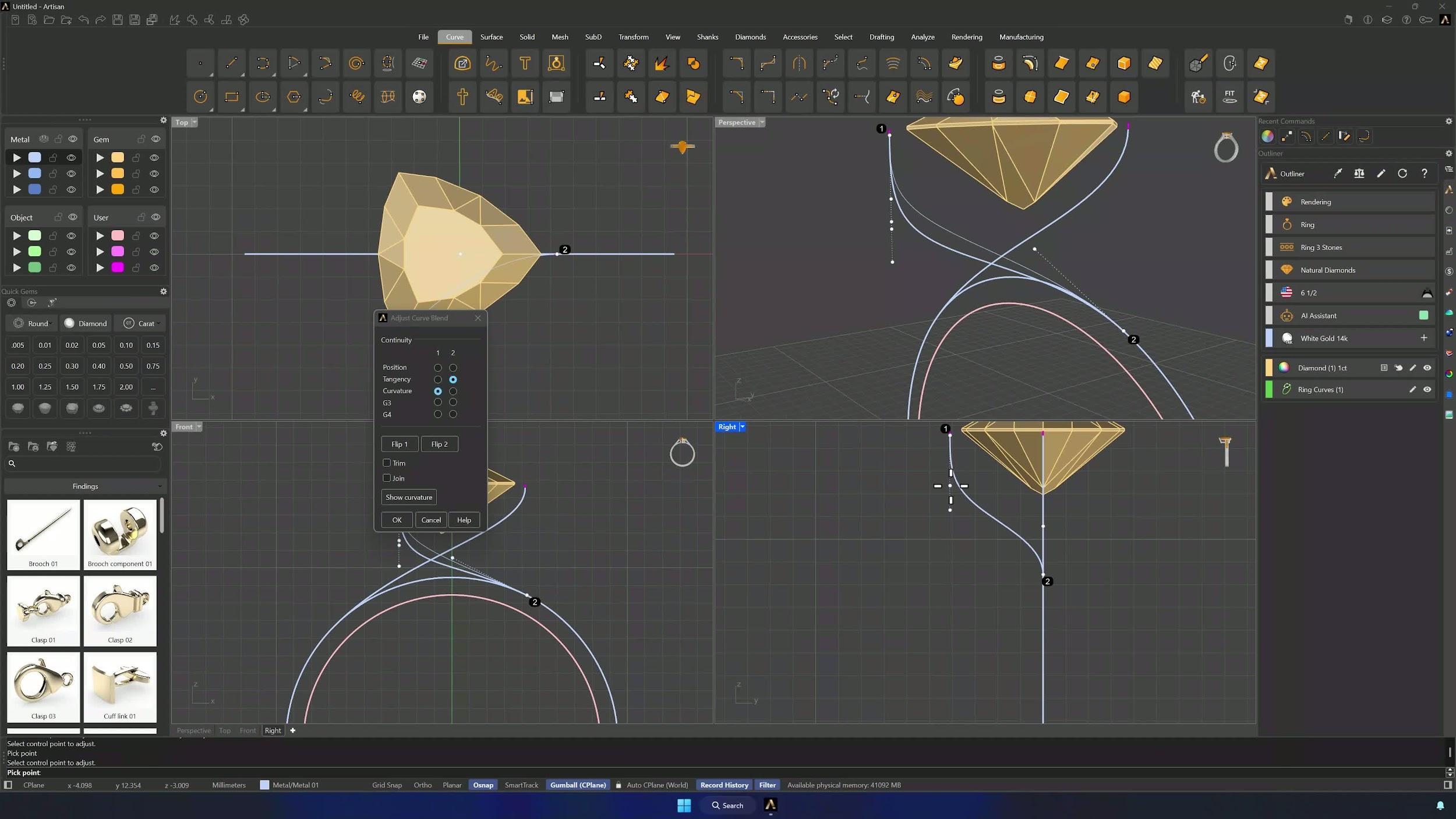
5. Create the prong pipes
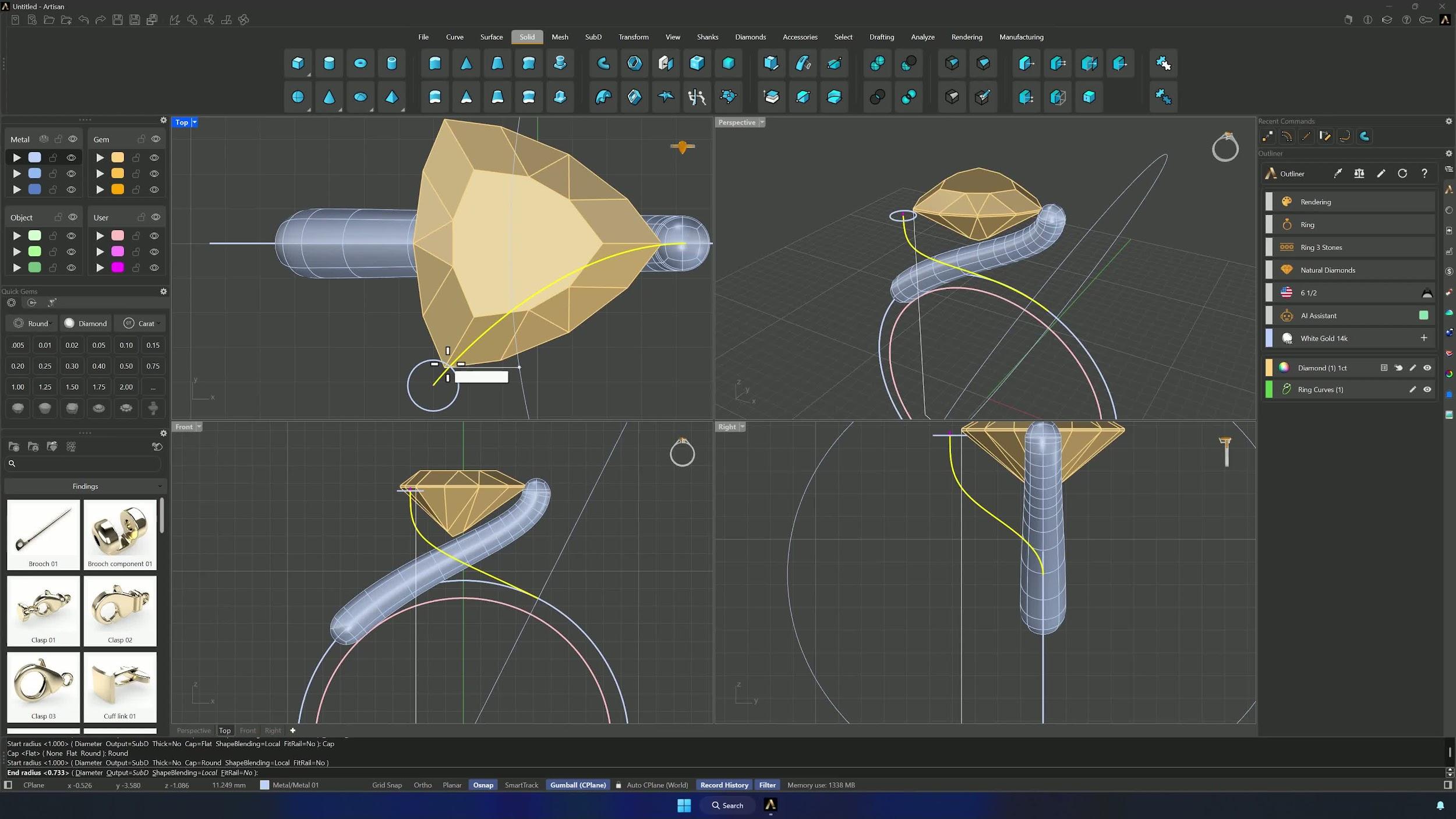
Pipe each blend curve from the Solid tab with Output = SubD and Cap = Round. From the Top view make sure each pipe slightly intersects the gem — that overlap is what holds the stone — and use the perpendicular guide on the ring curve from the Front view. Confirm both pipes.
6. Join and bridge the prong structure
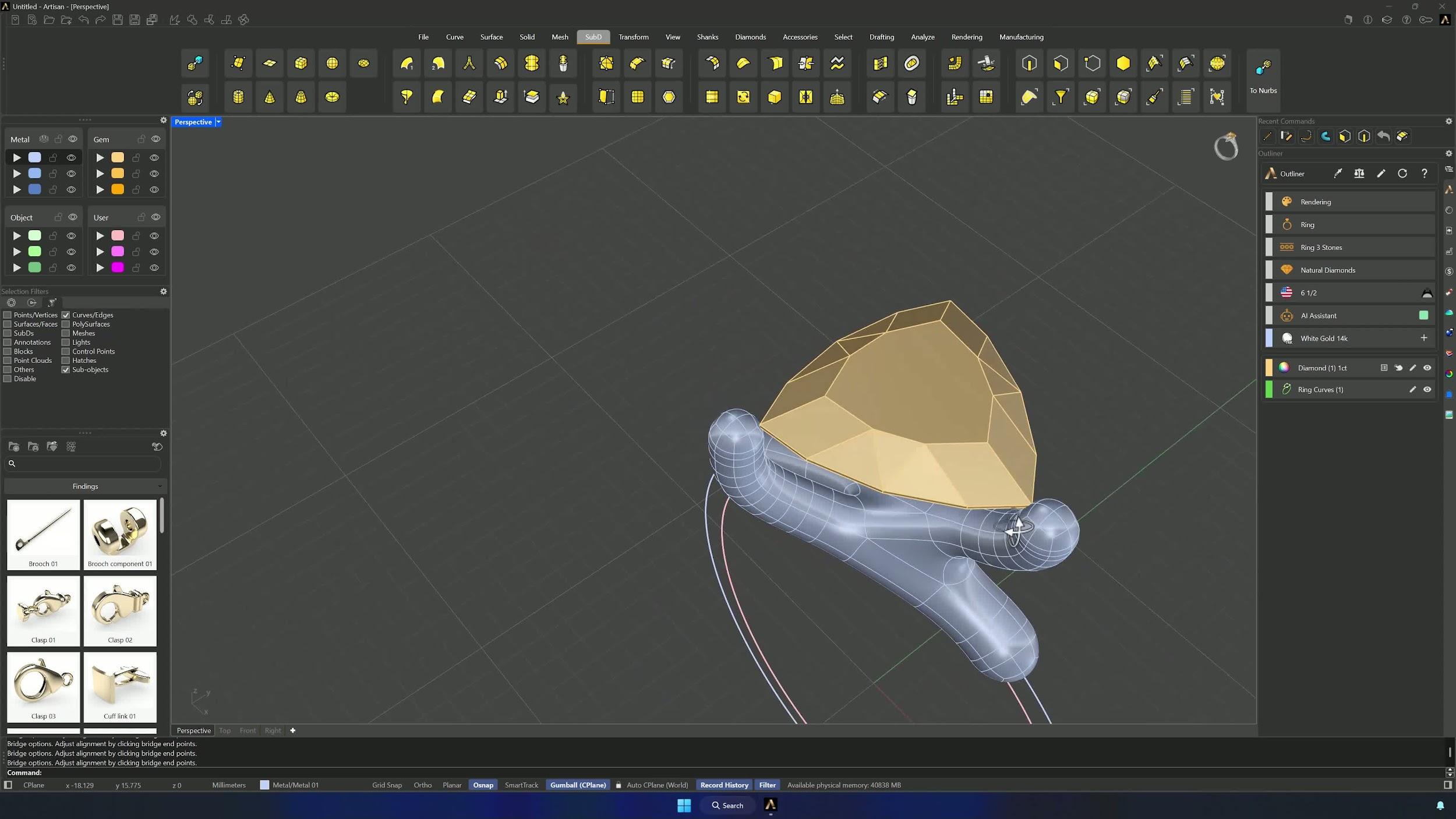
Select edge loops with Ctrl + Shift + double-click (the SubD Edge filter helps) and delete the loop and the one below it, repeating on the lower side. Switch to the Face filter, delete the side faces that look toward the opposite pipe plus their four connecting loops, then back on the Edge filter select one open loop, Shift-select its opposite, and Bridge — rotating the points if the direction comes out wrong.
7. Mirror the prong and refine the Sub-D shape
With filters on None, Reflect the object along the X axis, arrows pointing at the side you want mirrored. If a small bump appears at the bottom, delete that loop — Remove Symmetry first. Then reinforce the structure: Insert Point for a central edge point from the rightmost edge (Osnap on the centers), and Insert Edge on the top section for a central loop, until top and bottom both have central support.
8. Match edge counts and prepare the shank connection
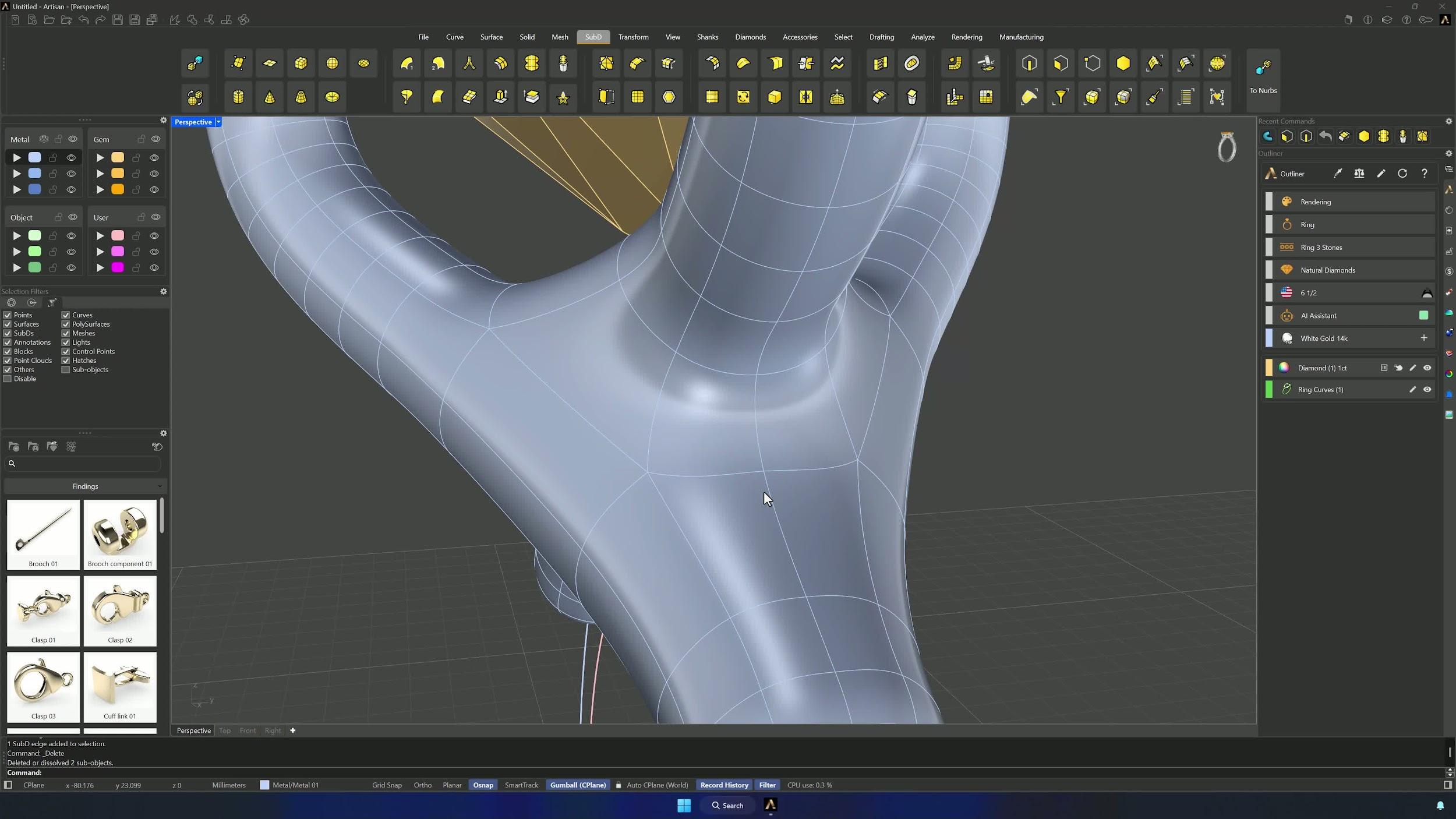
Both sides of the shank connection need the same edge count: Split with Edge Loop and delete the extras where one side has more. Adjust vertices so the curve hugs the ring shape, then Duplicate Edge to create the shank profile curves, rotating them around center 0 and aligning them with the end of the ring curve from the Front view.
Almost there — you still have some lessons to complete. Jump to the next one →
Impersonating — progress and reviews are disabled.
Course completed
You've completed Modern Elegance: Fashion Jewelry Modeling 🎉
Great work. Get your certificate of completion and, if you have a minute, let other jewelers know what you thought of the course.