Eternal Weave Ring
Lesson 3 of 38
Weave Curves: Flow, Mirror & Blend
Sign in to access this lesson
This lesson is part of Modern Elegance: Fashion Jewelry Modeling, which can come bundled with a RhinoArtisan Commercial license subject to current promotions. Log in with your customer account, or get in touch and we'll set you up.
Customers only
Solo para clientes
This lesson is part of Modern Elegance: Fashion Jewelry Modeling, which can be included with a RhinoArtisan Commercial license subject to current promotions. If you've already purchased and don't see it in your account, get in touch.
5. Generate the first reference curve using two views and flow
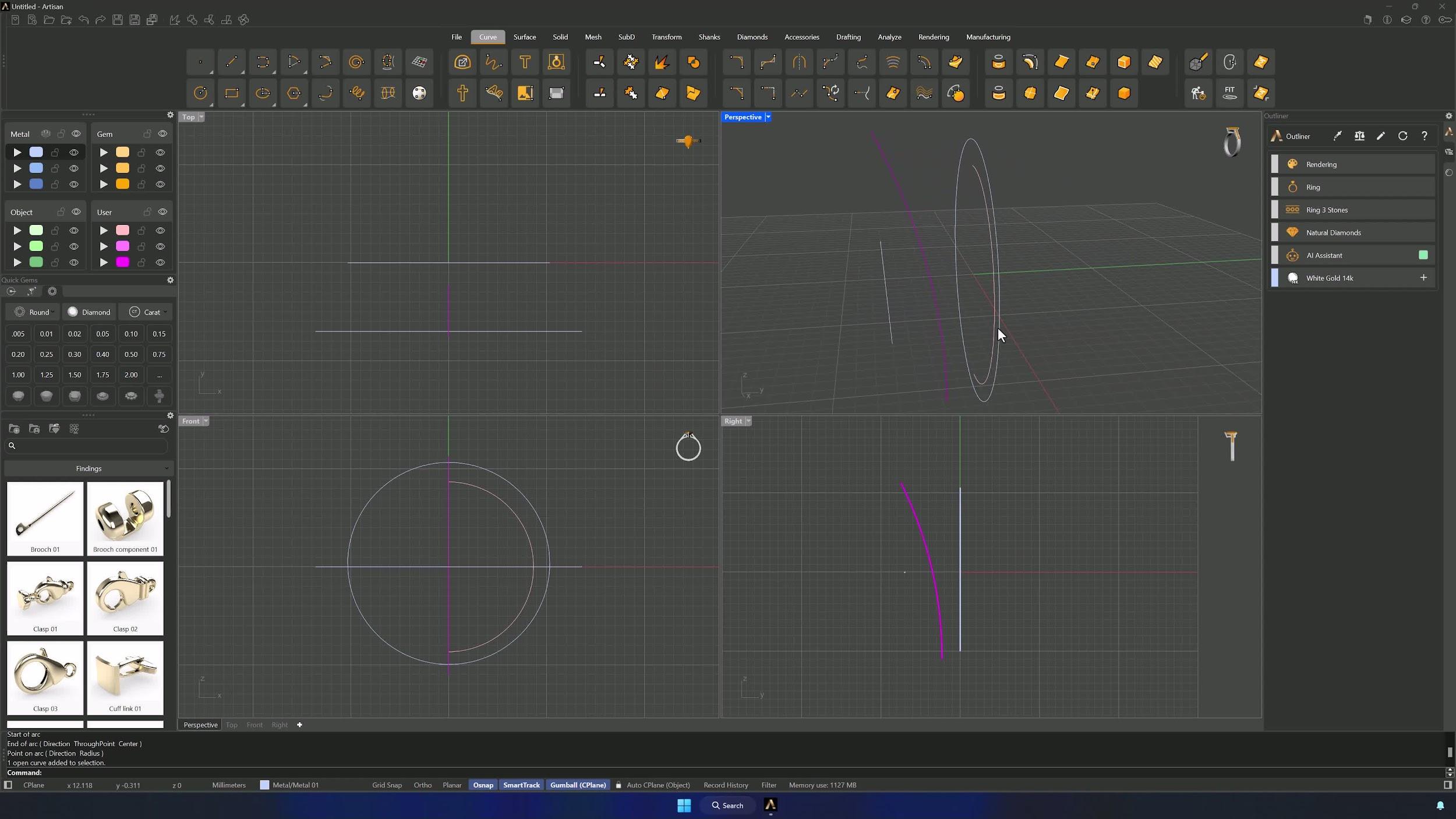
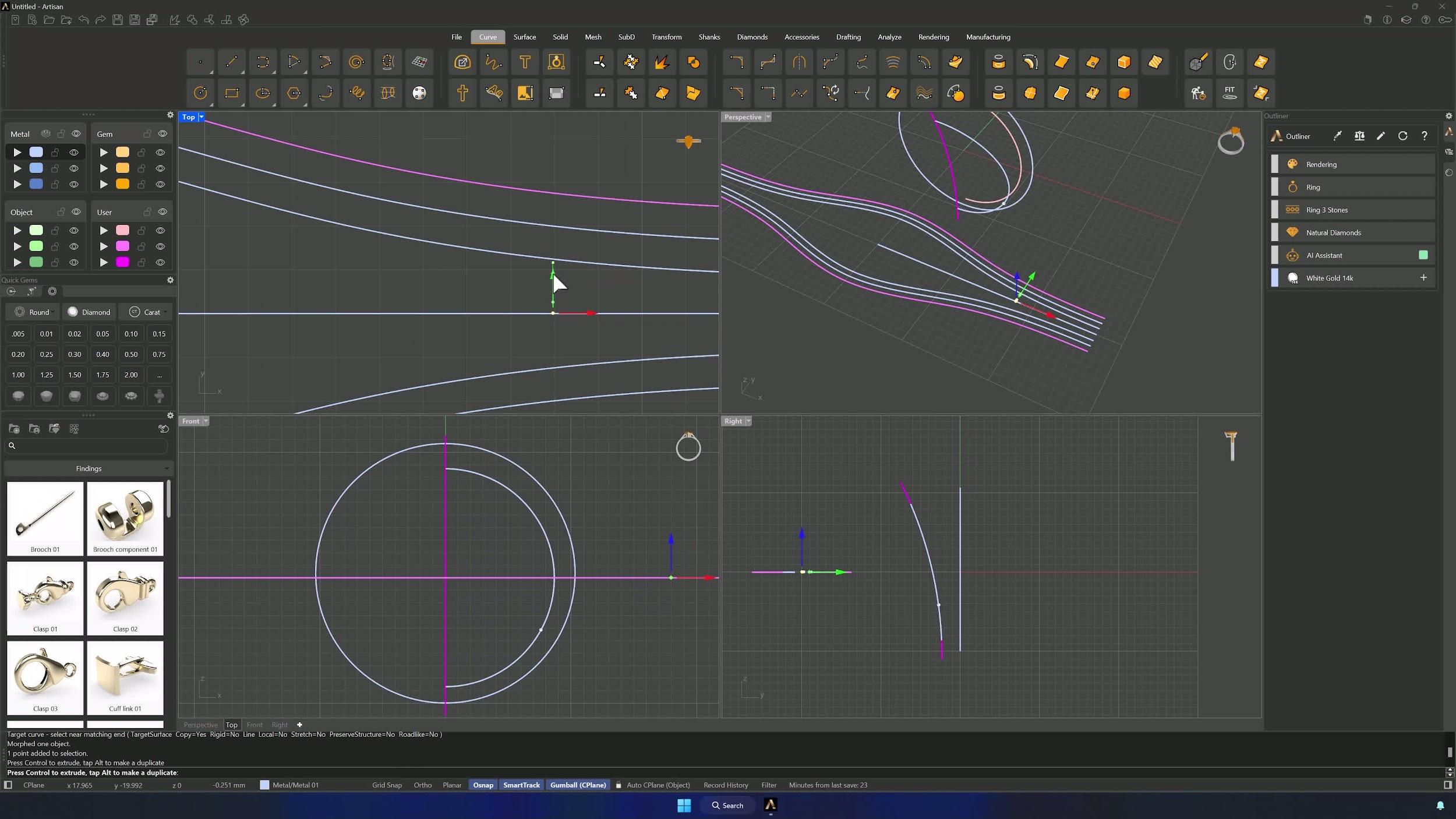
Run Curve from 2 Views on the inner curve and the arc to generate the combined curve. Then use Smart Flow by Curve from the Transform tab: base curve = the inner curve, target = the horizontal line of equal length, deformable object = the arc. Accept and switch to Shaded mode to see the result clearly.
6. Reduce control points and mirror the reference curves
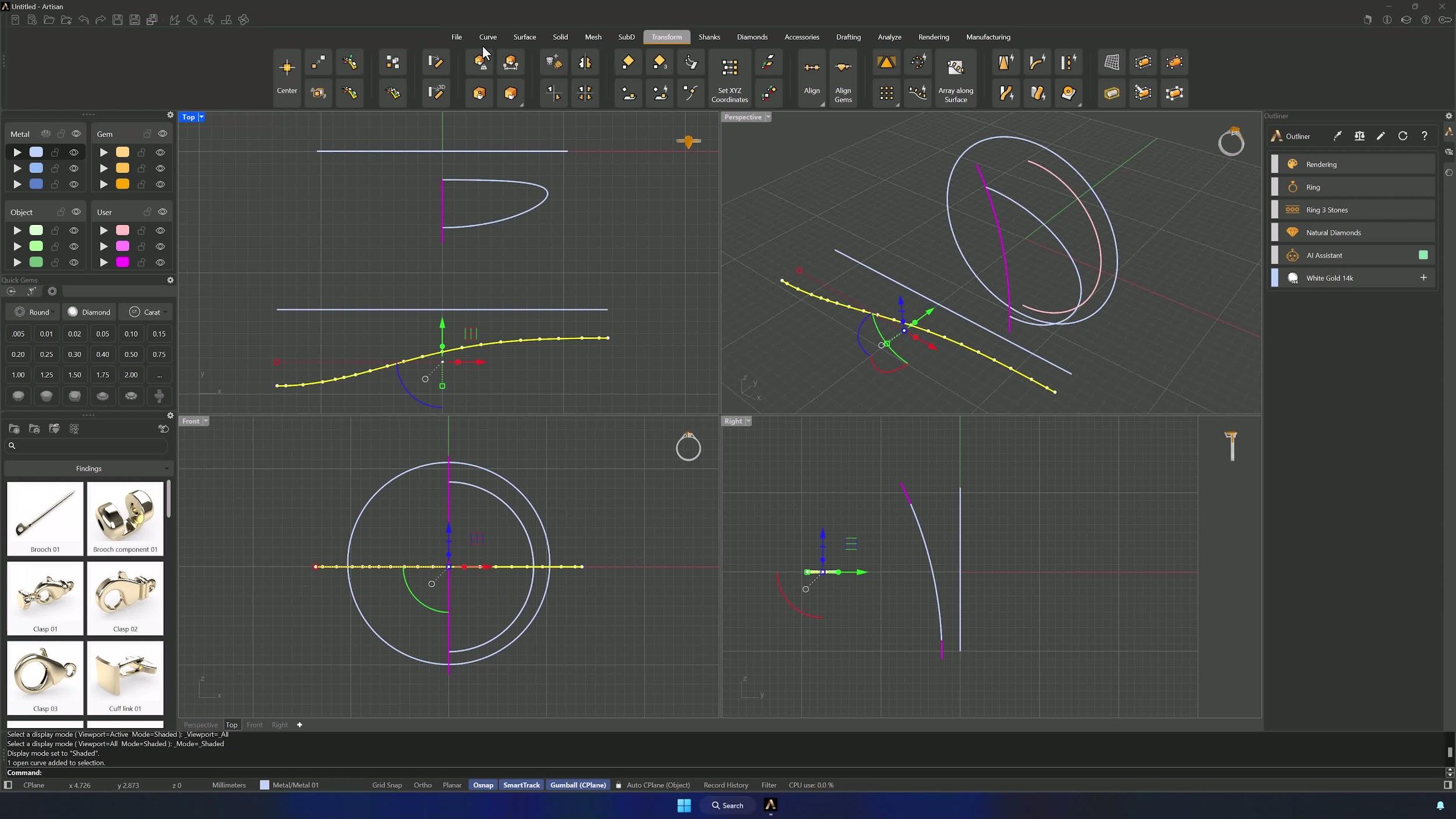
Simplify the reference curve with Curve > Fit at the default 0.1 tolerance. From the Top view, Mirror it using the left end of the center line as the axis (Shift keeps it straight), then select both curves and mirror again from the top end down — four matched curves from one.
7. Center, join, and offset the mirrored curves
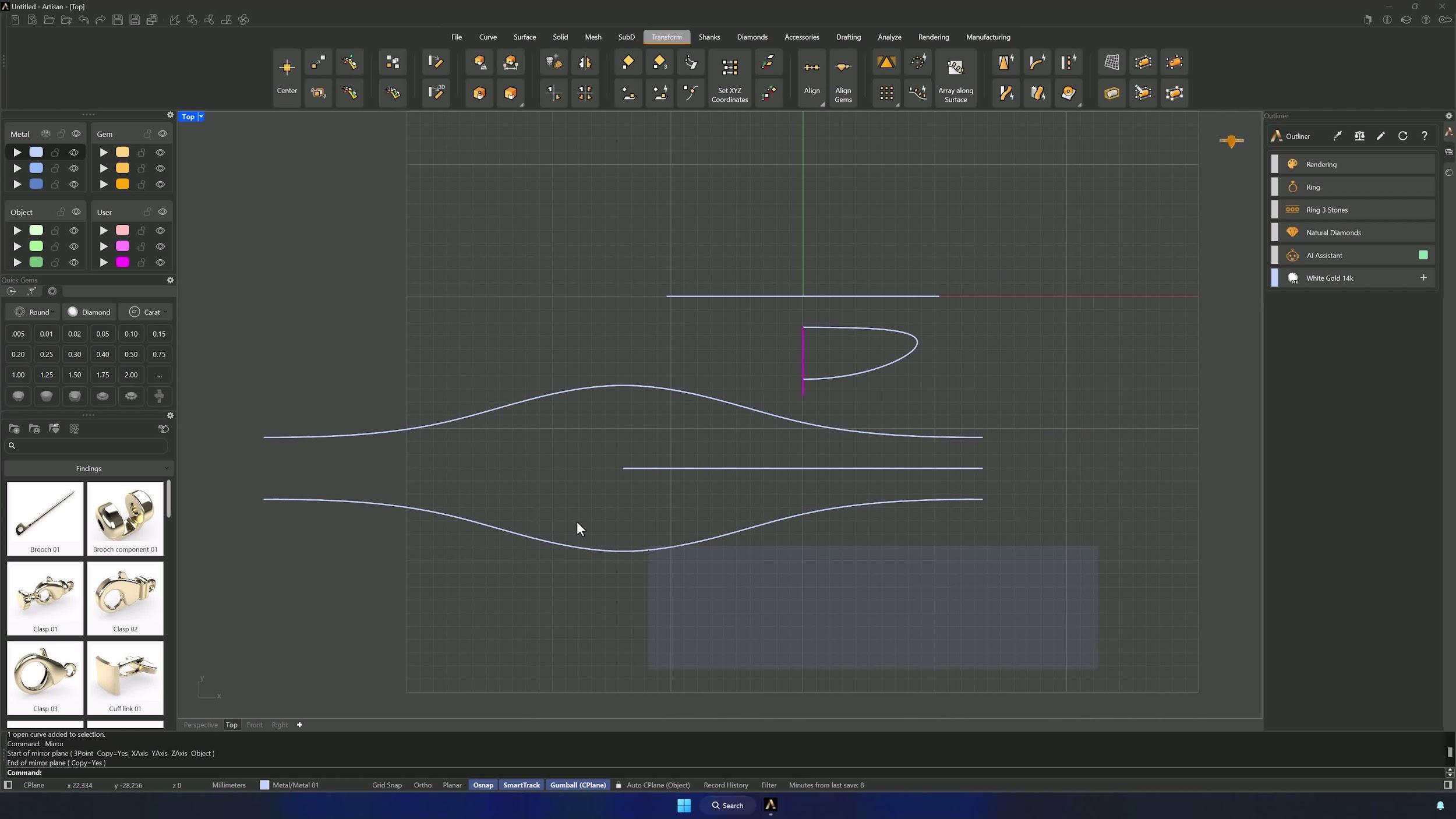
Move all curves onto the Y axis using the left end of the inner curve as base point (Grid Snap on), and Join the four curves. Offset the upper curve 0.75 mm to the inner side, then again at 1.5 mm, and mirror both offsets to the lower side.
8. Create a reference point and flow it onto the curve
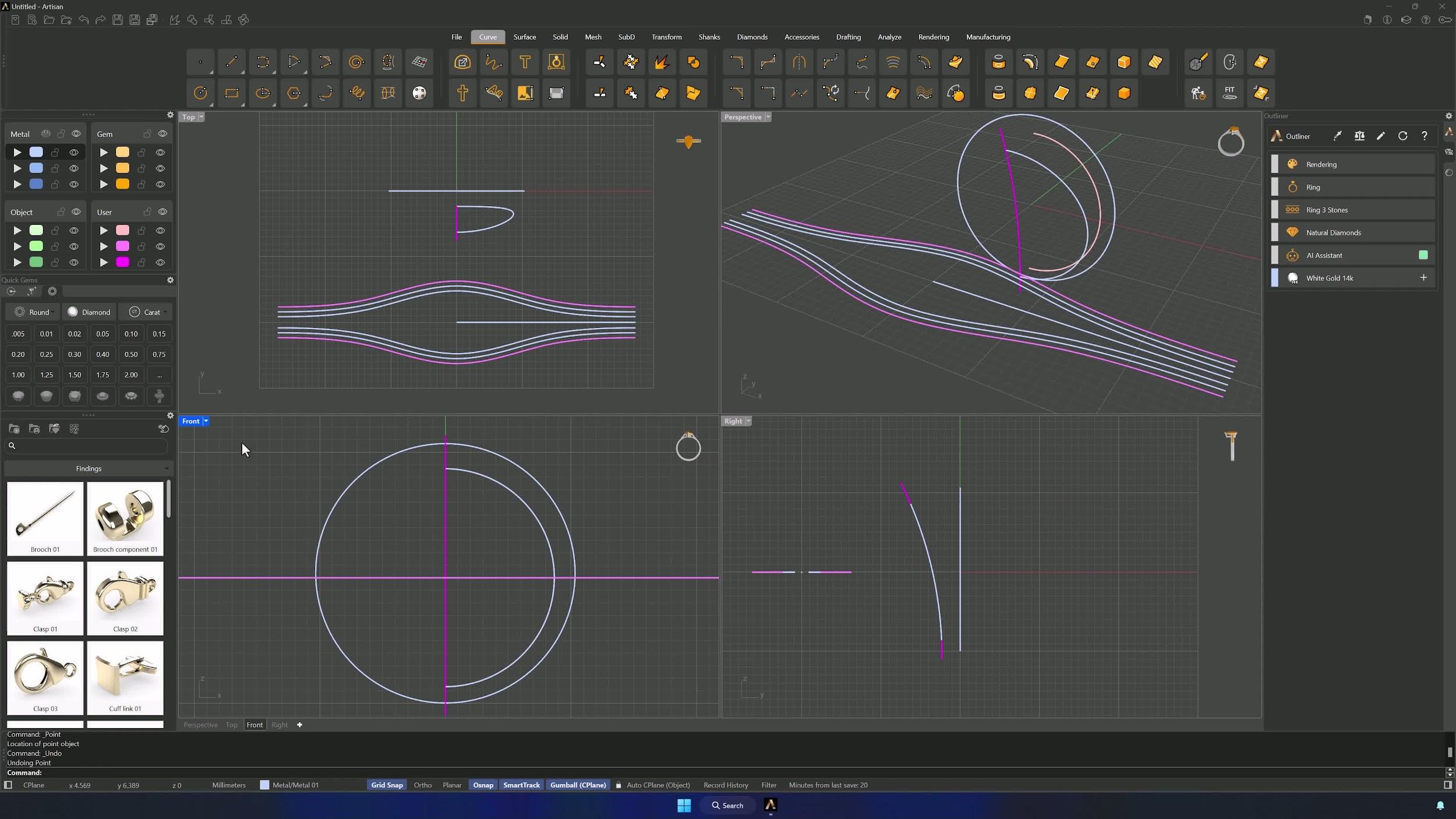
With Project off in the Osnap panel, place a Point four grid squares from the center axis on the inner curve. In Perspective, type Flow: select the point, then the lower end of the inner curve and the left end of the center line. Move the flowed point toward the center line with the Gumball — Grid Snap off for precision.
9. Blend the center curves and split the result
In the Top view, Blend the two center offsets, adjusting the points until the blend’s end lands on the reference point at matching height, with Trim and Join enabled. Split the blended curve with a line along the center axis, delete the right side, mirror and join the remainder, and finish with Fit at 0.1.
Almost there — you still have some lessons to complete. Jump to the next one →
Impersonating — progress and reviews are disabled.
Course completed
You've completed Modern Elegance: Fashion Jewelry Modeling 🎉
Great work. Get your certificate of completion and, if you have a minute, let other jewelers know what you thought of the course.