Pavé Pendant
Lesson 21 of 34
Decorative Profile Pattern
Sign in to access this lesson
This lesson is part of Pavé Perfection: Gemstone Detailing & Setting, which can come bundled with a RhinoArtisan Commercial license subject to current promotions. Log in with your customer account, or get in touch and we'll set you up.
Customers only
Solo para clientes
This lesson is part of Pavé Perfection: Gemstone Detailing & Setting, which can be included with a RhinoArtisan Commercial license subject to current promotions. If you've already purchased and don't see it in your account, get in touch.
17. Project and simplify the reference curves
Bring back the bottom surface and the curves, hiding the rest. Move and scale the curves so the center points align, Project them onto the surface, and simplify the projections with Fit at a tolerance of 0.1 (SelCrv in the command bar selects all curves at once).
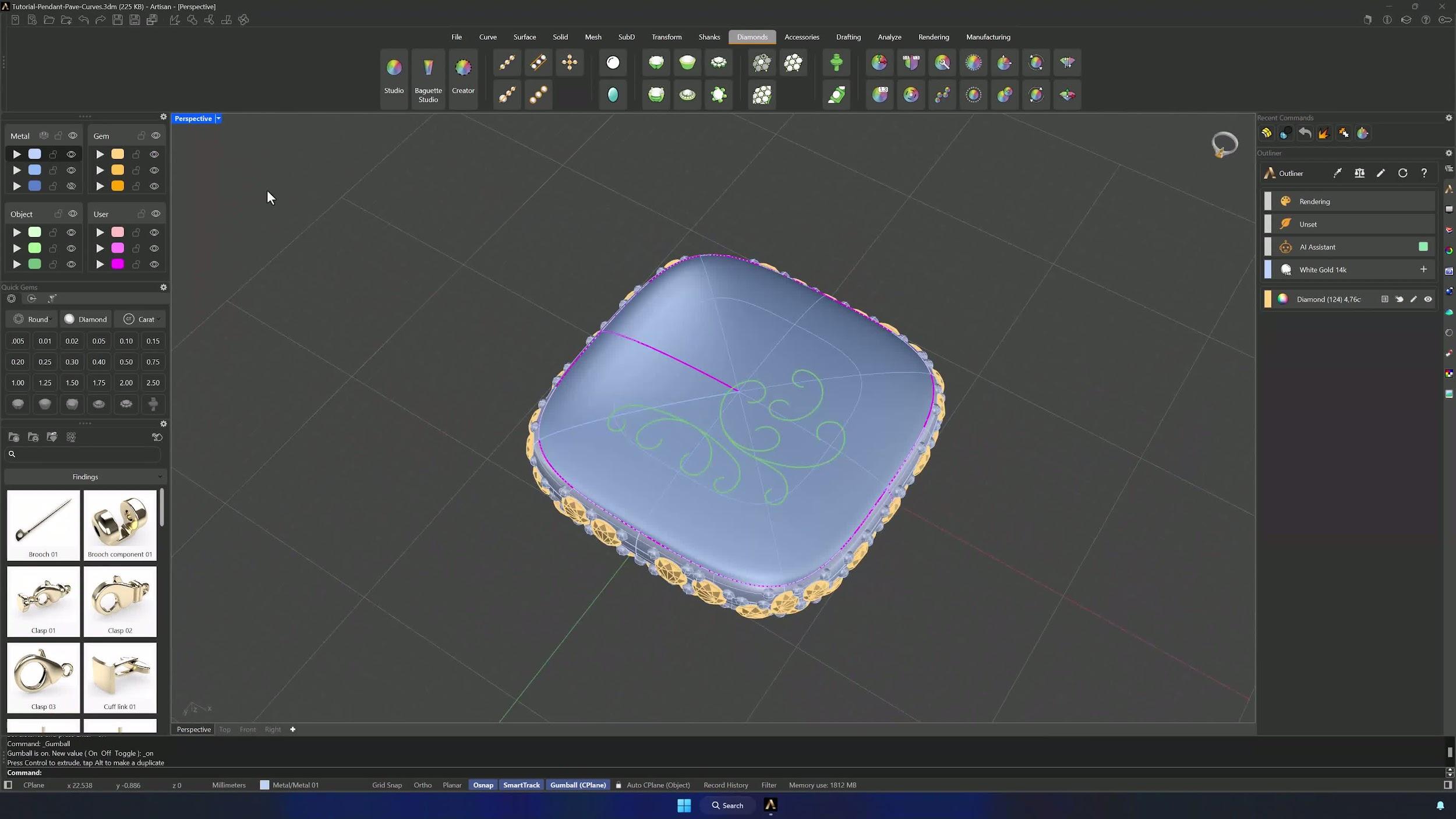
18. Create and edit profile curves
With the last curve selected, open Profiles in the Accessories tab and add two profiles manually — no preset. Edit both in Perspective: type Solid, width 0.7 mm, height 0.6 mm.
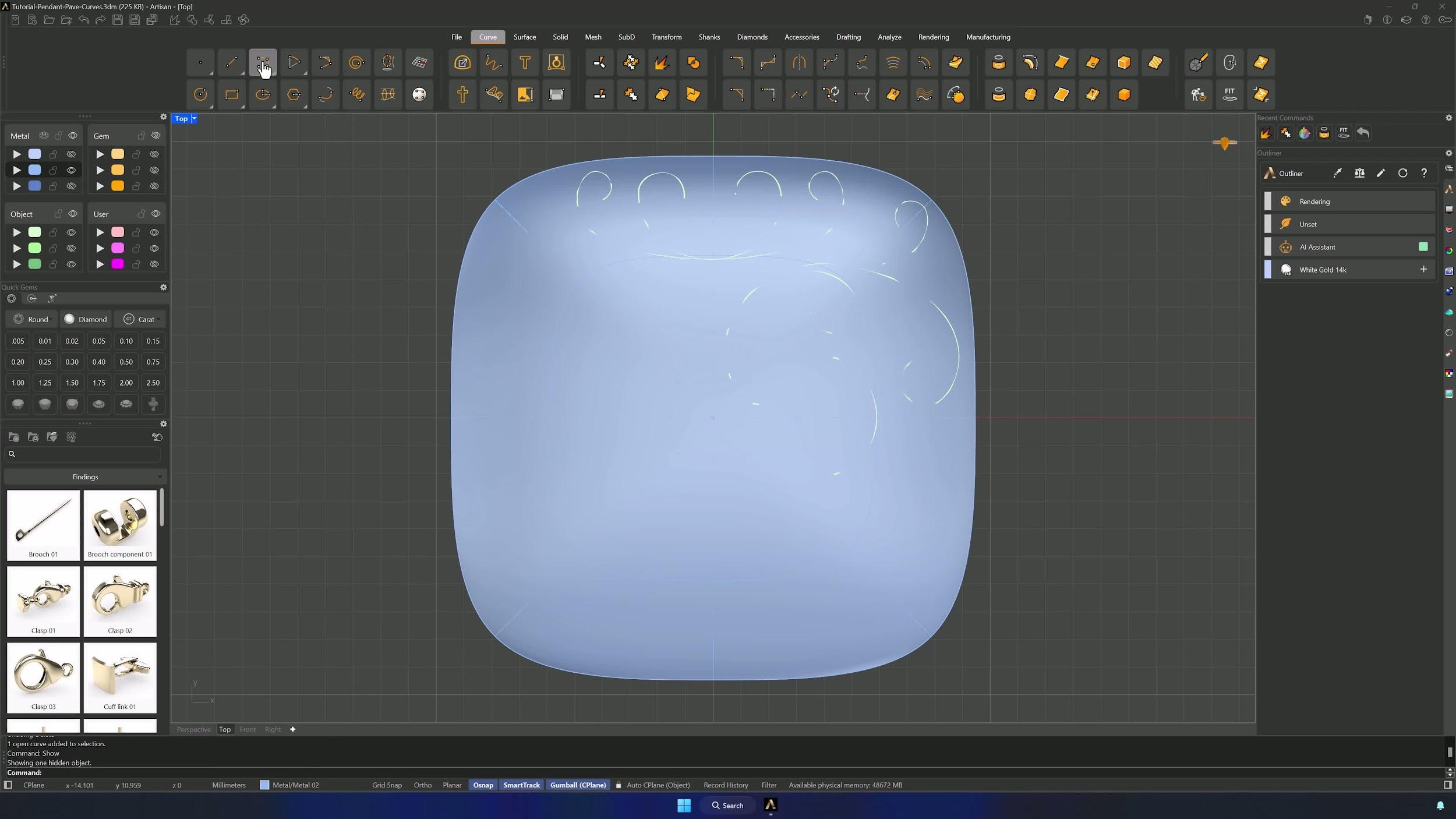
19. Apply the profile style to the curves
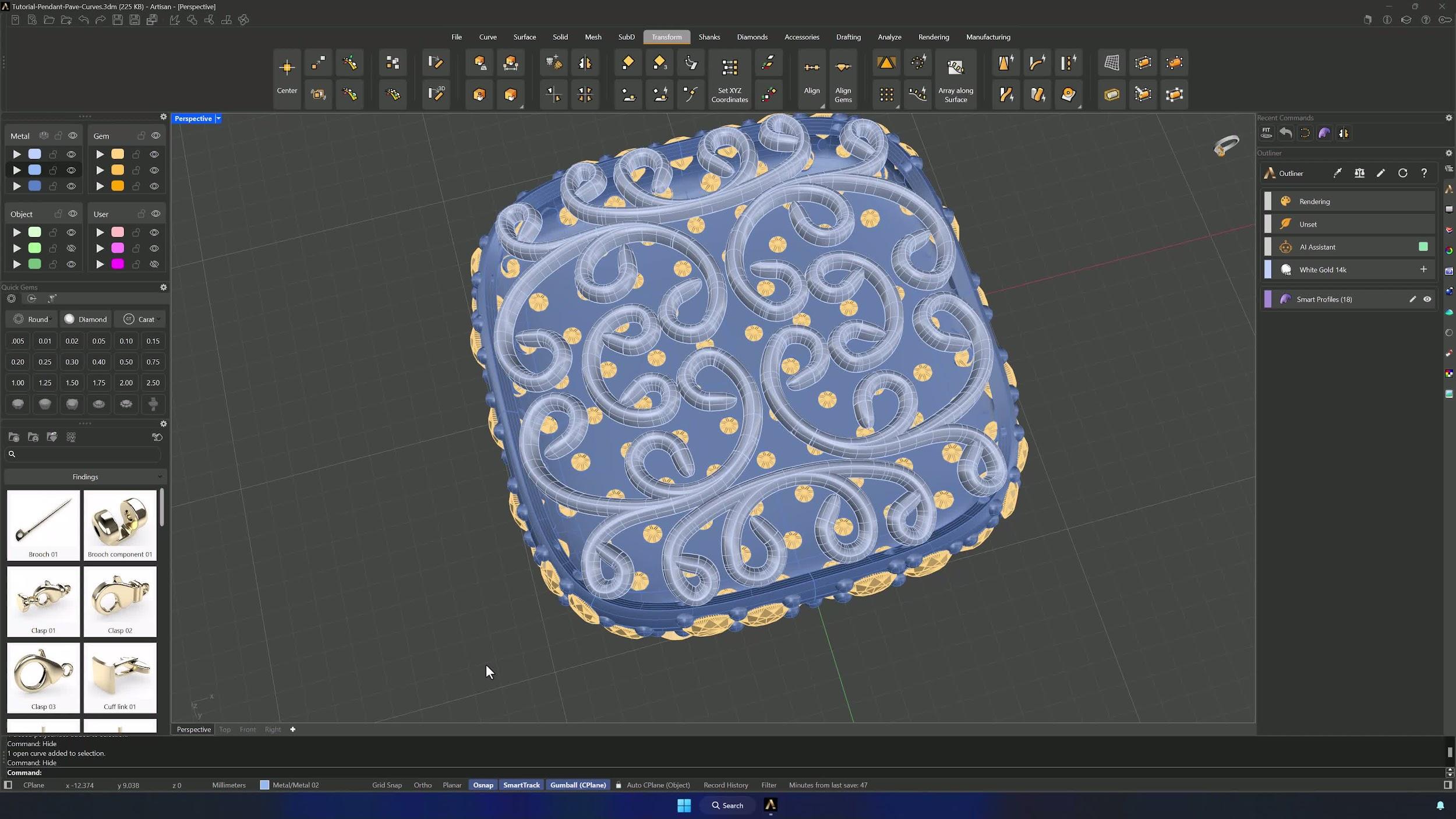
Use Apply Style to put the profile on one curve, assigning the surface as reference in the command selector so it conforms to the shape. Then Apply Style again with the Clone profile for the remaining curves, and click Edit with everything selected so the styled curves align to the surface automatically.
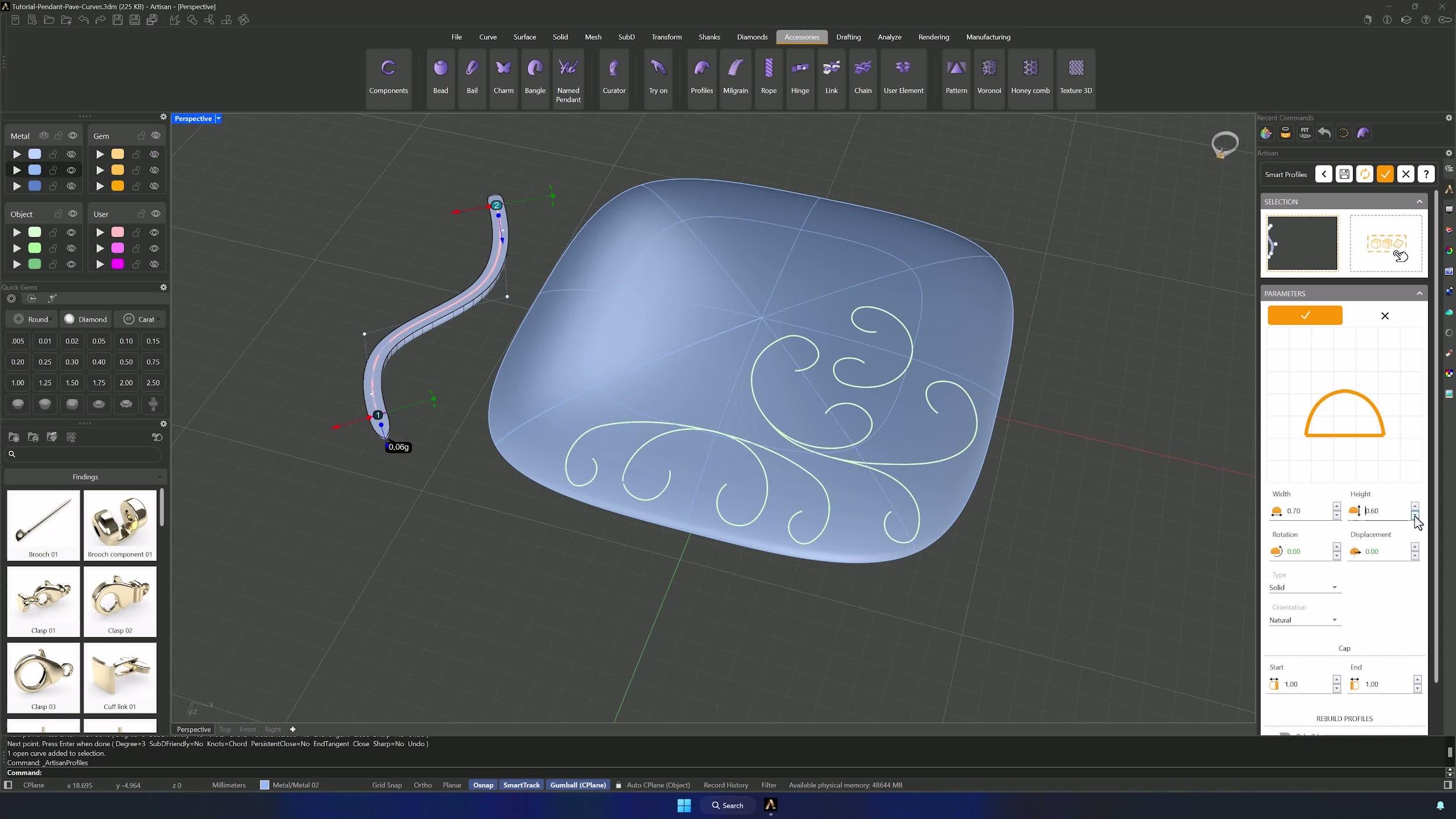
20. Mirror the pattern across both axes
Select the styled elements and Mirror them across the X axis from the Transform tab, then mirror the central elements across Y as well — catching any profile that was missed — to complete the pattern.
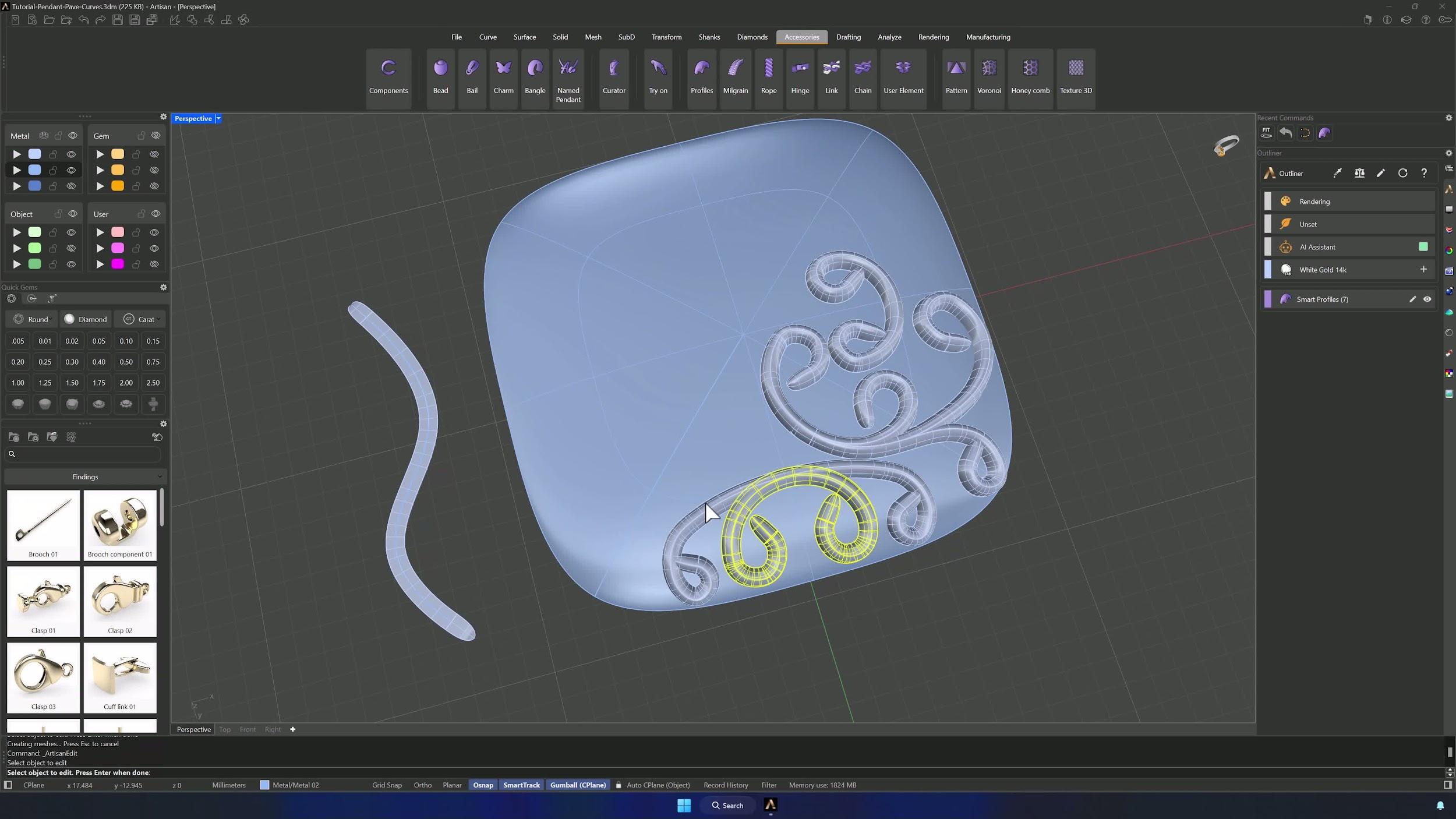
21. Position the pattern for strong attachment
Inspect the pattern with the surface hidden, then position the profiles so they intersect slightly with the solid — that overlap is what makes the connection strong. Scale and move with the Gumball, holding Shift to keep proportions, until every corner intersects properly.
Almost there — you still have some lessons to complete. Jump to the next one →
Impersonating — progress and reviews are disabled.
Course completed
You've completed Pavé Perfection: Gemstone Detailing & Setting 🎉
Great work. Get your certificate of completion and, if you have a minute, let other jewelers know what you thought of the course.