Pavé Pendant
Lesson 18 of 34
Overview
Sign in to access this lesson
This lesson is part of Pavé Perfection: Gemstone Detailing & Setting, which can come bundled with a RhinoArtisan Commercial license subject to current promotions. Log in with your customer account, or get in touch and we'll set you up.
Customers only
Solo para clientes
This lesson is part of Pavé Perfection: Gemstone Detailing & Setting, which can be included with a RhinoArtisan Commercial license subject to current promotions. If you've already purchased and don't see it in your account, get in touch.
Downloads
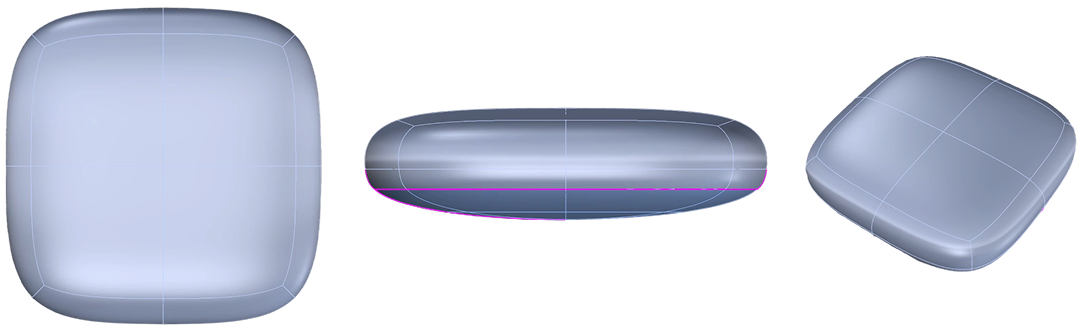
This pendant is the most complete build in the course — the piece where modeling, setting and presentation all meet. A gem-set pendant asks for a surface that curves gently in every direction, a pavé field that flows with it, and a finish polished enough to sell the design on sight. You’ll sculpt a SubD form with edge loops, derive a smooth Rail Revolve reference surface, carpet it with 4-way symmetric pavé, and carry the whole thing through to a ray-traced turntable video ready for social media.
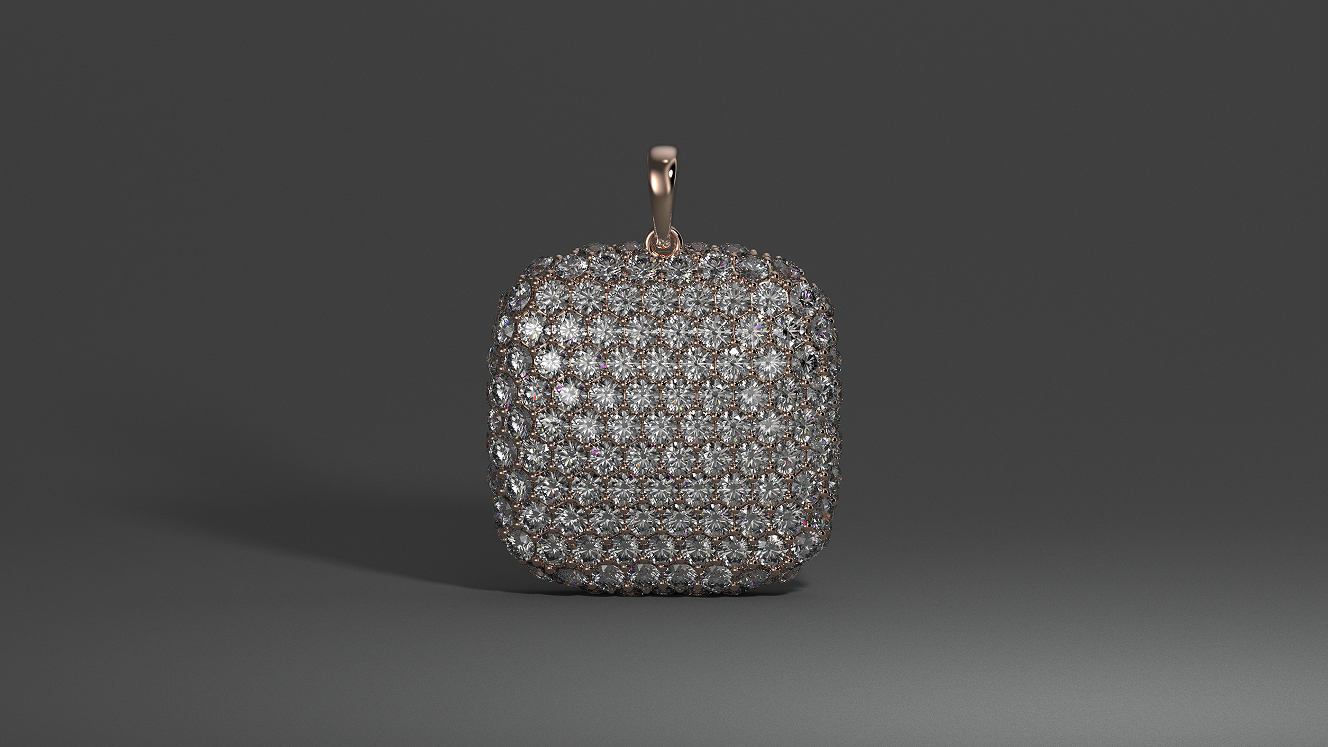
Design a pavé pendant using RhinoArtisan.
In this tutorial you will learn how to:
- Shape a SubD box with edge loops and build a smooth setting surface with Rail Revolve.
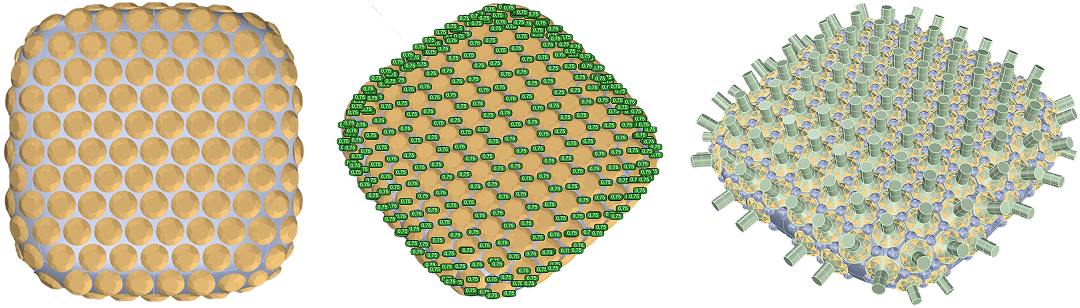
- Fill the surface with Automatic Pave under 4-way symmetry, add prongs and cutters, and offset it into a solid body.
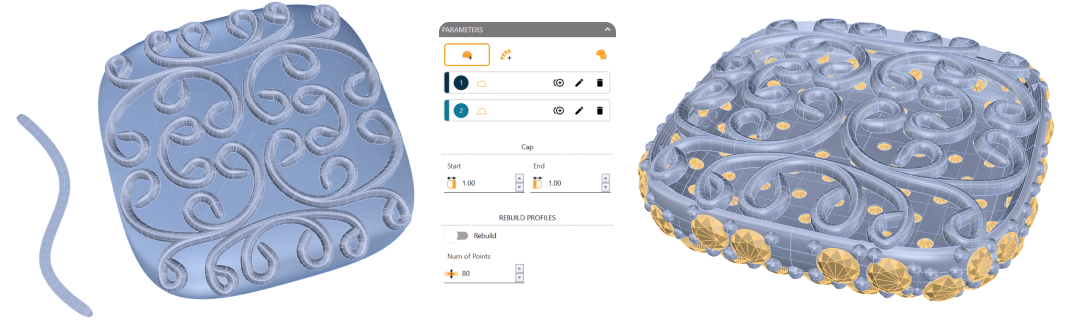
- Project and style reference curves with Profiles and Apply Style, then Mirror the decorative pattern across both axes.
- Configure a custom Bail, assign gold and diamond materials, and export a square Turntable MP4 at 1200 × 1200.
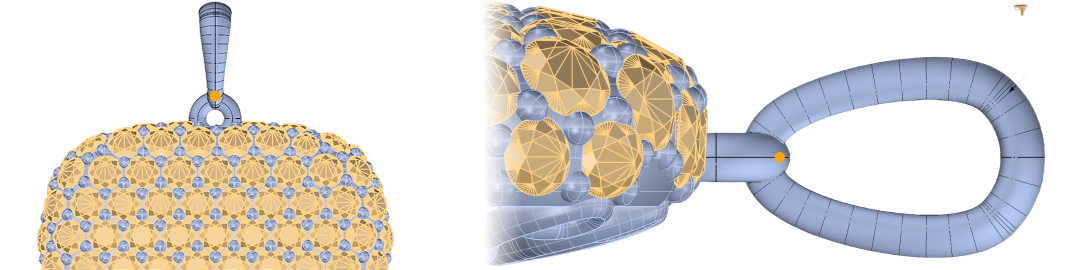
By the end of this project, you’ll have the skills to model and render a pavé pendant from scratch.
Almost there — you still have some lessons to complete. Jump to the next one →
Impersonating — progress and reviews are disabled.
Course completed
You've completed Pavé Perfection: Gemstone Detailing & Setting 🎉
Great work. Get your certificate of completion and, if you have a minute, let other jewelers know what you thought of the course.