Classic Pavé Ring
Lesson 16 of 34
Prongs, Cutters & Render Prep
Sign in to access this lesson
This lesson is part of Pavé Perfection: Gemstone Detailing & Setting, which can come bundled with a RhinoArtisan Commercial license subject to current promotions. Log in with your customer account, or get in touch and we'll set you up.
Customers only
Solo para clientes
This lesson is part of Pavé Perfection: Gemstone Detailing & Setting, which can be included with a RhinoArtisan Commercial license subject to current promotions. If you've already purchased and don't see it in your account, get in touch.
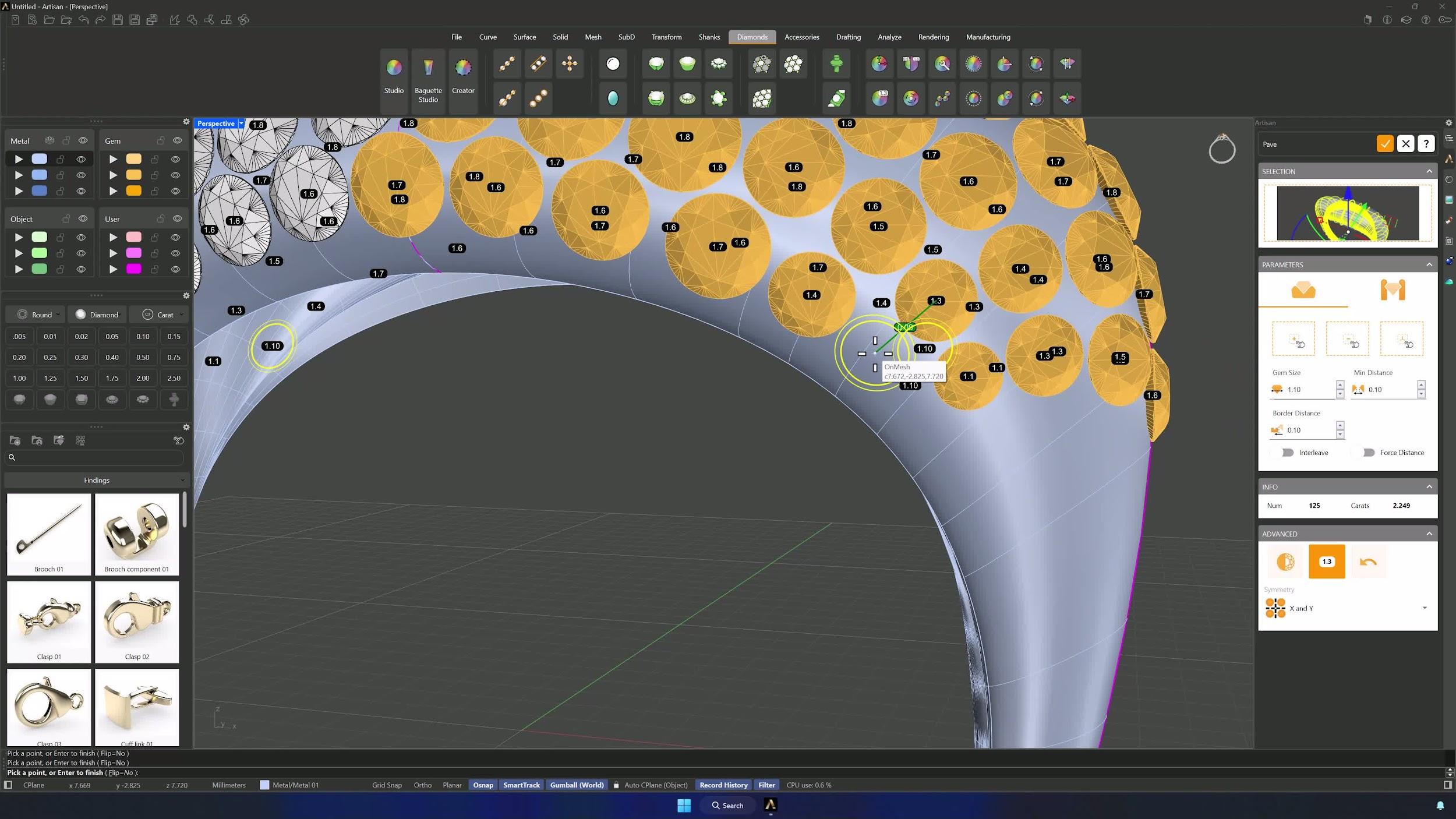
11. Generate prongs for the pavé setting
In the Prongs tab set diameter 0.6 mm, overgirdle 0.3 mm, undergirdle 0.4 mm and a 0.5 mm manufacturing extension, then click Automatic Prongs. With X and Y symmetry on, add any missing prongs manually — dropping to 0.5 mm diameter for the inner ones if needed — until every gem is held, and confirm.
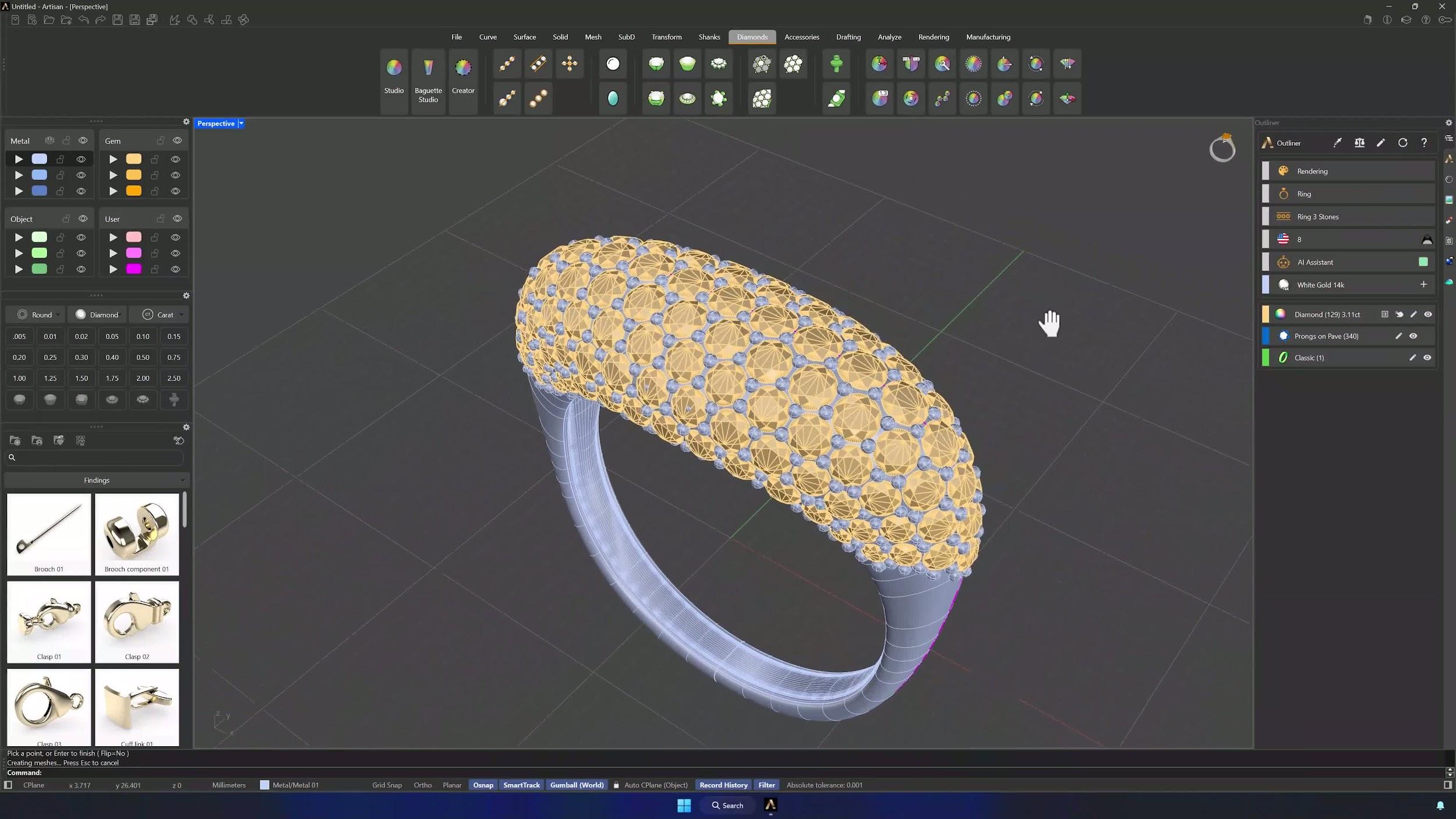
12. Create cutters and cut the shank with boolean difference
Run Cutters on all the gems with the fourth preset. Then, in the Solid tab, Boolean Difference cuts the shank: select shank and prongs first, Enter, then the cutters, Enter again. Hide the gems to verify the cut came out clean.
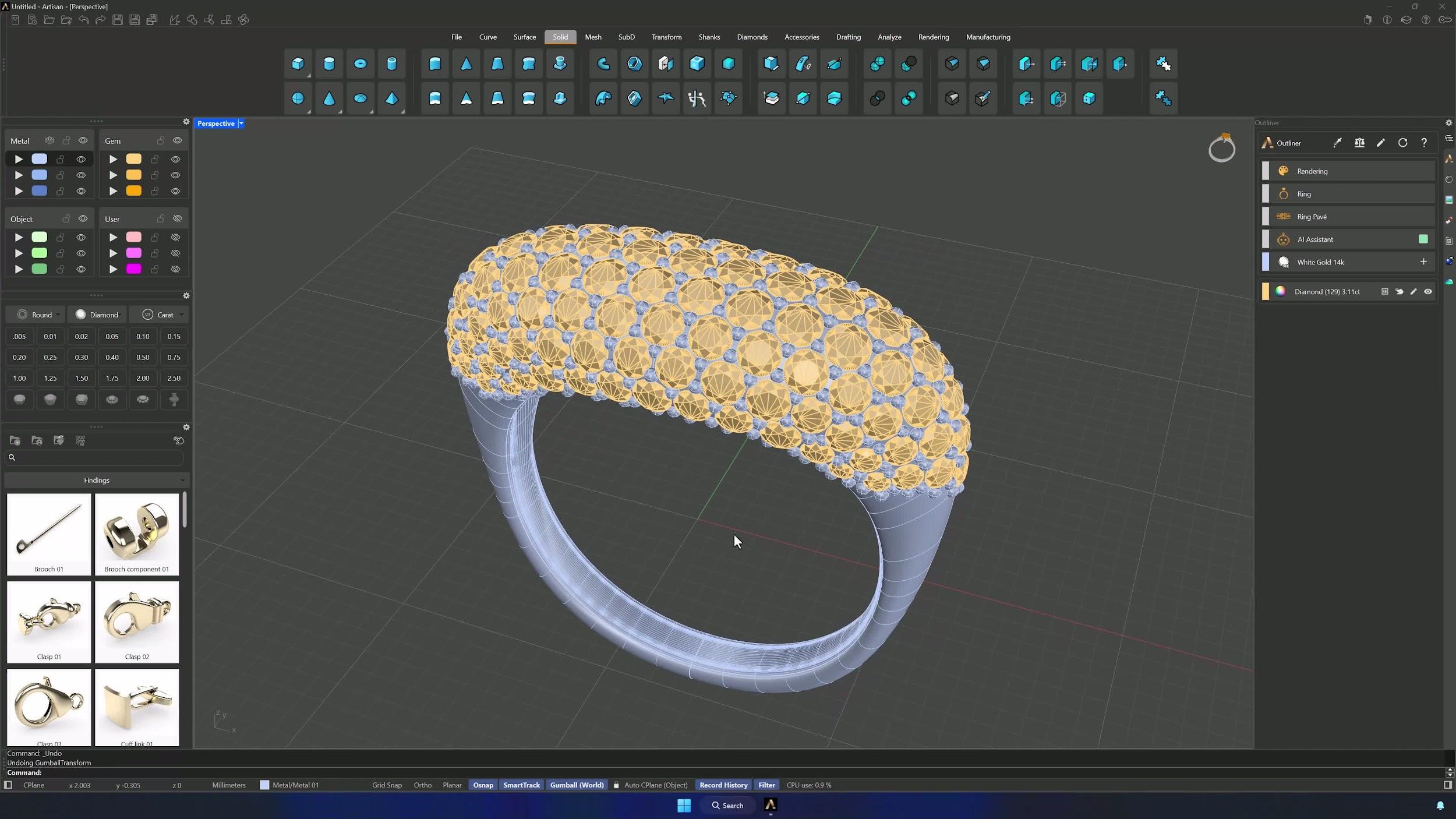
13. Prepare the model for rendering
In the Rendering tab, use Lying on the Ground: select the whole model and press Enter. The ring lands in a natural resting pose, ready for your render.
Tips for a clean result
- Don’t skip O-Snap when extracting ISO curves — accurate snapping is what keeps the gem rows straight.
- Confirm your symmetry settings before placing each row to avoid misalignment.
- In the Boolean Difference, order matters: shank and prongs first, then the cutters.
- After creating cutters, hide the gems to visually verify the cut before proceeding.
- Keep the ISO curves on their own layer so they stay visible as placement references.
- Turn symmetry on early — one placed gem becomes two or four, and the rows stay consistent.
Almost there — you still have some lessons to complete. Jump to the next one →
Impersonating — progress and reviews are disabled.
Course completed
You've completed Pavé Perfection: Gemstone Detailing & Setting 🎉
Great work. Get your certificate of completion and, if you have a minute, let other jewelers know what you thought of the course.