Anchor Chain Earrings
Lesson 8 of 34
SubD Base & Sculpting
Sign in to access this lesson
This lesson is part of Pavé Perfection: Gemstone Detailing & Setting, which can come bundled with a RhinoArtisan Commercial license subject to current promotions. Log in with your customer account, or get in touch and we'll set you up.
Customers only
Solo para clientes
This lesson is part of Pavé Perfection: Gemstone Detailing & Setting, which can be included with a RhinoArtisan Commercial license subject to current promotions. If you've already purchased and don't see it in your account, get in touch.
Downloads
1. Prepare the base curves and convert to SubD
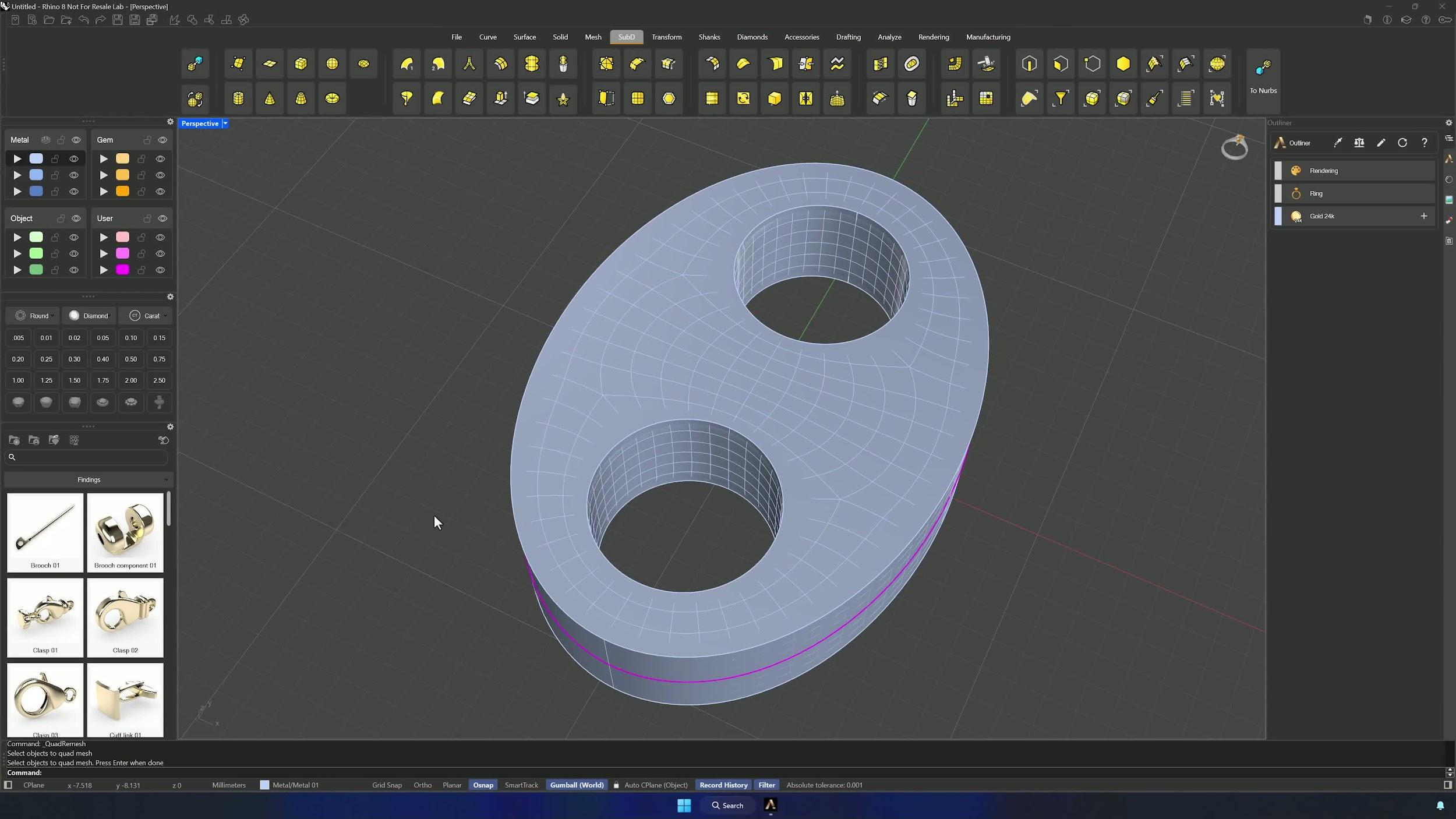
Select the three profile curves and extrude them with the Gumball (Shift + click on the small blue sphere extrudes both ways); type 2 to get a 2 mm solid. Then run QuadRemesh from the SubD tab with Target Edge Length at 0.75 and symmetry enabled on X, Y and Z, convert to SubD, and confirm the result has a continuous loop of faces around the element.
2. Isolate the base and set up symmetry for editing
Move the extrusion to its own layer, then enable Symmetry from the Front view along the X-axis, flipping the arrows so they point upward. Double-click edge loops with Ctrl + Shift to select them and delete the loops you don’t need — interior and outer — to simplify the geometry and smooth the form.
3. Refine the curvature with soft transform
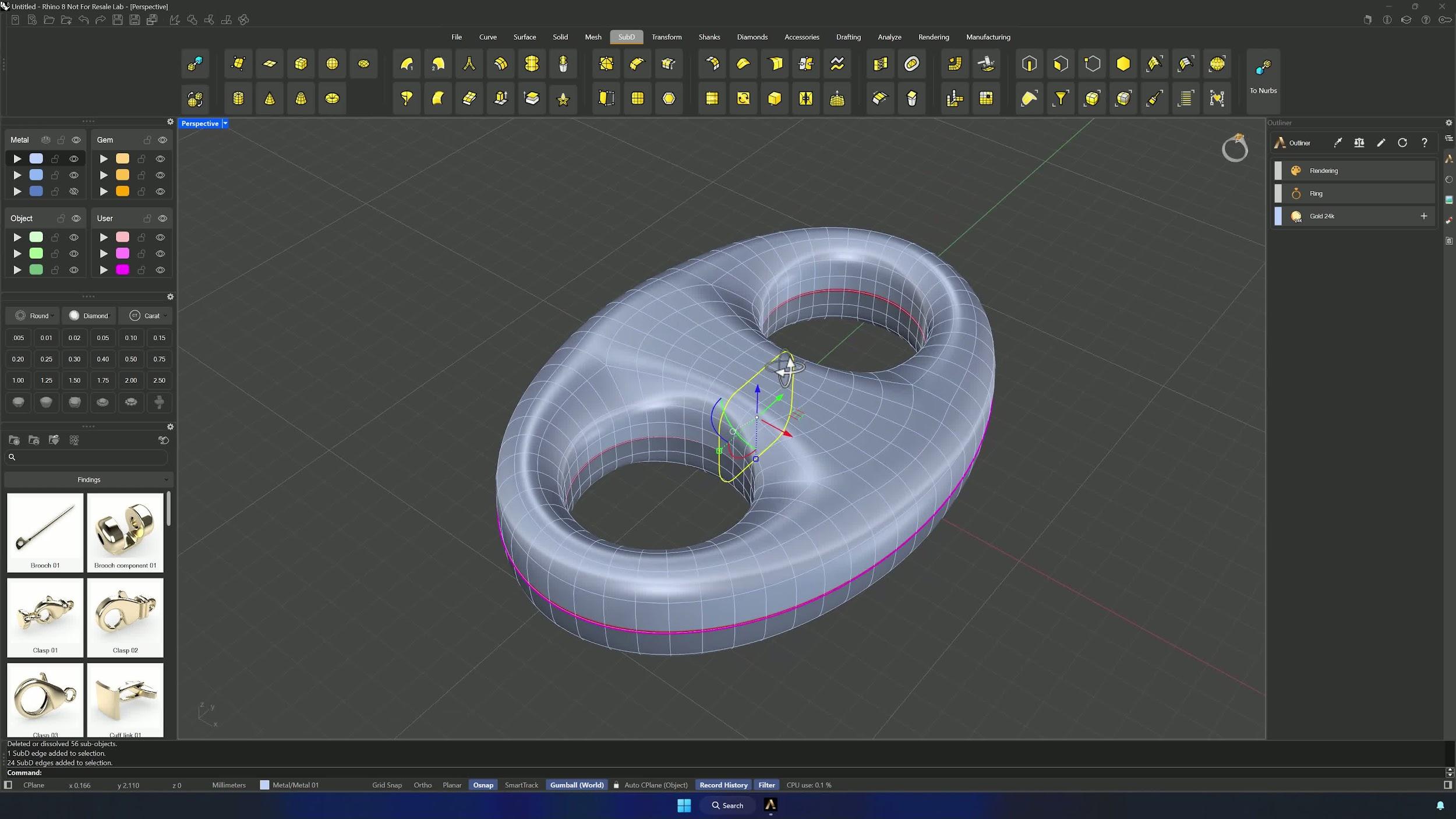
Scale the inner loop vertically — and switch to Soft Transform for a smoother result, using the influence sphere to define the affected area. Once the profile looks natural, rebuild the symmetry from the Top view along the X-axis (arrows pointing downward) and use Soft Transform again on the lighter side to create a soft arc.
4. Disable soft transform and split the model for stone placement
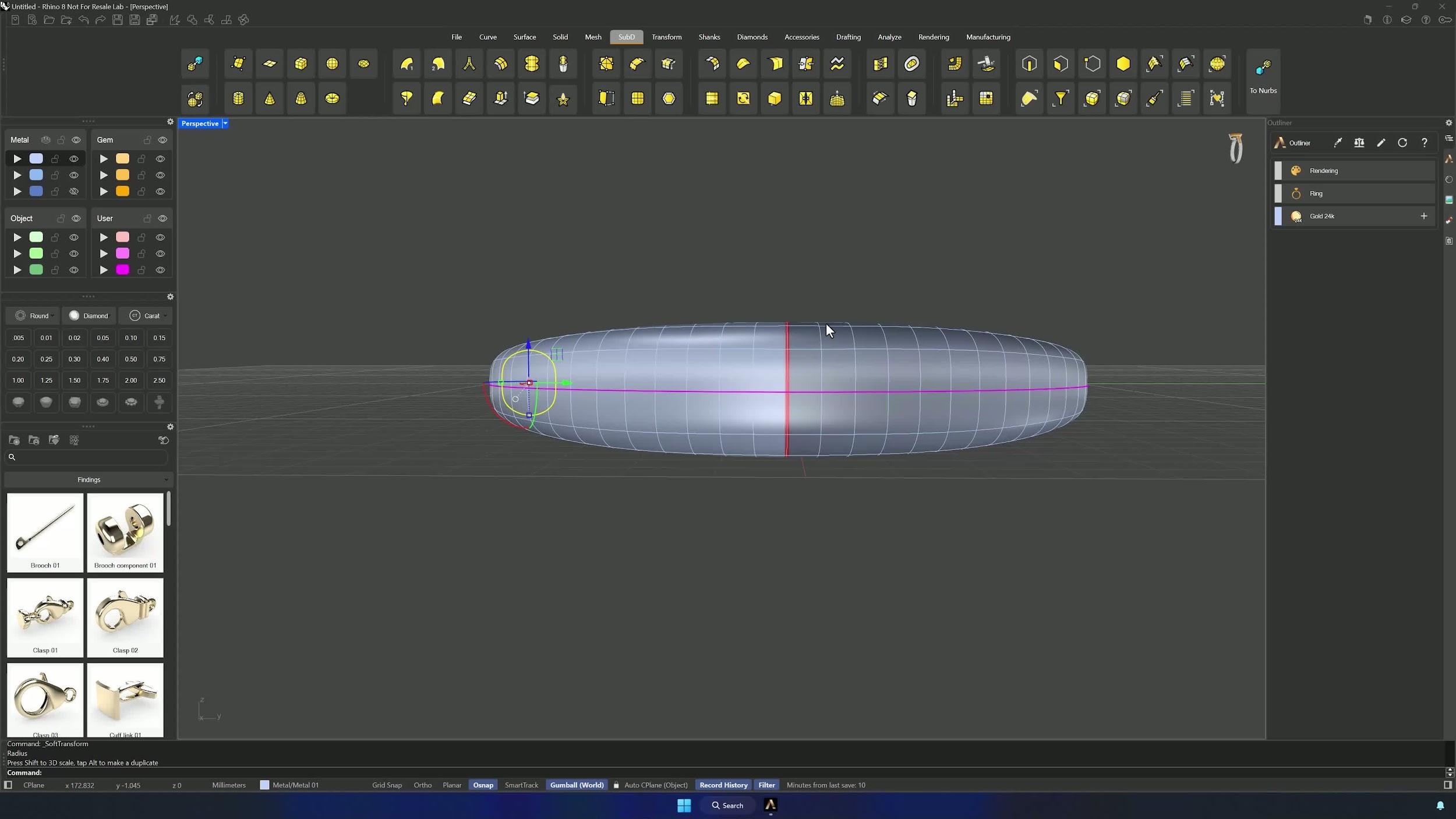
With the curvature final, turn Soft Transform off (Enable = No in the command bar) and remove the symmetry. Then run Split with the Edge Loop option, double-click the outer and inner center loops, and delete the bottom half — the gems only live on the upper section.
Almost there — you still have some lessons to complete. Jump to the next one →
Impersonating — progress and reviews are disabled.
Course completed
You've completed Pavé Perfection: Gemstone Detailing & Setting 🎉
Great work. Get your certificate of completion and, if you have a minute, let other jewelers know what you thought of the course.