Classic Pavé Ring
Lesson 13 of 34
Overview
Sign in to access this lesson
This lesson is part of Pavé Perfection: Gemstone Detailing & Setting, which can come bundled with a RhinoArtisan Commercial license subject to current promotions. Log in with your customer account, or get in touch and we'll set you up.
Customers only
Solo para clientes
This lesson is part of Pavé Perfection: Gemstone Detailing & Setting, which can be included with a RhinoArtisan Commercial license subject to current promotions. If you've already purchased and don't see it in your account, get in touch.
The classic pavé band is a jeweller’s staple — a broad shank carpeted in graduated stones — and its beauty is entirely in the order. Dozens of gems have to march in even rows, shrinking gracefully toward the sides without a single one out of line. This project leans on RhinoArtisan’s parametric shank and ISO guide curves to keep that grid perfect, setting five rows that grade from 2.0 mm at the crown down to 1.1 mm at the edges.
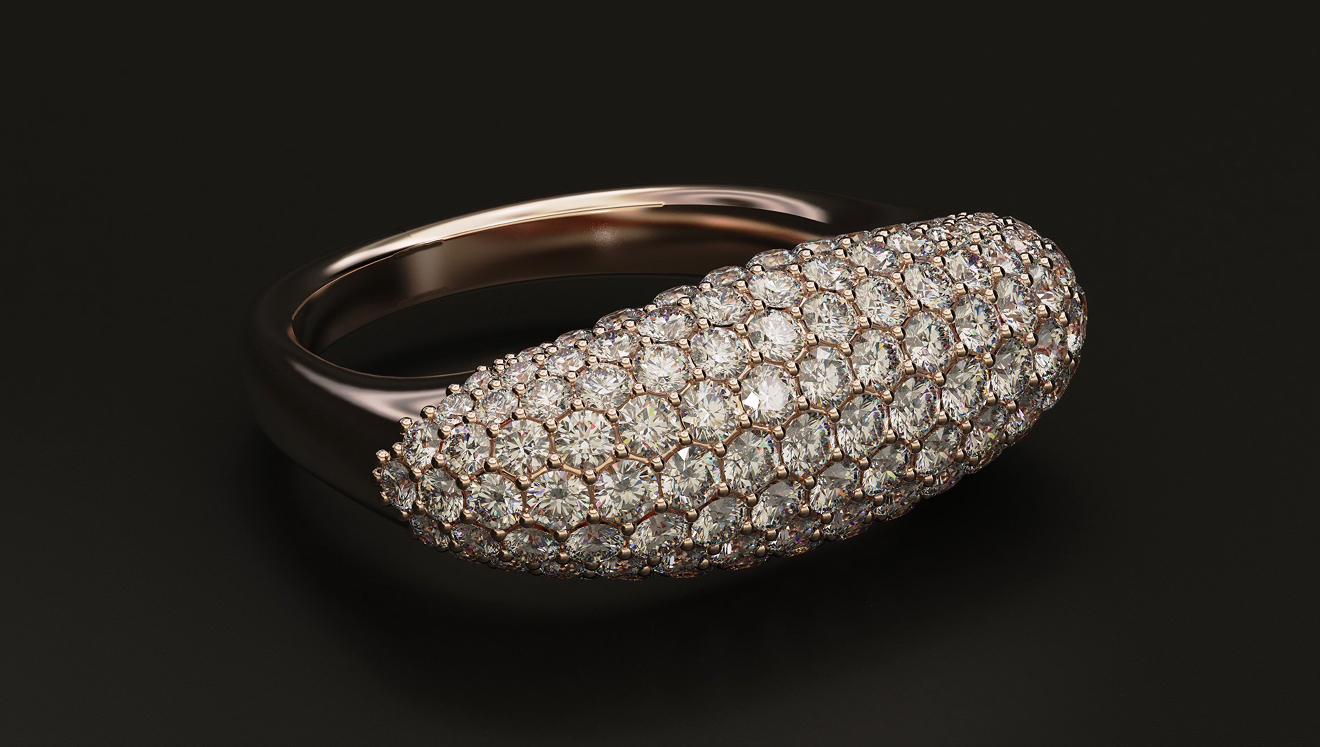
Design a classic pavé ring using RhinoArtisan.
In this tutorial you will learn how to:
- Dial in exact profiles and a USA 8 ring size with the fully parametric Classic shank command.
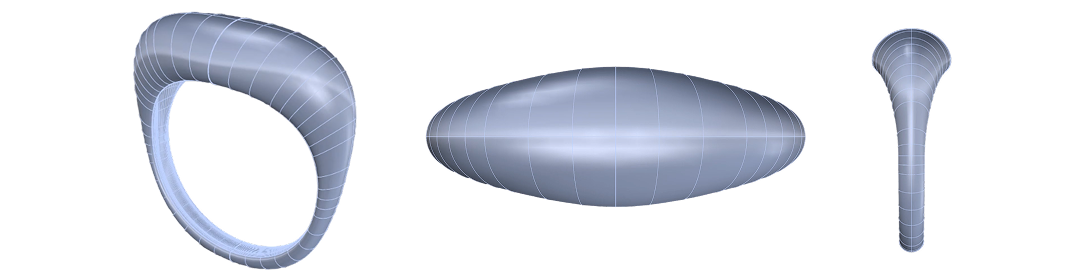
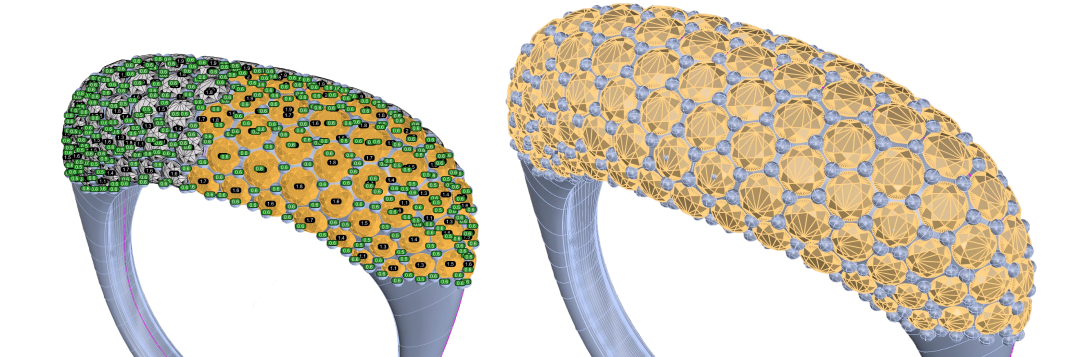
- Pull placement guides off the band with Extract ISO Curve and lay five symmetric rows of Pave graduating from 2.0 down to 1.1 mm.

- Secure every stone with automatic prongs, cut the seats with cutters and Boolean Difference, and pose the ring using Lying on the Ground.
By the end of this project, you’ll have the skills to model a fully set classic pavé ring from scratch.
Almost there — you still have some lessons to complete. Jump to the next one →
Impersonating — progress and reviews are disabled.
Course completed
You've completed Pavé Perfection: Gemstone Detailing & Setting 🎉
Great work. Get your certificate of completion and, if you have a minute, let other jewelers know what you thought of the course.