Butterfly Pendant
Lesson 32 of 34
Remesh & Interior Pavé
Sign in to access this lesson
This lesson is part of Pavé Perfection: Gemstone Detailing & Setting, which can come bundled with a RhinoArtisan Commercial license subject to current promotions. Log in with your customer account, or get in touch and we'll set you up.
Customers only
Solo para clientes
This lesson is part of Pavé Perfection: Gemstone Detailing & Setting, which can be included with a RhinoArtisan Commercial license subject to current promotions. If you've already purchased and don't see it in your account, get in touch.
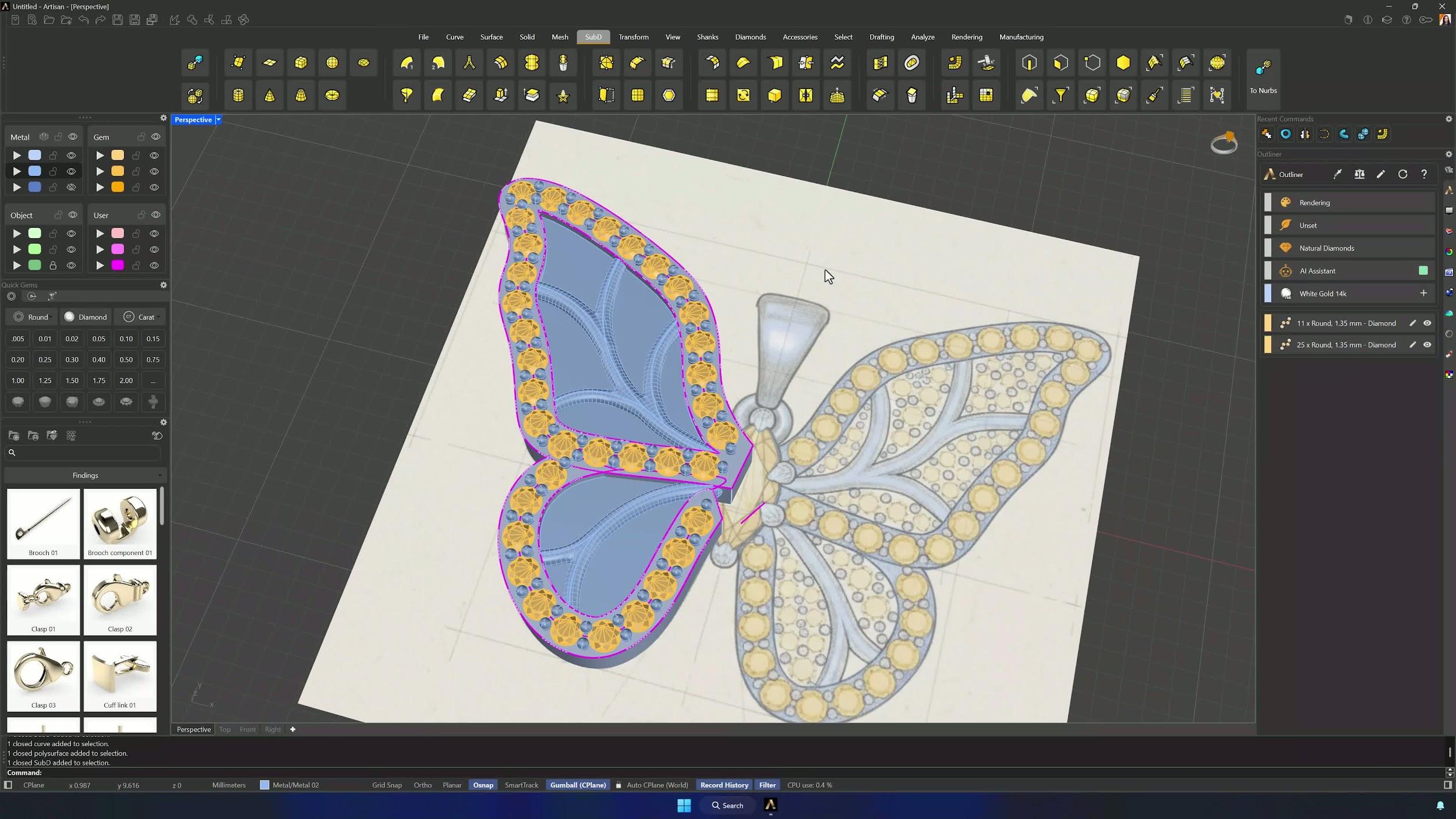
9. Join solids and remesh for a smoother organic look
Join the polysurfaces and Boolean Union the connected elements, upper and lower. Then run Quad Remesh from the SubD tab with Convert to SubD enabled and a target edge length around 2, matched to the model scale — the hard edges melt into a smooth, organic form.
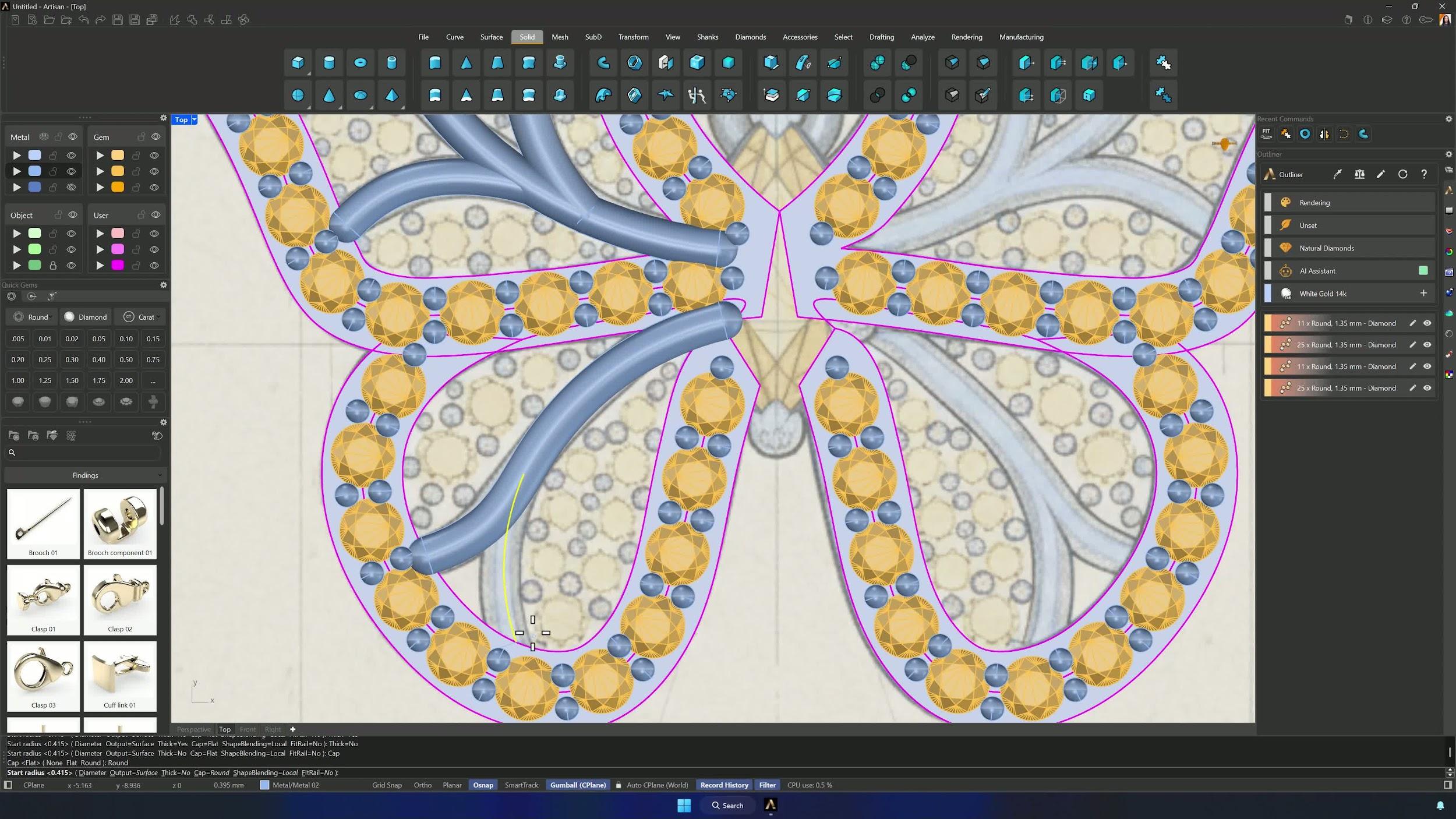
10. Add interior gemstones and prongs
Bring the reference image forward, lock it, and place the interior gems with Pave from the Top view — larger stones over the dark center areas first, smaller ones filling the gaps. Add prongs at diameter 0.50 mm, overgirdle 0.20, undergirdle 0.20 and 0.30 extension: automatic placement first, manual fixes after, plus decorative false beads along the lower edges if you like them.
Almost there — you still have some lessons to complete. Jump to the next one →
Impersonating — progress and reviews are disabled.
Course completed
You've completed Pavé Perfection: Gemstone Detailing & Setting 🎉
Great work. Get your certificate of completion and, if you have a minute, let other jewelers know what you thought of the course.