Infinity Pendant
Lesson 36 of 62
Final Boolean and Bail
Sign in to access this lesson
This lesson is part of Precision & Detail Design, which can come bundled with a RhinoArtisan Commercial license subject to current promotions. Log in with your customer account, or get in touch and we'll set you up.
Customers only
Solo para clientes
This lesson is part of Precision & Detail Design, which can be included with a RhinoArtisan Commercial license subject to current promotions. If you've already purchased and don't see it in your account, get in touch.
Objective: Learn how to seat the gemstones with a boolean difference and how to finish the pendant with its bail.
Boolean Difference
Show the cutters and, in the “Solid” tab, use the “Boolean Difference” command.

- Select the infinity and the prongs, and press Enter.
- Then select the cutters and press Enter.
Because the central cutter was adjusted so it doesn’t meet the solid twice, the operation goes through without errors.
Add the Bail
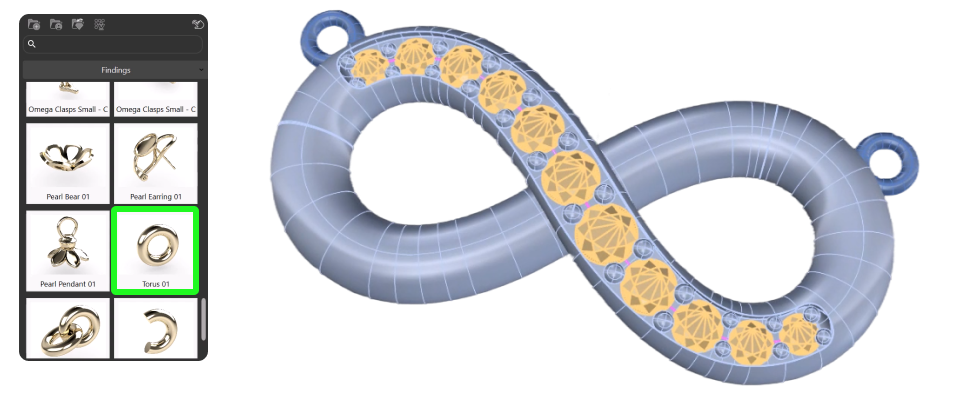
Go to the “Curator” panel, into the findings category, and select Taurus 01.
- Add it to a metal layer and position it.
- Using the gumball and holding Shift, scale it.
- Use all views to position it correctly on the upper left side, in the center of the infinity.
Check the placement from the different views until it’s exactly as you want it, then use the “Mirror” command to create another one on the other side.
Video Lesson
Next Step
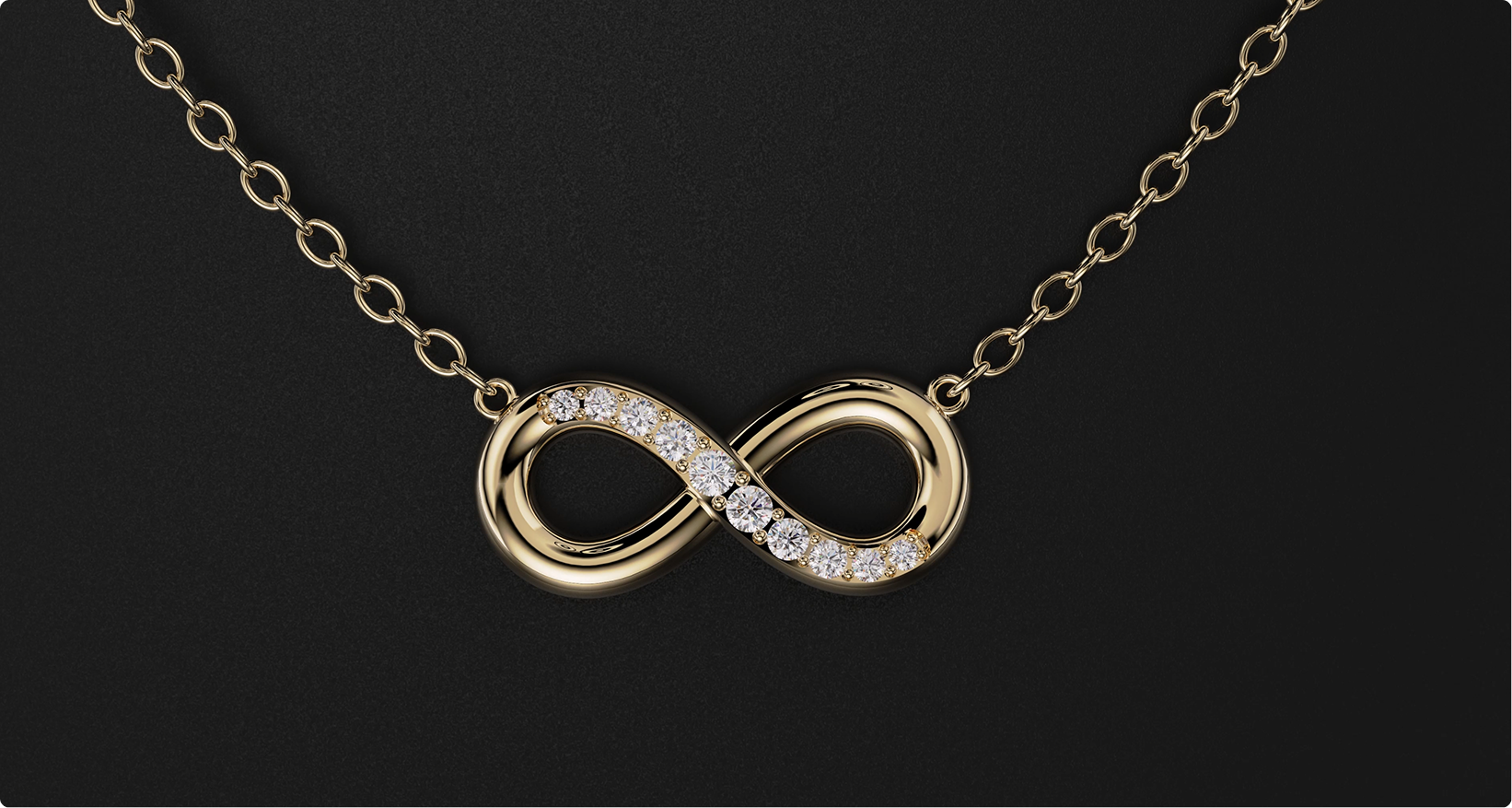
The infinity pendant is finished. Watch the full video lesson to follow the whole process end to end, and share your renders with us.
Almost there — you still have some lessons to complete. Jump to the next one →
Impersonating — progress and reviews are disabled.
Course completed
You've completed Precision & Detail Design 🎉
Great work. Get your certificate of completion and, if you have a minute, let other jewelers know what you thought of the course.